I optimized AI models for AR/VR to boost performance
Optimizing AI models for AR/VR isn’t just about lower latency—it’s also about maintaining visual fidelity and interactivity. In this guide I’ll walk through profiling, quantization, and edge‑device acceleration techniques that keep your assets smooth and responsive.
Understanding the Performance Bottlenecks in AR/VR AI Models
Augmented and virtual reality applications rely on real‑time inference to maintain immersion. The most common bottlenecks are GPU memory limits, latency spikes, and model size. Even a lightweight neural network can stall when its sub‑graphs spill over device memory or when CPU‑based pre‑processing consumes precious frame budgets. Identifying where the slowdown originates—whether in convolutions, attention heads, or data pipelines—is the first step toward a systematic optimization strategy.
Profilers such as Nvidia Nsight, Intel VTune, or open‑source libraries like TensorBoard provide a granular view of runtime characteristics. By recording frame times and memory consumption under realistic scenes, developers can pinpoint “hot spots” in the graph that disproportionately consume cycles. Once isolated, these layers become candidates for quantization, pruning, or kernel fusion—all techniques that serve to shave milliseconds off every frame.
Optimizing Neural Network Architectures for AR/VR
Shift‑Net, MobileNetV3, and Lightweight Transformer Variants
For AR/VR, model size is as crucial as speed. Mobile‑friendly backbones such as MobileNetV3 or Shift‑Net provide a good balance between accuracy and footprint. Recent lightweight transformer variants, like TinyViT, demonstrate how self‑attention mechanisms can be applied without a prohibitive memory cost.
Beyond choosing the right backbone, architecture tweaks can yield sizeable gains. Layer‑wise shrinkage, depthwise separable convolutions, and replace‑in‑place activation functions (e.g., ReLU6 to HardSwish) reduce arithmetic intensity while preserving visual fidelity. Combined with post‑processing hacks such as early‑exit routes—where a low‑confidence prediction bypasses deeper layers—models can adapt to device constraints on the fly.
Leveraging Hardware Acceleration and Quantization
Modern AI edge platforms expose hardware‑specific operators that dramatically speed inference. For example, Nvidia Jetson’s DeepStream SDK or Intel’s OpenVINO toolkit automatically maps neural tensors to GPU, FPGA, and VPU accelerators, providing latency that meets real‑time AR/VR thresholds. These libraries not only hand off compute to the fastest core but also apply low‑level optimisations like static parallelisation and compute‑graph tiling.
Quantisation—reducing 32‑bit floating point weights and activations to 8‑bit integers—offers a twofold advantage: it shrinks the model payload and unlocks hardware DSPs specialised for low‑precision arithmetic. Post‑training quantisation is simple to add to an existing model checkpoint; quantisation‑aware training gives even higher accuracy by aligning model weights with the target integer domain during optimisation.
The following toolkit section lists popular platforms that streamline this acceleration pipeline.
An AI platform for developers accelerating AI model development and deployment.

Convert videos and images into 3D models for VR experiences using AI.
Optimize AI model performance and reduce costs.

AI-powered tool for creating high-quality, style-consistent game assets.
Accelerate AI models with cloud-based inference, fine‑tuning, and training.
Stability AI provides open‑source AI models for creating images, videos, 3D models, and audio.

Nvidia Apex simplifies deep learning and optimization for PyTorch, accelerating model training and reducing memory usage.
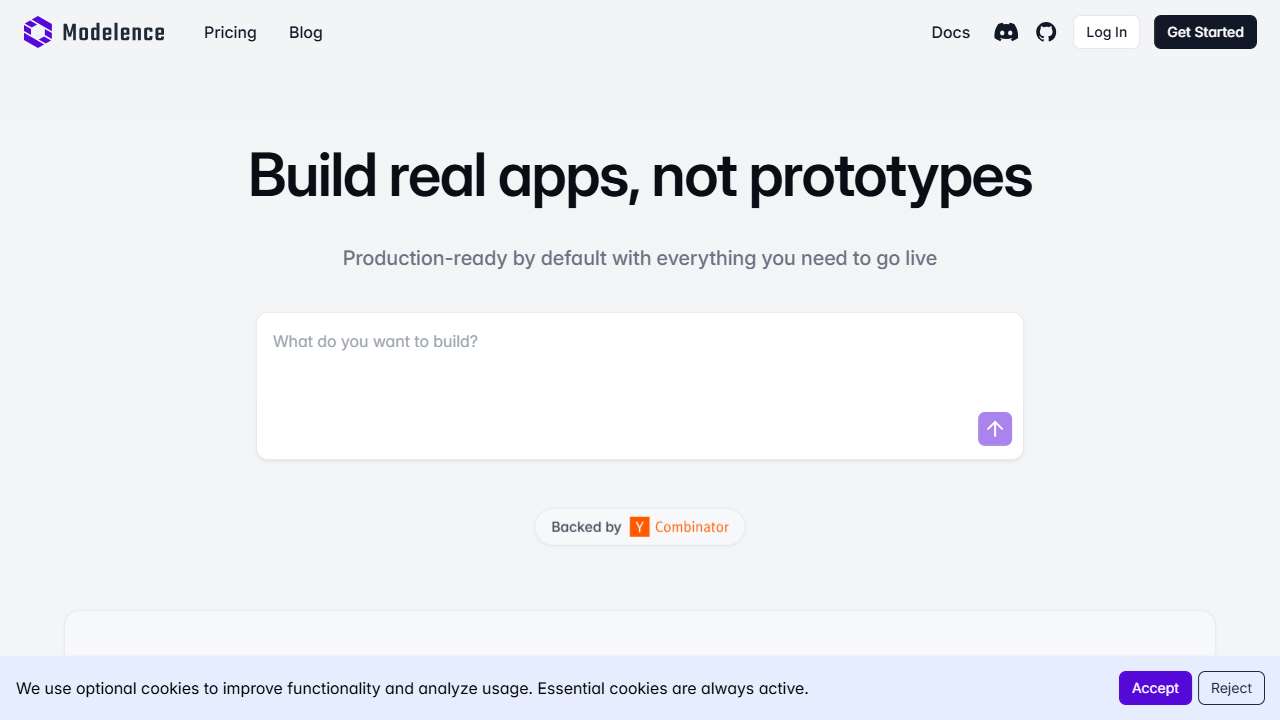
Accelerate AI application development and deployment with this full‑stack platform.
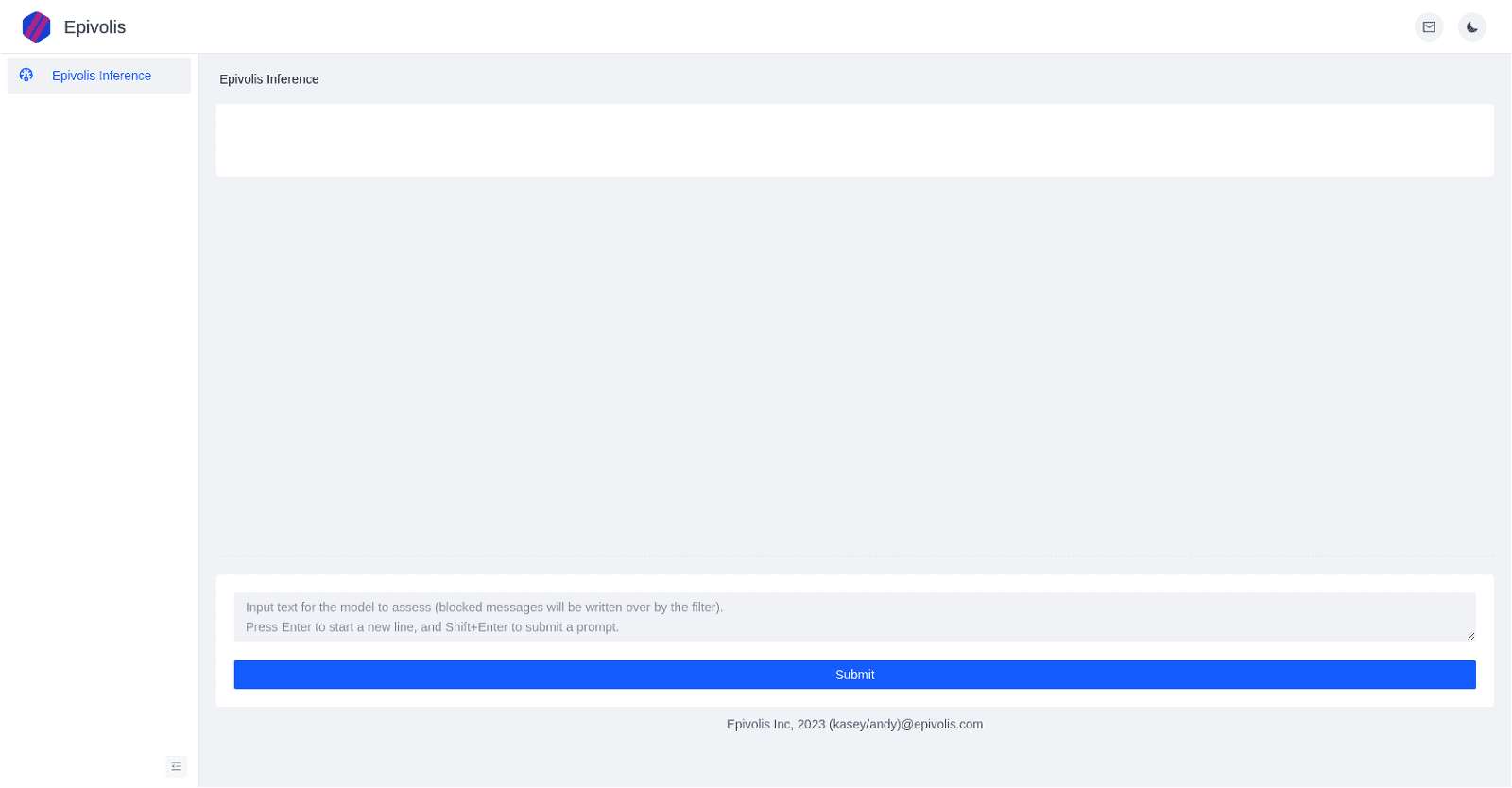
Epivolis Demo: AI tool for evaluating and optimizing AI model performance and accuracy.
Nvidia Jetson: A powerful, cost‑effective AI platform for developers and makers.
Toolkits and Platforms for Rapid Deployment
Once you have a quantised, pruned model that meets the frame‑time budget, the next challenge is packaging and deployment. Containerised inference services (e.g., Docker with TensorRT, OpenVINO, or Nvidia Triton) allow you to roll out updates without redefining the rendering pipeline. This decouples AI computation from the AR/VR rendering code, giving you the freedom to swap workloads as hardware evolves.
Clicking on the cards above provides direct links to vendor portals where you can download SDKs, sample code, and API references. Some providers further simplify scaling—Turing connectors, Together AI’s managed endpoints, or Jetson’s Ubuntu‑based Streams—each designed for low‑latency inference in mixed‑reality contexts.
Below is a brief checklist you can follow before pushing your AR/VR app to production.
- Profile baseline latency on target device.
- Apply static quantisation or INT8 calibration.
- Prune redundant layers and apply knowledge distillation if needed.
- Wrap the model in a container with GPU bindings.
- Conduct end‑to‑end tests in a real‑world scene.
- Monitor inference throughput and memory usage live.
- Iterate on the pipeline until latency ≤ 16 ms per frame.
Conclusion
Optimizing AI models for AR and VR is a multidisciplinary effort that blends algorithmic craftsmanship, hardware‑aware compilation, and thoughtful deployment strategies. By systematically profiling, aggressively quantising, and leveraging curated toolkits—whether open source or vendor‑backed—you can keep latency low, memory usage sane, and user experience immersive. Start with the recommended platforms, iterate on your model graph, and let the community’s best practices guide your next version.