I reviewed these 10 AI tools for architecture and interior design
I explored ten AI tools that promise to streamline architectural and interior design workflows. From image generation to room planning, I tested how well they perform in real projects.
If you're looking for AI-powered solutions to enhance architectural and interior design workflows, here's a curated list of ten tools that deliver impressive results.
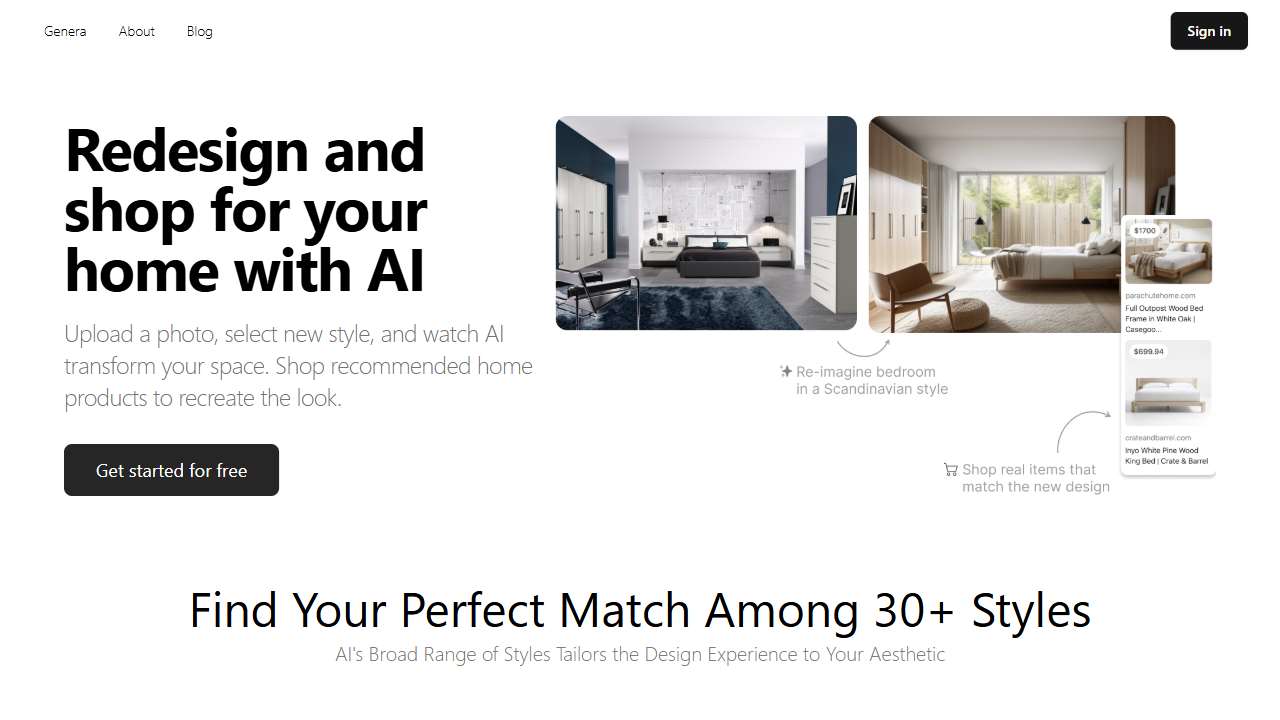
Arch‑E excels at generating high‑resolution architectural images that feel photorealistic. The tool’s advanced AI engine gives designers a realistic rendering engine that reduces the need for manual rendering work.
It is ideal for architects who want fast visual prototypes and for firms seeking to showcase projects early in the design process. Learn more at Arch‑E.

AI Two offers a streamlined interior design studio that runs entirely in your browser, making it a convenient choice for quick room makeovers. Its Freemium tier lets users experiment with full design features before deciding on a paid plan.
Targeted at homeowners and renters who want to visualize furniture placement effortlessly, AI Two’s drag‑and‑drop interface is especially user‑friendly. Try it now at AI Two.
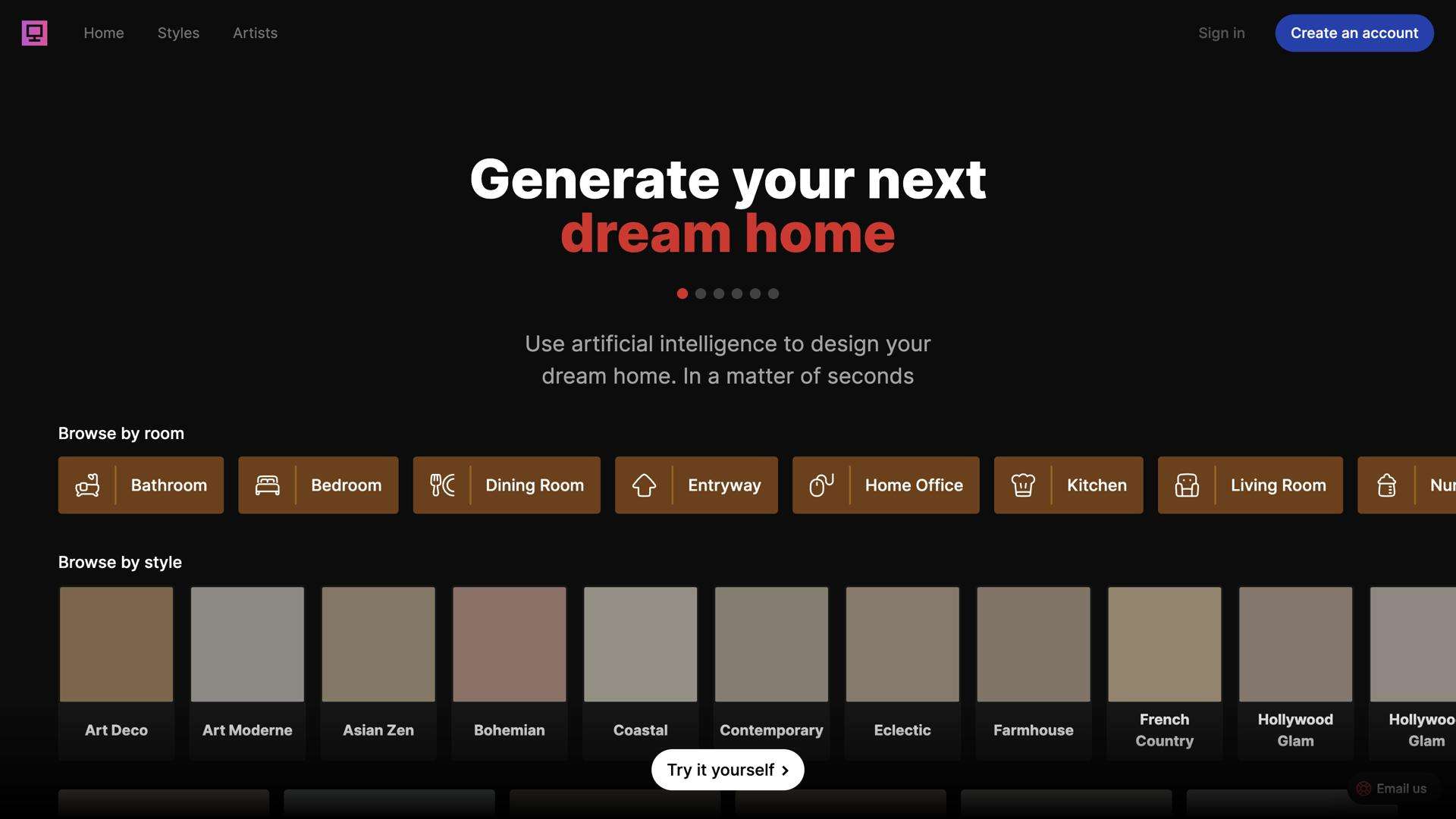
Interior Computer uses generative AI to craft stylish home layouts from a single idea, giving designers a clear visual roadmap. The tool’s real‑time layout rendering helps reduce iteration cycles.
Best suited for professional interior designers needing rapid mock‑ups, its AI assistant streamlines furniture selection. Check it out at Interior Computer.
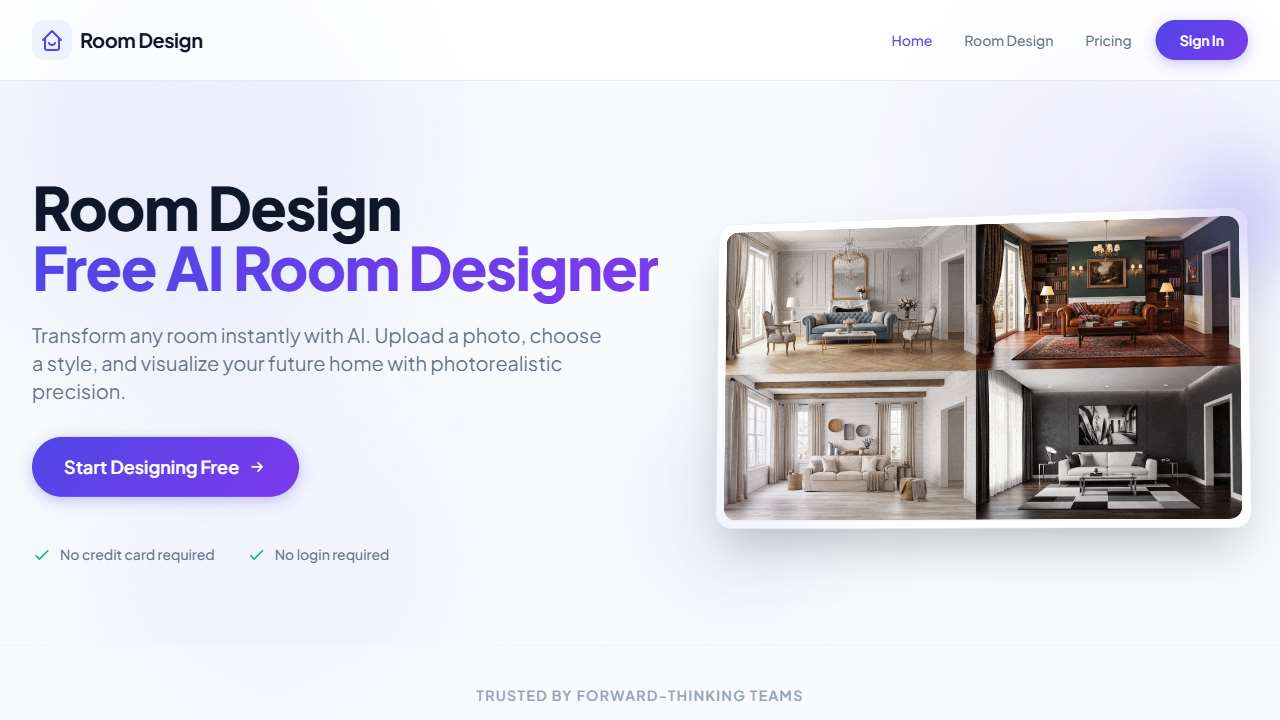
Room Design provides instant, photorealistic interior renderings directly from your browser, appealing to both professionals and hobbyists. Its free access model removes cost barriers for experimental projects.
This free tool shines for rapid prototypes and social media content, offering a simple drag‑and‑drop interface. See the results at Room Design.
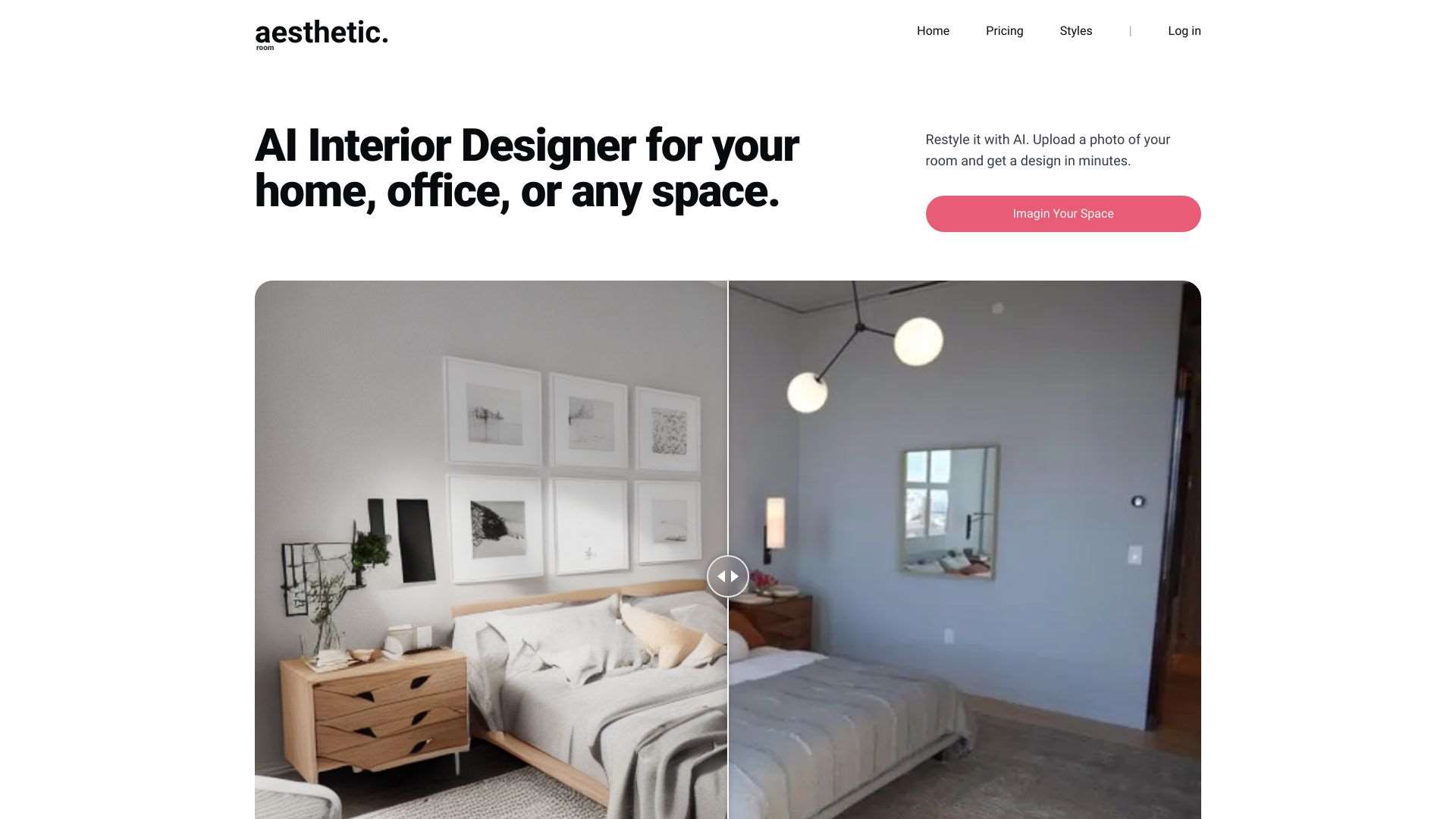
Aesthetic Room AI lets you upload a photo and instantly receive design recommendations, making it a quick win for visual inspiration. Its free trial allows you to explore premium features before committing.
Ideal for clients looking to refresh a single room, the AI suggests color schemes and furniture choices seamlessly. Visit Aesthetic Room AI.
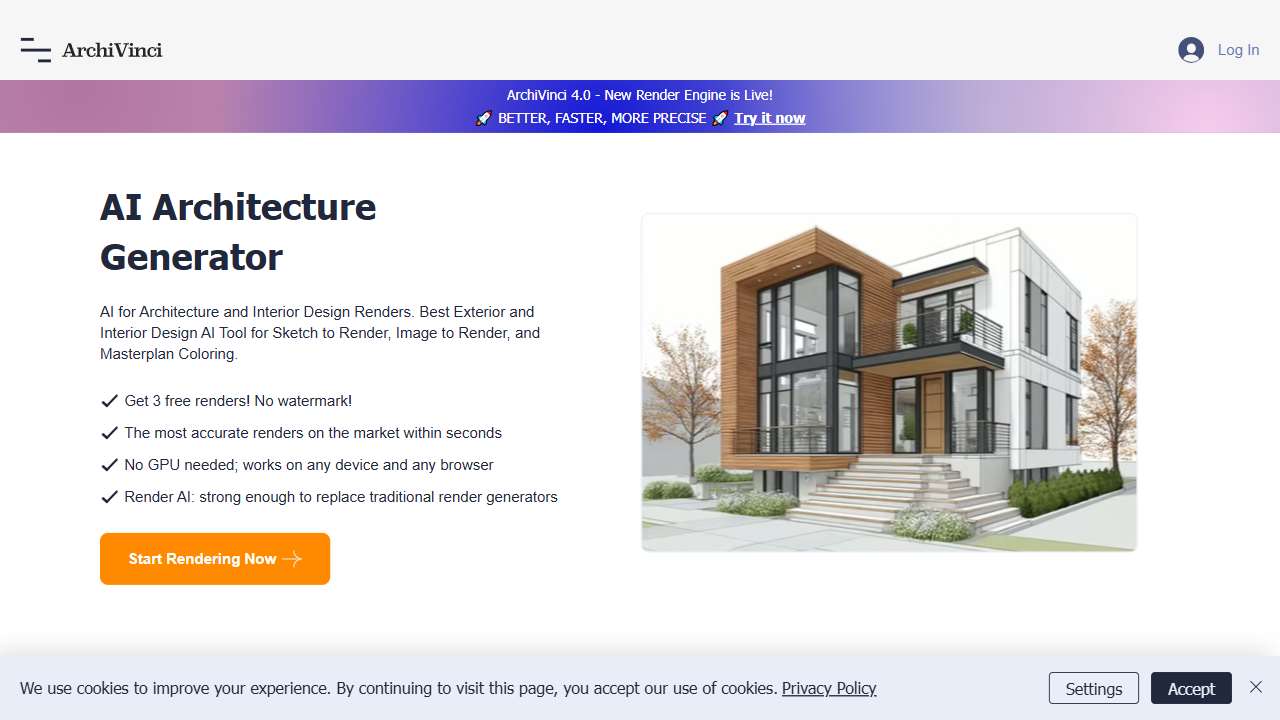
ArchiVinci specializes in streamlined rendering and architectural concept generation, fitting well into professional pipelines. The tool’s AI‑driven sketch generator brings ideas to life faster than traditional drafting.
For firms needing quick visual proposals, ArchiVinci’s comprehensive library of asset styles simplifies the process. Explore at ArchiVinci.
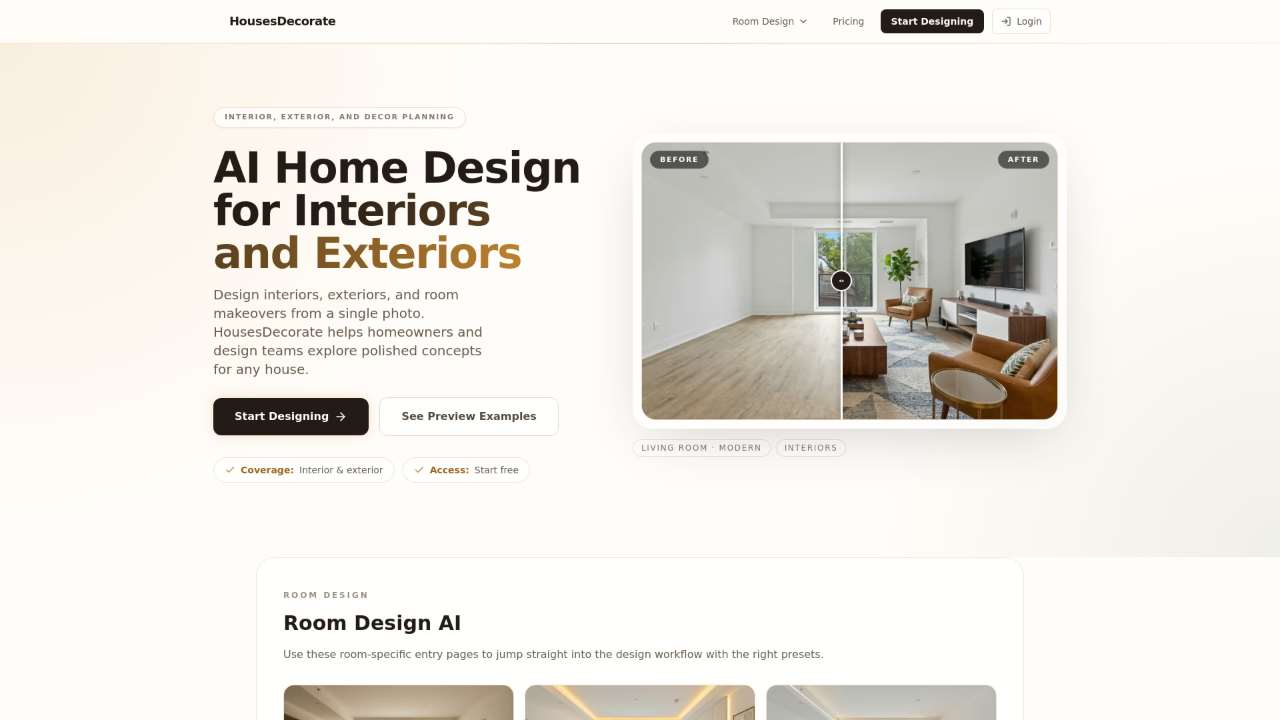
HousesDecorate offers a photo‑based room redesign experience, enabling instant changes to layout and décor. The free model means designers can test multiple ideas before committing to a paid plan.
Catering to DIY enthusiasts and professional designers alike, the platform includes kitchen and backyard planning tools. Discover more at HousesDecorate.

AI Interior Room Planner focuses on living, bedroom, and kitchen spaces, providing tailored design blueprints from a single photo. Its free‑trial access lets users try advanced layouts risk‑free.
Architectural firms can quickly generate room layouts that align with client preferences. Checkout at AI Interior Room Planner.
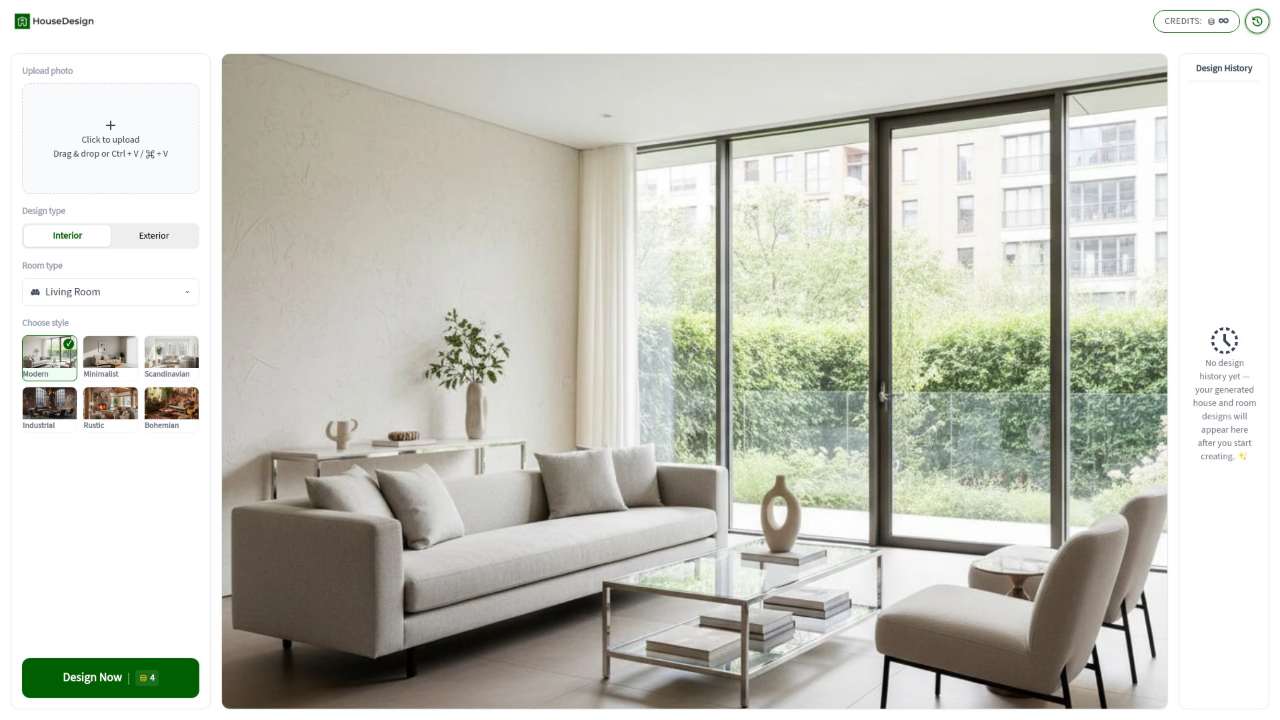
HouseDesign generates building designs from a single photo, offering an all‑in‑one solution for architects and developers. Its AI‑generated building blueprints reduce early‑stage design time.
Professionals seeking to prototype infrastructure can leverage its landscape and kitchen modeling capabilities. Learn at HouseDesign.
InteriorAI Room Planner delivers personalized interior design advice through an AI chatbot, bridging the gap between design concepts and implementation. The tool’s AI chatbot design assistant guides users through style choices.
Ideal for interior designers and project managers who need a conversational design partner, the platform also offers custom kitchen solutions. Explore at InteriorAI Room Planner.
From rendering bright, photorealistic images to quickly exploring furniture layouts, these tools cater to both experienced professionals and curious hobbyists. Pick the one that aligns with your design goals and enjoy a faster, smarter workflow.