I tested these AI tools to preserve original tonal characteristics during audio enhancement
I explored ten AI audio enhancers to see how well they preserve your original tonal feel during processing. While most tools clean up noise, I discovered a few that keep the authentic timbre intact.
Preserving Tonal Integrity in Audio Enhancement
When you’re polishing a recording, the goal isn’t just to make it louder or cleaner—it’s to keep the character that makes the track unique. Tonal fidelity is the unseen backbone that holds the sense of space, warmth, and instrument authenticity. Too aggressive an equalizer, or a blind noise‑reduction sweep, can warp that backbone, leaving a sterile, “perfected” sound that lacks human touch.
Instead, think of enhancement as a gentle restoration. The right AI tools apply frequency‑domain tweaks and adaptive noise suppression while using intelligently learned reference datasets to map the original tonal curves. They try to preserve the harmonic relationships that define a song’s emotional core.
In this guide, I’ll walk through the most powerful AI‑driven solutions, share how they keep the original tone intact, and outline a streamlined workflow that balances automation with critical human oversight.
The Science Behind AI Audio Upscaling
Modern AI audio processors use deep neural networks trained on millions of high‑quality master recordings. These networks learn the statistical distribution of natural sounds—how percussion rolls into the next chord, how vocals bleed into ambient room tones, and where the human ear is most sensitive to distortion.
When an AI enhancer receives a raw track, it decomposes the waveform into spectral patches, compares them against a vast knowledge base, and then applies learned corrections that mimick an expert engineer’s decisions. In practice, this means:
- Noise removal that avoids clipping the high‑frequency run‑ups that give headphones a sense of clarity.
- Dynamic compression tailored to the track’s using musicality rather than a flat look‑upscale histogram.
- Smart equalization that preserves the unique timbral fingerprints of each instrument.
Because the models are pre‑trained on diverse material, they carry a built‑in “savvy” about tonality—to use a phrase—without needing manual tweaks for every session.
Choosing the Right Tool for Your Needs
Not every project demands the same level of intervention. A podcast, for example, prioritizes vocal clarity and intelligibility, whereas a live-recorded orchestral piece rewards subtle dynamics and spatial depth. Below is a curated toolkit, categorized by pricing tier and primary function, that will guide you to the sweet spot between automation and control.
Paid, High‑End Solutions
- Spectrahertz – A full suite that not only cleans but also tags the provenance of AI‑generated audio, making it the go‑to for mastering tracks that need a professional stamp.
- Audio Enhancer.io – An all‑in‑one editor that plugs noise reduction, EQ, and dynamic processing into a single pipeline.
- Levelr – Engineered for studio workflows, Levelr excels at broadband restoration and subtle tonal shaping thanks to AI‑powered overnight learning.
- AI Equalizer : Music Enhancer – Android native app that delivers botched or fine‑tuned EQ presets in an on‑the‑go setting.
Free & Freemium Options
- Ai|coustics Playground – A free, interactive sandbox that lets you experiment with equalizer curves, pitch, and creative effects.
- Denoiser by Tape – A freemium service that balances cost and capability, handy for the initial denoise sweep.
Trial‑Only and Experimental Tools
- Hance AI Audio Enhancement – Real‑time noise and reverberation suppression, ideal for streaming or voice‑over sessions.
- ToneShift – Good for voice cloning or immediate stem isolation during post‑production.
- MasteredNow – Platform‑agnostic optimization tool that quickly polishes tracks for TikTok, Spotify, and YouTube.
Indie and Specialty Applications
- Chord Variations – Mood‑building tool that helps producers create fresh instrumental pairings, indirectly affecting the melodic tone.
Enhance AI-generated audio, verify origin, and protect ownership.
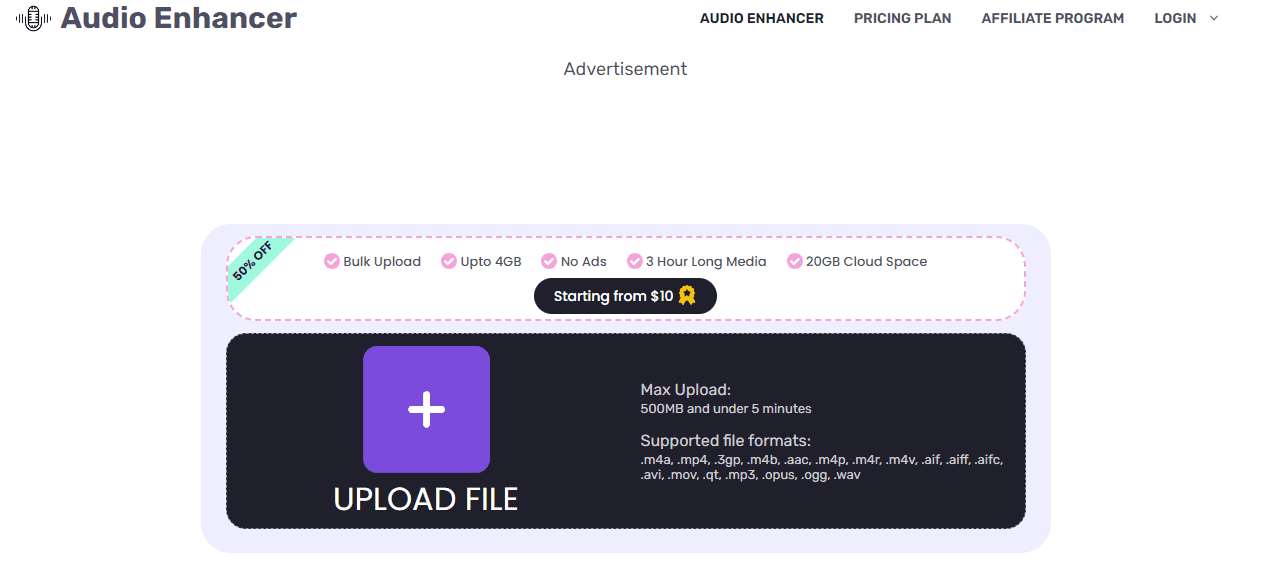
Enhance audio quality with noise reduction, equalization, and more.

Enhance audio quality effortlessly, achieving professional‑grade results for your recordings.
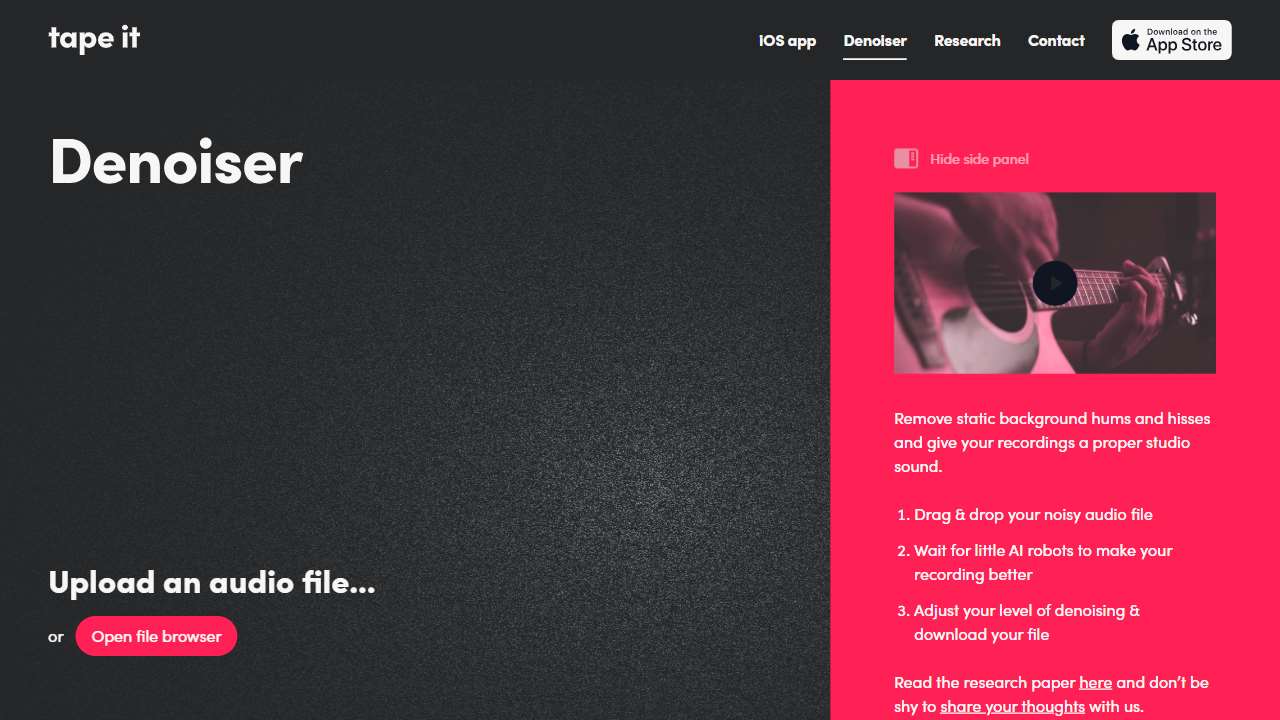
Enhance your audio recordings with this powerful tool.
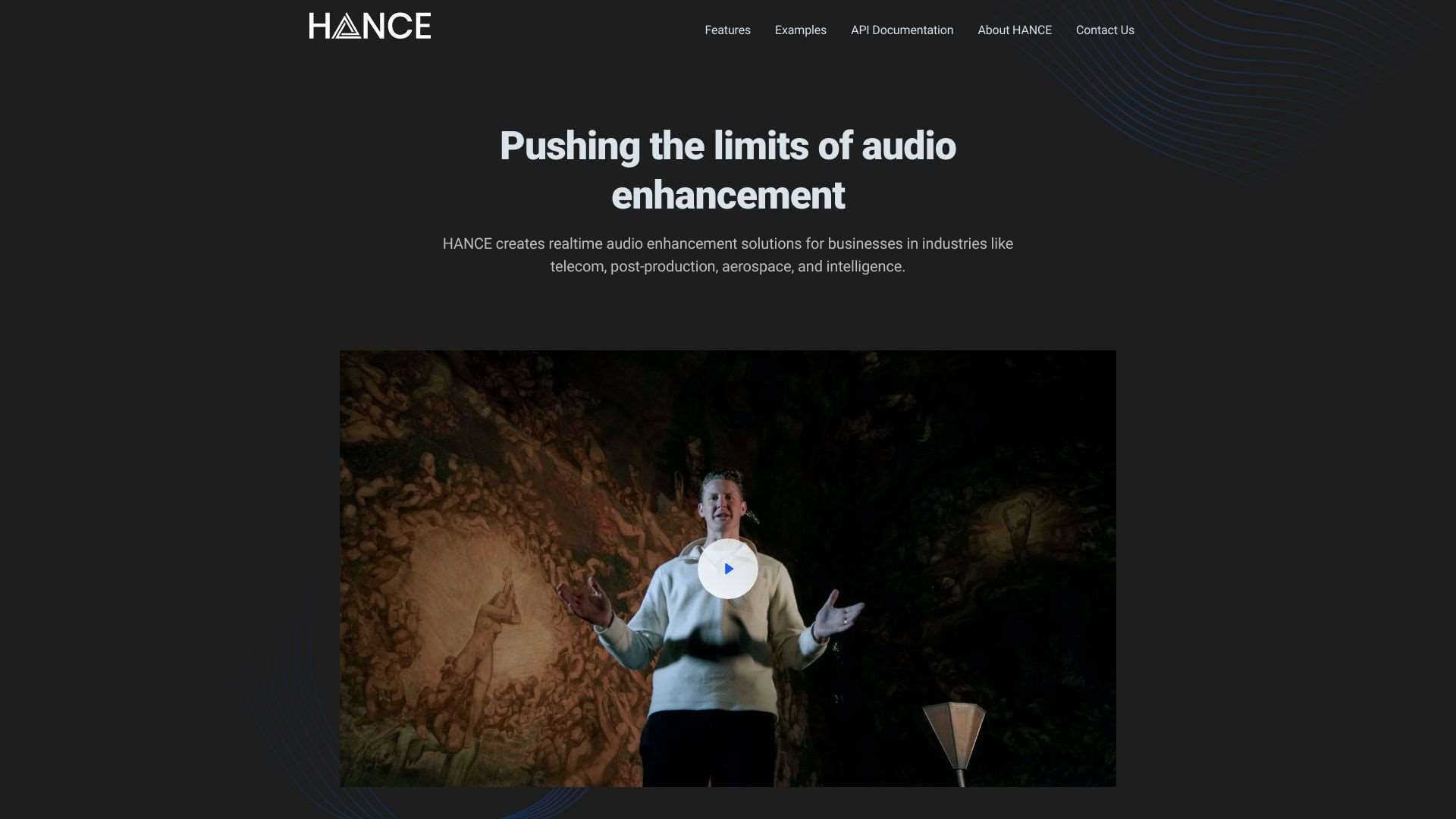
AI enhances audio in real‑time, removing noise and reverb, boosting voice, and separating stems.
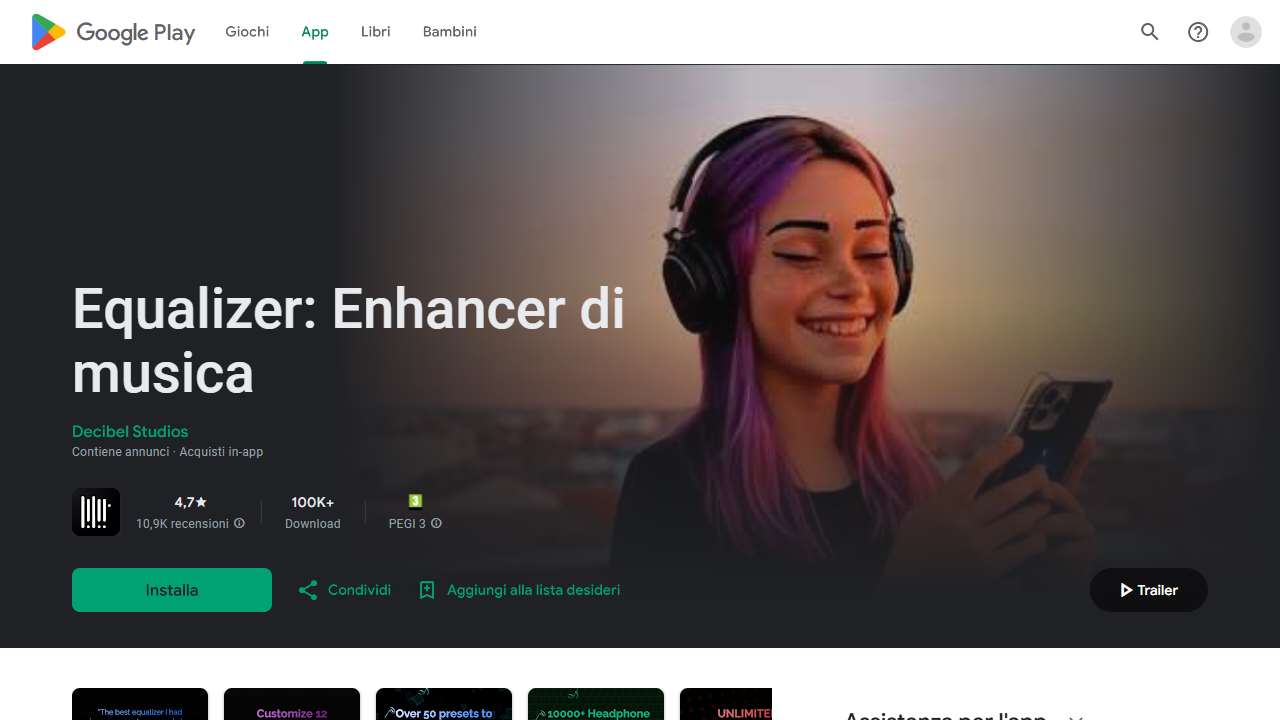
Ultimate audio control app for Android: Bass boost, equalizer, and presets.

AI-powered platform for professional audio restoration and enhancement.
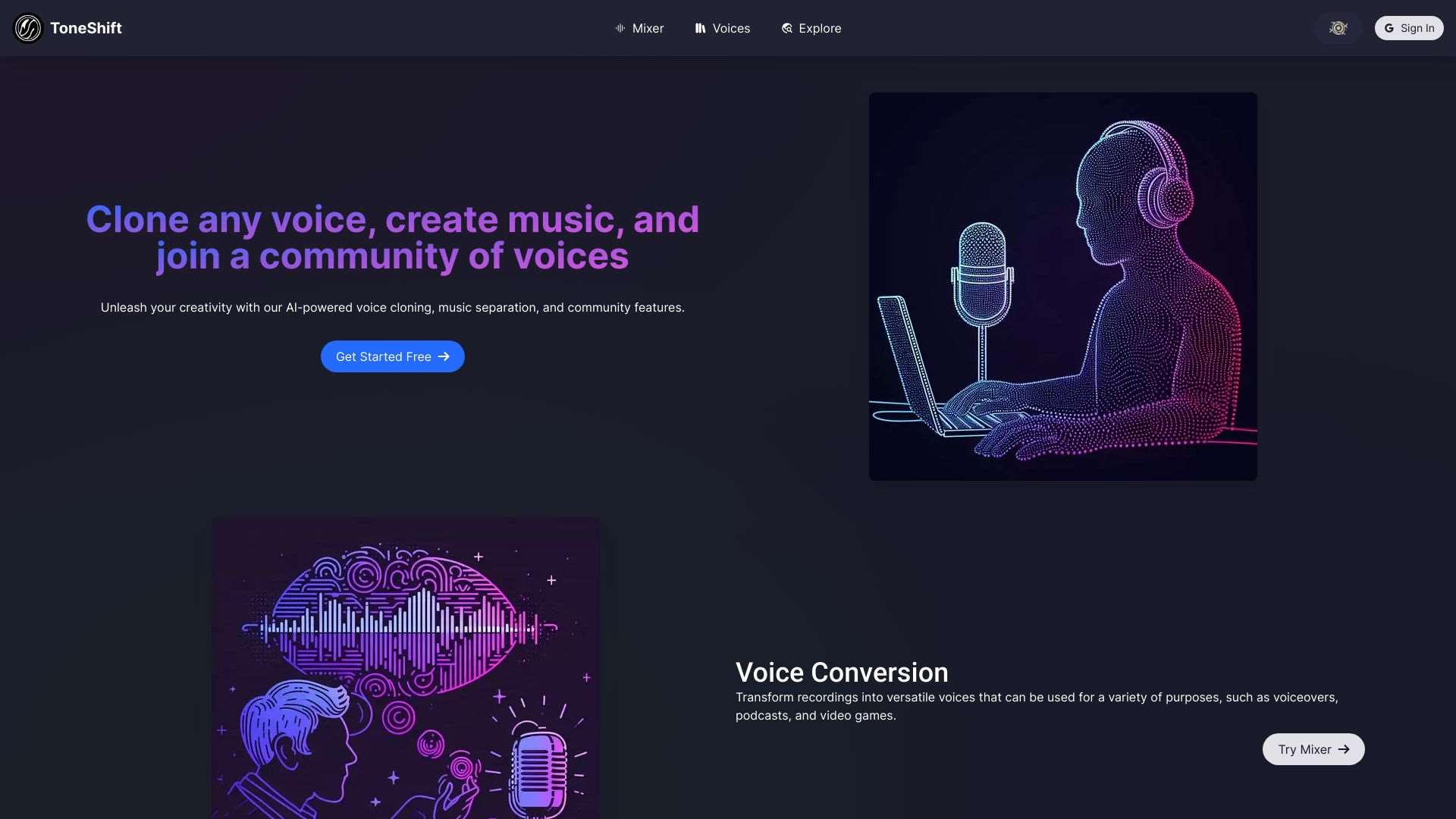
ToneShift uses AI to clone voices and separate music, offering powerful audio manipulation capabilities.
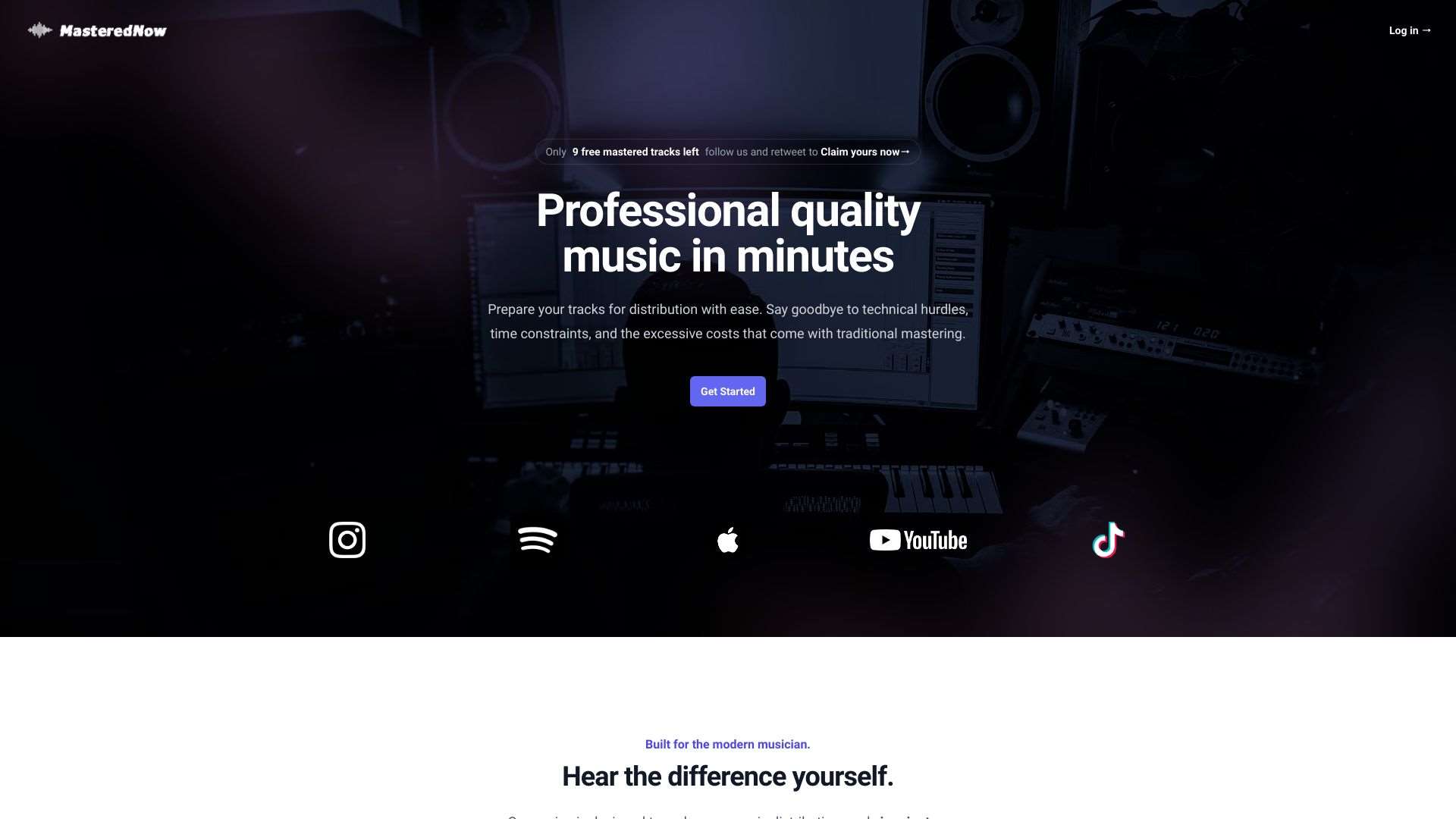
Optimize your music for various platforms like TikTok, Spotify, and YouTube instantly.
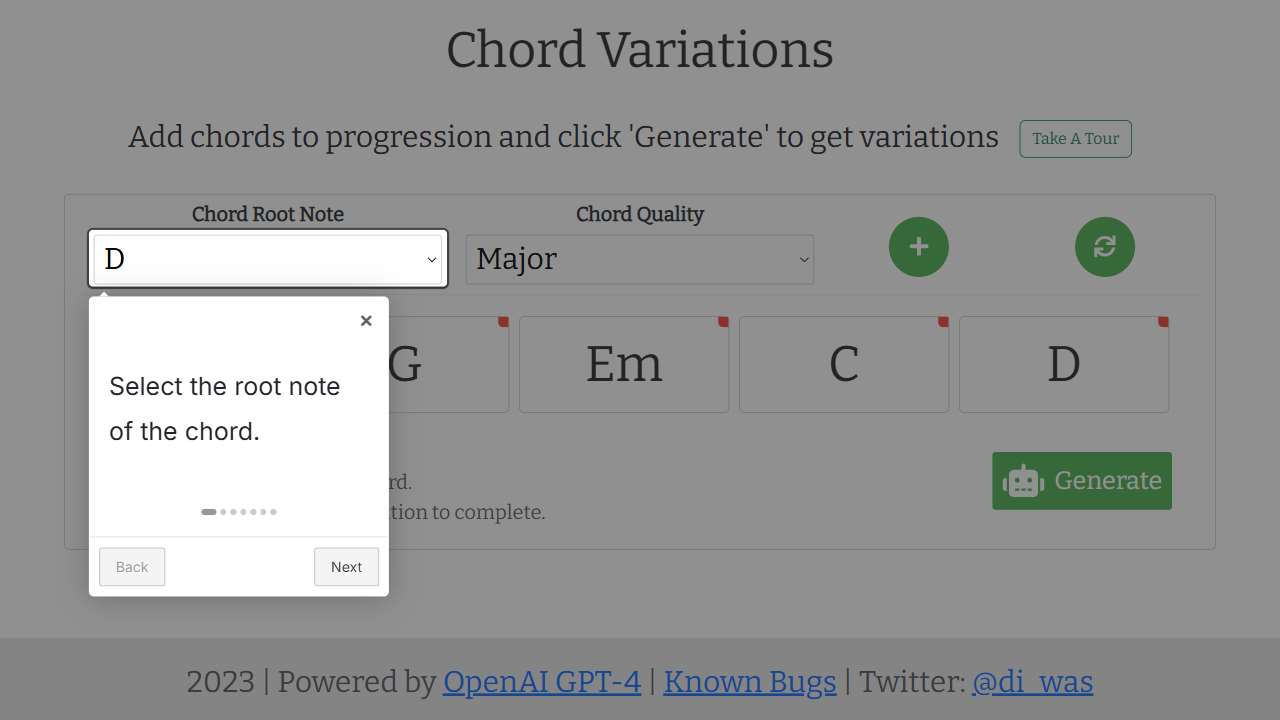
Helps musicians create new and unique chord progressions easily.
Practical Workflow for Tone‑Preserving Enhancement
Start with a high‑resolution source file—preferably a multi‑track mix if you’re in a studio setting. Import it into your chosen AI enhancer and select a “tone‑preservation” preset or low‑intensity enhancement mode. Most AI tools expose a “retain harmonic fidelity” toggle that keeps the frequency envelope intact.
Apply noise reduction, then tweak EQ in small steps—typically 1–3 dB adjustments per band—to avoid over‑boosting. Use the AI’s preview window to compare before/after audio in real time, making sure the dynamics feel natural. If you’re working on vocals, consider a voice‑specific plugin that keeps formant balance, preventing the characteristic human warmth from being flattened.
Finally, export your enhanced track at the same sample rate and bit depth as your original project, a step that keeps the tonal resolution unchanged. A quick listening test on multiple devices—studio monitors, headphones, car speakers—can reveal any subtle tonal shifts introduced during the process. If a shift is detected, roll back to the saved session state and re‑apply the AI step with adjusted intensity.
Conclusion
Preserving the original tonal characteristics while enhancing audio doesn’t require a brute‑force approach. By leveraging AI engines that respect the natural frequency distribution and employing a measured, step‑by‑step workflow, you can deliver pristine, professional‑grade tracks that still feel human and authentic. Explore the tools above, experiment with low‑intensity settings, and enjoy cleaner audio that retains the soul of your creative work.