I tested these 10 AI tools to enable long-term memory in chatbots
I’ve scoured the market for the best solutions to give your chatbot a persistent memory. In this guide, I’ll walk you through the top 10 tools that let your bot remember past interactions, ensuring smoother and more personalized conversations.
Understanding Long-Term Memory in Chatbots
When you interact with a chatbot, the model typically processes each request in isolation. This means that after you close the session, all context is lost, and the bot has no recollection of prior conversations. For businesses and developers looking to create a conversational agent that feels truly intelligent and personalized, integrating long-term memory is essential.
The heart of long-term memory lies in persistent storage of user interactions. By logically associating each session with a unique user identifier, the bot can fetch and replay previous exchanges, providing continuity, contextual relevance, and even predictive suggestions. The challenge is to ensure privacy while making this data accessible whenever the user returns—it's a balance of security protocols, data encryption, and scalable storage.
Another aspect to consider is state management across different platforms. A chatbot that works on a website, a mobile app, and an Alexa skill may need a unified back-end that syncs every interaction. Without that, you risk fragmented user experiences, where the bot “remembers” something on one device but not another, undermining trust.
Why Traditional ChatGPT Models Lack Persistent Memory
OpenAI’s standard ChatGPT is stateless on purpose: each API call starts with a clean slate. The architecture is designed for speed and low-latency response generation. Consequently, the model cannot access past conversations unless you programmatically feed that history back in on each request.
This statelessness is both a feature and a limitation. It protects user data because the model never retains memory after the request concludes, but it also means your chatbot cannot proactively recall prior preferences without complex code to stitch conversation histories together.
For developers interested in long-term memory, the solution is typically two-fold: add a persistent database that keeps conversation logs, and create an abstraction layer that feeds relevant chunks of history back to the language model as needed.
Approaches to Enable Long-Term Memory
There are four common patterns that developers implement when adding memory to a chatbot: session-based state, retrieval-augmented generation (RAG), vector search libraries, and custom memory modules. Each has trade-offs.
- Session-based State stores minimal context in memory while the user is actively chatting. It works well for short interactions but must be coupled with a long-term store for persistence.
- Retrieval-Augmented Generation indexes past conversations into a searchable vector space and injects the most relevant snippets into new prompts.
- Vector Search Libraries such as Pinecone or FAISS allow fast similarity queries against large corpora of conversation data.
- Custom Memory Modules integrate tightly with LLMs, automatically handling memory updates and retrieval with dedicated APIs.
Choosing the right approach depends on data volume, privacy requirements, and the desired level of context granularity. Often, a hybrid of session state plus retrieval-augmented generation yields the smoothest user experience.
Tools That Bring Long-Term Memory to Your Chatbot
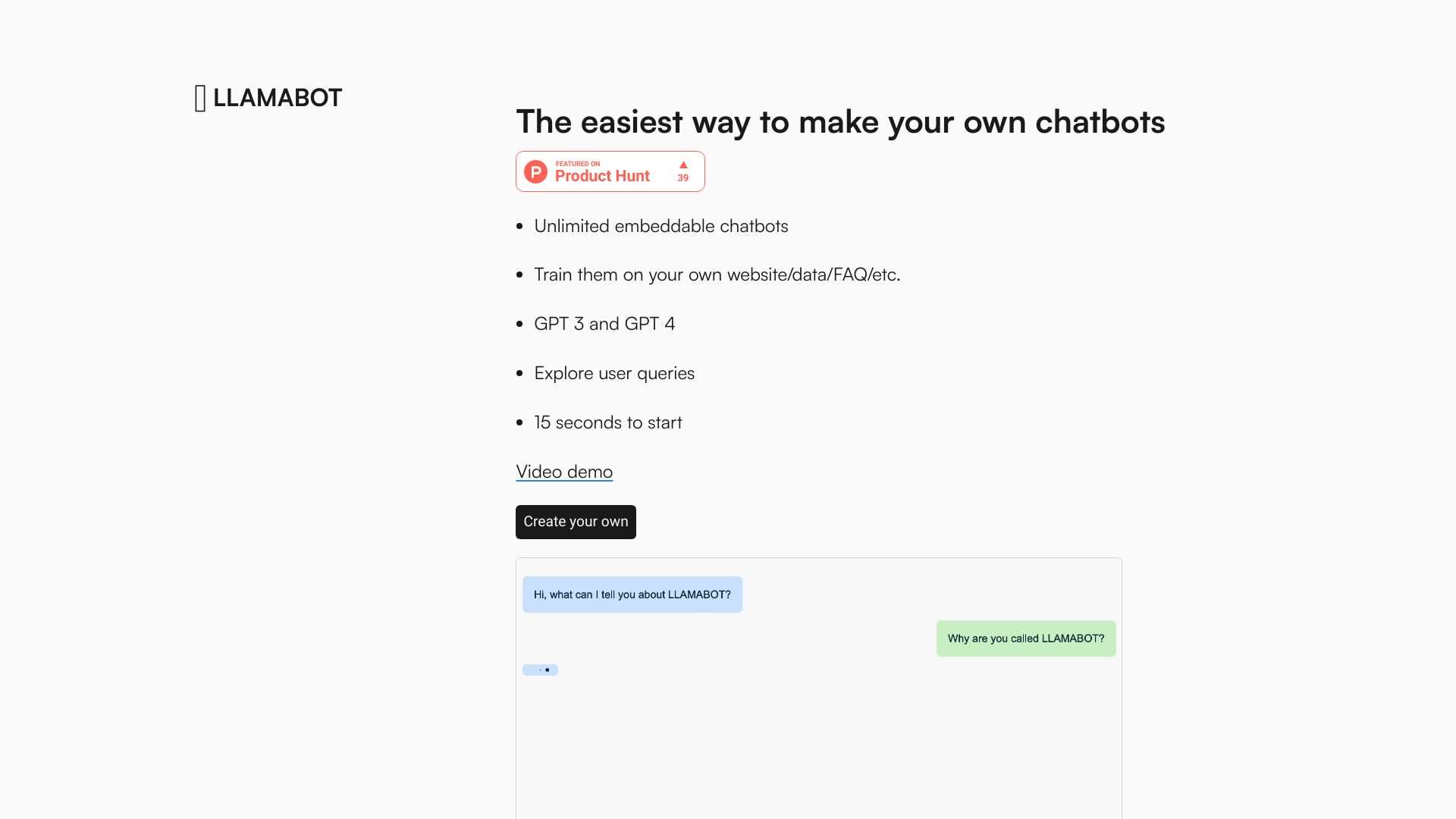
LLAMABOT: Create custom chatbots with personalized personalities, training data, and website integration.

ChatGuru: Your AI assistant remembers past conversations across Mac, iPhone, and iPad.
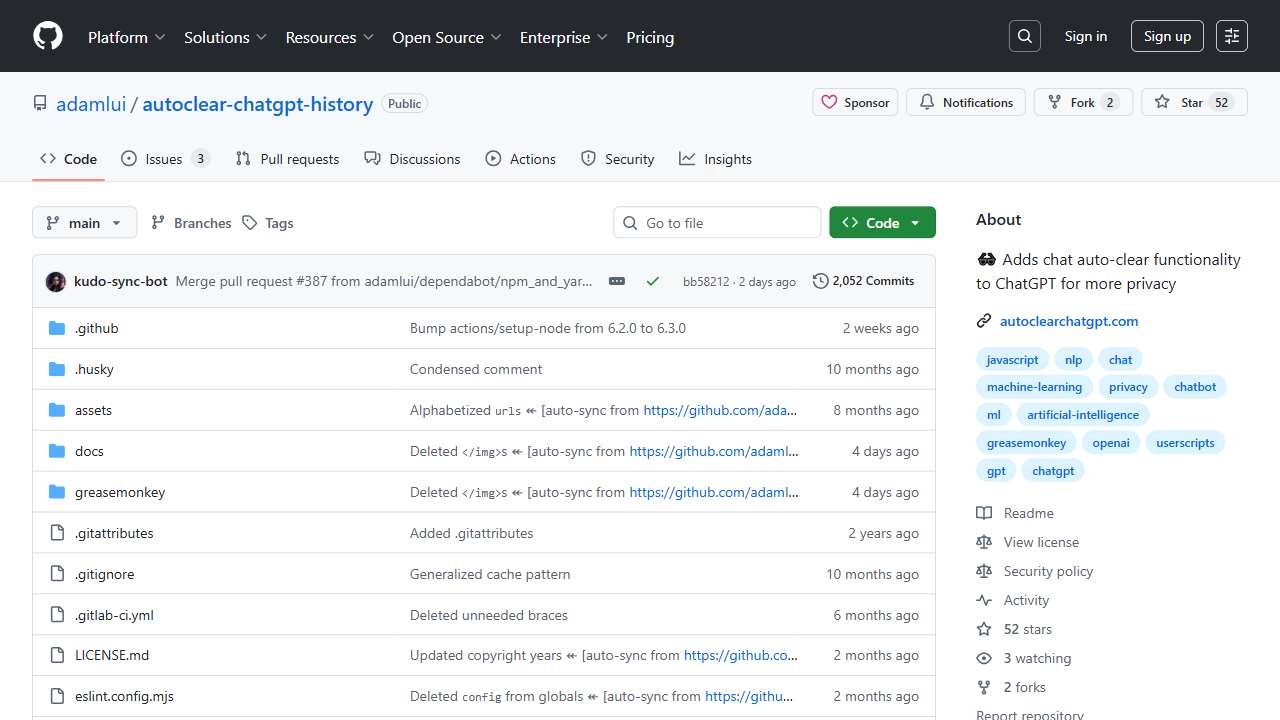
Secure your conversations: automatically clears chat history for enhanced privacy.
Chatbot with searchable conversation history for improved communication.
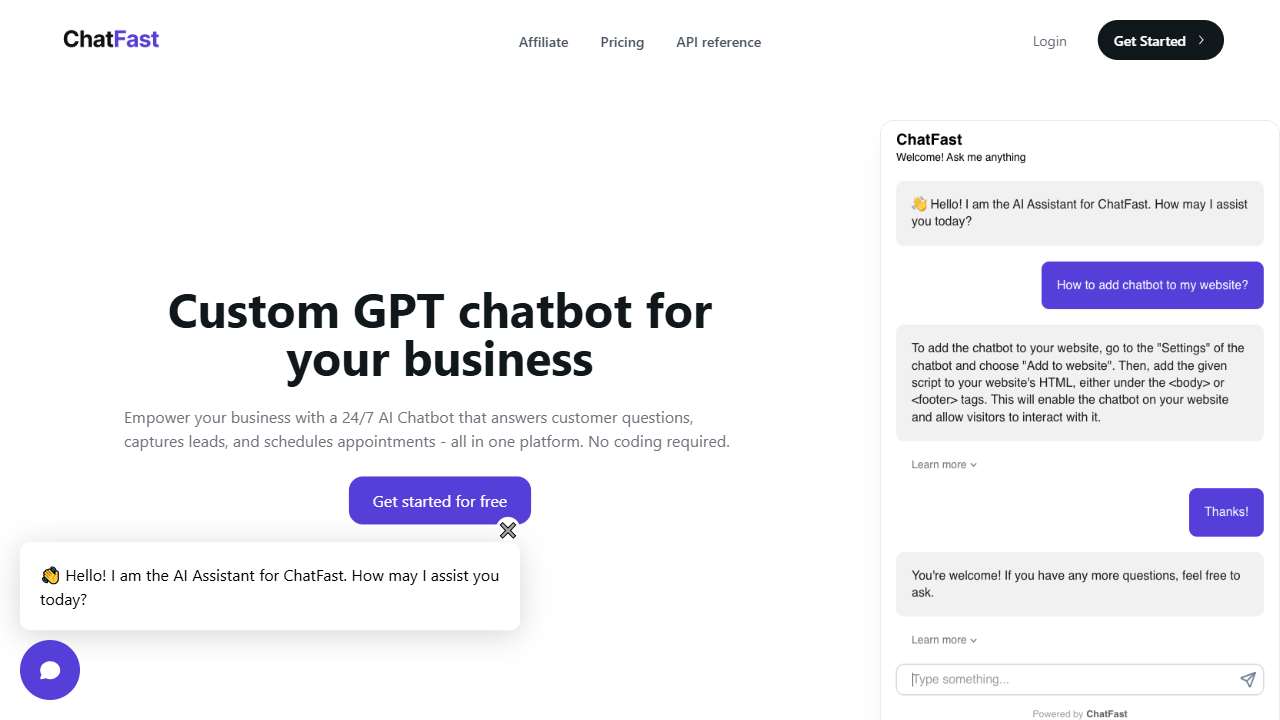
Train chatbots with custom data, Q&A, and analyze visitor interactions.

Create a custom ChatGPT chatbot for your website or internal documentation.
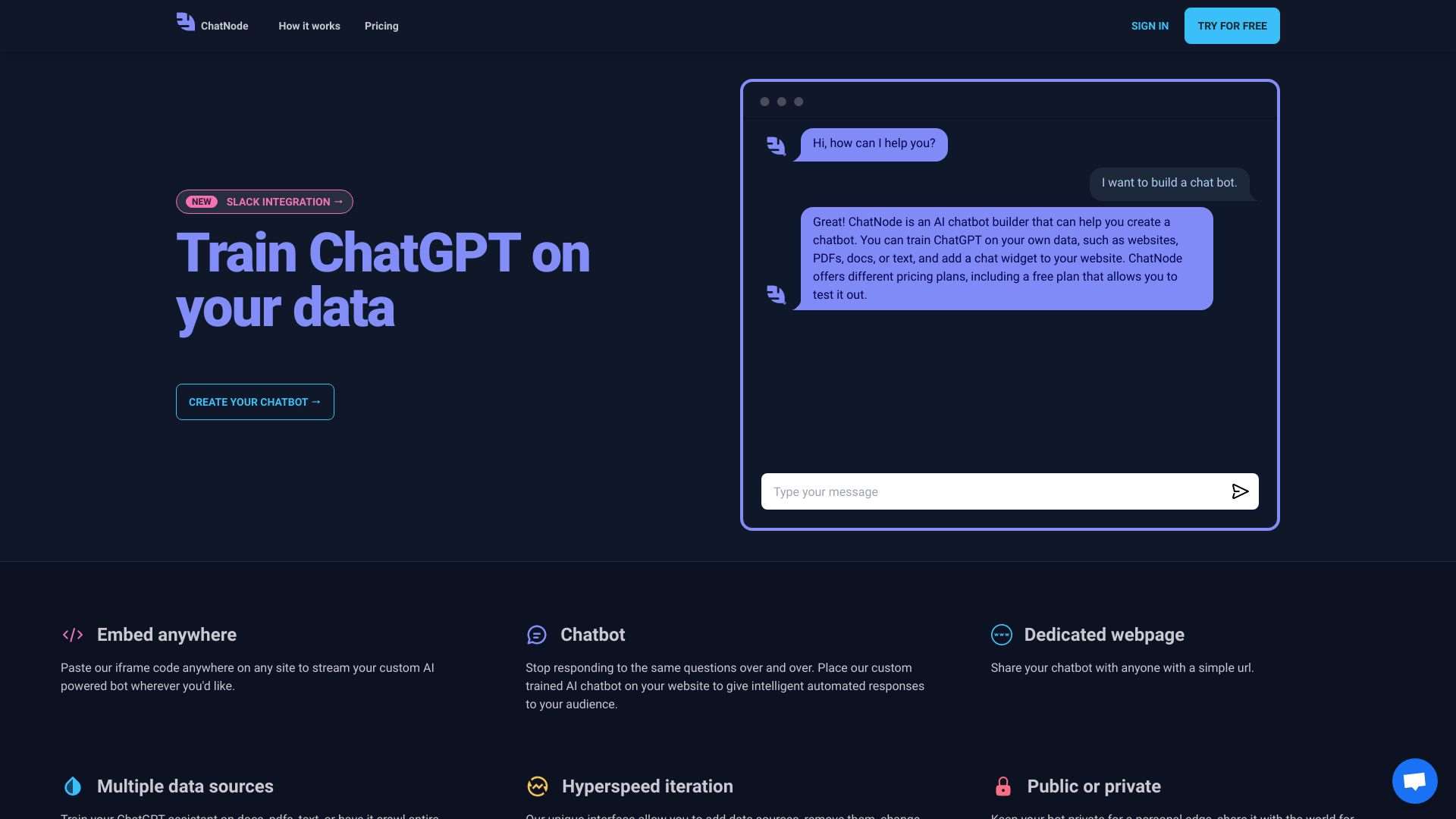
Train ChatGPT on your data to create a custom AI assistant or chatbot.
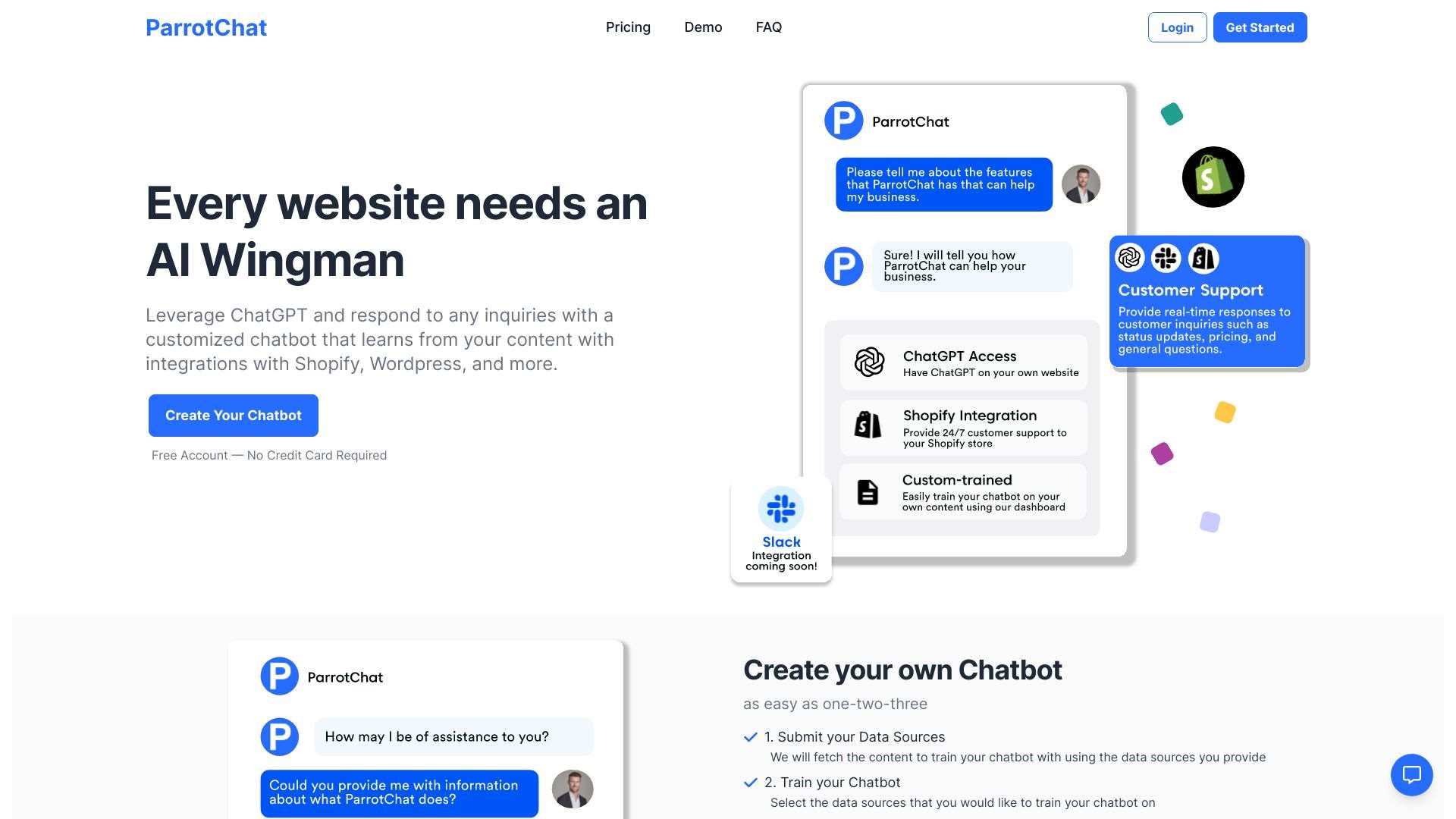
Create a custom chatbot powered by ChatGPT, learning from your content and integrating with platforms like Shopify and WordPress.
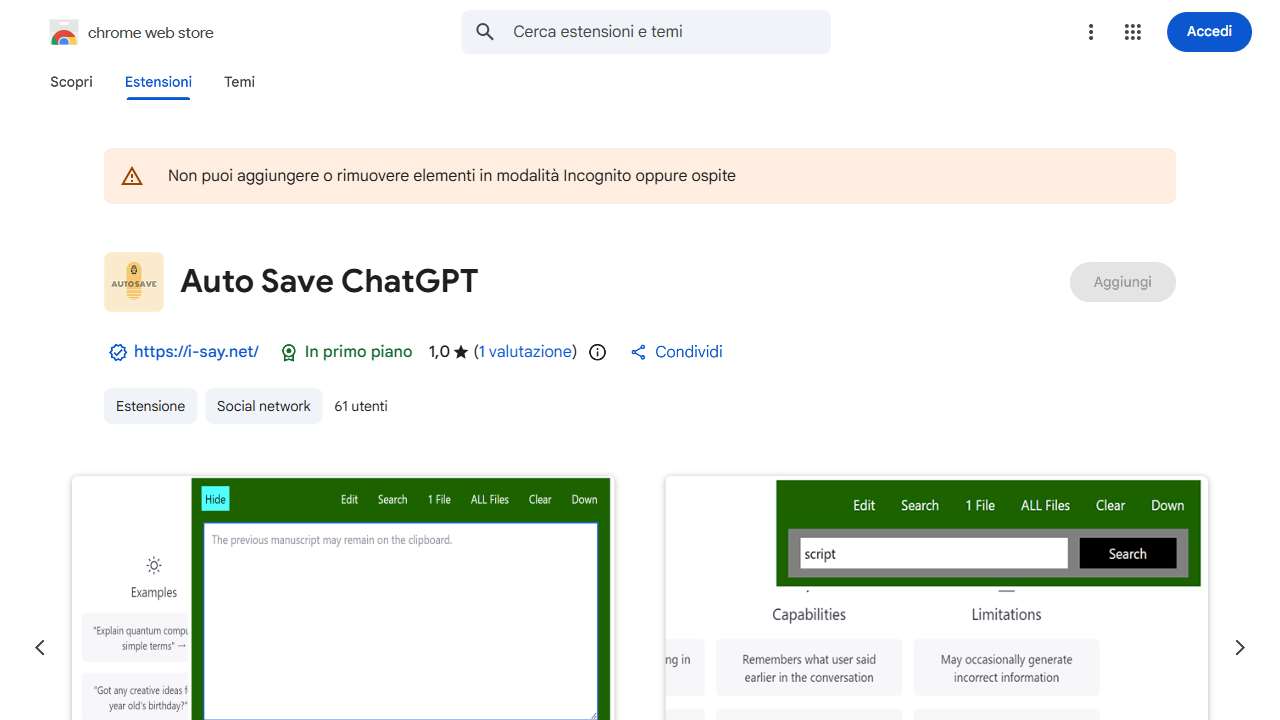
Manages ChatGPT conversation logs with added functionalities.
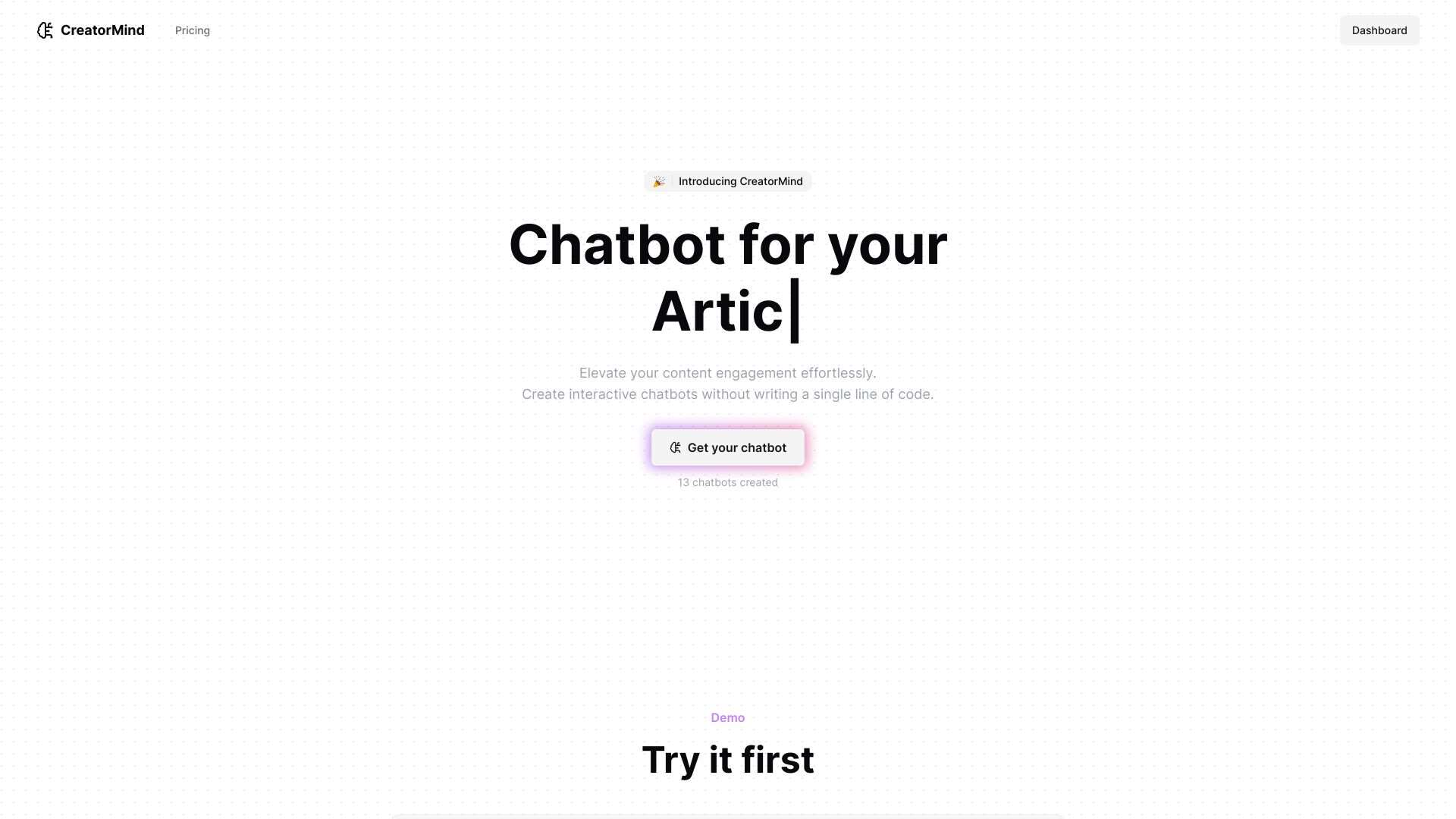
Instantly create a chatbot trained on your content to engage and guide users.
Best Practices for Preserving Privacy While Providing Memory
When storing long-term conversation data you must treat the content as personally identifiable information (PII). Encrypt data at rest, apply strict access controls, and consider anonymizing user identifiers. GDPR, CCPA, and other regulations demand that users can request deletion of their chat history.
Many platforms alleviate this risk by allowing in-browser persistence with local storage or by offering semantic tokenization techniques, where only embeddings—not raw text—are persisted. If you’re using a cloud database, ensure that you use a heat‑map that logs metadata while keeping the actual text encrypted.
Transparency is key: clearly notify users how their data is stored, for how long, and how they can control it. Provide an easy-to-access “delete all conversation history” button. Those small UX niceties can turn initial skepticism into loyalty.
Conclusion: From Stateless Chats to Seamless Conversations
Long-term memory transforms a simple chatbot into a steadfast companion that remembers preferences, context, and personal quirks. By combining persistent storage, retrieval‑augmented generation, and privacy‑first design, you can create systems that feel truly intelligent. Whether you opt for a turnkey solution like ParrotChat, build your own vector store with Pinecone, or leverage a business‑grade platform like Knowbo, the tools you choose will dictate how fast your bot becomes a memorable full‑stack experience.