I tested high vs low temperature in AI generation
I recently dove into the world of text generation and experimented with temperature settings. Understanding high versus low temperature is key to balancing model creativity and consistency.
The Temperature Hyperparameter Explained
Temperature is a single, elegant knob that controls the randomness of a language model’s output. Internally, the model generates raw logits for every possible token. When you apply a temperature value, these logits are divided by that value before turning them into probabilities with a softmax operation. A lower temperature scales the logits more aggressively, making the distribution peak sharply around the most likely tokens. A higher temperature flattens the distribution, giving less likely tokens a fair chance to appear.
In practical terms, a temperature of 0.1 will almost always repeat the same response, whereas a temperature near 1.0 can produce wildly diverse continuations. Changing temperature does not add new knowledge, but it changes the model’s willingness to explore the boundaries of its learning.
Understanding this relationship is key to tailoring AI output to a specific use case—whether you need strict adherence to facts or creative brainstorming.
High Temperature: Unlocking Creativity (or Chaos?)
Setting temperature to a value such as 0.8 or 1.0 pushes the model into a realm where surprise and variety flourish. The output is less deterministic, offering a broader spectrum of token choices. Authors often rely on high temperatures to generate fresh metaphors, novel plot twists, or unstructured conversation.
This approach works well for:
- Storyboard creation and rapid ideation
- Writing auto‑generated poetry or experimental prose
- Gaming scripts where multiple branching paths are desired
The flip side is that the algorithm can drift away from realistic or coherent language, producing nonsensical sequences or repeating patterns that feel artificial.
Low Temperature: Precision & Relevance
When temperature drops to 0.2–0.4, the model behaves almost like a lookup table of its most confident predictions. The resulting text is coherent, fact‑laden, and suitable for tasks that demand reliability—think troubleshooting guides, legal summaries, or any scenario where hallucinations must be minimized.
Typical Low‑Temperature Applications
Imagine a support bot that needs to provide exact troubleshooting steps or a medical assistant summarizing patient notes. In these contexts, a low temperature reduces the risk of the model inventing plausible but incorrect information.
However, this predictability can lead to bland outputs and a lack of nuance, especially when a natural edge or personal touch is desired.
Choosing the Right Setting for Your Task
The optimal temperature depends largely on the tolerance for risk versus the need for novelty. A practical approach involves starting at a moderate value (around 0.7) and then dialing up or down based on feedback loops:
- Measure user engagement or accuracy metrics.
- Increase temperature if users crave variety and the model’s factual accuracy remains high.
- Decrease temperature when consistency and correctness become paramount.
Documenting these adjustments in a production environment ensures that each deployment phase reflects the correct trade‑off between creativity and reliability.
Explore Temperature with These AI Tools
Below is a selection of AI platforms that let you experiment with temperature settings, helping you understand how this single hyperparameter shapes the output. Each tool offers a range of pricing models and specialties, from low‑code development to immersive 3D gaming.

Helicon is a low‑code platform for building data and machine learning solutions.

Generates Highcharts code using natural language, enabling interactive charting through conversation.

LowTech AI: Simple AI tools for non‑tech users, powered by Prompts.
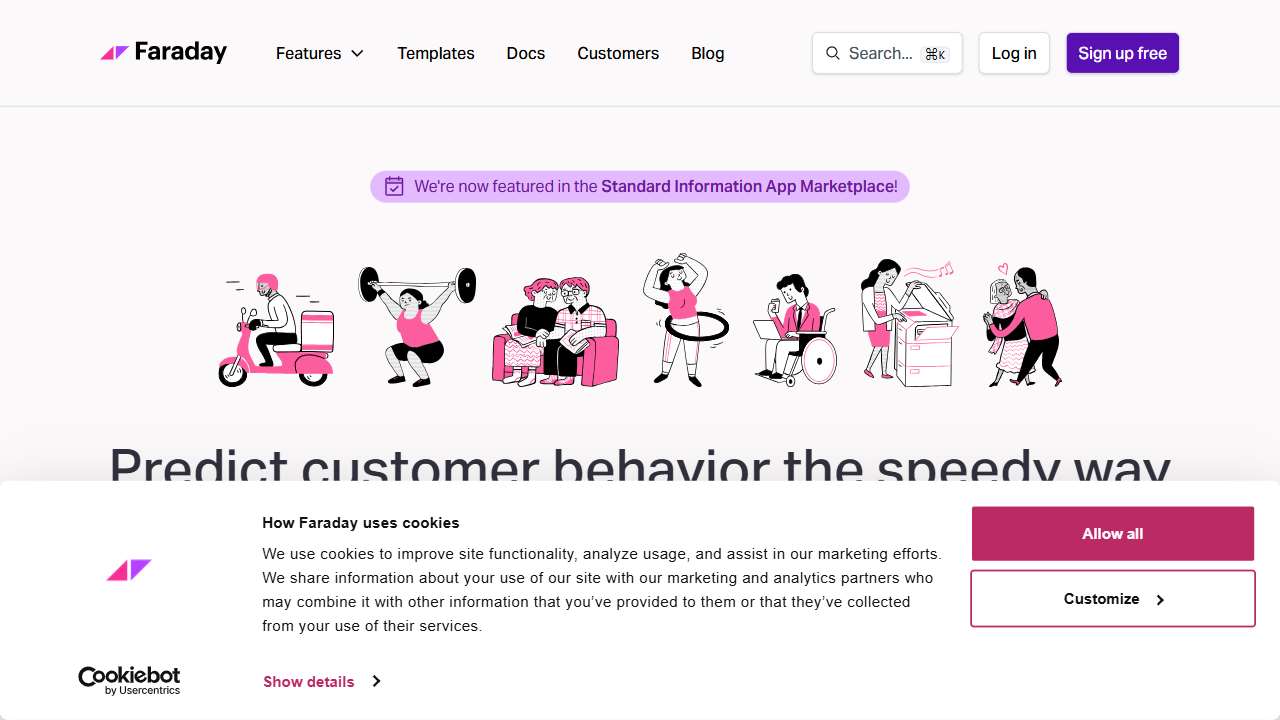
Faraday is an AI‑powered platform for predicting customer behavior and accelerating business growth.

CryEngine: A powerful engine for creating high‑quality, interactive 3D games with advanced features.
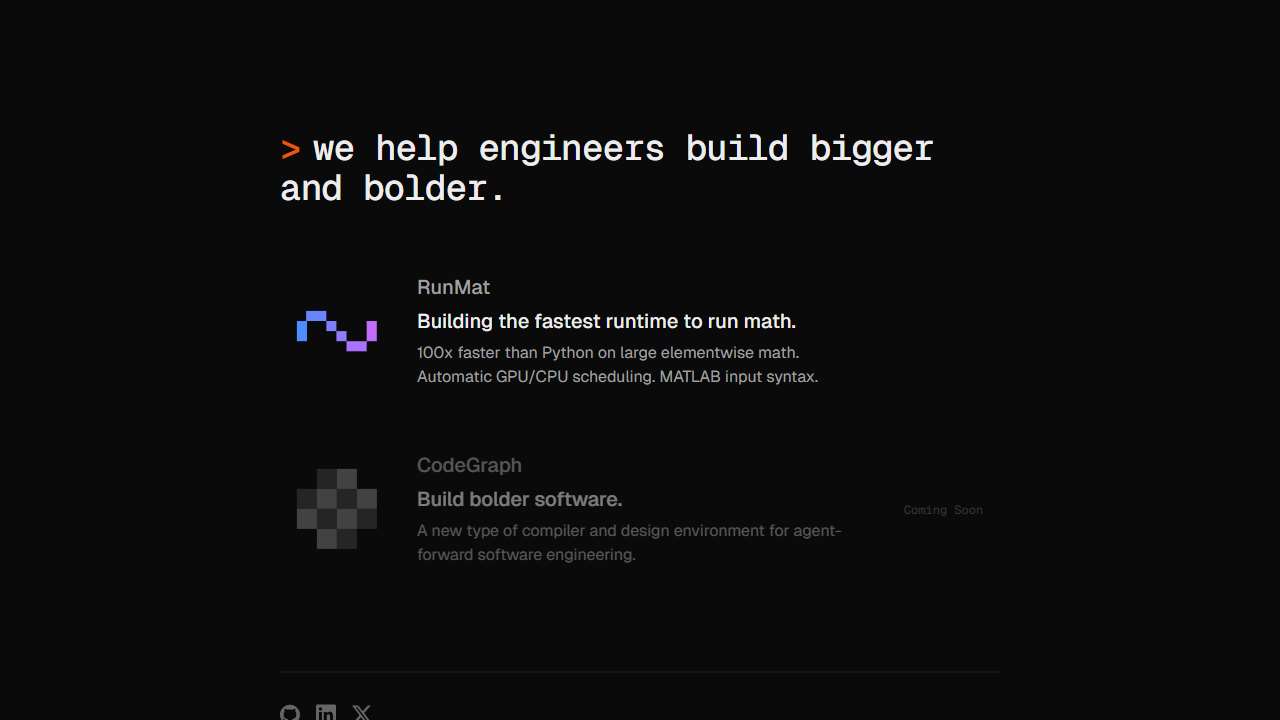
Dystr enables mechanical and electrical engineers to write and execute code in the cloud, without prior coding experience.
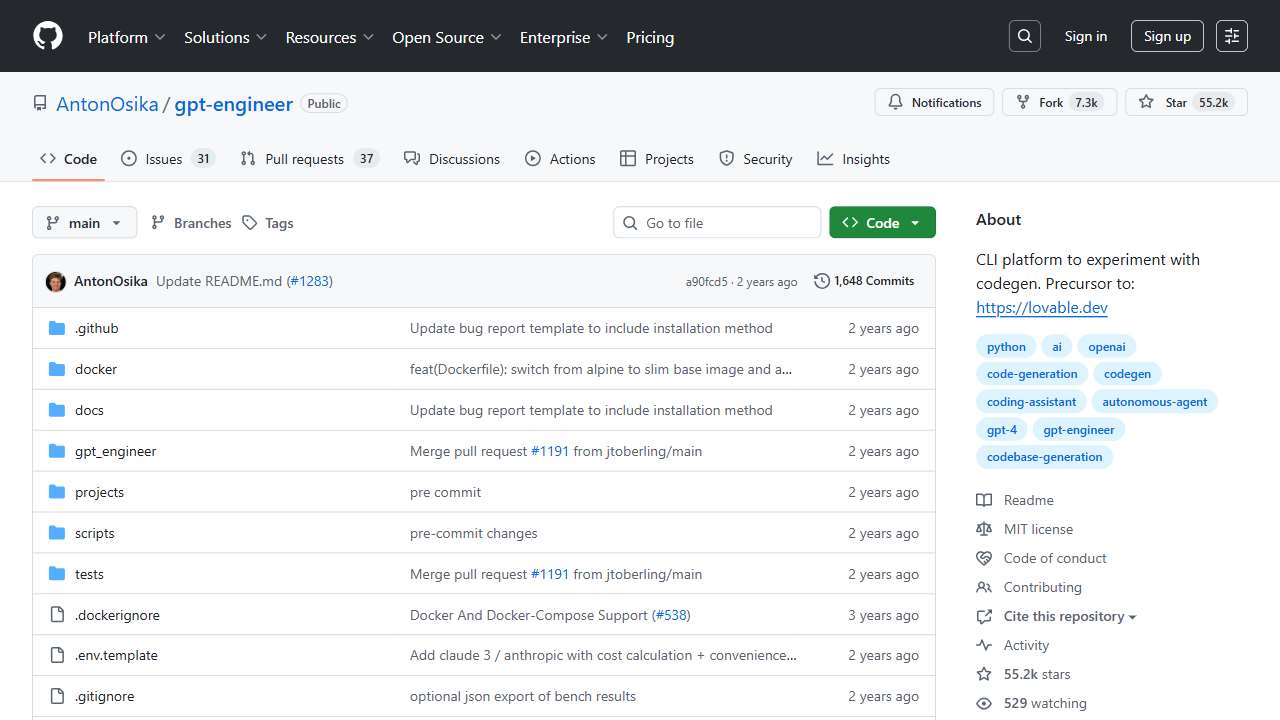
GPT Engineer allows users to define projects/applications via prompts.
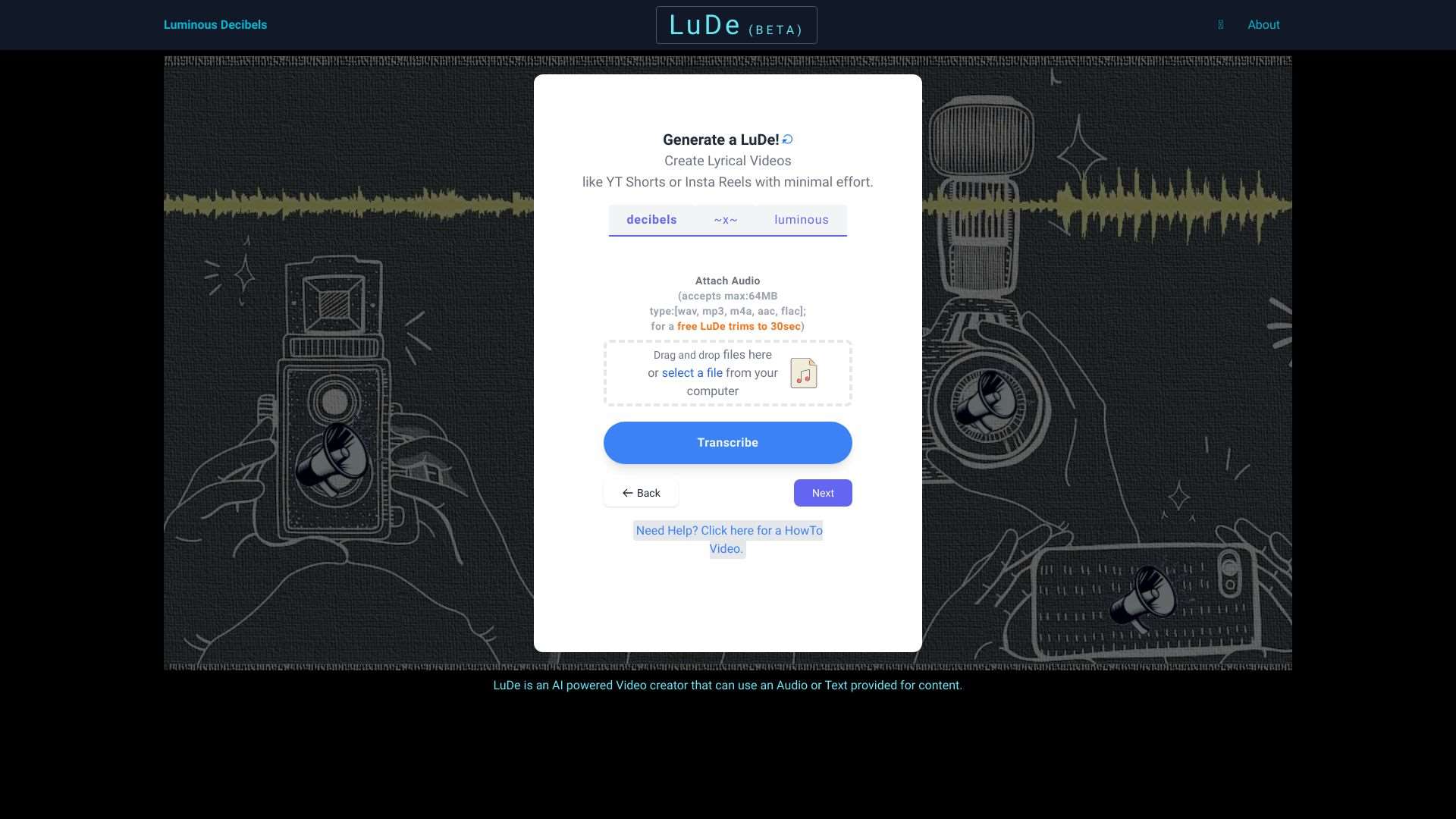
LuDe is an AI video creator. Generate videos from audio or text content.

Syntiant provides low‑power, high‑performance AI solutions for easy development and deployment.

Accelerate LLM development and deployment with intelligent tools.
Conclusion
Temperature is the dial that lets you balance creativity against precision in AI-generated text. By understanding its mechanics and testing across real‑world tools, you can choose the right setting for each task, whether you’re drafting a marketing copy, building a customer‑support bot, or crafting the next great sci‑fi novel. Happy experimenting—your audience will thank you for the verve or the veracity they receive.