I tested these 10 AI tools to spot security flaws in generated code
I’ve recently been challenged to confirm that auto‑generated code is free from vulnerabilities. In this post I’ll walk you through my hands‑on tests of 10 AI tools designed to spot security flaws.
Why Generated Code Needs Extra Scrutiny
Artificial Intelligence has made writing code faster and more accessible than ever. Automated code generators can produce boilerplate, front‑end components, or entire back‑ends in minutes. However, the rapid generation often trades depth of security for speed. Smooth integration, poor error handling, or missing authentication checks are common silent flaws that can expose systems to injection attacks, data leaks, or privilege escalation.
Even seasoned developers who rely on generators may overlook subtle defects that emerge once the code is executed in a real environment. That’s why a systematic approach to validating code quality—and security—becomes indispensable. Continuous checks, automated scans, and human review form a layered defense that reinforces the reliability of AI‑generated outputs.
Common Vulnerabilities to Look For
When you receive code from a generator, compare it against the OWASP Top Ten list. Attacks such as SQL Injection, Cross‑Site Scripting (XSS), insecure deserialization, broken authentication, and insufficient logging are especially likely to surface in auto‑generated templates. For instance, a language model may produce a database query that concatenates user input without sanitizing it, inadvertently adding a security hole.
Another frequent issue is the hard‑coding of credentials or secrets. Generators can accidentally embed API keys or passwords directly into the source, making these values publicly accessible if the repository is shared, or even when the code is compiled. Early detection of these patterns saves you from costly post‑deployment patches.
Checklist for Quick Manual Inspection
- Verify that all external inputs pass through proper validation or escaping.
- Confirm that error handling does not reveal stack traces or internal logic.
- Check that authentication tokens are stored securely, not in plain text.
- Look for any hard‑coded secrets or IP addresses that should be configurable.
Manual Methods vs AI‑Powered Scanning
Manual review is still the ultimate arbiter of code safety—human intuition sees patterns that patterns don’t. Yet it is laborious and error‑prone, especially when dealing with large code bases or frequent updates. AI‑driven Static Application Security Testing (SAST) tools augment this process by scanning vast amounts of code quickly and flagging suspicious constructs, but they are only as good as the models behind them.
Integration of AI tools into the CI/CD pipeline can turn scan output into actionable knowledge. By configuring a build step that stops deployments on high‑severity findings, you can automate compliance with security policies. This hybrid workflow—AI scanning for breadth, humans for depth—maximizes both speed and safety.
In‑Depth Tool Evaluation
Below you’ll find ten tools that I tested specifically for spotting security vulnerabilities in AI‑generated code. The list is organized by pricing model and usability, giving you a quick way to find a fit for your workflow.
Codecleaningbot: An AI‑powered no‑code tool for automated code quality and security improvement.
Hacker AI automates vulnerability detection in source code.
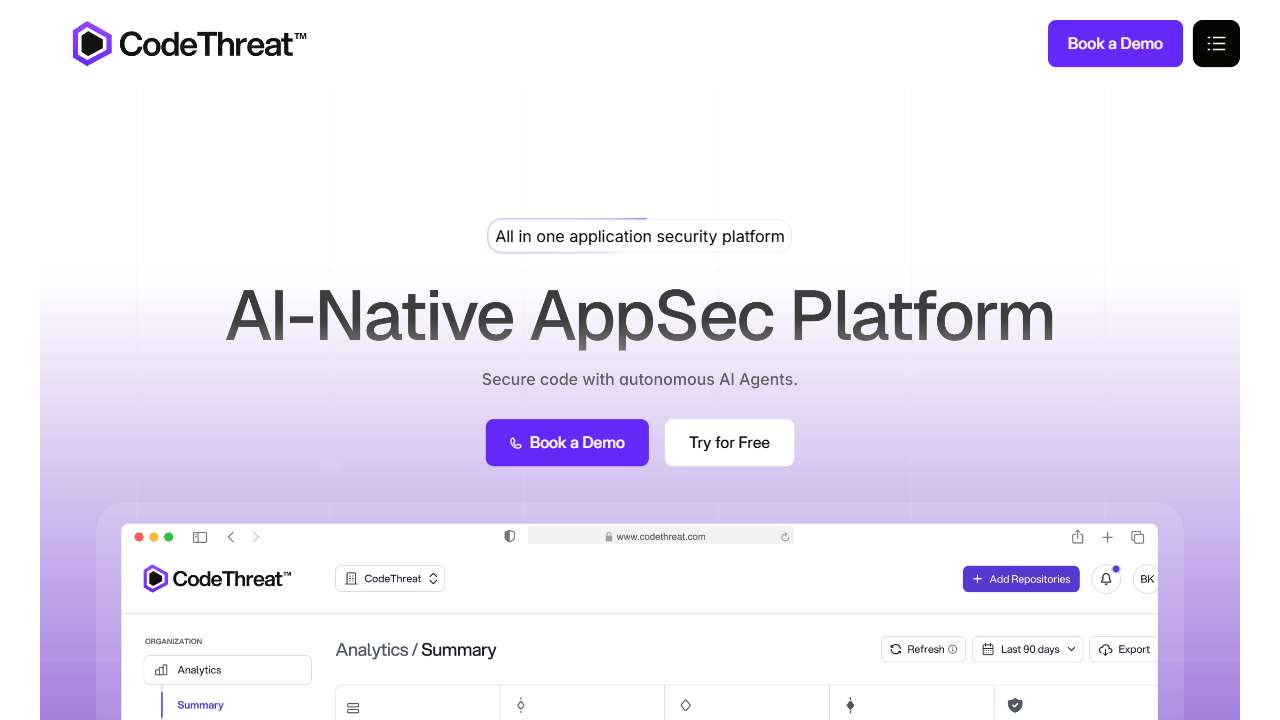
AI‑powered SAST solution for accurate code analysis and minimal false positives.

Detects and prevents suspicious login attempts with LoginLlama's Suspicious Login Detection.

Create apps without coding using a no‑code platform.
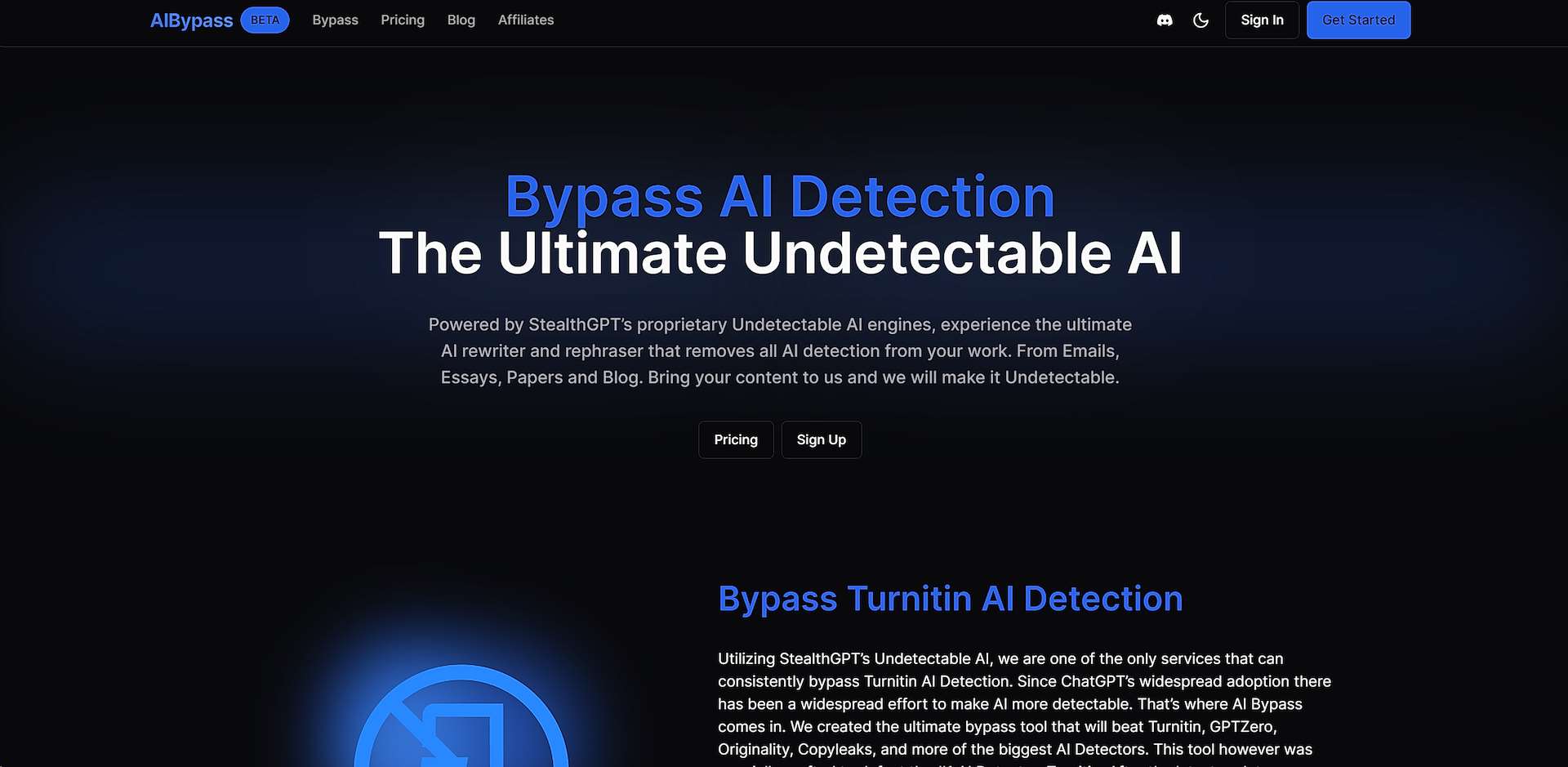
AI‑powered tool to rewrite content for enhanced security and undetectability.
Generates private code tailored for business needs.
AI‑powered cybersecurity tool for enhanced threat detection and prevention.
Create and distribute secure, end‑to‑end encrypted forms and surveys.

BugLab: An AI‑powered platform for rapid bug detection and fixing in software development.
Practical Workflow for Security‑First Code Generation
The ideal flow begins before the code even reaches your repository. Configure the generator to output tests, static analysis metadata, and fail‑fast policies. On commit, run an AI‑powered SAST scan and a manual security checklist. Integration with practice tools such as Visual Studio Code extensions further streamlines the review process.
When a scan flags potential problems, bookmark or comment the flagged lines. Assign a senior developer or security officer to investigate, refine the fix, and re‑run the scan. Over time, this habit builds a security‑centric culture that mines the benefits of AI while safeguarding your codebases.
Conclusion
AI tools for detecting security flaws in auto‑generated code have become a staple of modern development ecosystems. While no single solution can replace vigilant review, combining the right mix of free, freemium, and paid services ensures that you catch most bugs early. Adapting these tools into your CI/CD pipeline—and pairing them with continuous learning—will keep your applications resilient and your code trust‑worthy.