I tried 10 AI tools for automatic code documentation
I was looking for ways to streamline my coding workflow, so I tested 10 AI-powered tools that promise automatic code documentation. The results show which solutions deliver clear, maintainable docs and which fall short.
Why Automate Code Documentation?
As software projects grow, maintaining up-to-date and accurate documentation becomes increasingly challenging. Each new feature, bug fix, or refactor may leave documentation behind, creating knowledge gaps for developers and stakeholders alike. Manual documentation is time‑consuming and often overlooked, leading to technical debt that can hamper future development and onboarding.
Automated code documentation solves this problem by extracting meaningful information directly from the source code, test suites, and commit history. It ensures that every change is reflected in the documentation, thereby keeping the knowledge base reliable and current without requiring extra effort from the team.
What Makes AI a Game‑Changer?
AIs such as GPT and specialized code‑analysis models have evolved to understand code semantics, pattern‑recognition, and best‑practice documentation styles. By leveraging natural language processing, they can generate comprehensive API docs, inline comments, and architectural diagrams that mirror the real intent of the code. Unlike rule‑based tools, AI adapts to style guidelines and project conventions, producing tailored documentation.
Beyond speed, AI tools also reduce human error. They can automatically format code blocks, detect inconsistencies, and highlight missing references, thereby improving the quality and maintainability of the documentation. The result is a smoother collaboration experience across teams, from developers to product managers.
Top Tools for Automatic Code Documentation
Below is a curated list of ten AI‑powered tools that help you generate, maintain, and enhance code documentation with minimal manual input. Each card includes the tool’s name, pricing status, a brief description, and a link to learn more.
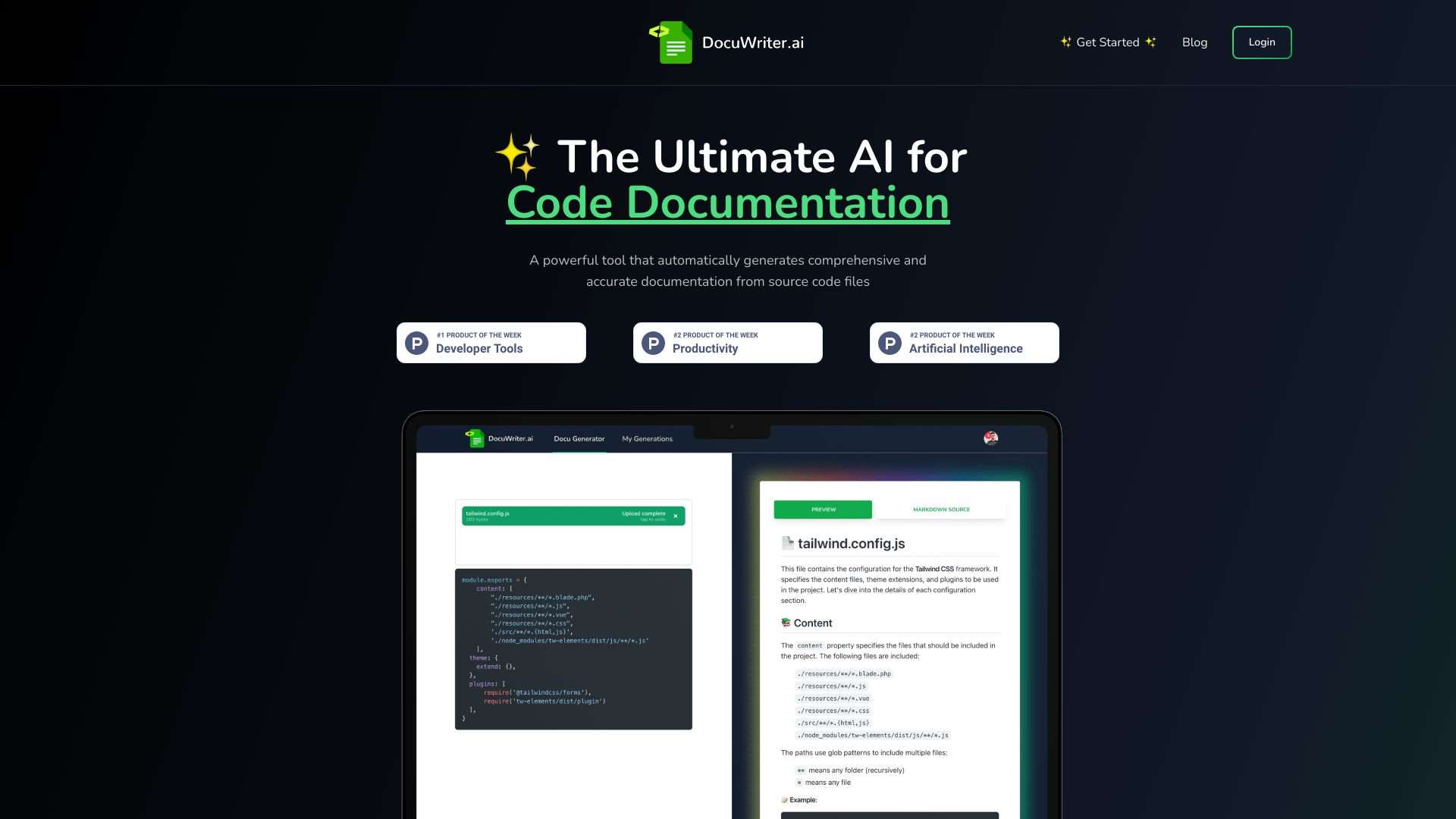
Automates code documentation, testing, and refactoring with AI.
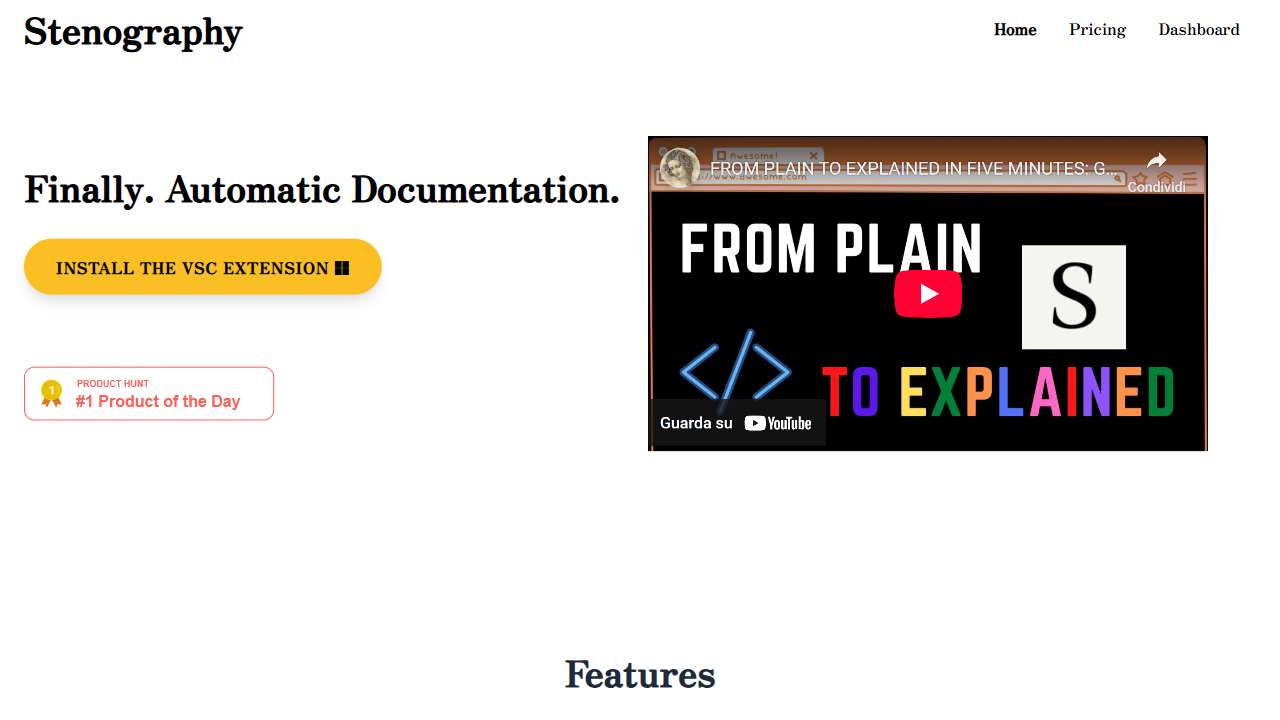
Automates documentation generation, saving time and effort.
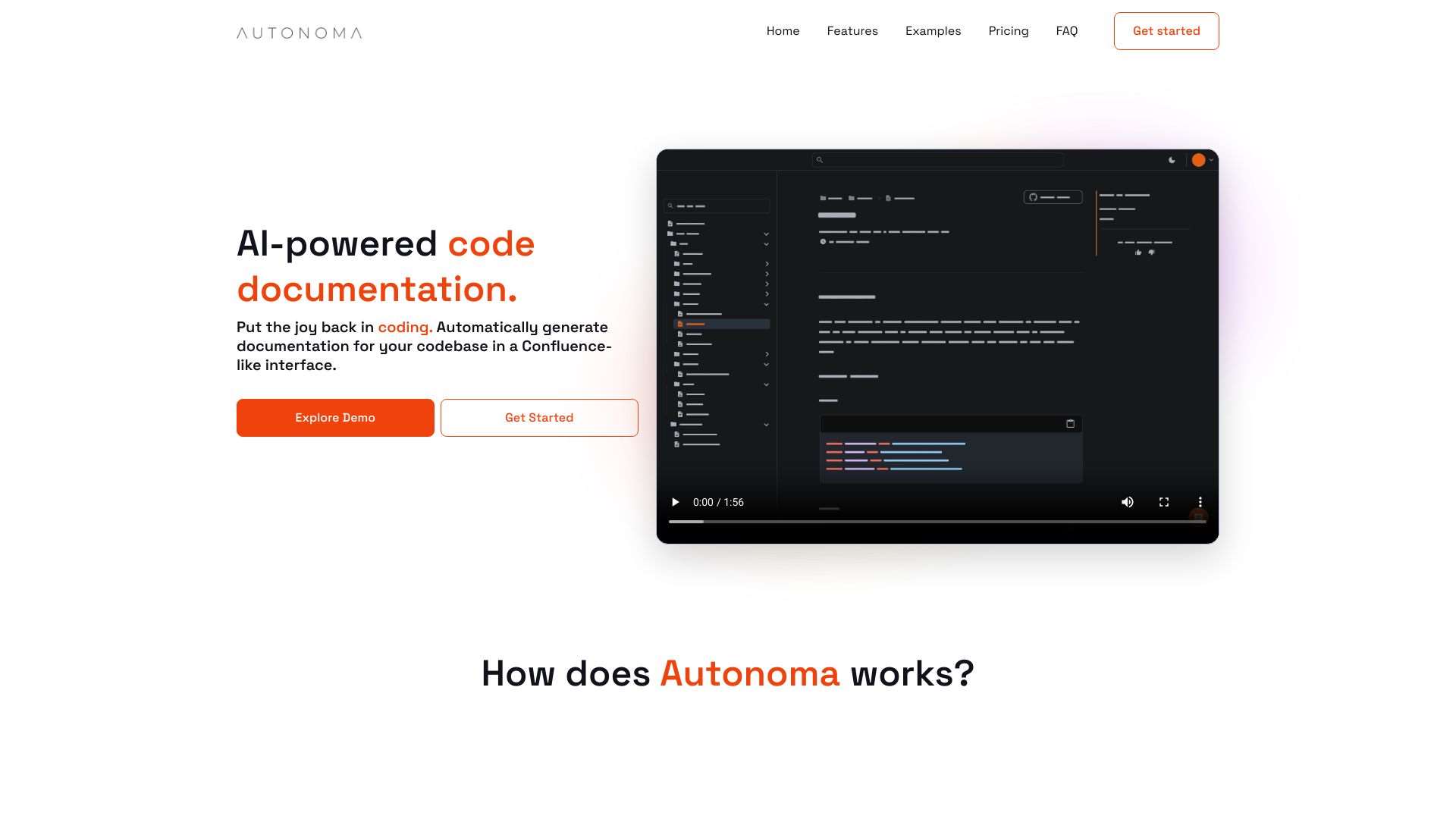
Autonoma: AI-powered tool for automatic code documentation generation and maintenance.
AI-powered code generation: describe your needs, and the AI writes the code for you.
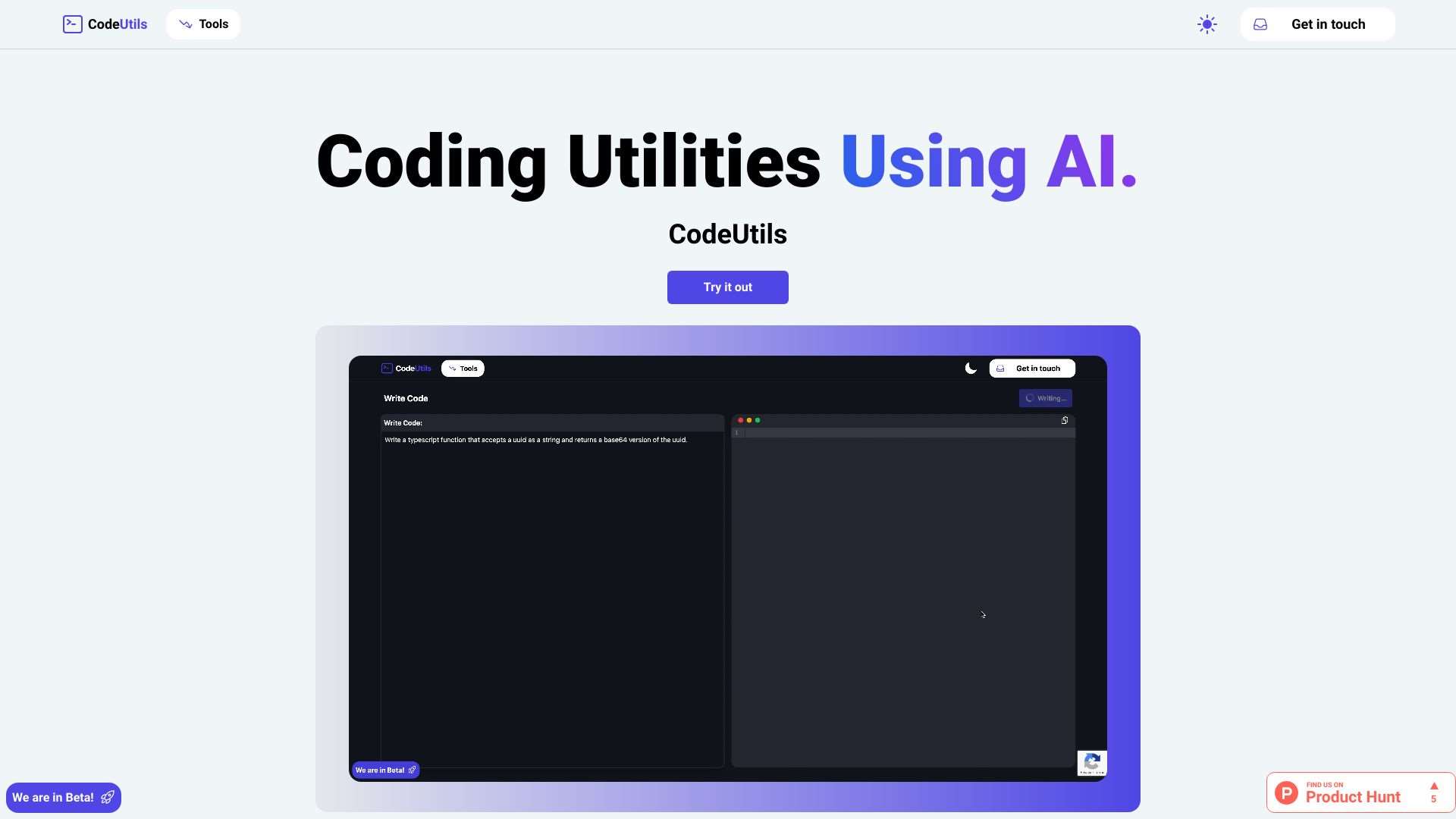
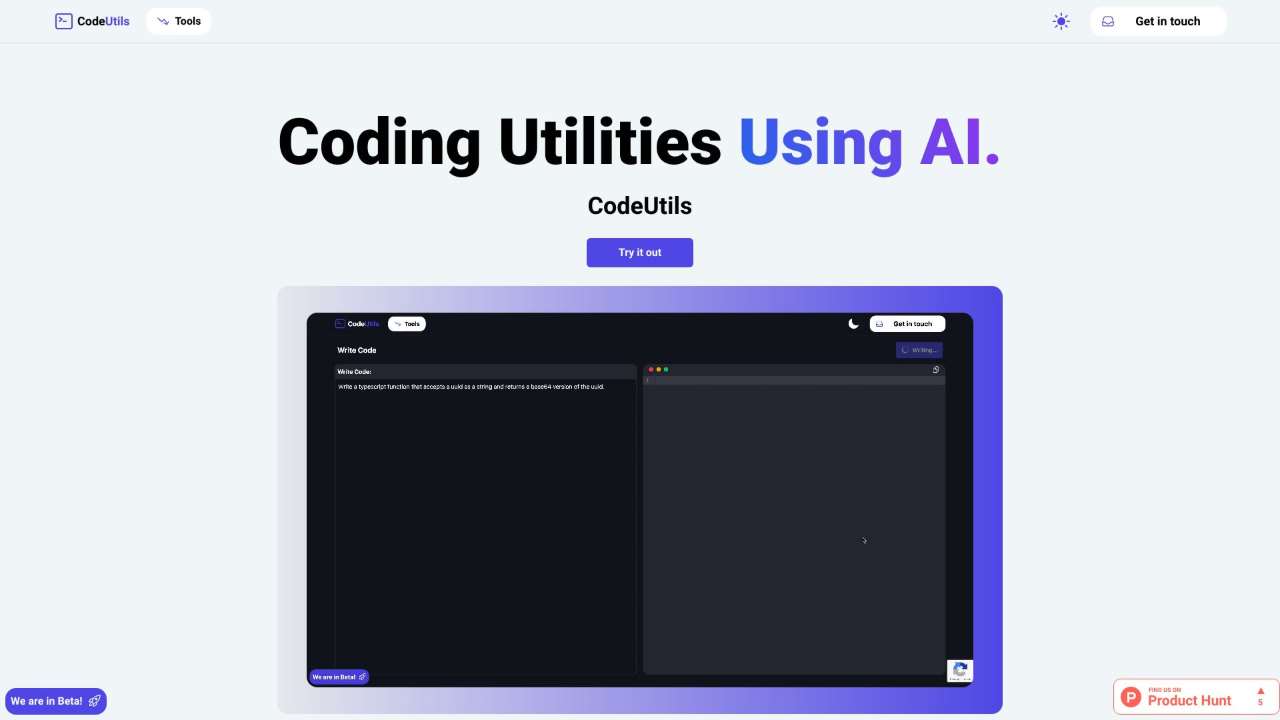
CodeUtils: AI-powered utilities to streamline and enhance your coding workflow.
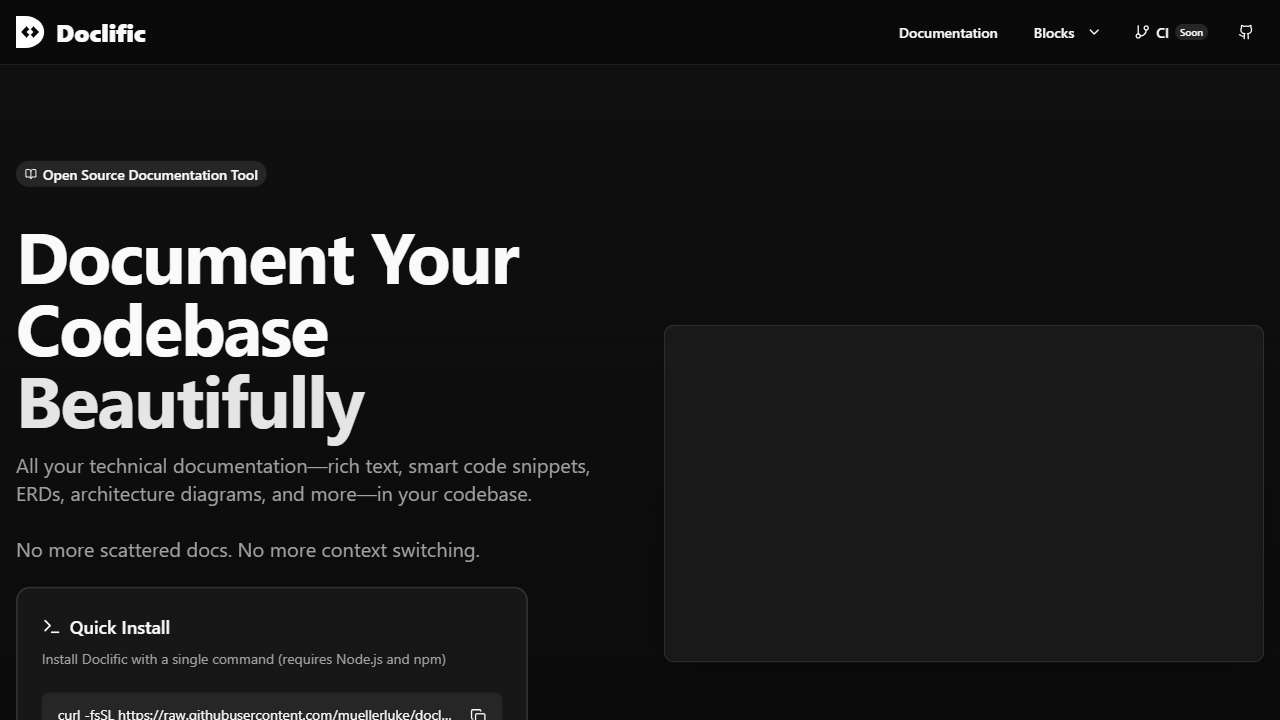
Open-source tool for creating internal documentation with AI, diagrams, and code.
AI-powered tools for code generation, documentation, refactoring, and debugging.
Automates document processing using artificial intelligence for efficiency.
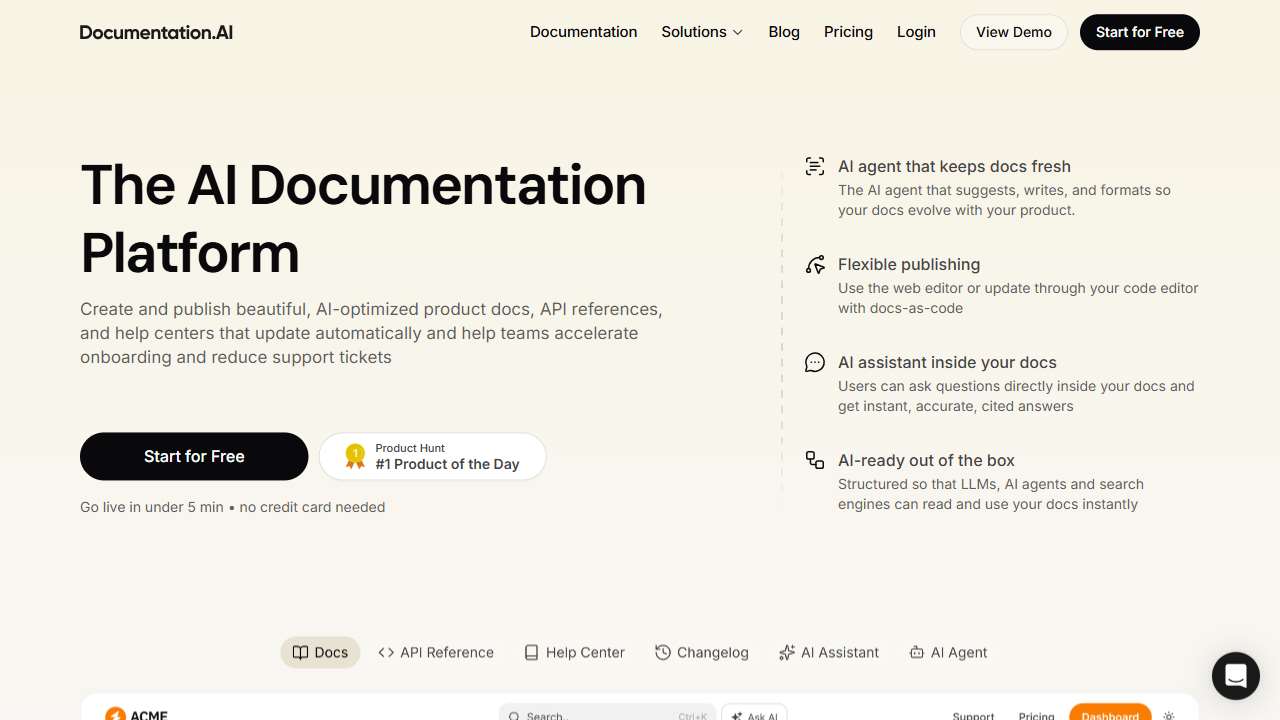
AI-powered software for creating and managing up-to-date documentation and knowledge bases.
Generates code snippets using artificial intelligence, accelerating development.
Integrating AI into Your Documentation Workflow
Once you choose a tool, the next step is to embed it into your existing development environment. Most AI documentation platforms offer integrations with IDEs, CI/CD pipelines, and version control systems. By hooking the tool into the build process, you can automatically regenerate docs on every commit or deployment, ensuring they stay in sync with code changes.
Consider adopting a “documentation-first” mindset: before writing new features, draft the associated docstrings or OpenAPI specs. AI can then refine, structure, and supplement these drafts, making the final content more accurate and comprehensible. This collaboration between human intent and AI support yields consistent, high‑quality documents.
- Plugin your favorite editor (VS Code, IntelliJ, etc.) for inline generation.
- Set up pre‑commit hooks that trigger doc generation on pushes.
- Use AI to auto‑create changelogs, architecture diagrams, and FAQ sections.
Conclusion
Automating code documentation isn’t just about saving time; it’s about elevating the clarity and maintainability of your entire codebase. By leveraging AI‑powered tools, you keep documentation lean, up to date, and aligned with code changes. Experiment with the tools listed above, choose the one that best fits your workflow, and watch your documentation evolve from an afterthought to a strategic asset.