I used 10 AI tools for consistent style and naming in projects
Managing style consistency and naming conventions across a large codebase is essential for maintainability and team collaboration. I distilled this challenge into practical steps, bolstered by ten AI-powered tools that streamline design, naming, and documentation.
Understanding the Problem: Consistent Style & Naming in Large Projects
In big codebases, the coherence of component styles, naming conventions, and documentation becomes a growing headache. Without a unified system, developers drift towards personal preferences, leading to duplicated CSS, mismatched component APIs, and a tangled repository that is hard to scale or onboard new contributors.
Consistency is not just about aesthetics; it is a critical factor in maintainability, testing, and developer ergonomics. Teams that invest upfront in well‑defined guidelines avoid costly refactors and reduce the cognitive load required to navigate ever‑expanding code.
Fortunately, the community today offers a range of AI‑powered and automated solutions that can enforce style standards, generate consistent documentation, and keep naming homogenous across teams and projects.
Automated Component Style Guides: React Styleguidist and Primer CSS
Building Interactive Style Guides for React
React Styleguidist transforms your component library into a living style guide. By leveraging Markdown files, it automatically renders component previews, usage docs, and prop tables, ensuring each component follows the same visual and behavioral patterns.
Pairing Styleguidist with a powerful CSS framework like Primer CSS streamlines the styling process. Primer’s pre‑styled primitives let you compose consistent layouts quickly, while Styleguidist guarantees that changes propagate uniformly across all components.
Both tools plug into your CI pipeline: every pull request can trigger styleguide validation, catching deviations before they merge into the main branch.
Prompt Management & NLP for Consistency: LangTale and Flair NLP
Language is a key part of naming conventions. LangTale hosts and version‑controls your LLM prompts, ensuring that every new feature references the same terminology or abbreviations. Its collaboration features make it easy for subject‑matter experts to review prompt logic and catch inconsistencies early.
Flair NLP adds an extra layer of natural‑language assurance. With its tagging and classification capabilities, Flair can automatically detect and suggest corrections for naming patterns across your codebase, README files, and documentation, reducing human error.
By embedding these tools into your developer workflow, naming noise is dramatically curtailed, and the entire team is aligned on standard vocabularies.
Design, Branding, and Collaboration Tools
- Motiff – AI‑powered design prototyping that keeps visual assets in sync with brand guidelines.
- Brandroot – Comprehensive brand creation platform, offering domain names, logos, and marketing assets.
- BrandScript Generator – Quickly craft brand messaging that fits your style guide.
- Rebrandly – Manage branded short URLs that maintain logo integrity across campaigns.
- Figma – Cloud‑based design collaboration that lets designers and developers meet in a shared environment.
- BrandCrowd – Customizable logo templates that adhere to corporate branding rules.
Tools Overview
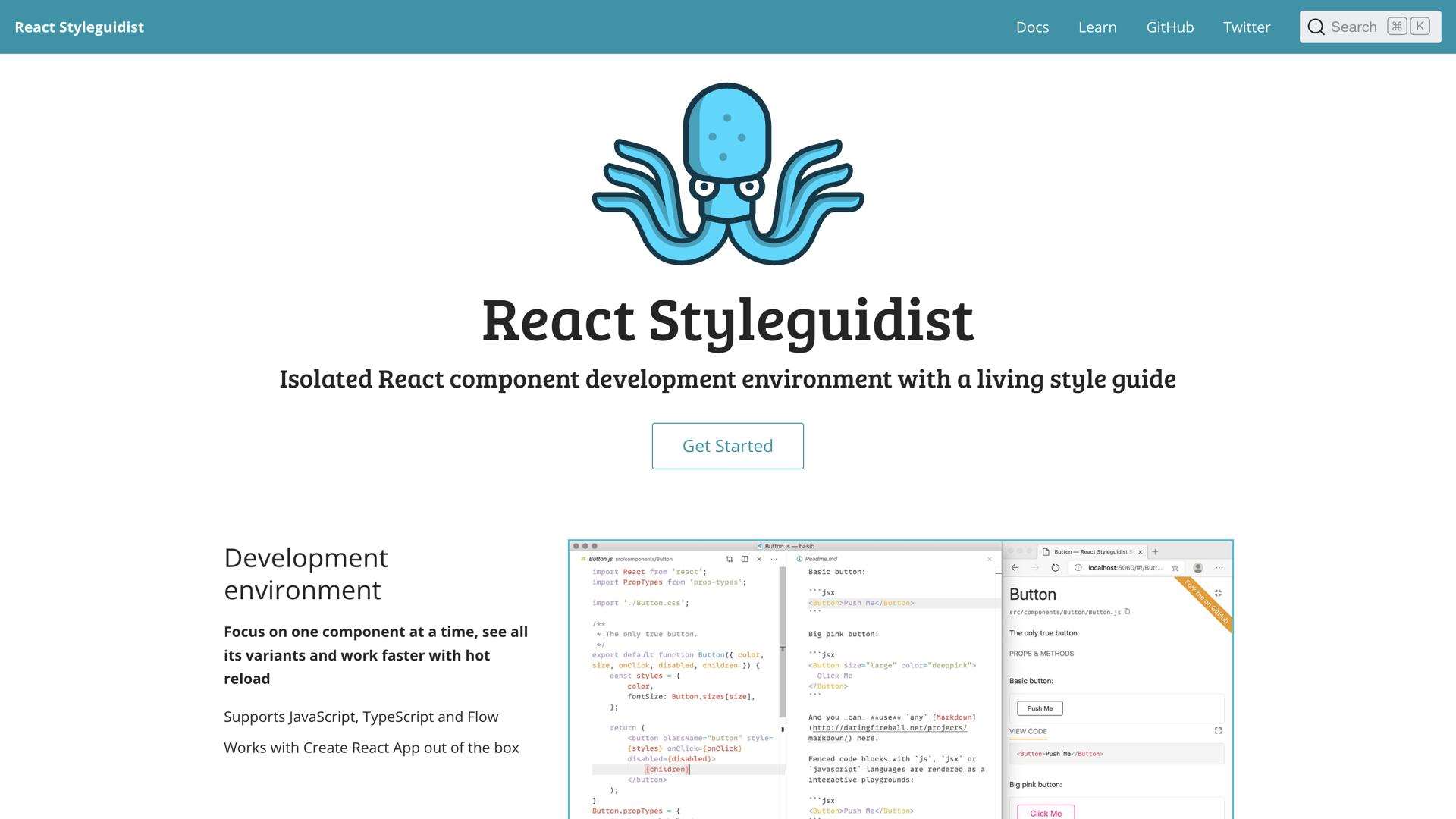
React Styleguidist: Create interactive React component libraries and style guides easily.
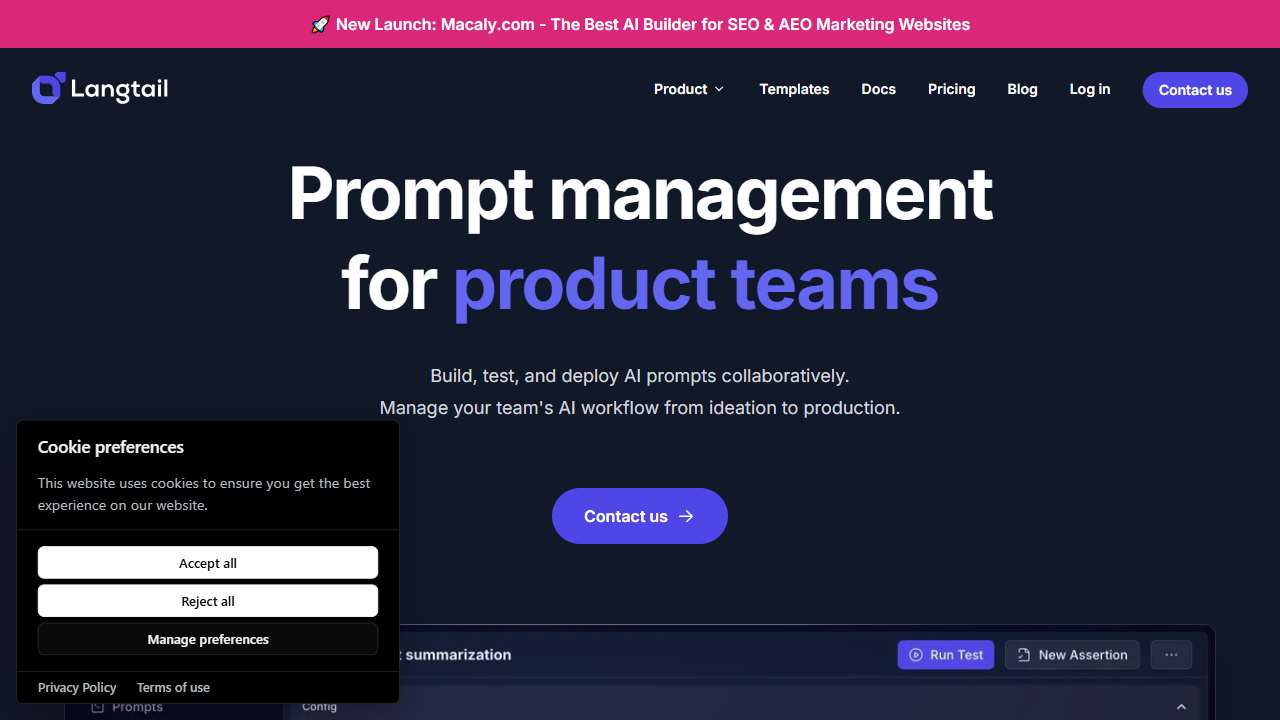
Streamline LLM prompt management for enhanced collaboration and insights.
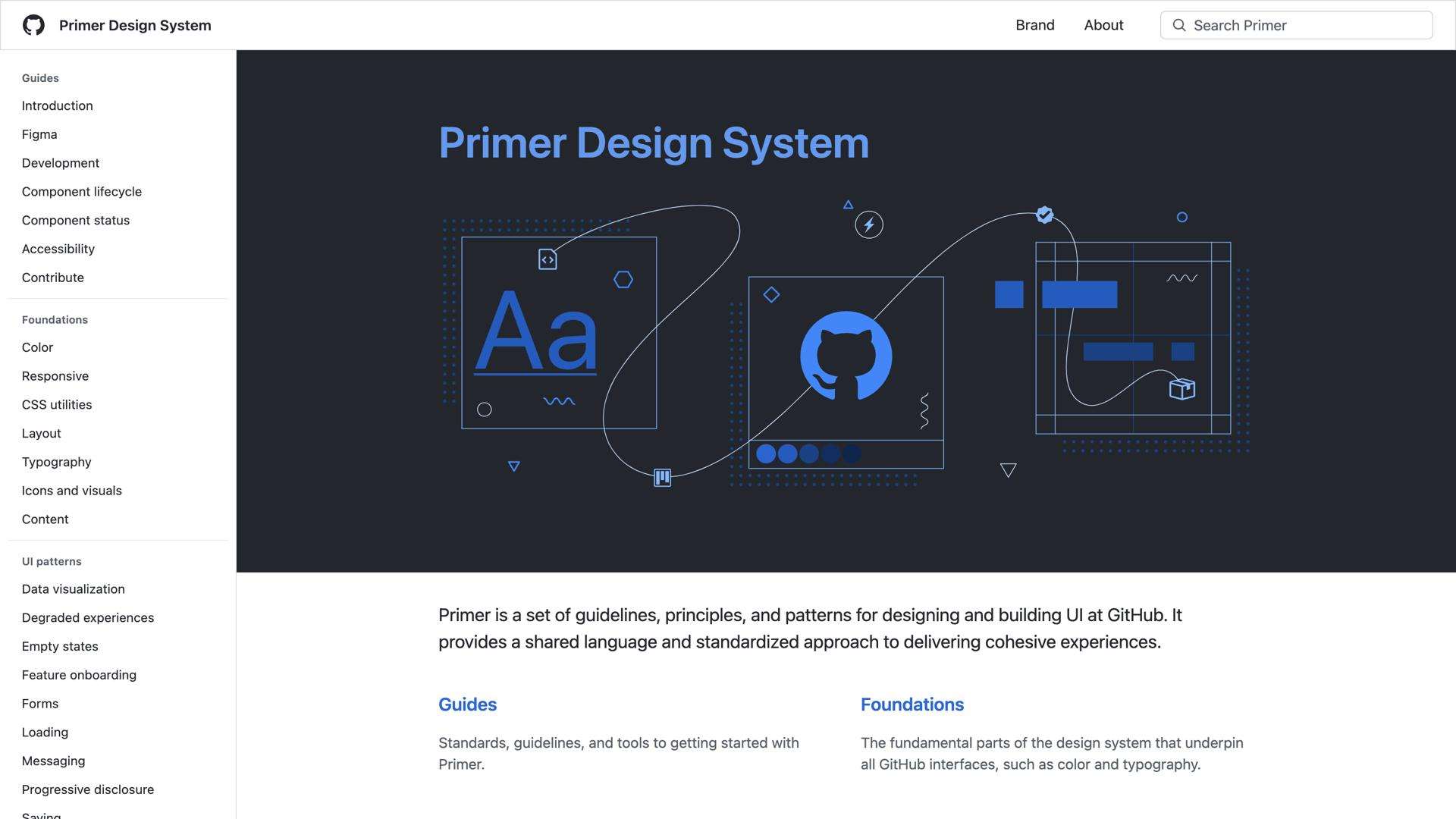
Powerful CSS styling library for rapid, elegant web development.
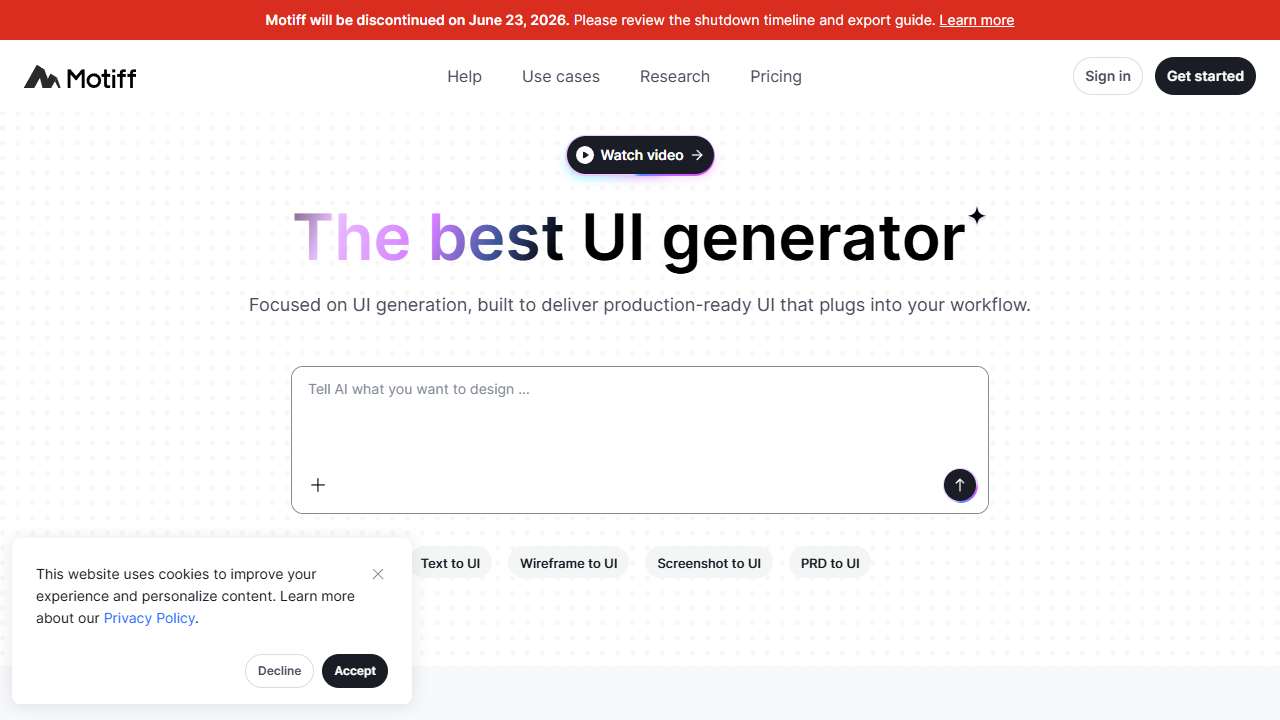
AI-powered design, collaboration, and prototyping tools for revolutionary design workflows.
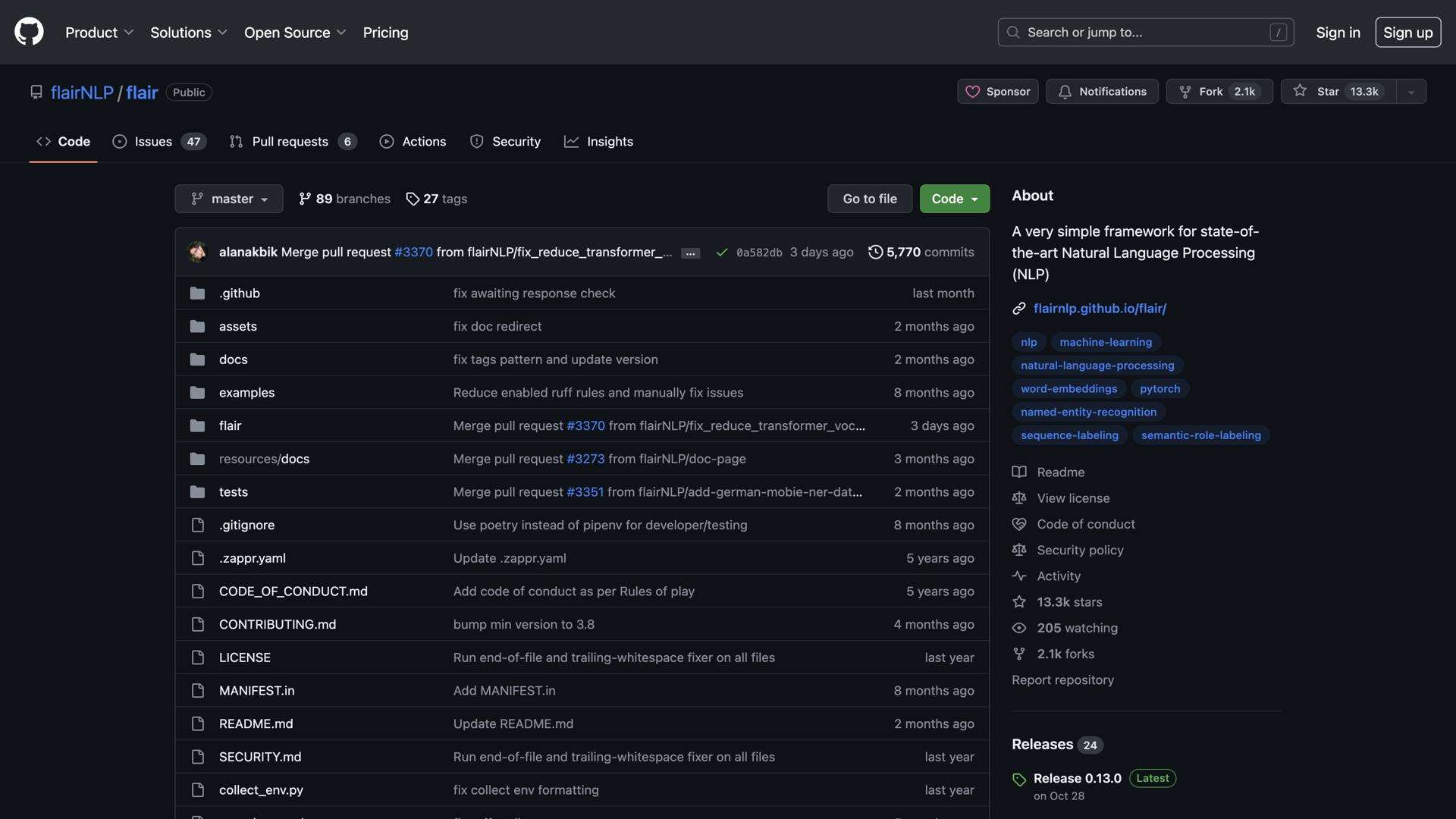
Flair NLP: A powerful NLP library for text classification, tagging, and more, with easy integration.
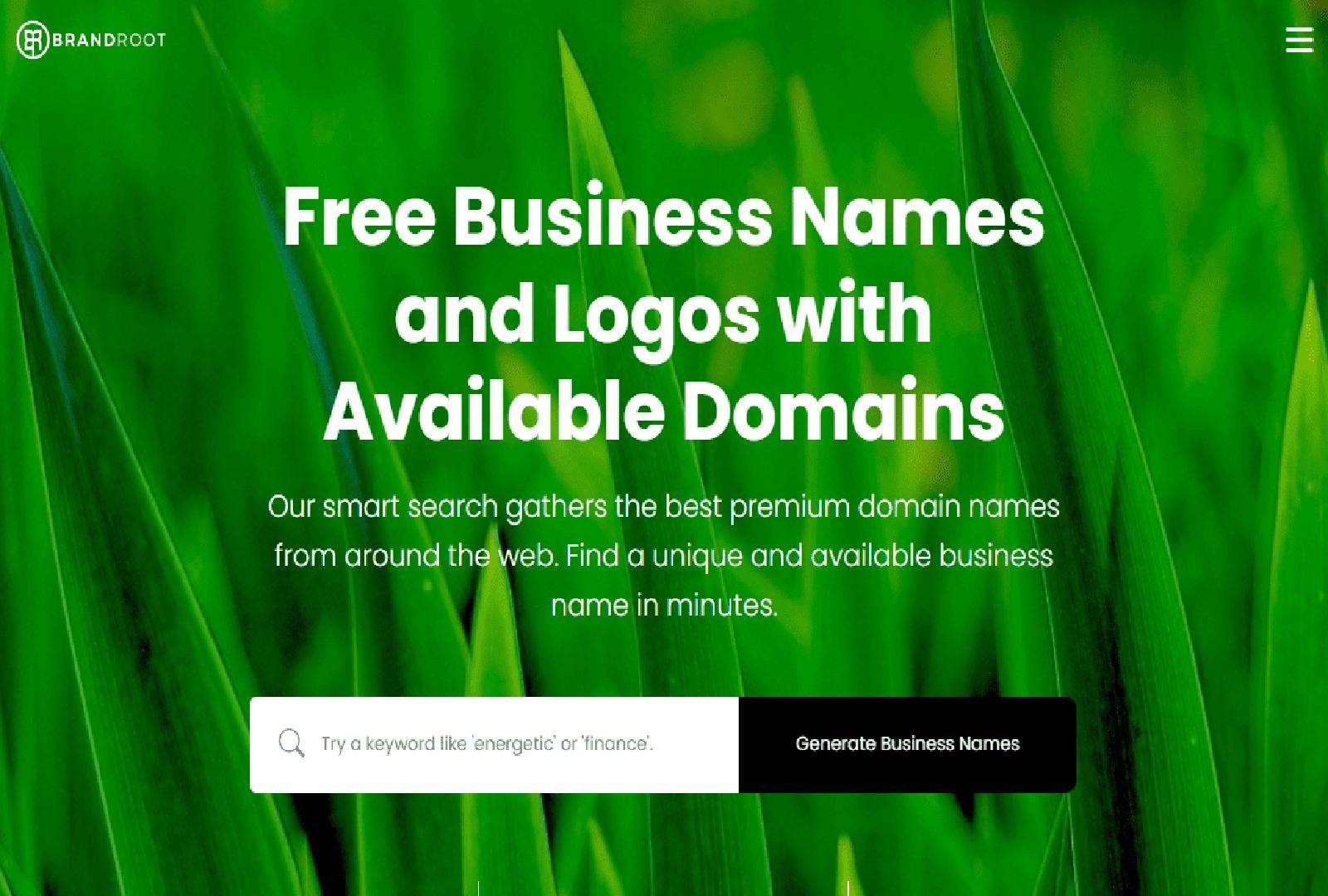
Brandroot: A platform for businesses to create unique brands with domain names, logos, and marketing resources.
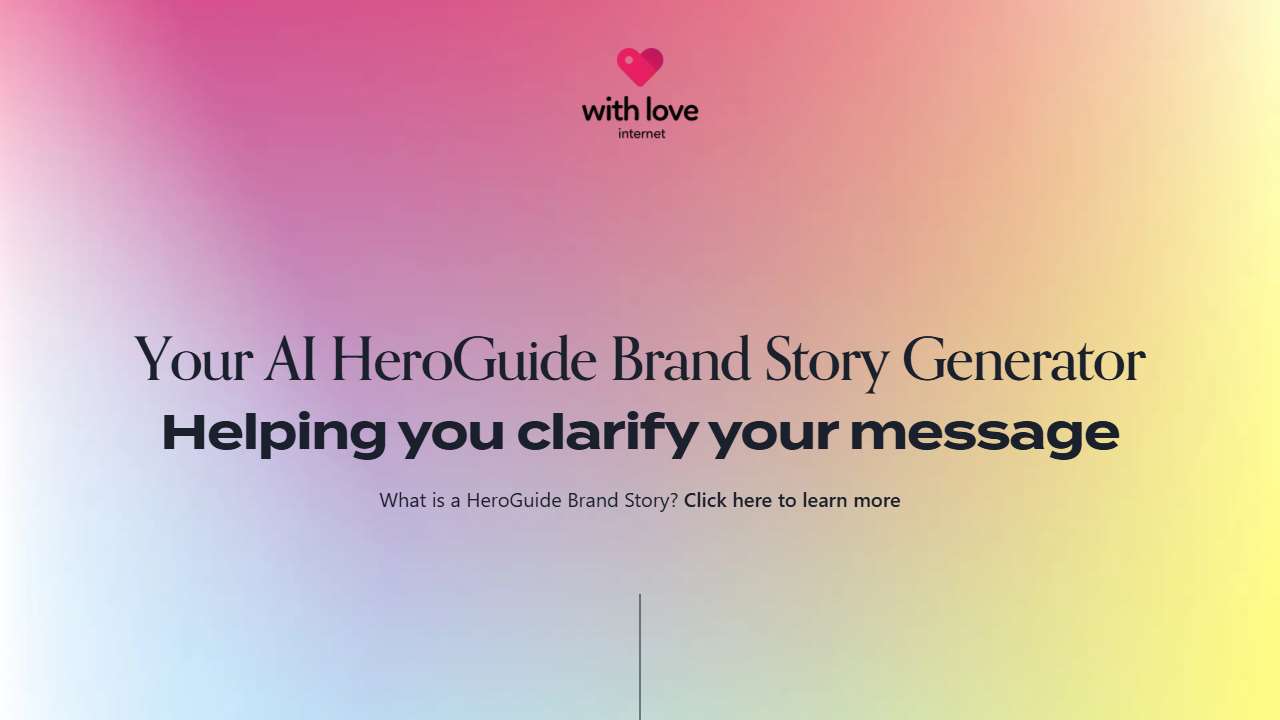
Generate a compelling brand message quickly and easily.
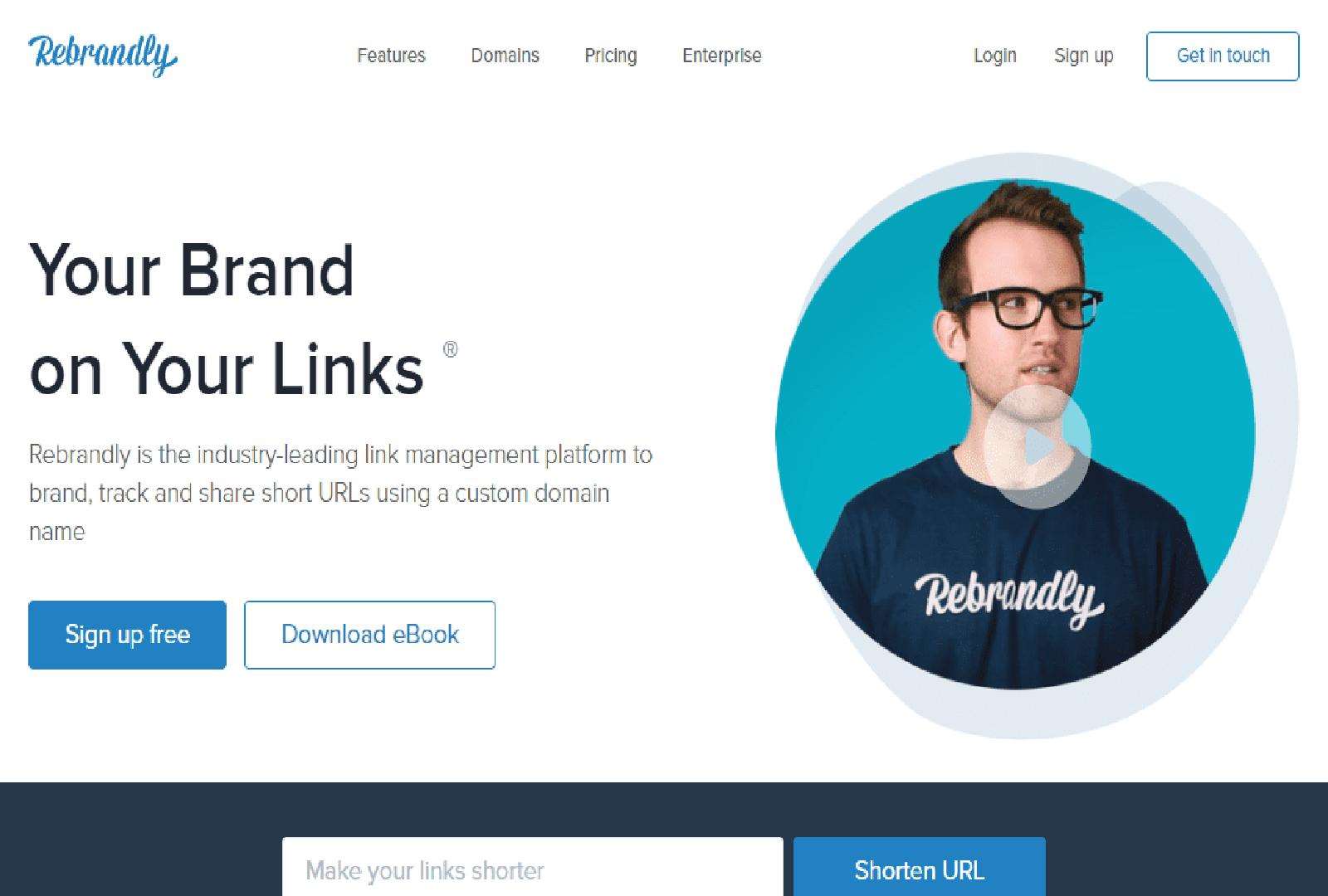
Rebrandly: Create, manage, and track branded short URLs for a consistent brand identity.
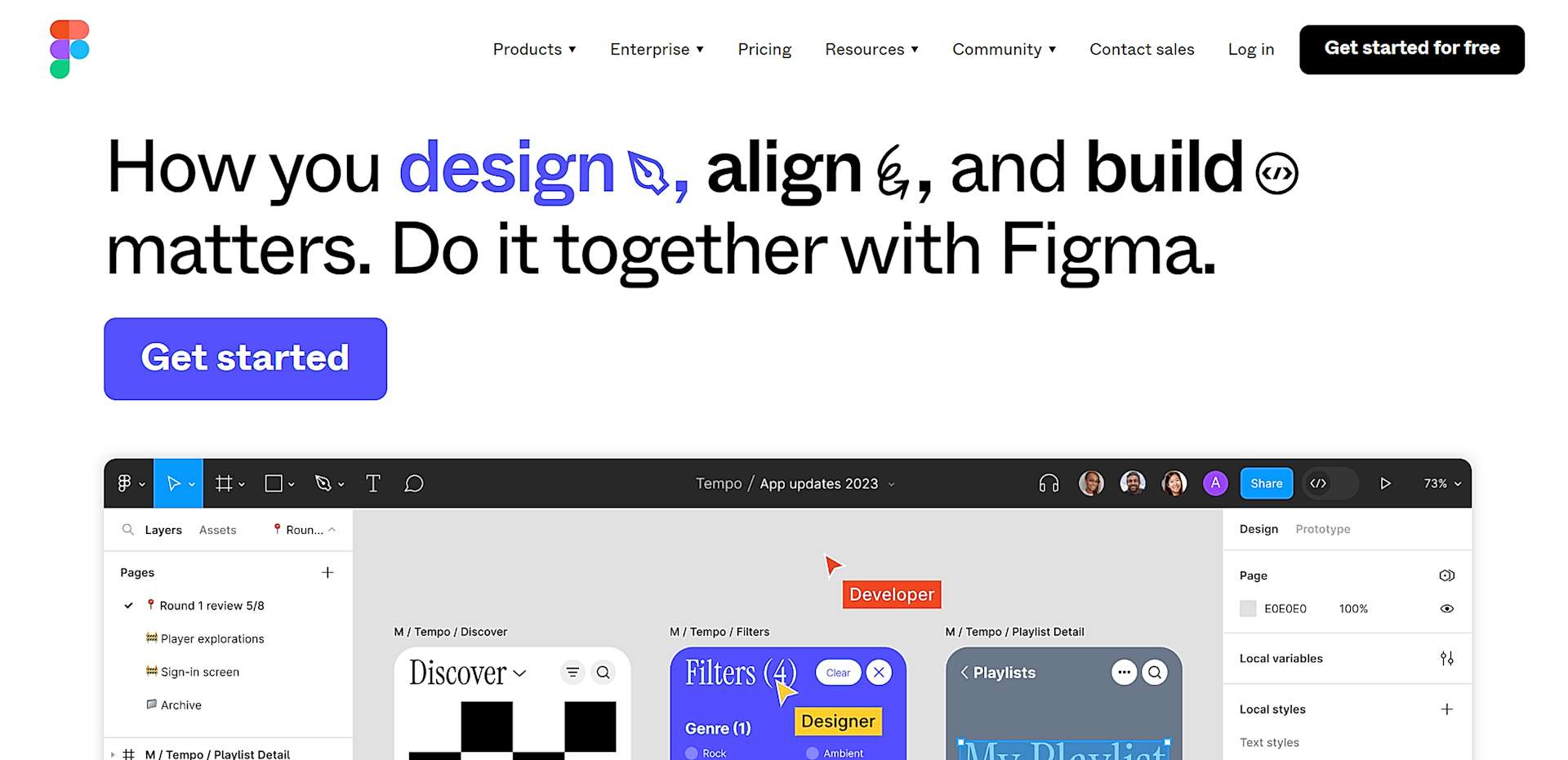
A leading cloud platform for collaborative and efficient design workflows.
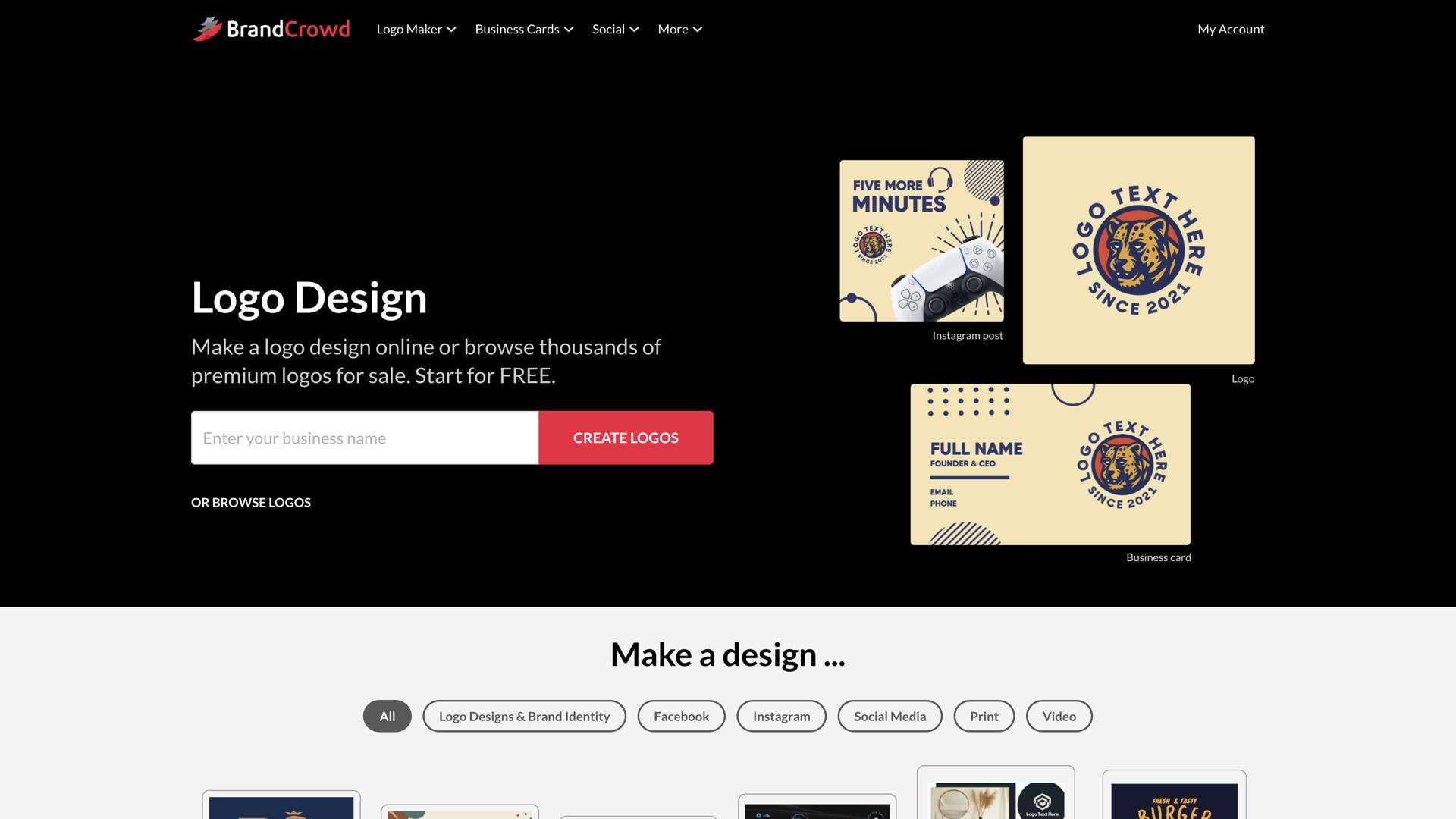
BrandCrowd: Create professional logos easily with customizable templates and fonts.
Conclusion
Maintaining consistent style and naming across a sprawling codebase is no longer a manual slog. By weaving together dedicated style guide generators, prompt managers, NLP validators, and design brand tools, teams can establish a living system of standards that evolve with the project. The end result is code that’s easier to read, test, and scale—and developers who spend less time fixing inconsistencies and more time innovating.