I Compared No-Code Tools to AI Data Analysis APIs
I’ve broken down the differences between no-code tools and AI data analysis APIs, revealing how they serve distinct roles in data workflows. This quick guide lays out the key advantages and limitations of each approach.
What Are No‑Code Tools and AI Data Analysis APIs?
No‑code platforms are visual, drag‑and‑drop environments that let users build data pipelines, train models, and deploy applications without writing code. They abstract away the underlying technical stack and expose a user interface that wires together pre‑built modules or SDKs.
By contrast, AI data analysis APIs are programming interfaces that developers call from code to perform data enrichment, model inference, or real‑time analytics. These APIs expect developers to manage authentication, network calls, and data formatting, offering maximum flexibility at the expense of higher technical overhead.
Both approaches aim to democratize data science, but the choice often hinges on who will use the tool, how complex the workflow needs to be, and whether rapid onboarding or fine‑grained control is more critical.
Core Differences: Zero Coding vs Programmable Interfaces
Zero‑code solutions package entire workflows inside a visual canvas. Within that canvas, components such as “Fetch Data”, “Clean CSV”, “Run Model”, and “Export Results” can be linked by the user. The platform handles the orchestration, caching, and error handling behind the scenes.
Programmable APIs, however, expose functions or endpoints that a developer can call from any language. This approach gives the designer the ability to compose logic in a custom architecture—mixing machine‑learning services with legacy systems, batch processing frameworks, or real‑time streams.
Performance & Scaling Implications
- No‑code tools often impose limits on data size, thread utilization, or concurrent requests that can affect scalability.
- APIs allow for horizontal scaling by deploying microservices or using serverless compute, giving finer control over resources.
Use Cases and Pain Points
Marketers and small business owners who need quick insights often gravitate to no‑code tools. The visual interface simplifies tasks like lead enrichment, churn prediction, and automated reporting without the need for an IT team.
Data‑scientists, product engineers, and large organizations that require reproducibility, custom debugging, and tight security controls tend to prefer APIs. They can integrate AI services into CI/CD pipelines, version code, and audit each request.
Common challenges for no‑code users include vendor lock‑in, limited customization, and occasionally opaque cost structures. API users may struggle with higher learning curves, onboarding friction, and the responsibility of maintaining infrastructure.
Popular No‑Code AI Data Analysis Tools
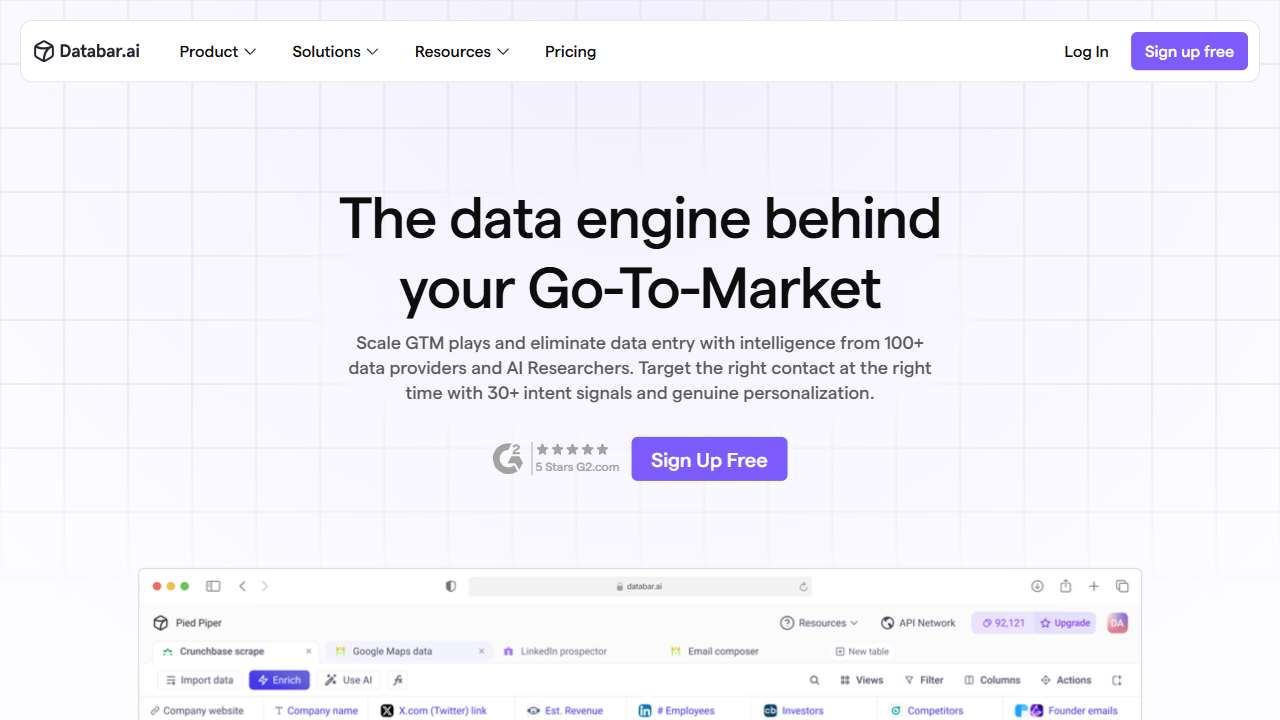
No‑code platform for data API access, enrichment, and workflow automation.
Learn to build, launch, and scale digital products/services without coding.
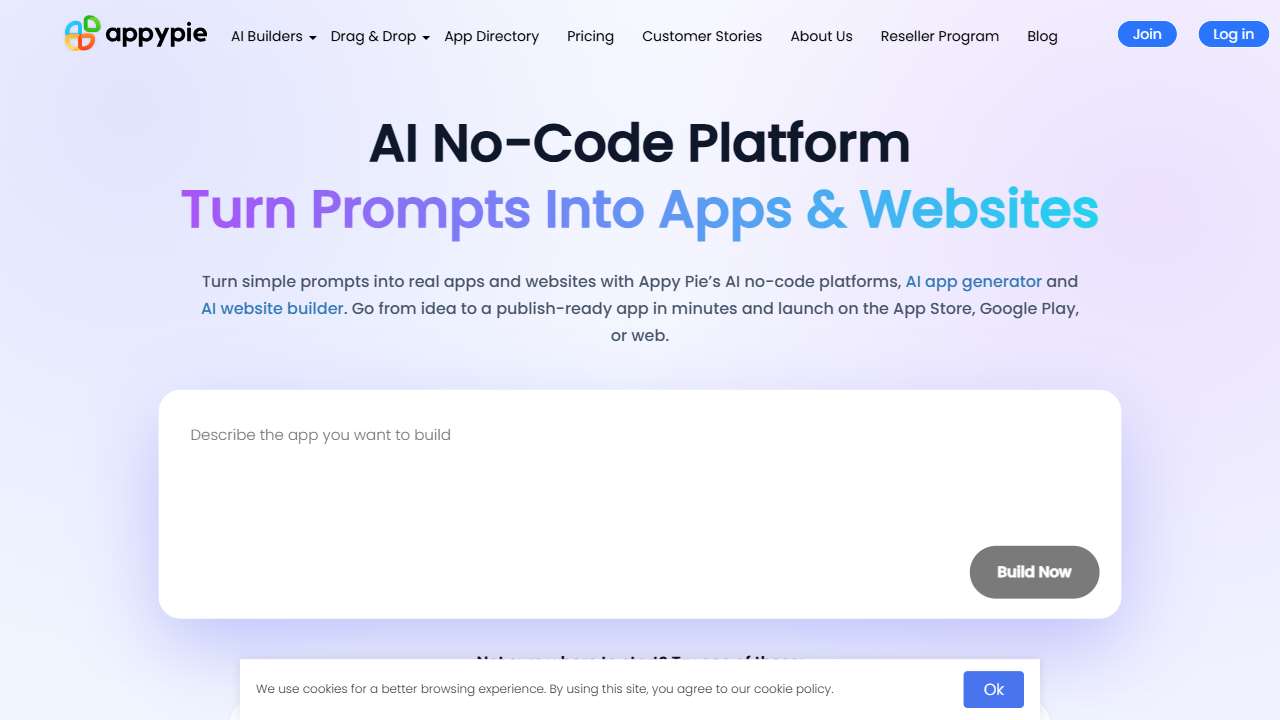
Automate tasks and build apps with no‑code, visual workflows.
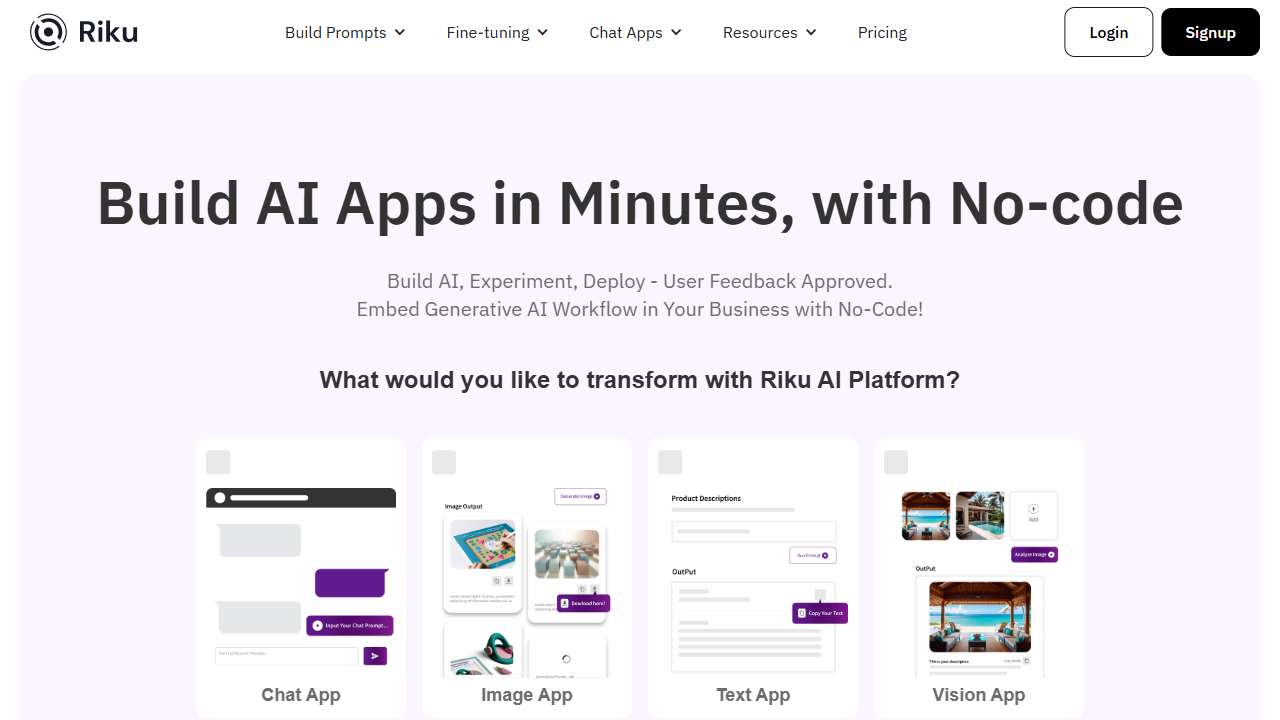
Build AI models without coding, leveraging integrations and APIs.
Analyze data, upskill your team, and scale your business effortlessly, without coding.
The world's first no‑code review platform, leveraging AI for comprehensive evaluations.
Create AI apps without coding. Simplify AI development.
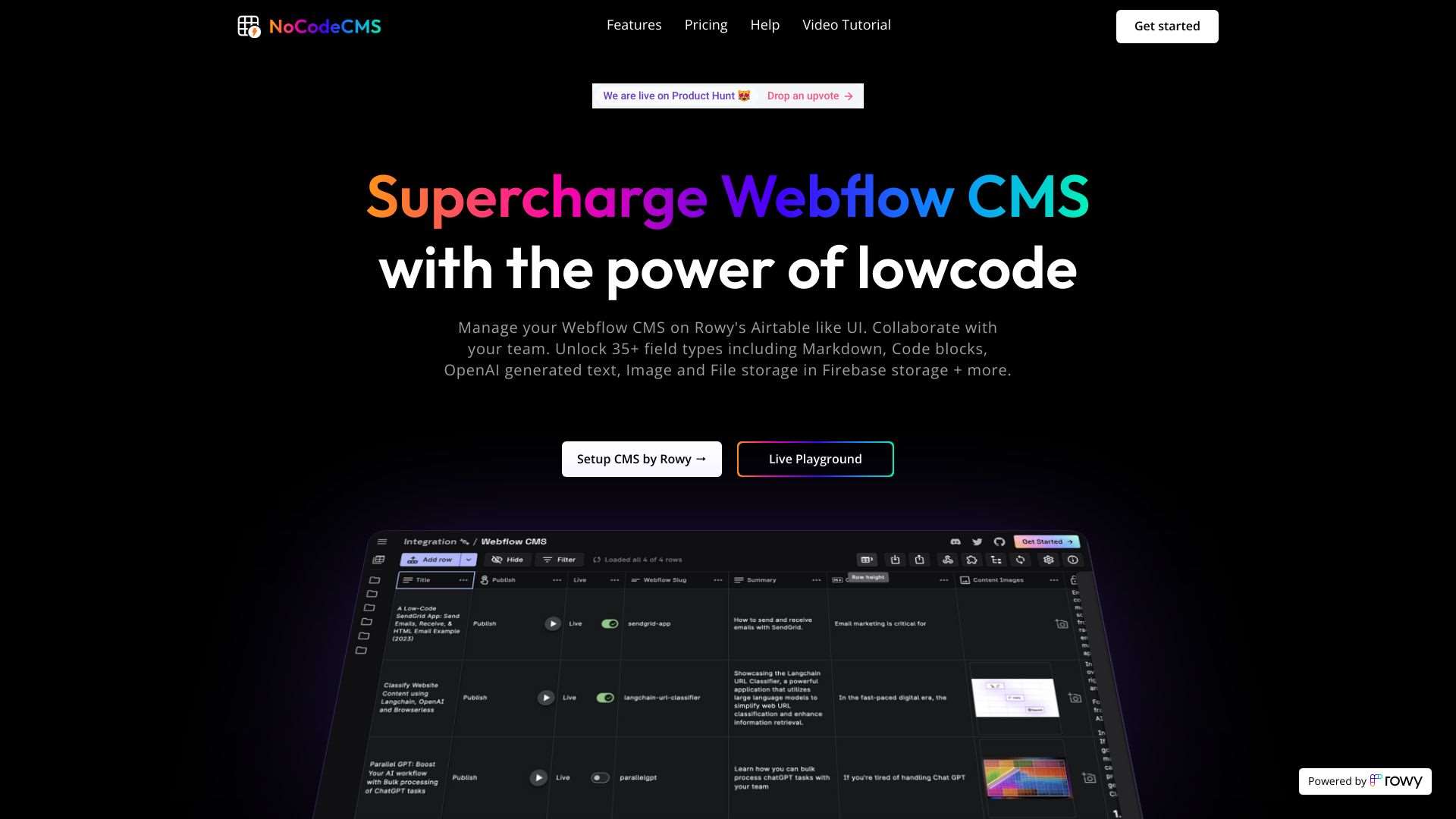
Manage your Webflow CMS with a user‑friendly, no‑code interface.
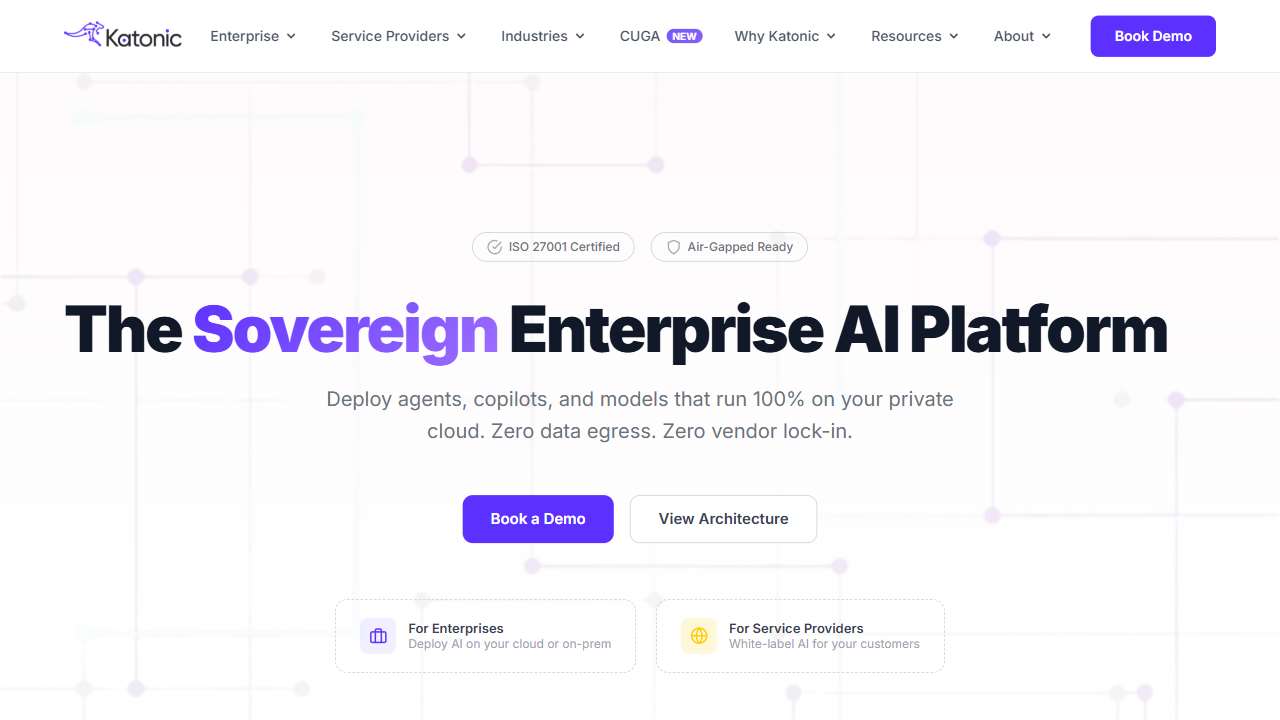
Build and deploy custom AI applications and chatbots with no‑code, using 75 LLMs.
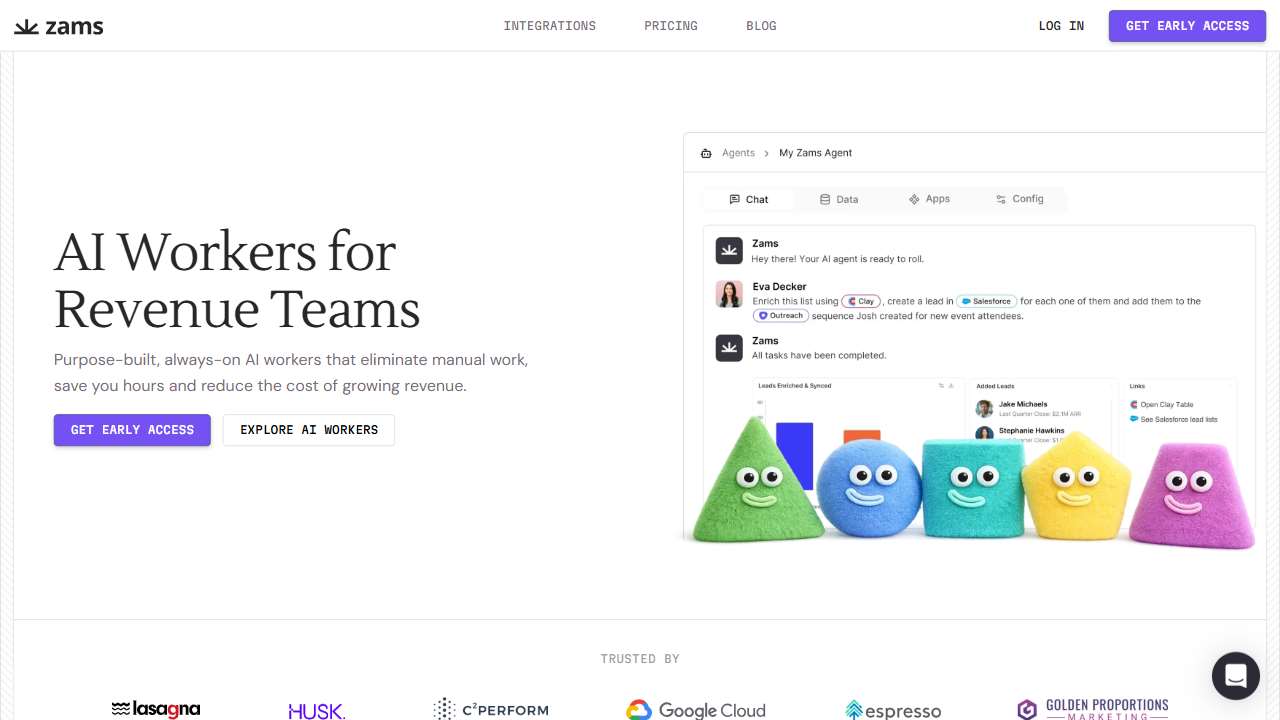
The fastest, most precise no‑code AI tool ever.
Choosing the Right Approach for Your Project
When evaluating whether to go with a no‑code platform or an API, consider the scope of your data workflows. If you need to iterate rapidly, share access with non‑technical stakeholders, and rely on pre‑built connectors, a no‑code tool is often the sweet spot.
In contrast, if your project demands custom data preprocessing, integration into existing monoliths, or fine‑tuned latency control, developing with APIs gives you the necessary granularity.
Hybrid strategies can also work: use a no‑code tool for end‑to‑end data ingestion and basic visual analytics, while delegating heavy‑lifting or specialized inference tasks to low‑level APIs.
Conclusion
No‑code tools and AI data analysis APIs each serve distinct needs in the evolving AI ecosystem. No‑code solutions bring democratized access, rapid prototyping, and ease of use, whereas APIs offer flexibility, scalability, and deep customization. By aligning your project goals, technical capacity, and desired level of control with the right approach, you can unlock powerful AI insights without unnecessary complexity.