I tested these 10 AI tools to preserve original color and mood in photos
I was amazed by the fidelity these tools bring. Preserving the original color and mood is vital for authentic restoration.
Why Preserving Color and Mood Matters When Restoring Photos
Color is more than just a visual detail; it carries the emotional context and authenticity of a moment. When you restore a faded or black‑and‑white image, you’re not just correcting brightness or contrast—you’re reviving the experience that made that memory meaningful. Even a subtle shift in hue can change the perceived atmosphere, turning a nostalgic scene into something that feels out of place.
Professionals who deal with archival footage, family albums, or historic photography all encounter the same challenge: how to apply modern AI tools without compromising the original tonal palette that defined the image’s age and mood. Tailoring your workflow to preserve those colors is essential for maintaining trust with viewers and preserving the story behind each frame.
In this guide we’ll walk through the pitfalls, core techniques, and the top ten AI tools that excel at keeping your photos true to their original color and mood.
Common Pitfalls of AI Color Restoration
AI models are trained on a huge variety of images, often prioritizing aesthetic appeal over fidelity. When you feed a historic photo into a generic enhancement engine, you may end up with:
- Over‑saturation that masks subtle skin tones.
- Color shifting that gives a landscape a warmer or cooler tone than it originally had.
- Loss of detail in shadows or highlights due to aggressive denoising.
These transformations can make a photo look “clean” but strip away the authenticity that makes a restoration truly successful.
Core Techniques for Maintaining Authentic Color and Mood
1. Reference Matching: Use the same or similar color profiles as the original film or paper stock.
2. Selective Adjustment: Apply AI enhancements only to parts of the image that need restoration, leaving color‑critical regions untouched.
3. Iterative Checking: Compare the edited photo against original prints or source files after each tweak.
4. Use Preset Profiles: Some tools offer “historical” or “vintage” presets that aim to keep the mood intact.
Tool Spotlight: The AI Applications That Preserve Color and Mood
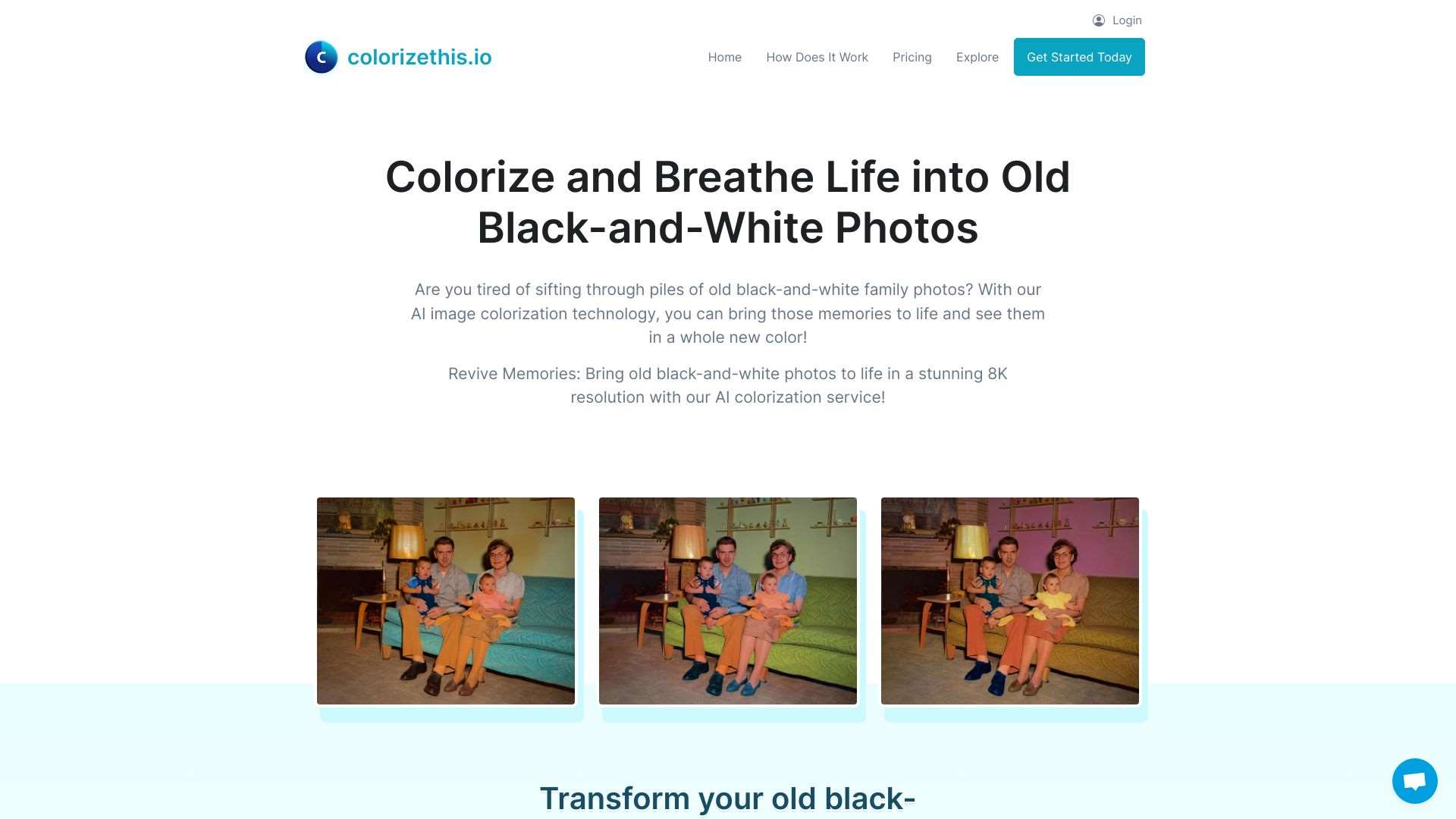
ColorizeBlackAndWhite photos with AI, bringing old memories to life in 8K resolution.

An AI app that matches, previews, and saves paint colors effortlessly.
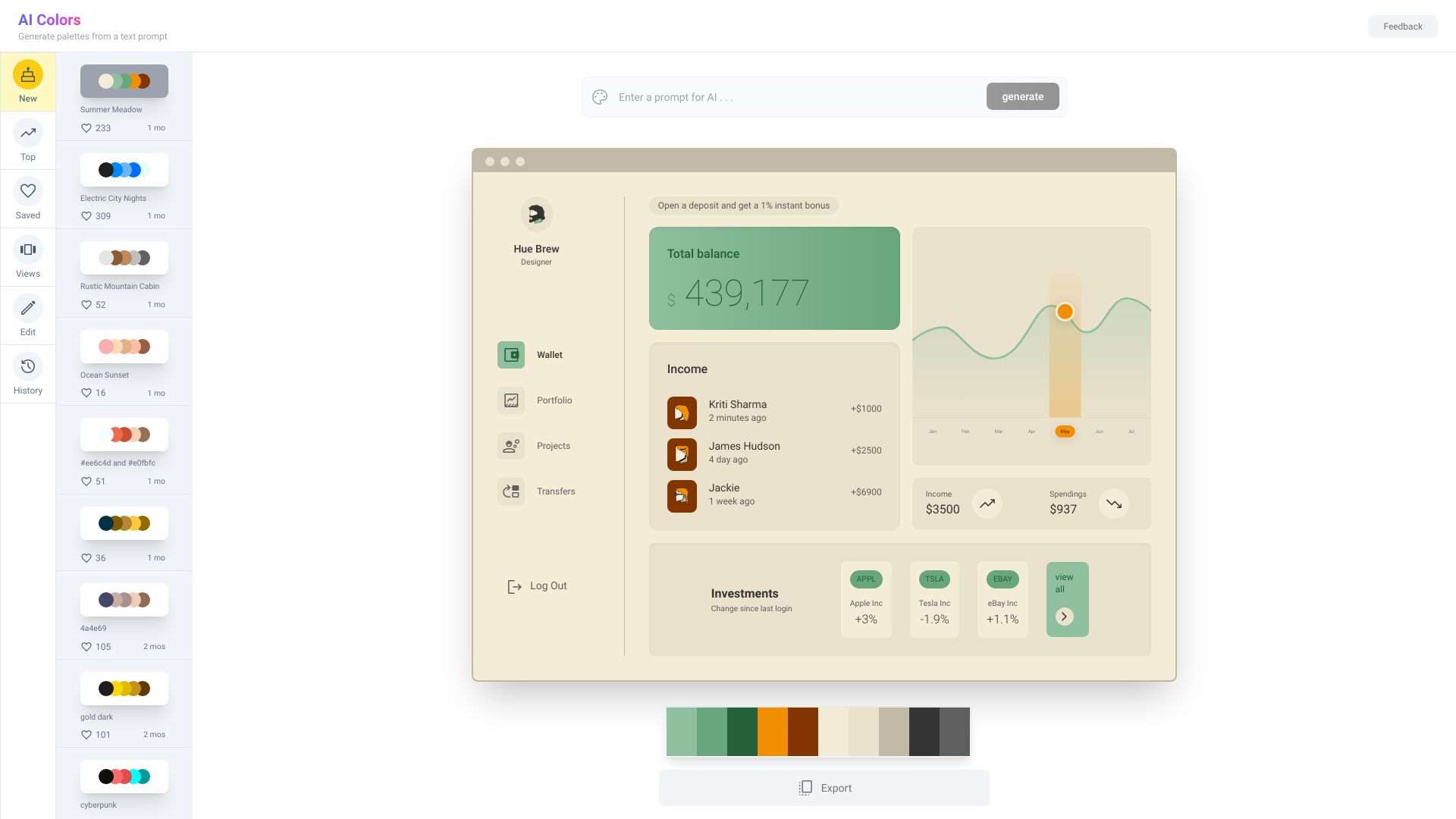
Create unique color palettes with AI-powered assistance.

Colorizes black and white images with AI, reviving old photos.
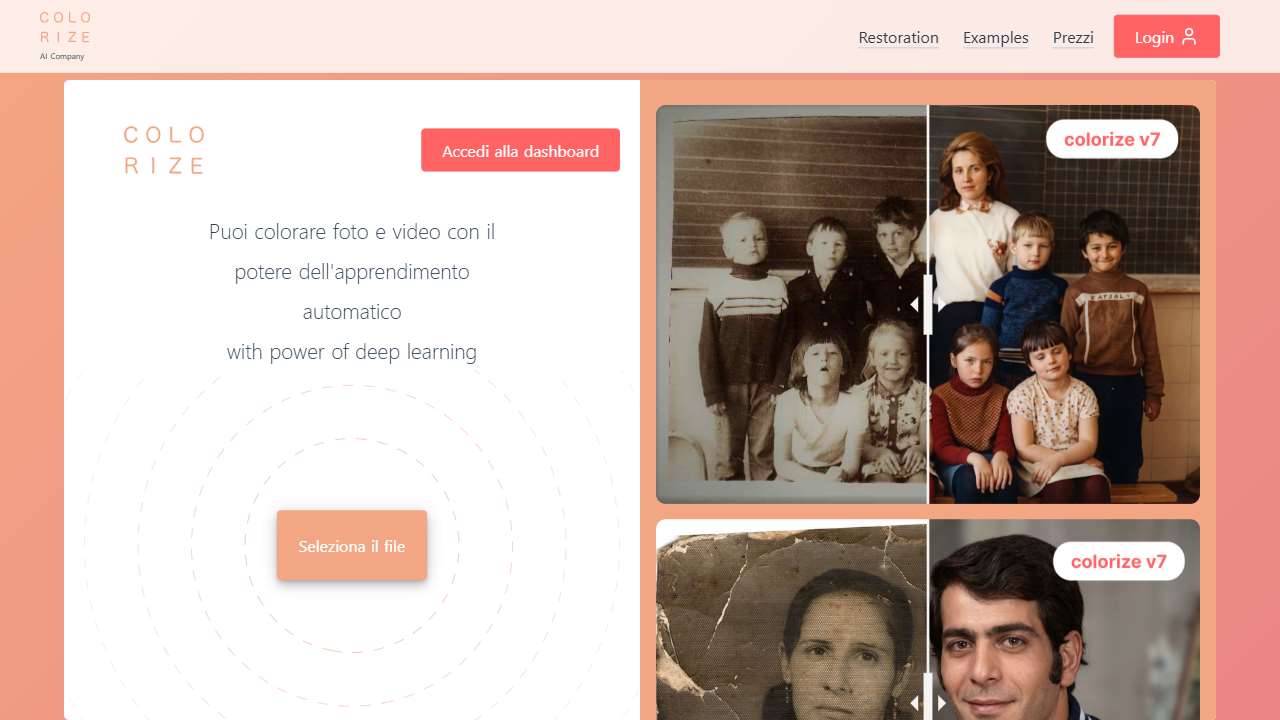
Uses AI to restore and colorize old, faded photos in the cloud.
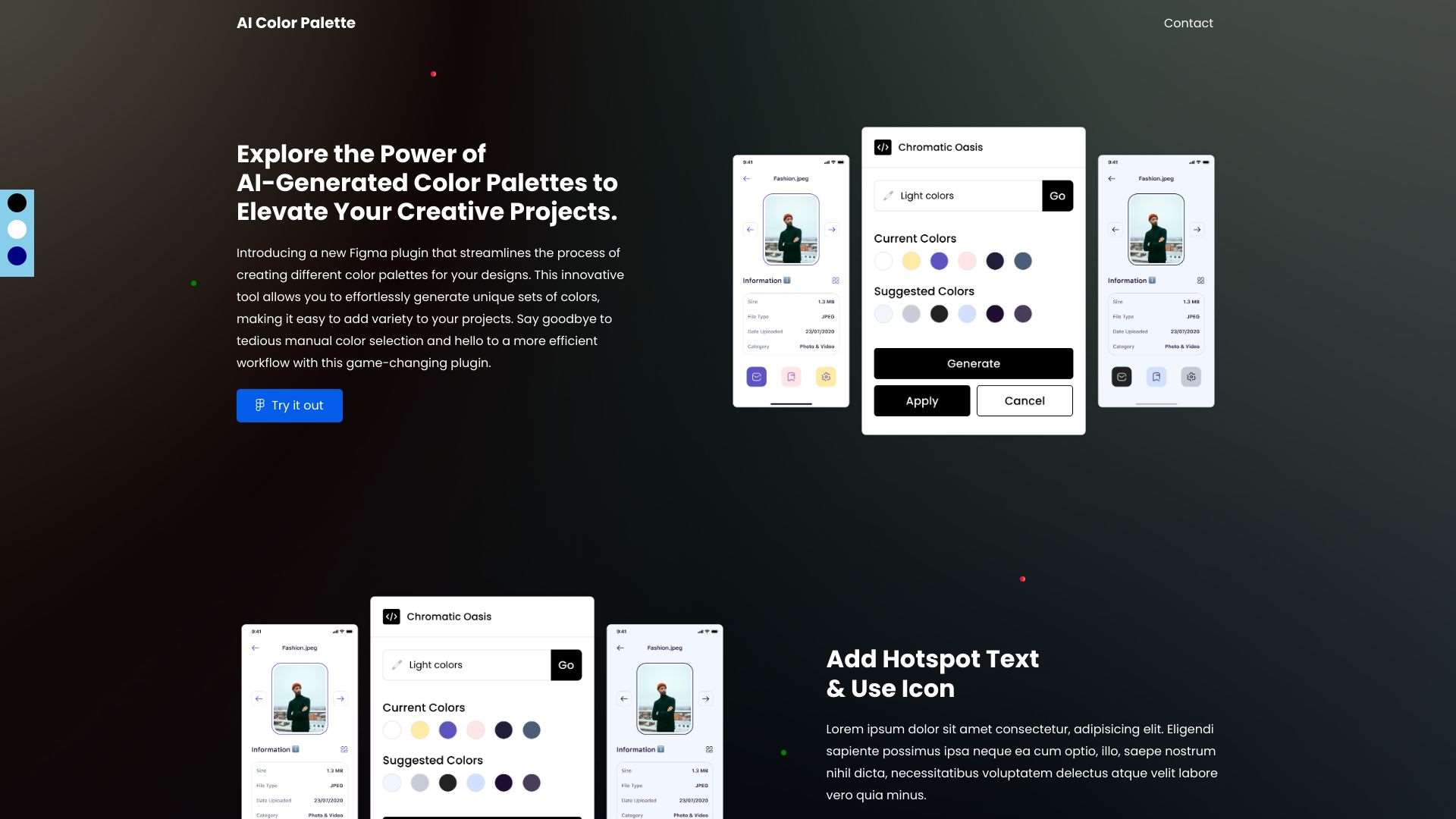
Generate stunning color schemes with AI-powered coloration.
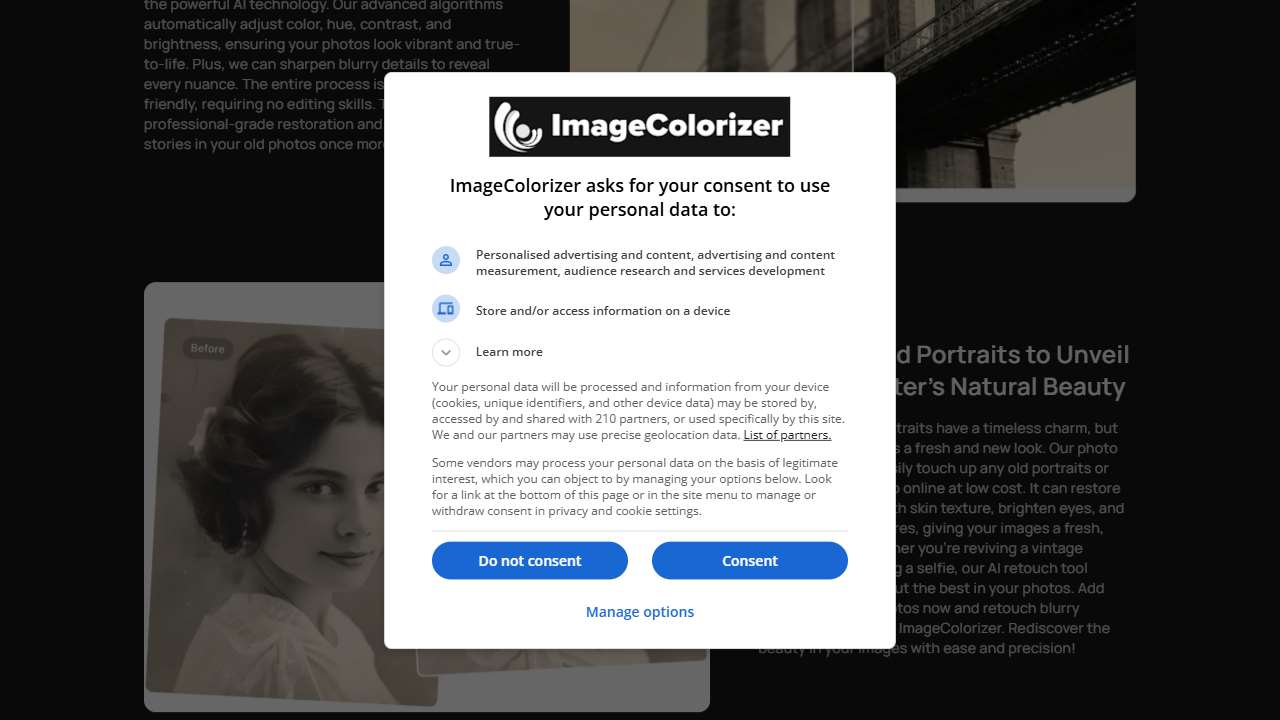
Accurately colorizes black and white photos, restoring vibrancy.
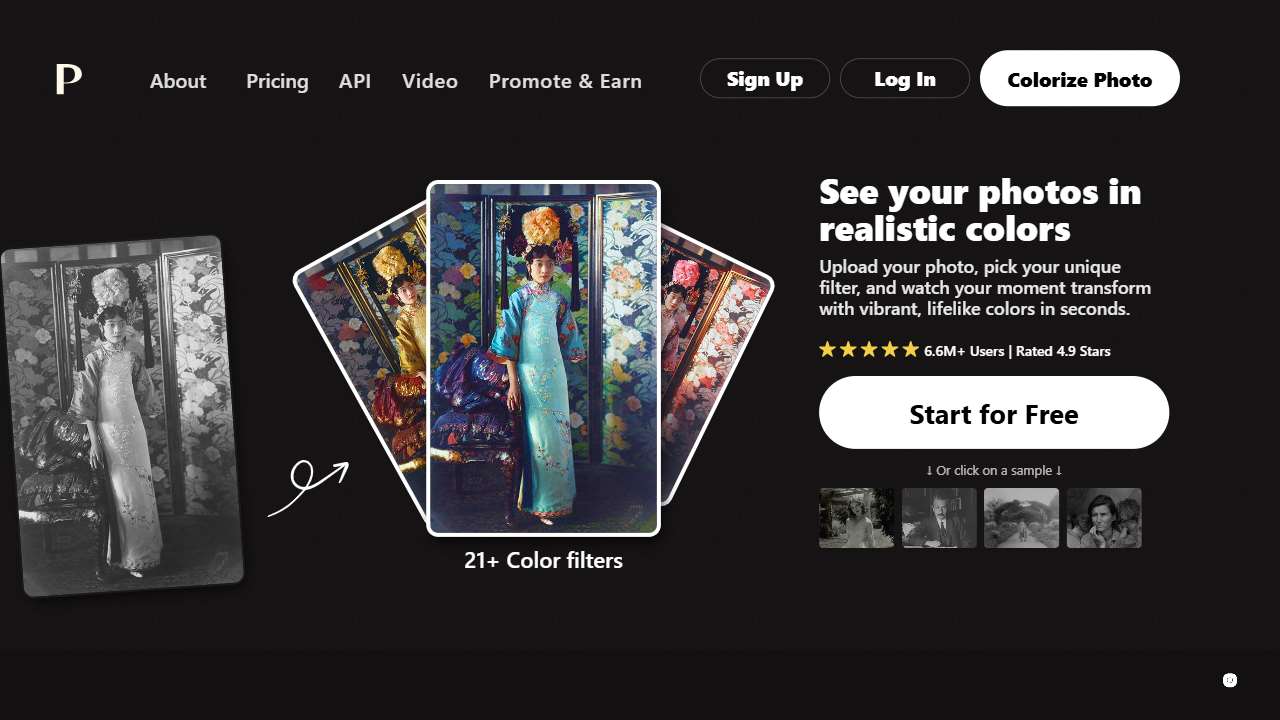
Automatically colorizes black and white images.
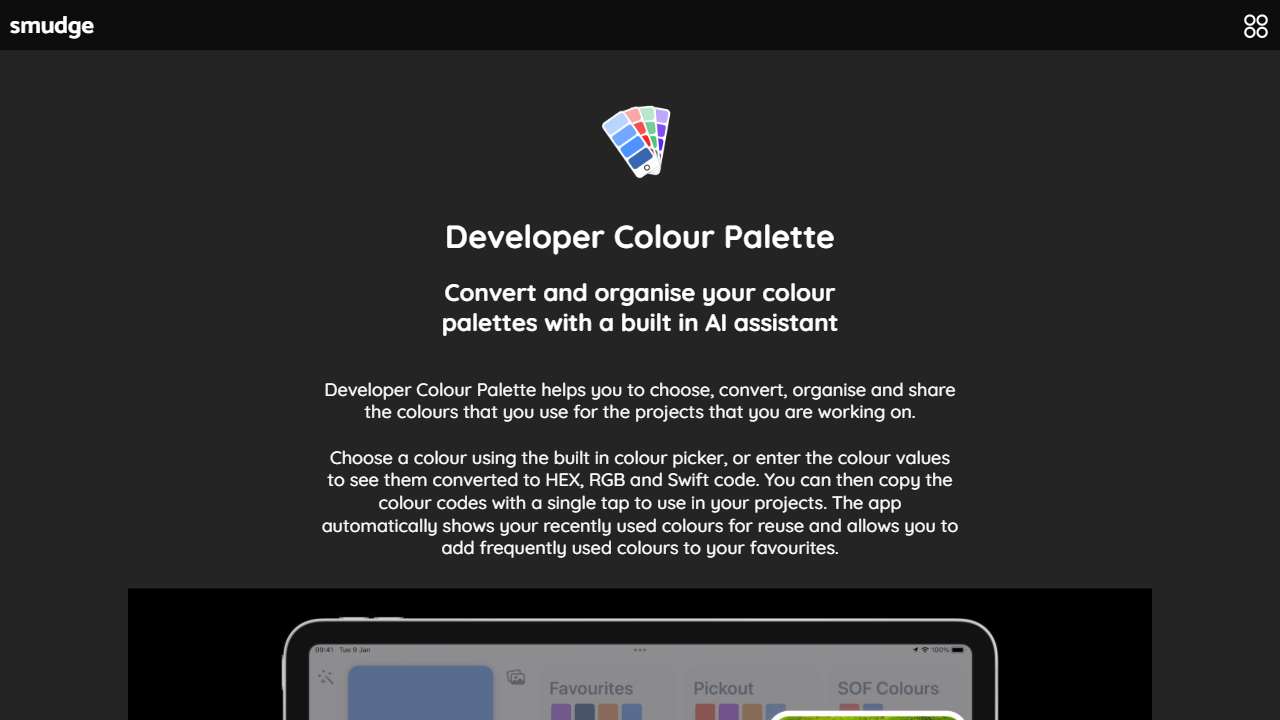
Generates color palettes based on user input, simplifying design workflows.
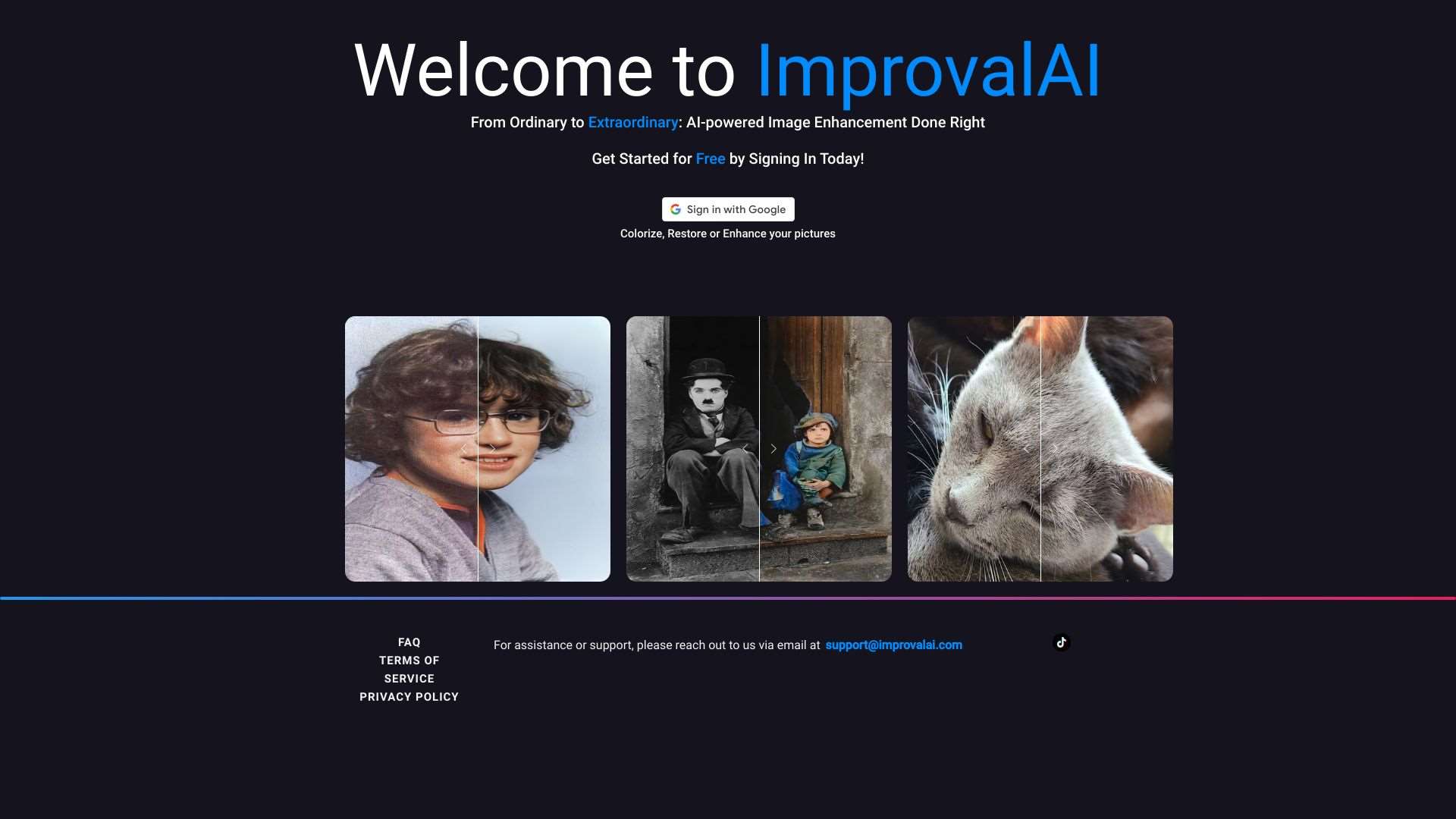
Enhance, restore, and colorize images using AI.
Choosing the Right Tool for Your Project
Not every tool is suited for every type of photo. Consider the following criteria when selecting an AI editor:
- Original Format – If you’re working with scanned film, a tool that supports raw input and advanced color profiling will preserve the nuance.
- Desired Output – Some users need a quick web preview; others require high‑resolution files for prints or restoration projects.
- Control Over Adjustment – Look for sliders or selective editing options if you want to tweak color balance without overprocessing.
- Budget – Free trials let you test performance before committing; paid models may offer more training data and features.
Start with a tool that offers a free trial or freemium version so you can experiment without risk. Always keep a copy of the original file for reference during post‑processing.
Conclusion: Keep Color Authentic, Keep the Story
AI color restoration is incredibly powerful, but its success hinges on deliberate, informed use. By understanding common pitfalls, employing techniques that respect the original color palette, and selecting tools that give you granular control, you can preserve the true mood of your photographs. Remember: the goal is to revive memories as they were felt, not as they look after a quick tweak. Happy restoring!