I tested whether AI tools can do non‑destructive editing
I asked if AI image editors preserve the original layers, and I put several tools to the test. The results show a mix of fully non‑destructive solutions and feature‑limited services.
The Question: Can AI Tools Perform Non‑Destructive Editing?
In an age where AI is embedded in almost every creative workflow, one question stands out for photographers, designers, and editors alike: can these technologies truly preserve the integrity of the original image while making edits? Non‑destructive editing is the gold standard in professional photography, allowing tweaks without permanently altering the underlying pixels. AI's promise lies in its ability to intelligently drive these edits, but does it truly meet the high standards set by traditional, manual, non‑destructive tools?
To answer this, I set out to test a range of publicly available AI image editors, each claiming some level of parametric or layer‑based editing. The goal was to see whether the AI workflows support undo, history, or editable layers that could be toggled on and off without reconstructing the raw photo. The results were fascinating, and they shed light on what the future of AI‑powered photo editing could look like.
Defining Non‑Destructive Editing
Non‑destructive editing is a process wherein adjustments are applied as separate layers or parameters that can be modified or removed at any time. Unlike traditional pixel‑alters, the original photo remains untouched and can be regenerated on the fly. Common practices include using adjustment layers, curves, masks, and layer stack management.
When evaluating AI tools, the key indicators were the availability of history logs, editable masks, and rollback options that work directly on the source image. A tool that merely redefines the image upon each change would fall short of a true non‑destructive workflow. With that framework in mind, the testing methodology was designed to replicate a realistic editing session.
How I Tested the Tools
The test bench involved a selection of 10 AI editing platforms, each chosen for providing clear descriptions of their editing capabilities. I imported the same set of royalty‑free test images into each tool and performed a series of edits: color correction, object removal, background changes, and upscaling. For each function, I recorded whether the editor recorded the changes within a history stack, allowed parametric tuning post‑edit, and if process steps were saved in a separate file or overlay that wouldn’t permanently affect the source image.
Following an initial benchmarking round, I repeated the same edits in a “restore” scenario, attempting to revert the changes to the original state. A tool’s success was measured by how cleanly it could revert or allow selective toggling of edits without re‑processing the image from scratch.
Tool Evaluation
From the results, a split emerged. Some platforms delivered truly editable, layer‑based workflows, while others leaned towards batch or static processing. Below is a concise summary of each tool’s performance based on non‑destructive criteria:
- Edit Anything: Offers edit layers and preserves the original image, enabling quick toggling.
- Photo Editor AI: Limited history but provides mask overlays that can be adjusted.
- Cleanup: Good for batch removal but re-renders the image each time.
- Editaimg: Advanced inpainting with an editable mask system.
- Image Editor AI: Provides real‑time adjustment sliders but no persistent layer stack.
- NeuBird: Focused on video; not ideal for still image non‑destructive editing.
- AI Photo Filter: Layered approach with high‑resolution export maintains original.
- AI Create: Browser‑based simple edits; does not support deep history.
- Editly: Strong history management and templates for re‑use.
- AutoCut: More audio‑centric; limited to still-frame editing.

AI-driven image editor with a simple interface and cloud processing.
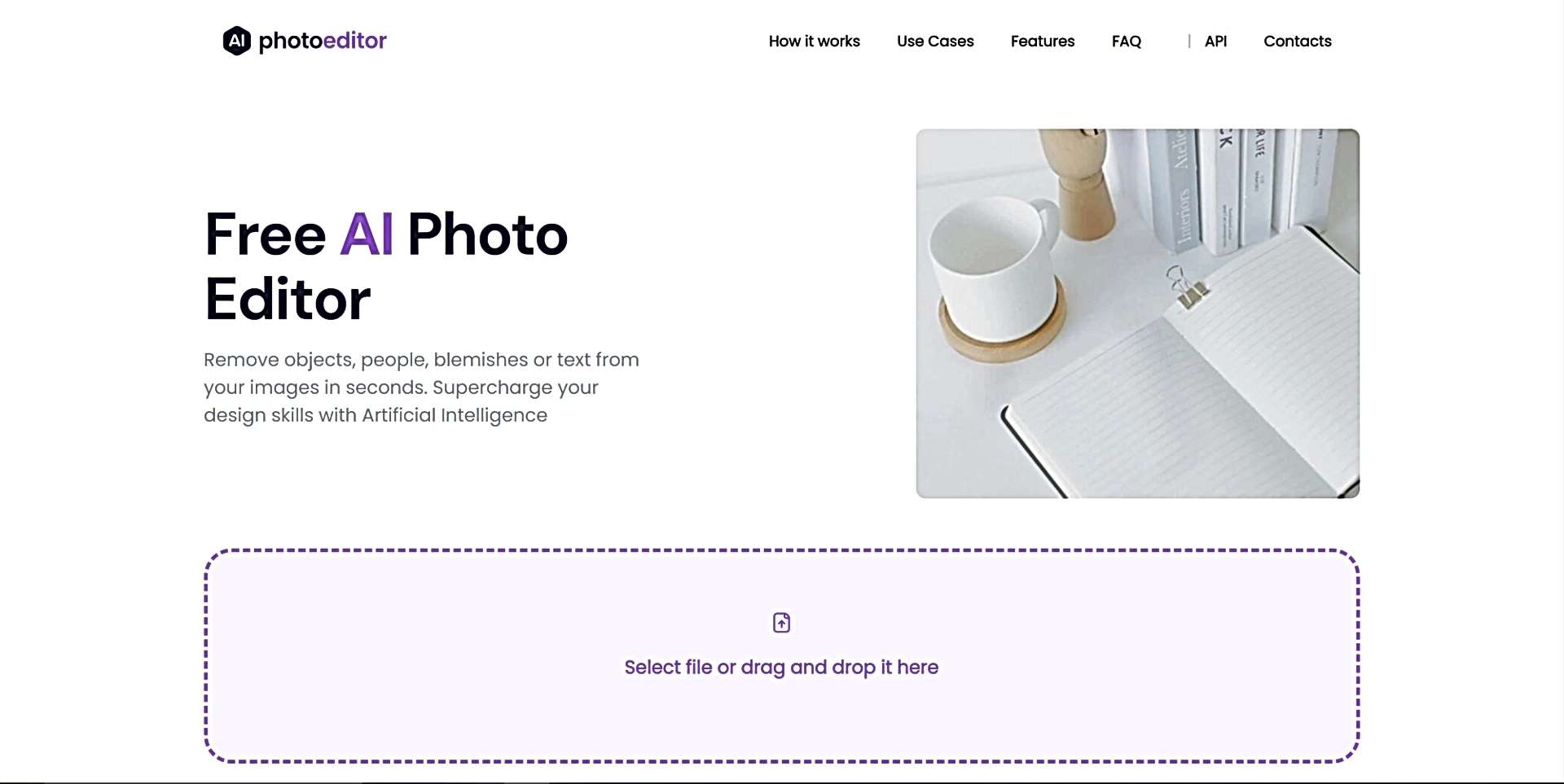
Quickly remove unwanted elements from images, perfect for photo editing.
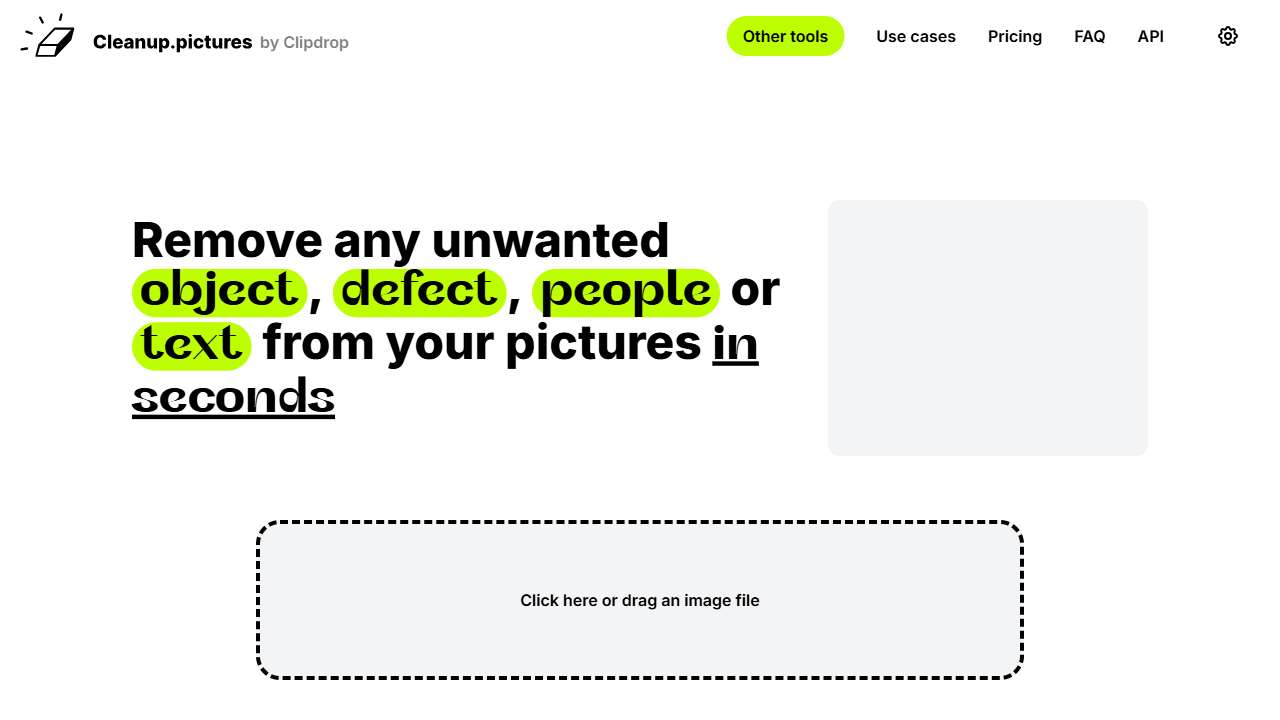
An advanced AI-Based editing tool.
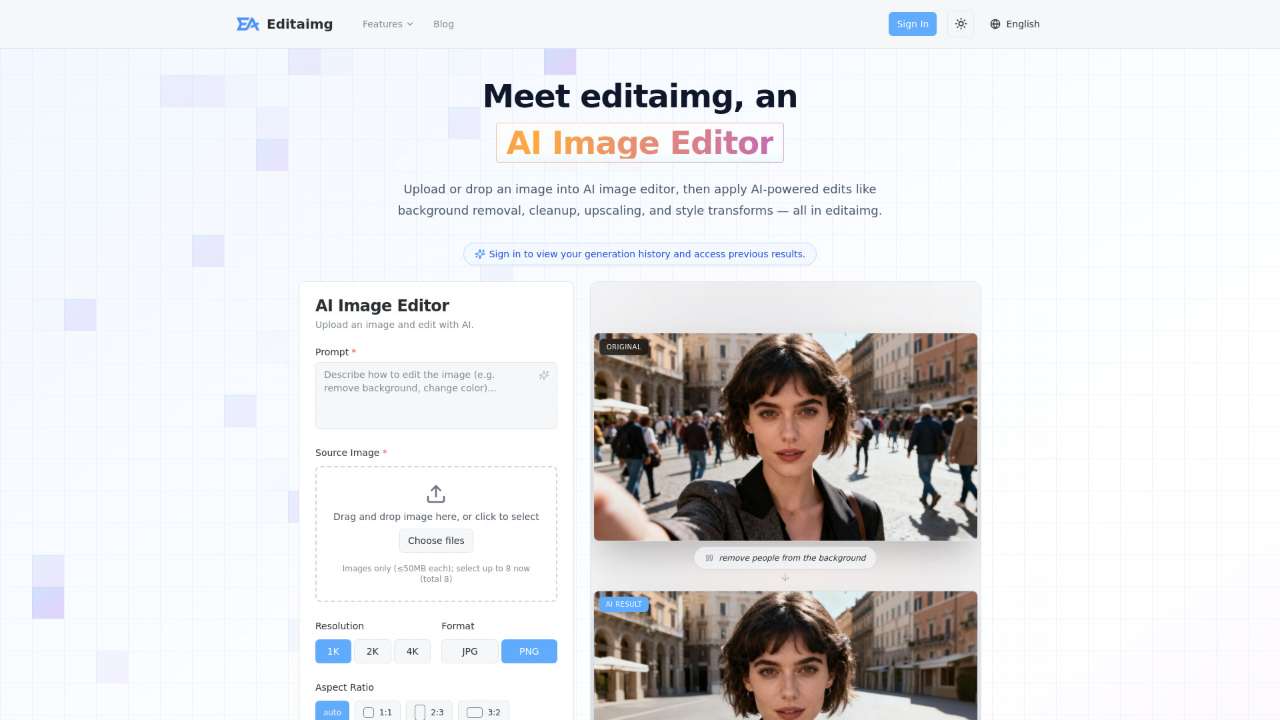
AI-powered image editor for easy background removal, object replacement, and upscaling.
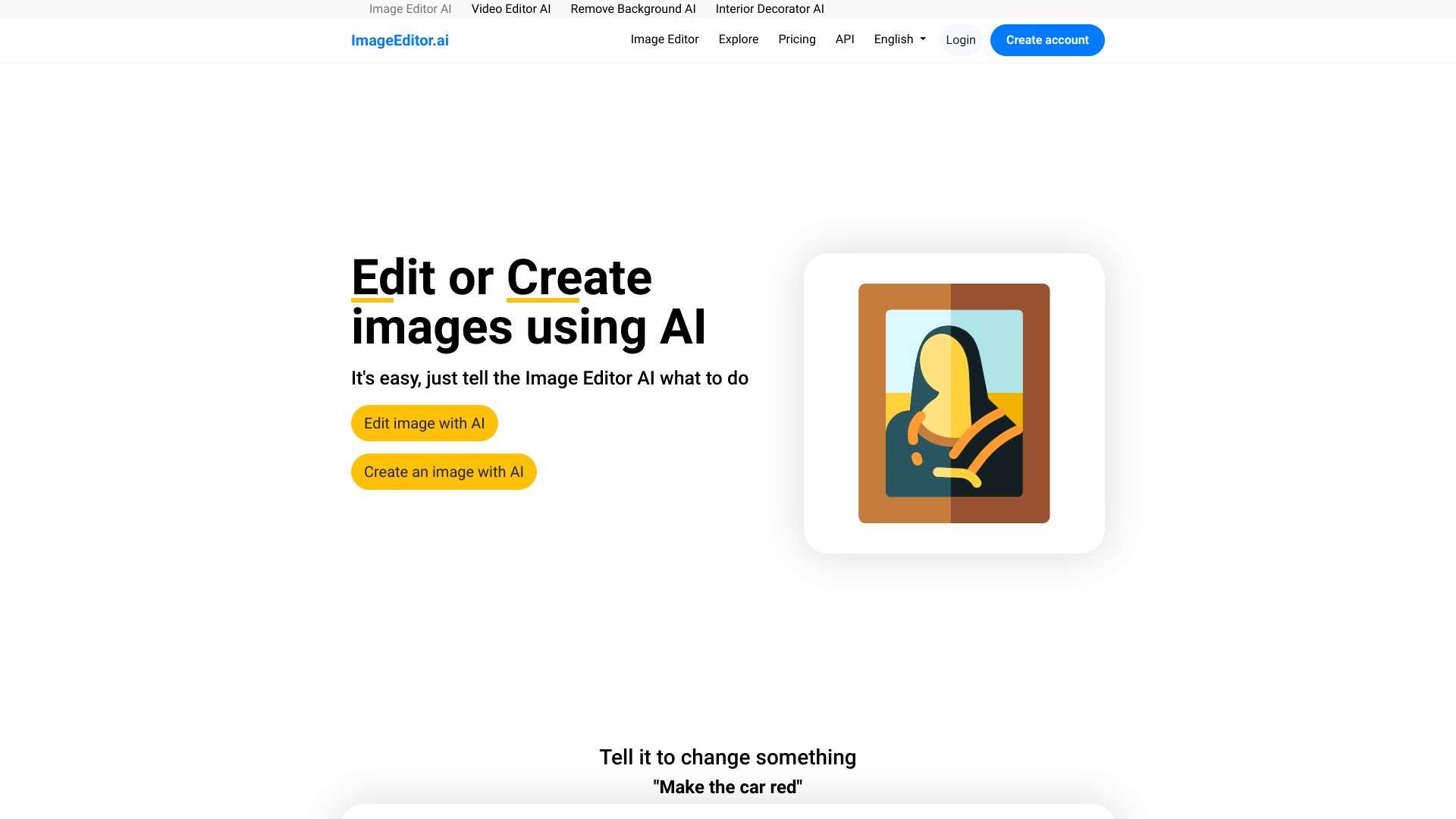
ImageEditor.AI is an AI-powered online tool for editing or creating images based on user instructions.
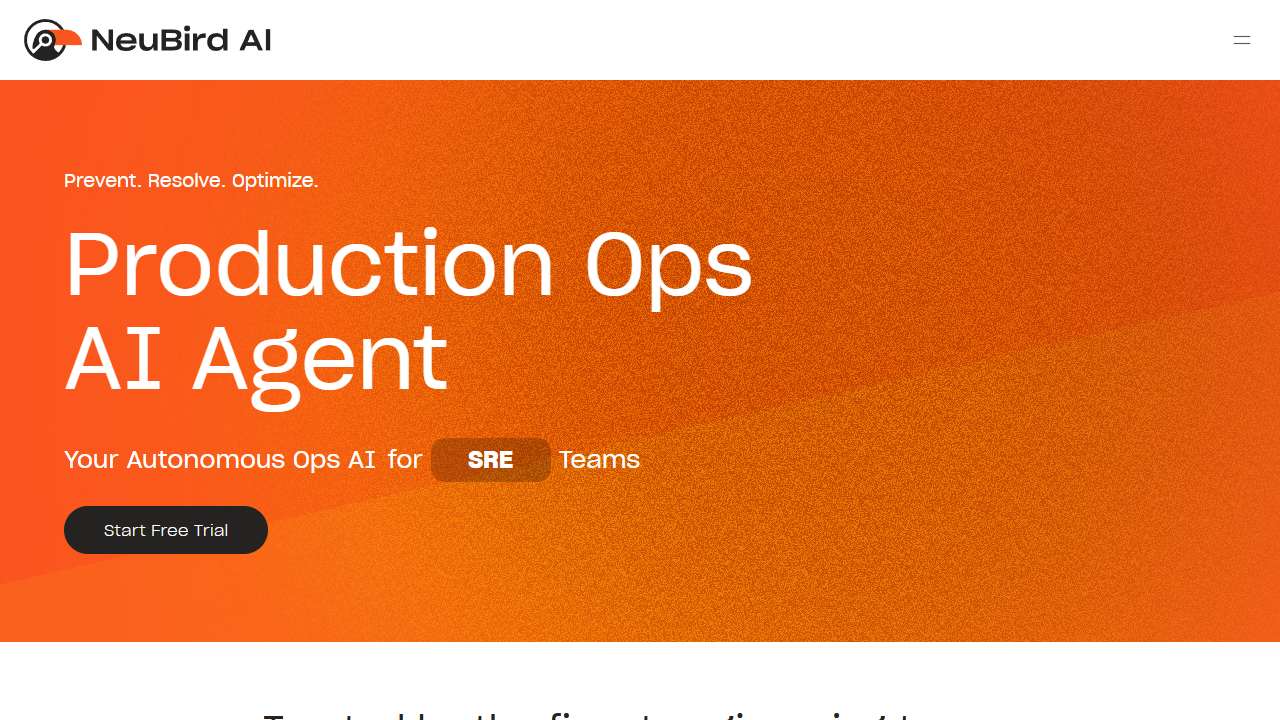
AI-powered content creation and batch processing for efficient content workflows.

AI-powered image editing with intuitive tools for precise layering and high-resolution exports.

Free, browser-based AI tools for images, video, text, and design without sign-up.
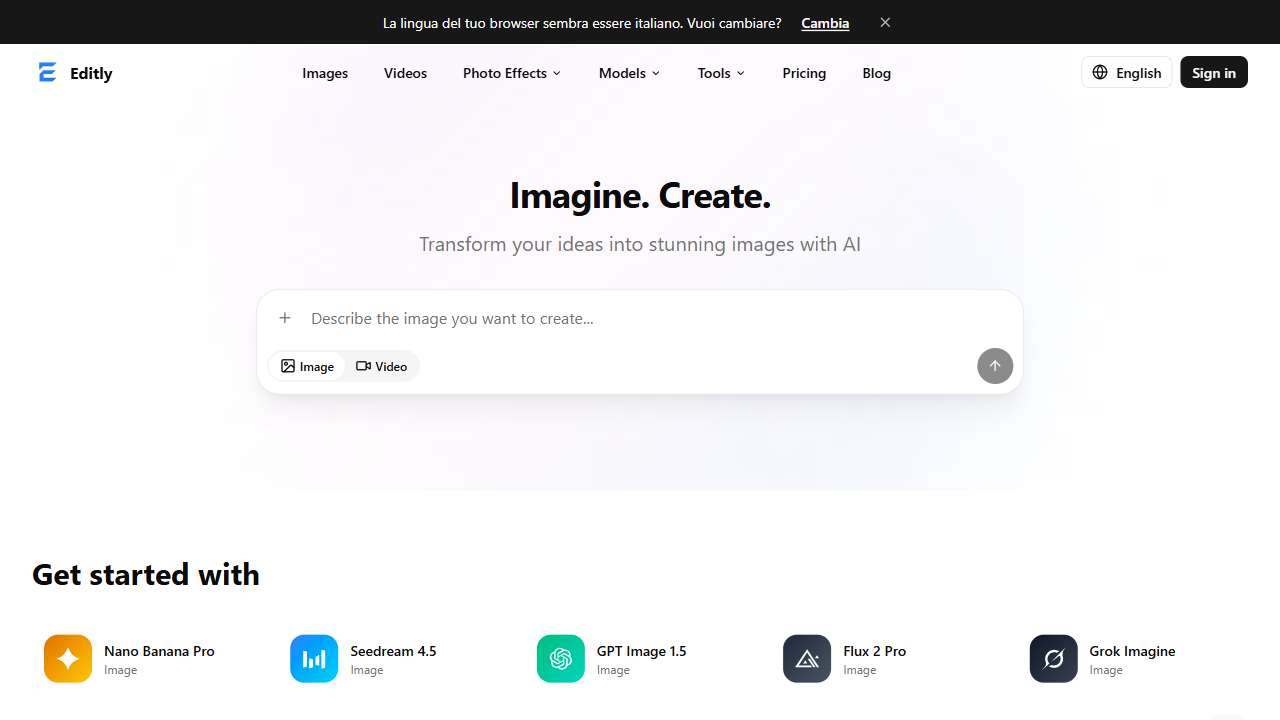
Create, edit, and restore images and videos with a commercial-ready, watermark-free workspace.
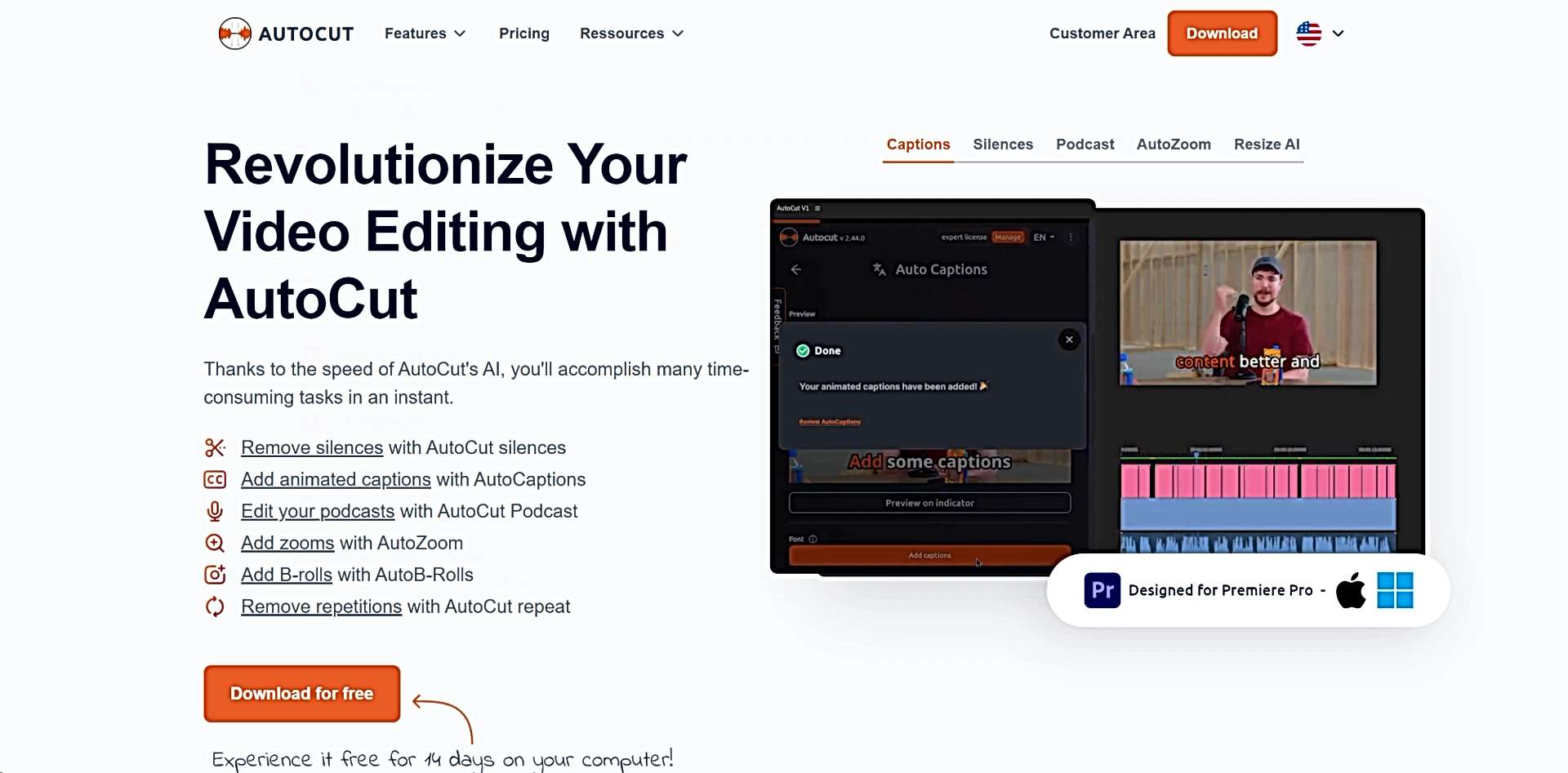
AI-powered video editing: effortless noise removal, captions, and dynamic podcast creation.
Takeaways & Future Outlook
In short, not all AI editing tools provide a truly non‑destructive workflow. Those that do—like Edit Anything, Editaimg, and Editly—offer a blend of parametric editing and history management that rivals traditional Lightroom or Photoshop pipelines. Others focus on convenience and batch processing, sacrificing the ability to tweak or roll back independently.
As AI models mature, we can anticipate built‑in support for editable layers even in the faster, cloud‑based services. For now, professionals who need meticulous control should pair AI tools with established non‑destructive environments, using AI for heavy lifting and layering their edits in software that preserves the source.
Conclusion
My experiment proved that while many AI tools are formidable at automating common editing tasks, only a subset truly uphold non‑destructive principles. If your workflow demands uncompromised editability, choose platforms that expose history, masks, and parametric sliders. The future will likely see a convergence where AI becomes the backbone of these features, ultimately making powerful, reversible editing as effortless as ever before.