I trained an AI model on my brand's visual identity in 3 steps
Yes, you can train your own AI model to reflect your brand’s visual identity. Platforms like Exactly.ai let you curate a custom dataset of logos, colors, and imagery, then fine‑tune Stable Diffusion or Dreambooth to generate brand‑aligned content.
Can I Train an AI Model on My Brand’s Visual Identity?
Yes, you can. With the explosion of consumer‑grade AI platforms, training a model custom‑tailored to your brand’s look and feel is now accessible to designers, marketers, and even non‑technical creators. The process is streamlined into three core steps: define the visual language, curate a training dataset, and fine‑tune a generative model. By following this roadmap you’ll ensure that the AI produces consistent, on‑brand visuals at scale, whether you’re designing logos, generating product photography, or creating immersive brand experiences.
Step 1: Define Your Brand’s Visual Language
Before you feed any data to a model, you must articulate the cornerstone visual elements that make your brand unique. This includes logo proportions, color palettes, typography, imagery style, and the mood you want to convey with every touchpoint.
Publish a brand style guide that lists hex colors, Pantone references, font weights, and asset use‑case examples. Gather existing brand assets—think logos, promotional graphics, packaging photos—and annotate them where necessary. By providing a clear, rule‑based framework, you help the AI learn faster and avoid drift toward unrelated aesthetics.
Common Visual Anchors to Capture
- Primary vs. secondary color palettes
- Logo layout guidelines (horizontal vs. stacked)
- Image composition rules (rule of thirds, negative space)
- Lighting and color grading references
Step 2: Curate a High‑Quality Training Dataset
Quality data beats quantity. Collect samples that illustrate every visual rule you defined. For logos, gather several iterations across different backgrounds. For product imagery, assemble consistent lighting, angles, and packaging layouts.
Annotate the dataset where needed—label brand marks, tag core colors, or describe composition in text. Some platforms support automatic metadata extraction, but human oversight reduces noise and ensures that the model truly learns your brand’s character.
Best Practices for Dataset Assembly
- Include 200–500 well‑curated images for robust learning.
- Maintain orthographic consistency; avoid mixed‑style samples.
- Use at least 10–15 negative samples to teach the model what not to generate.
- Periodically audit the dataset to drop outliers.
Step 3: Fine‑Tune the AI Model and Iterate
Once your dataset is ready, choose an AI platform that supports training or “DreamBooth”‑style fine‑tuning. Upload your images, configure training hyperparameters (learning rate, epochs), and launch the training job. Most modern tools provide a sandboxed environment where you can preview outputs before going live.
After the initial training cycle, evaluate the model’s output, tweak your dataset or hyperparameters, and re‑train. This iterative loop is essential to lock the model’s headline style while allowing it flexibility for new concepts.
Model Validation Tips
- Run a test set not used in training.
- Compare outputs against your visual guidelines.
- Collect user or stakeholder feedback on AI‑generated assets.
- Schedule periodic re‑training every 3–6 months to stay aligned.
Key Considerations Before You Begin
Training a brand‑specific model isn’t instant. It requires time, technical knowledge, and a strategy for scaling. Consider the following questions before you embark: How many assets do you have to justify training? Will you need GPU resources, or can you rely on a cloud‑based solution? What level of brand fidelity do you demand versus rapid prototyping? Answering these will determine whether a DIY platform or a professional agency fits your needs.
Budget is another critical factor. While many platforms offer free trials, full production access often falls to paid tiers. Evaluate the ROI of brand‑consistent AI versus manual design workflows when making this decision.
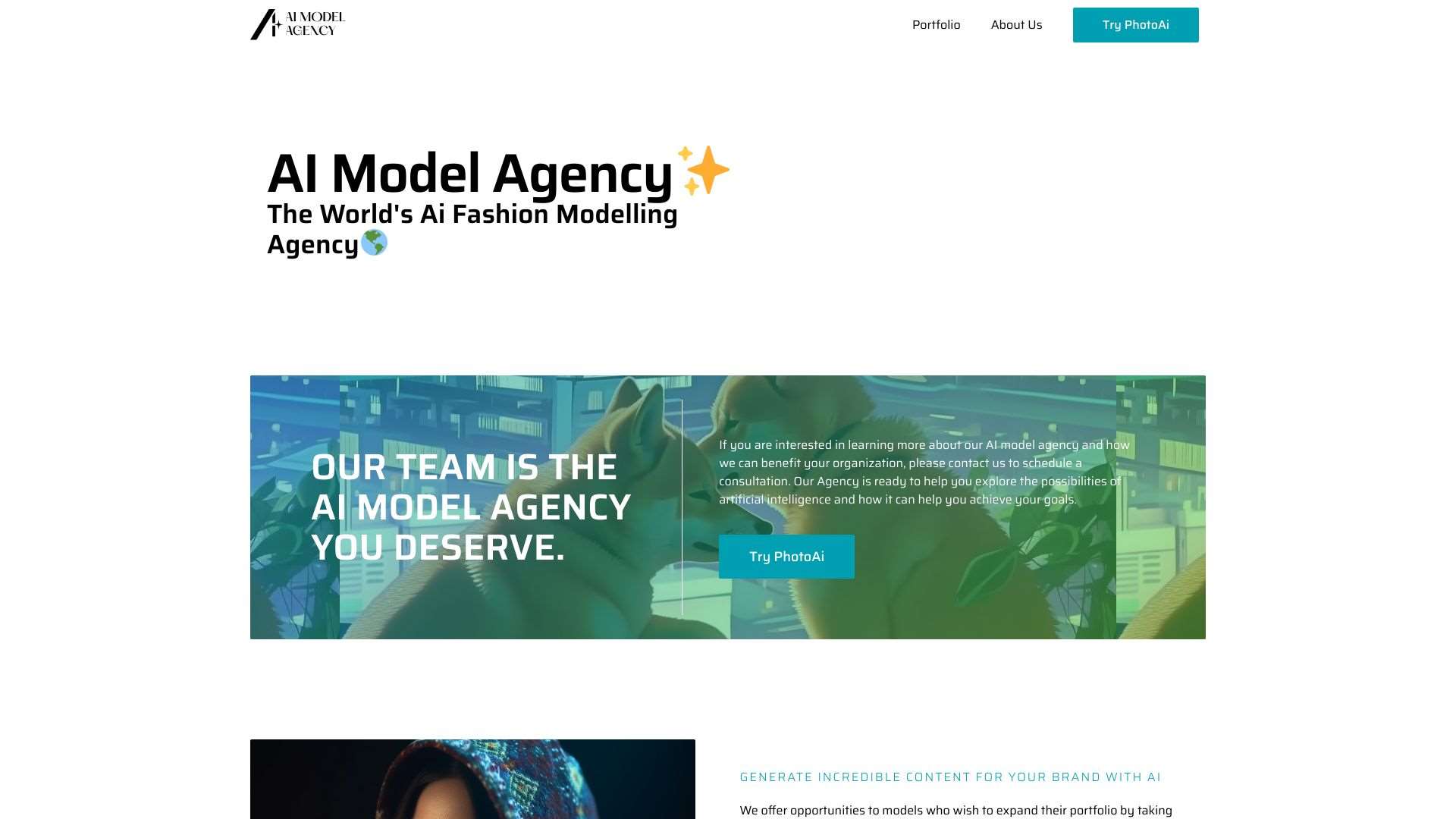
AI Model Agency creates AI models for fashion brands using advanced AI technology.
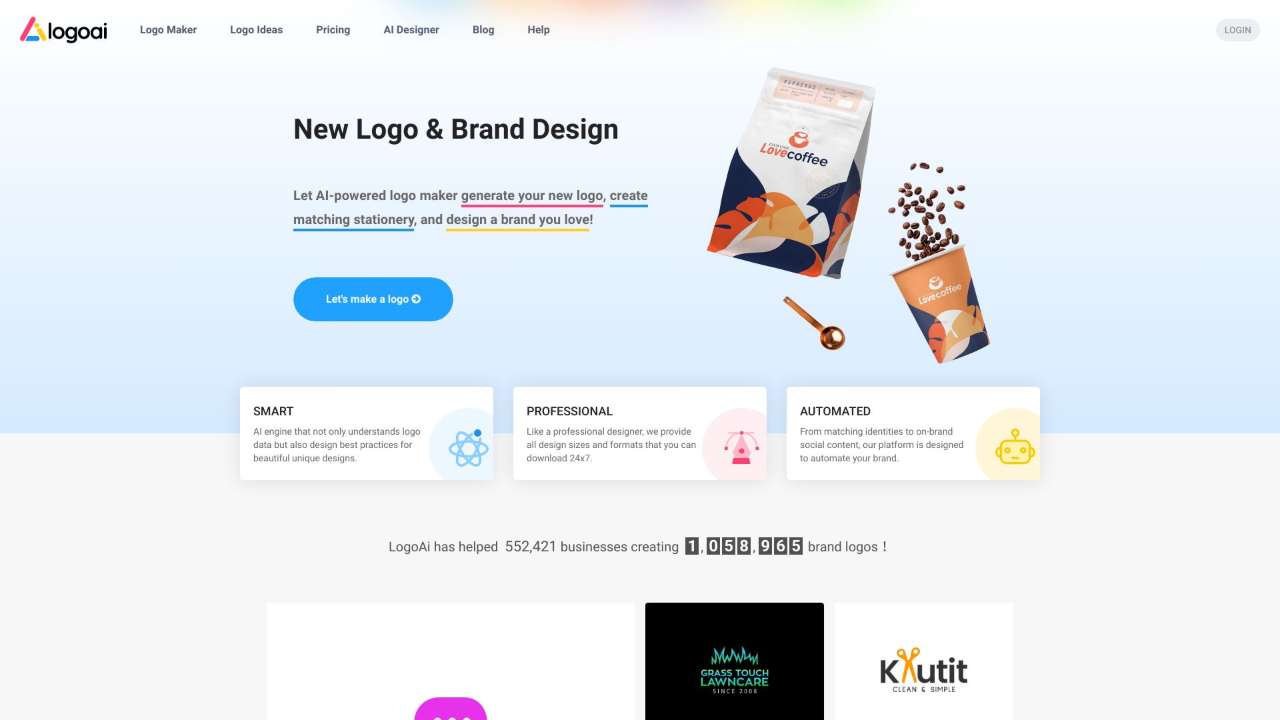
Create a new logo and brand identity.
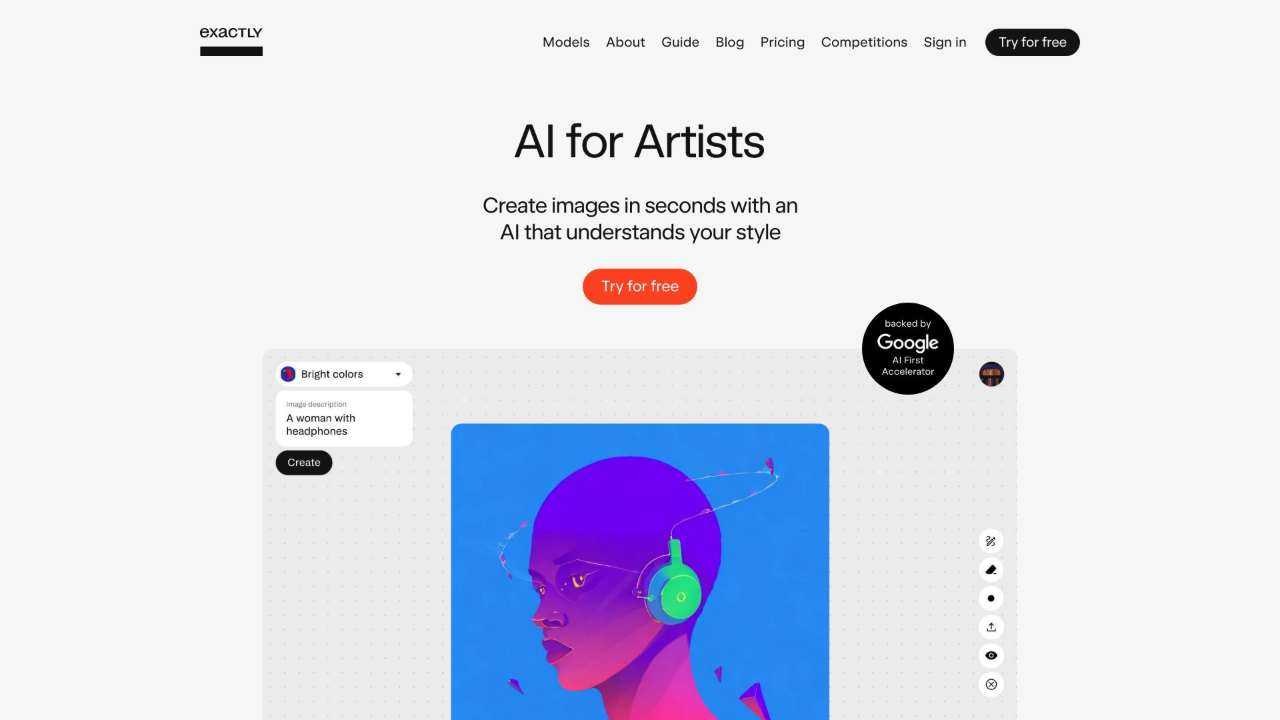
Platform to train AI models for generating brand‑ready visuals at scale.
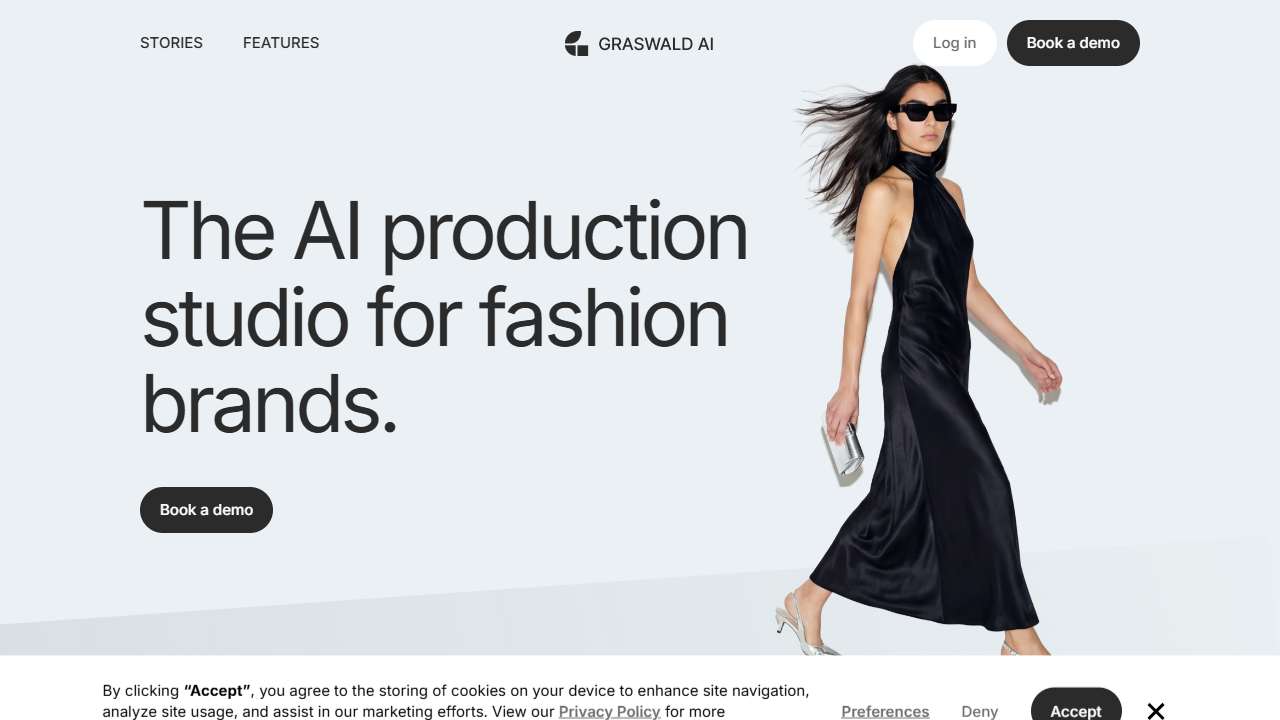
Create professional, on‑brand fashion product photos quickly, without needing a photoshoot.
Latent Labs: Design platform for logo and 3D model creation.
.jpg)
Train your own Stable Diffusion models for Dreambooth, no GPU or ML experience needed.
Automated logo design tool for businesses, creating unique logos without design expertise.
Create a professional logo using AI-powered design tools.
Create professional logos easily with Logo Diffusion's intuitive design platform and extensive image library.
BrandCrowd: Create professional logos easily with customizable templates and fonts.
Conclusion: Empower Your Brand with AI‑Generated Creativity
Training a model on your brand’s visual identity unlocks limitless creative freedom while maintaining consistency. By clearly defining your style, curating a thoughtful dataset, and iteratively fine‑tuning the AI, you can generate logos, product shots, and marketing assets that reinforce your brand story at an unprecedented pace. Explore the tools above, pick the one that fits your workflow and budget, and watch your brand identity evolve from static design to intelligent, on‑demand visual storytelling.