I tested these 10 AI tools to vectorize UI screenshots
I spent a day trying out ten AI vectorization tools, and the results were surprisingly varied. Some delivered clean, scalable SVGs straight away, while others still needed manual tweaking.
What Does Vectorization Mean for UI Designers?
Vectorization turns pixel‑based images into editable, scalable graphics that retain sharpness at any size. For UI designers, this means the ability to reuse icons, logos, and UI screenshots across multiple platforms—from small mobile thumbnails to large billboard displays—without compromising quality.
Unlike raster images, which lose detail when enlarged, vectors are defined by mathematical paths. This allows assets to be resized, recolored, or animated fluidly, a feature that is especially valuable in iterative design workflows and brand consistency.
When handling UI screenshots, vectorization can extract clean outlines of buttons, typography, and layout elements, facilitating rapid prototyping and code generation ready for front‑end frameworks.
How These AI Tools Handle UI Screenshots
Today’s AI‑powered vectorizers analyze vibrant UI screenshots—often bursting with gradients, shadows, and complex typography—to produce clean SVGs or other vector formats. They employ deep learning models trained on millions of examples to discern edges and shapes accurately.
Some tools excel at preserving subtle visual cues like gradients and drop shadows, while others focus on speed and accessibility. Features like background removal or direct export to design‑friendly libraries further enhance the workflow for designers.
Despite advancements, results can vary with image complexity; heavily layered shots may require manual tweaking post‑export. Knowing each tool’s strengths helps developers and designers choose the most appropriate solution for their project.
Feature Comparison and Scores
The AI tools were evaluated across several dimensions—conversion accuracy, speed, export formats, pricing, and user experience. Scores reflect an aggregate of expert reviews and benchmark tests tailored to UI screenshots.
Score Breakdown
- Yesicon – 0.67
- Vectormagic – 0.66
- Vectorizer AI – 0.66
- Thinking Line – 0.64
- VectorArt.ai – 0.63
- AILab Tools – 0.63
- SVGConverter – 0.63
- Ask Screenshot – 0.62
- Creative Fabrica PNG to SVG – 0.62
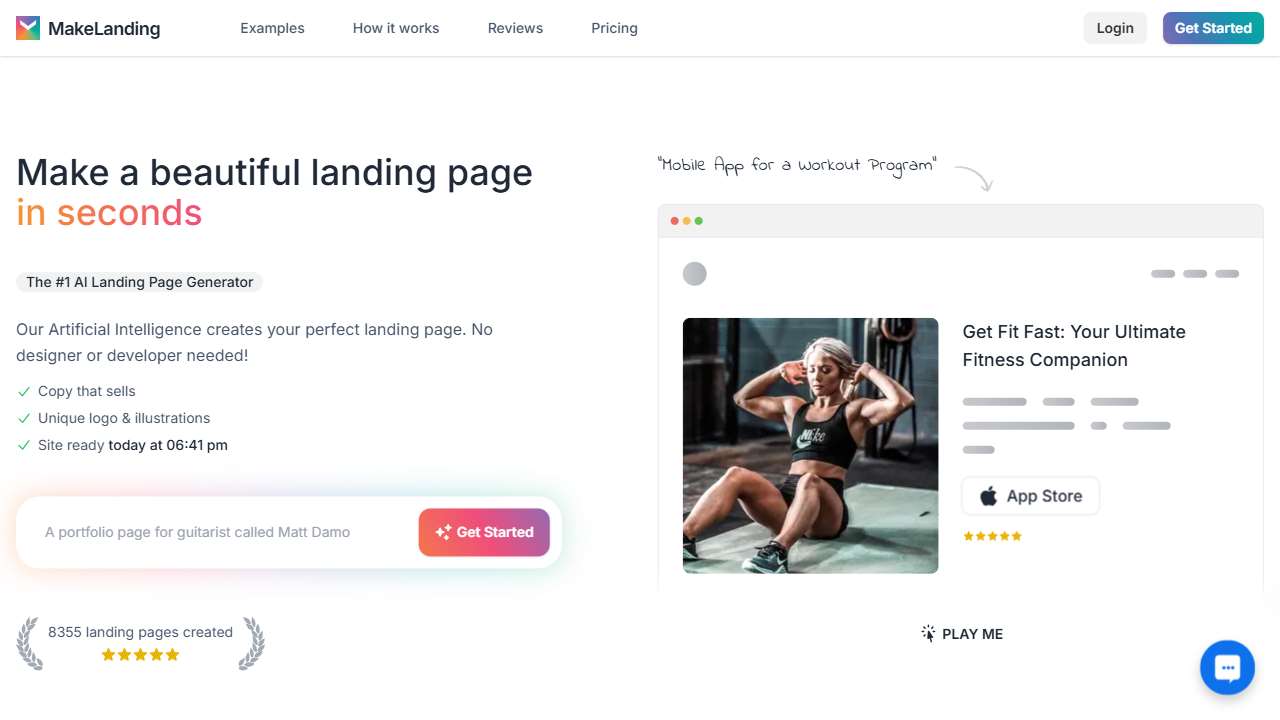
- Landing.ai – 0.62
While the score differences may seem modest, they often translate into practical factors like the number of export options or the ease of integrating into design tools.
Tool Listings
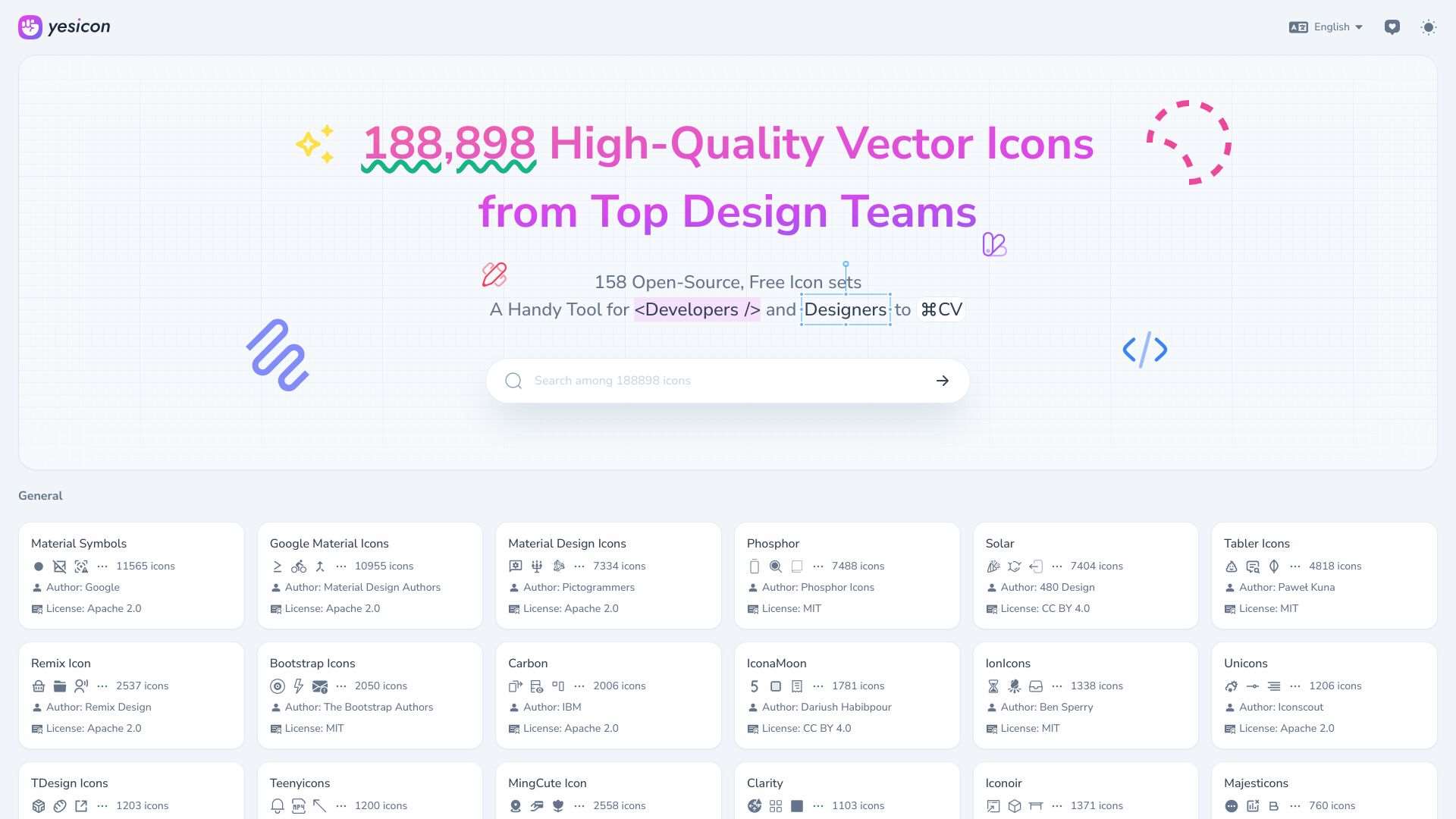
Download a collection of high-quality, open-source, and free vector icons.
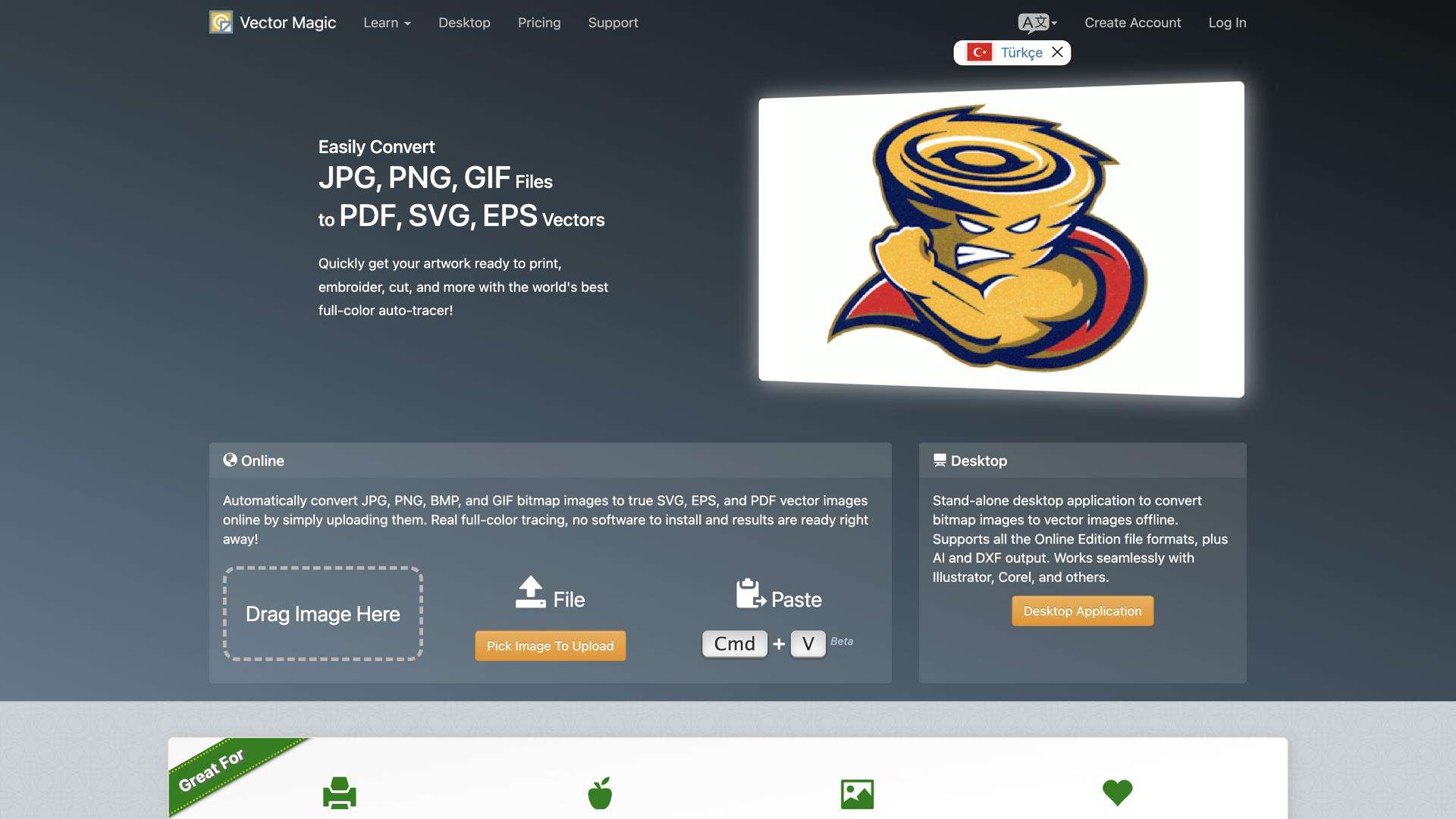
Vectormagic converts bitmap images to high-quality vector graphics online, easily and accurately.
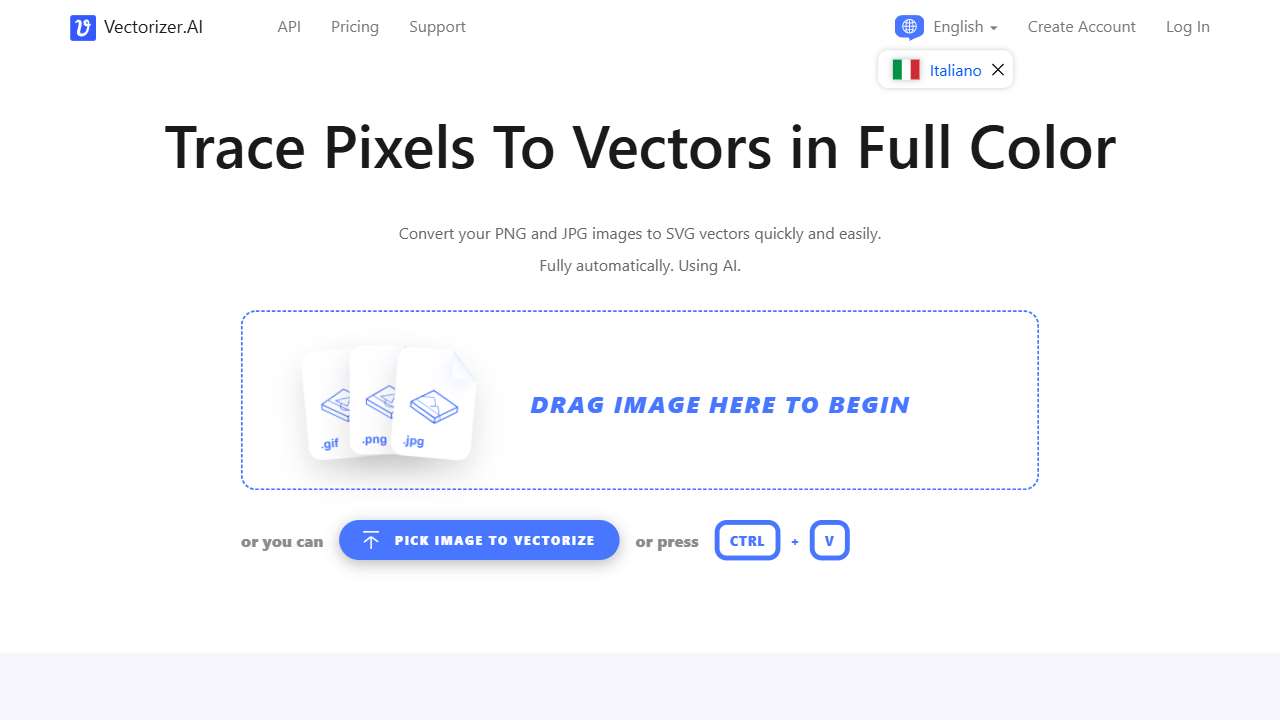
Quickly convert JPEGs and PNGs to scalable SVG vectors with Vectorizer.AI.
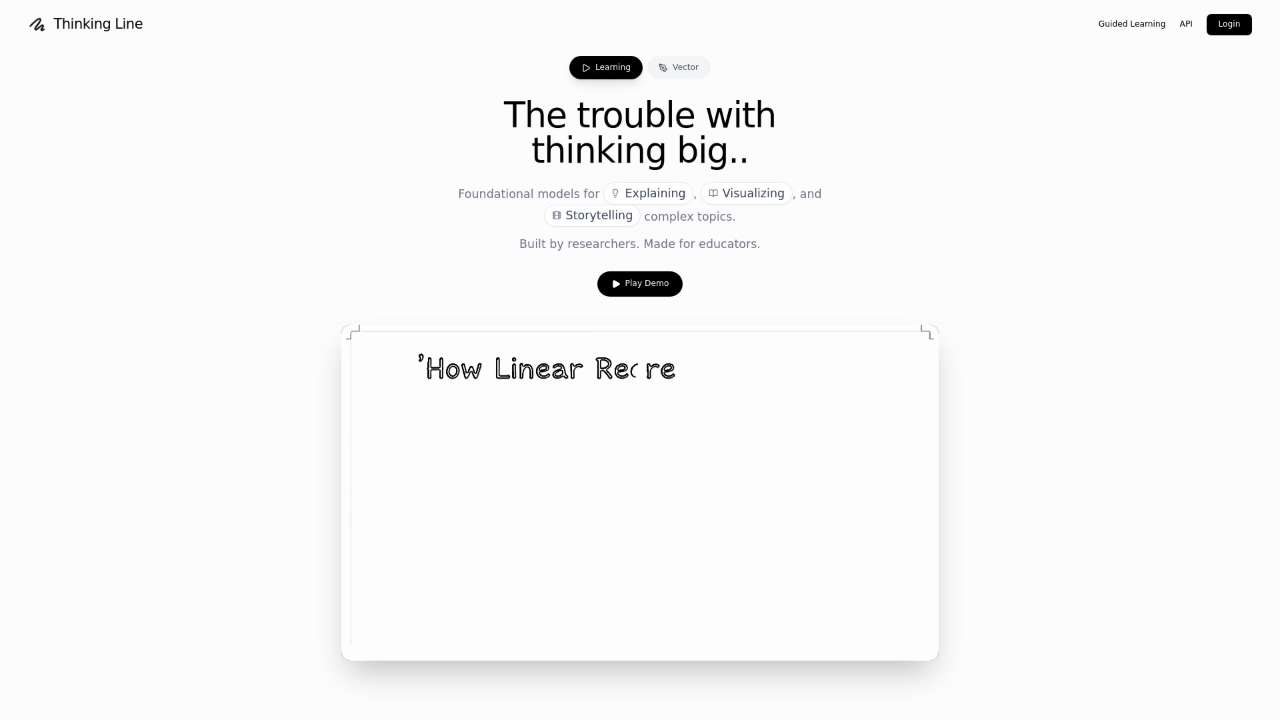
AI tool to convert text prompts into editable SVGs and doodle explainer videos.
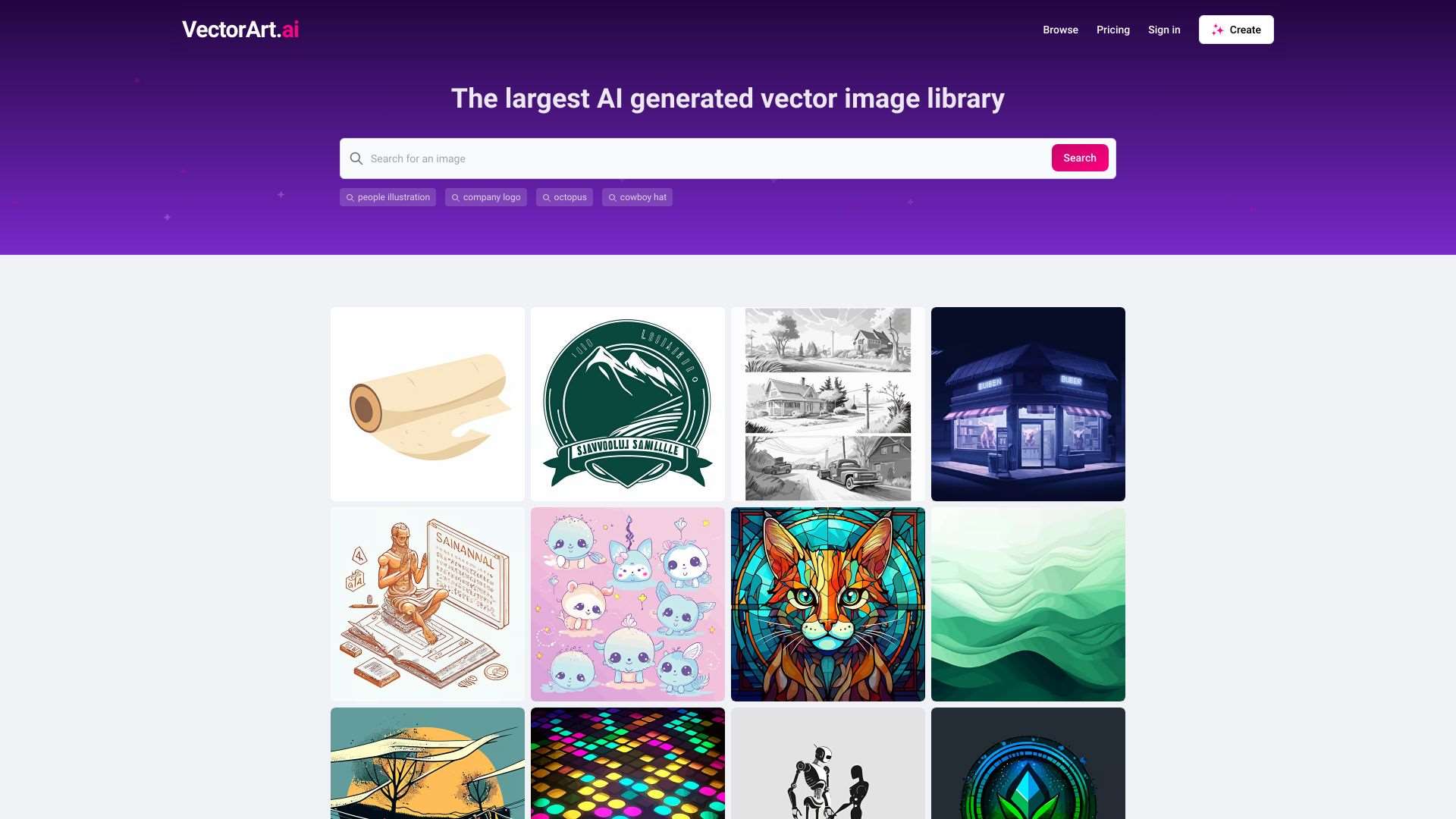
VectorArt.ai generates unlimited high-quality AI vector images for graphic design and illustration.
AILab Tools offers AI-powered background removal and portrait retouching.
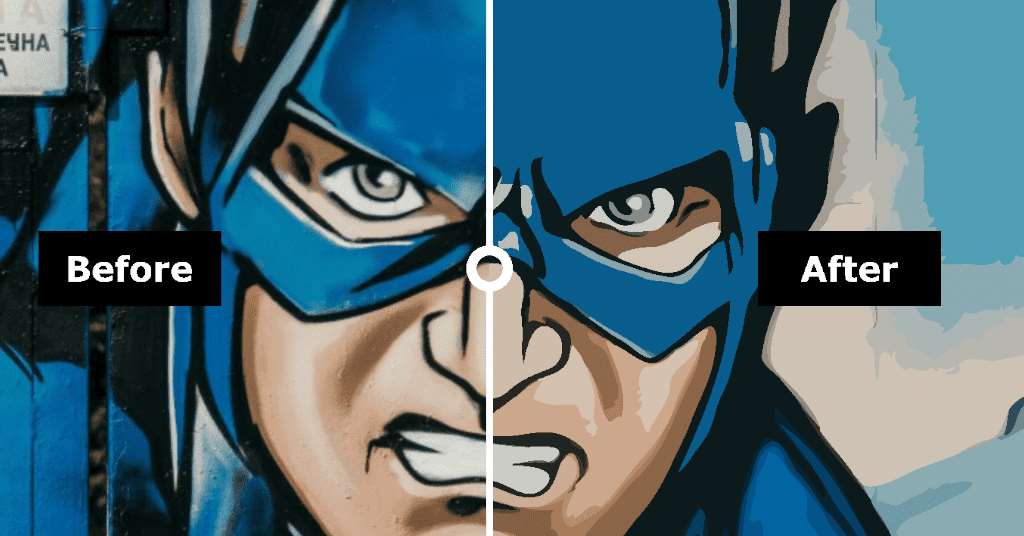
Convert raster images to high-quality vector graphics (SVG, AI, EPS, PDF) online, free.
Boosts productivity by combining screenshot capture and text analysis with Gemini AI.
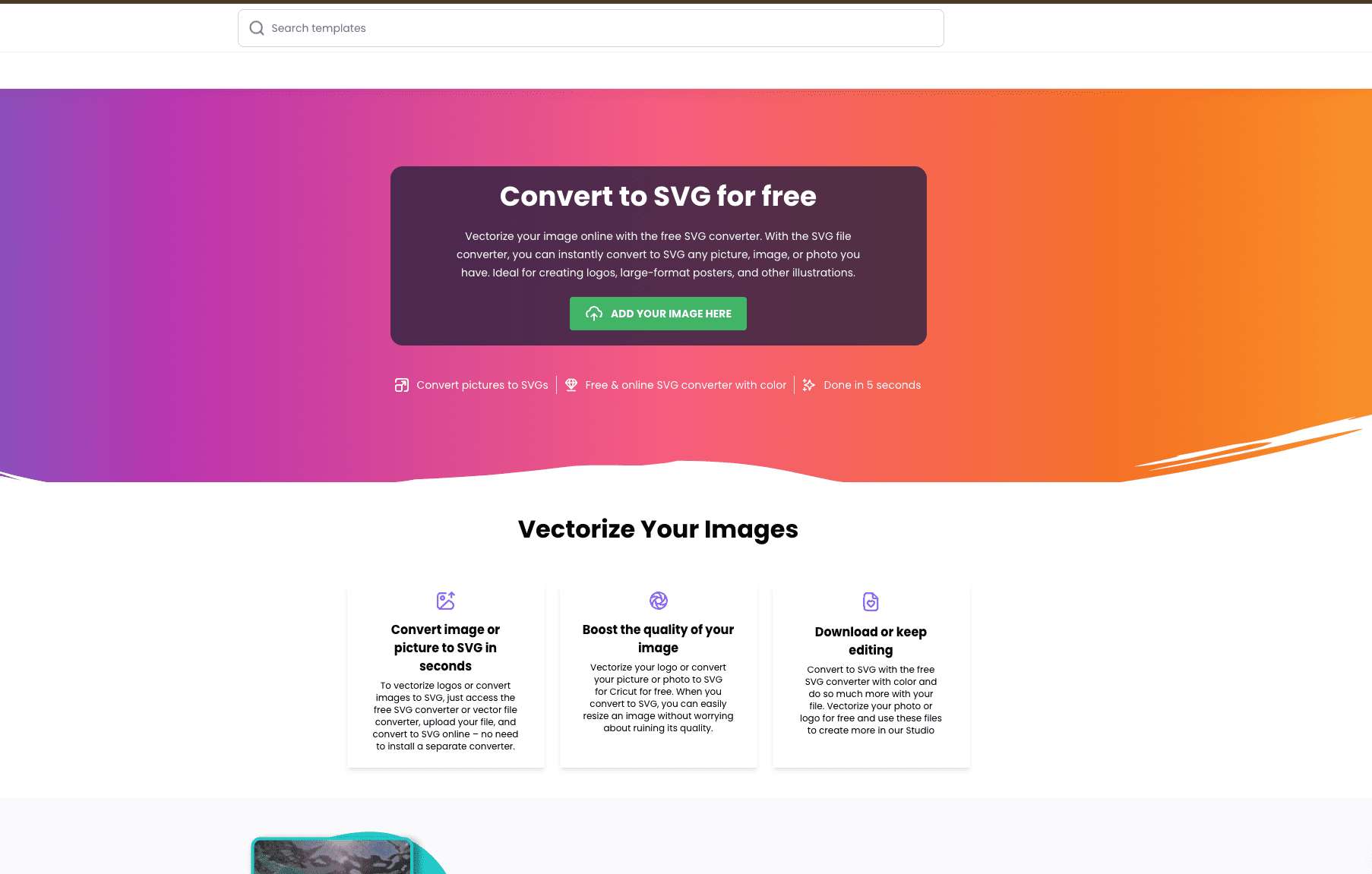
Creative Fabrica's free PNG to SVG converter simplifies image vectorization for designers and hobbyists.
Simplifies computer vision tasks with an intuitive interface.
Choosing the Right Tool for Your Project
Evaluating your workflow is the first step. If speed is paramount, tools that deliver instant SVGs like Vectorizer AI or SVGConverter might be best. For designers seeking high-fidelity vectorization of complex UI elements, Vectormagic or Yesicon offers superior quality with minimal manual edits.
Use Cases
- Prototyping: Free, fast converters such as SVGConverter keep the iteration cycle low.
- Brand Assets: High‑quality icon libraries from Yesicon are perfect for maintaining visual consistency.
- Complex Layouts: AI tools that retain gradients and shadows, like Vectormagic, are suited for detailed UI mockups.
- Document Automation: Think of combining vectorization with API‑based tools such as Thinking Line for generating SVGs from text prompts.
Always test a sample screenshot in your chosen tool before committing, as UI colors, transparency, and depth can influence conversion quality.
Our Final Verdict
All ten AI vectorizers deliver solid results for UI designers, but no single tool is a universal champion. If you need a quick conversion without cost, SVGConverter and Vectorizer AI are reliable first choices. For top‑tier accuracy and support for advanced UI detailing, Vectormagic and Yesicon are the best investments. Choose the tool that balances price, speed, and output fidelity with the demands of your current project.