I integrated a multimodal API into my app backend
Integrating a multimodal API can seem daunting, but with the right approach you can enhance your backend effortlessly. In this guide, I walk through setup, authentication, routing, and handling diverse media types.
What Is a Multimodal API and Why It Matters for Your Backend
Multimodal APIs provide simultaneous access to multiple data modalities—text, images, audio, video, and sometimes structured data—within a single request cycle. For developers building rich applications—think chatbots that can both generate text and interpret images, or recommendation engines that analyze user‑generated video content—this consolidated approach reduces latency and simplifies the overall architecture.
When you design your backend to consume multimodal services, you’re essentially adding a new layer of capabilities without having to manage separate models or inference pipelines. The key benefit is a unified SDK or HTTP endpoint that flips the switch between modalities with a simple parameter change, letting your code remain agnostic of the underlying inference engine.
In the next sections we’ll walk through how to evaluate, select, and stitch these APIs into an existing architecture, and finally test and monitor the integration for stability and cost efficiency.
Preparing Your Existing Backend for Multimodal Inference
Before you reach for an external API, audit your current infrastructure to determine ready‑to‑go points. If you’re using a monolithic stack, consider refactoring into microservices or serverless functions that can handle asynchronous event streams—this gives you more control over timeout settings and replicas.
Next, identify the authentication flows in use. Most multimodal providers rely on token‑based OAuth or API keys, so map how these should be safely stored in your secrets manager (e.g., AWS Secrets Manager, Azure Key Vault). Also confirm that your security groups or internal proxies permit outbound HTTPS traffic to the provider’s endpoints.
Finally, think about data serialization. Since multimodal payloads can be large, you may need to adjust your request/response size limits and tune your latency budgets to accommodate heavy media uploads.
Choosing the Right Multimodal API Solution
The market for multimodal AI services is expanding rapidly, and selecting the right partner depends on your specific use case, cost model, and regulatory requirements. Below is a curated list of popular tools that can help you quickly prototype and deploy multimodal endpoints.

Automatically generates a backend for your application, simplifying development.
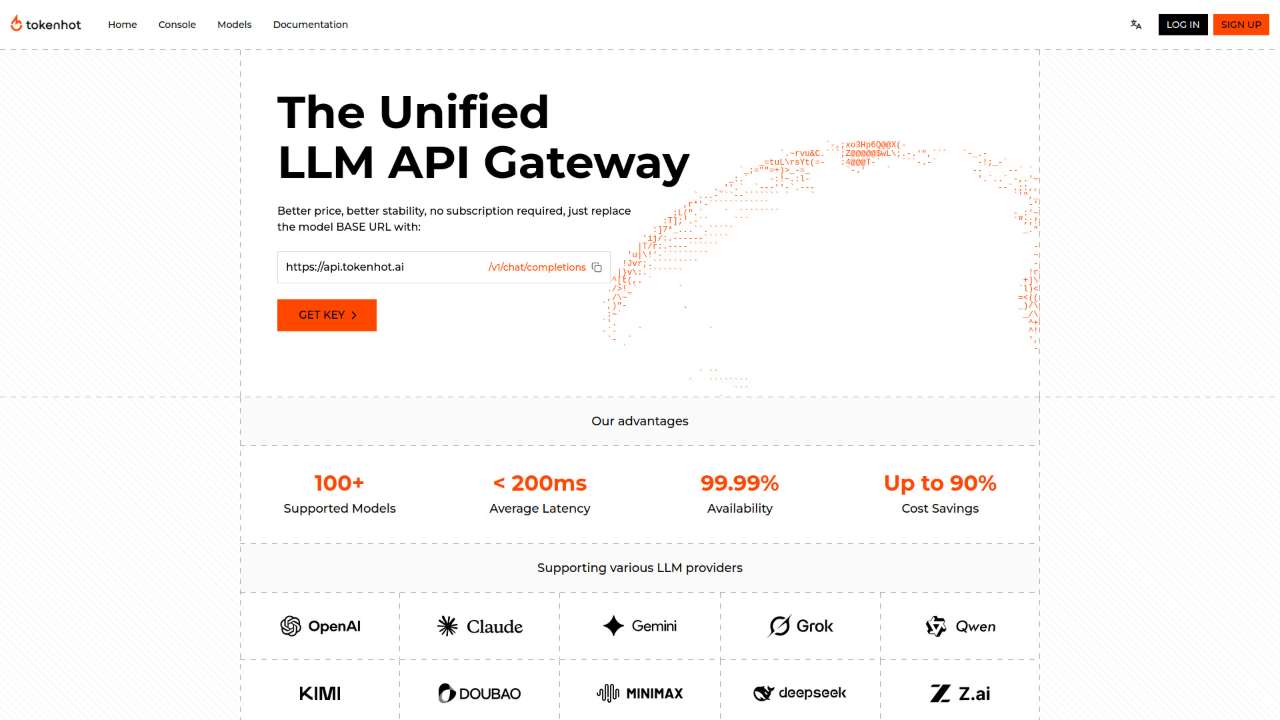
Centralized API gateway for 100+ LLMs, achieving up to 90% cost reduction.
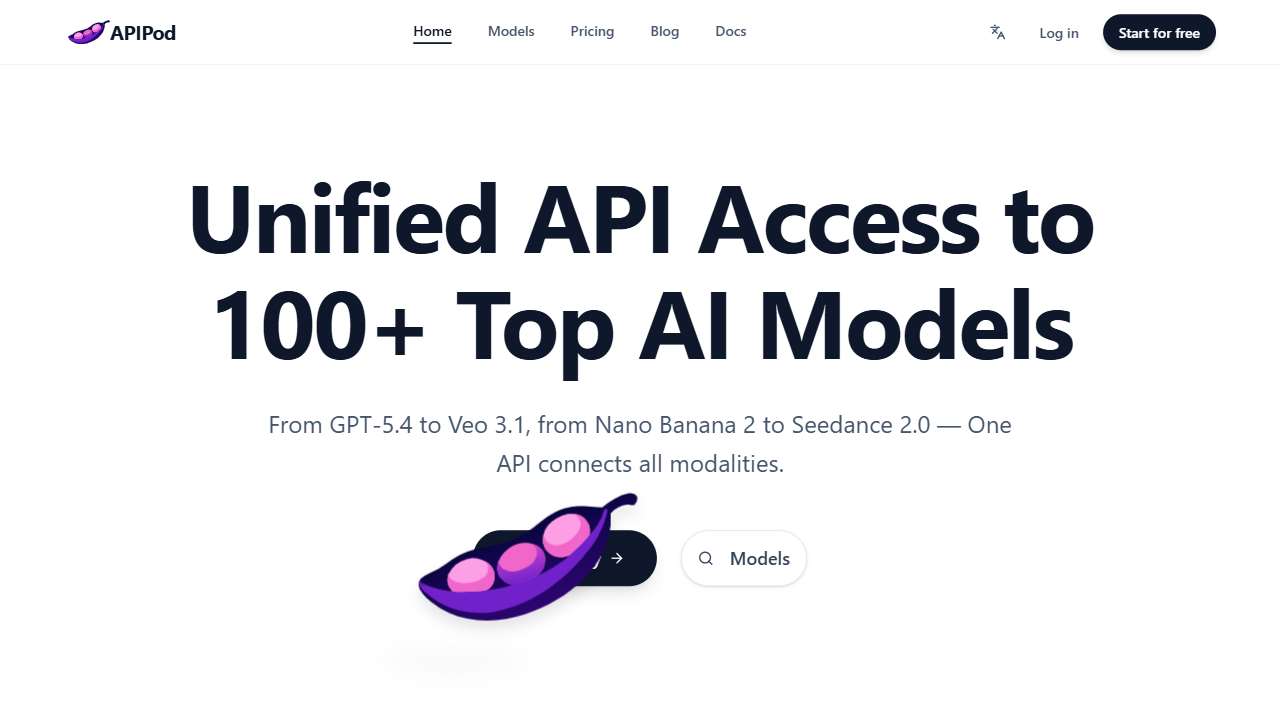
Centralized API for accessing and managing over 100 leading AI models, optimized for performance and cost.
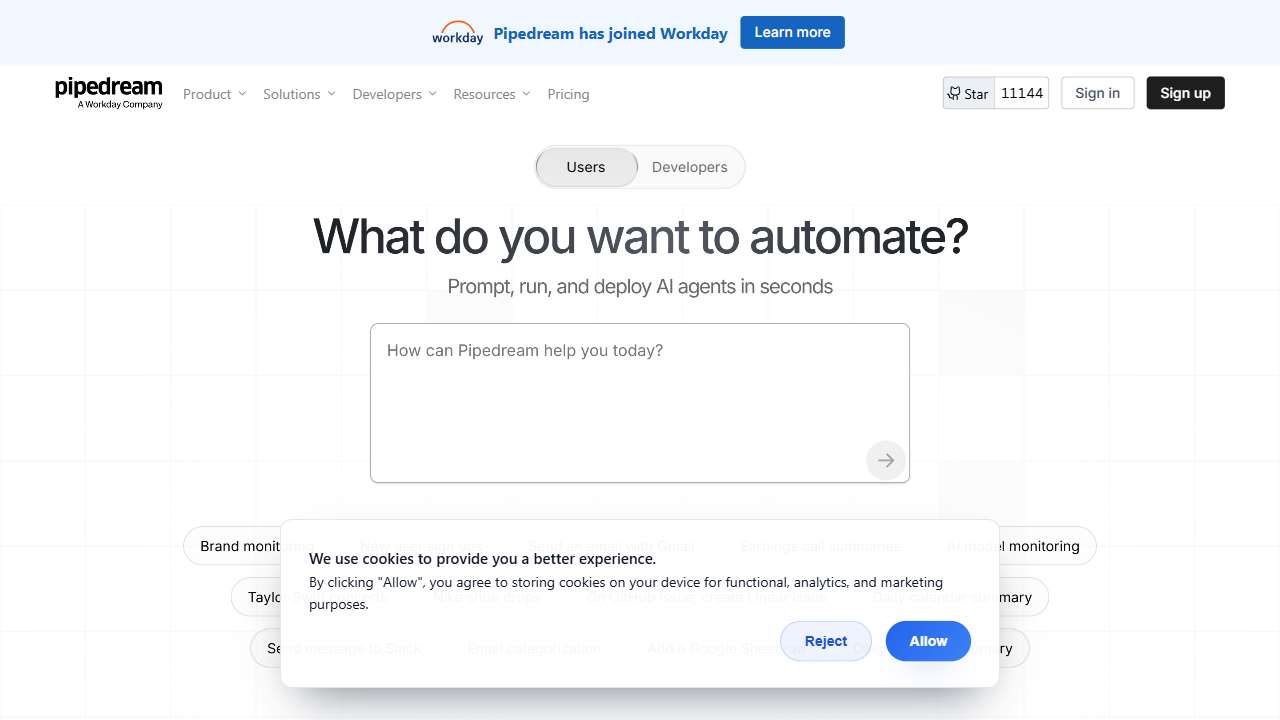
Connect APIs, AI, and databases with this low-code integration platform.
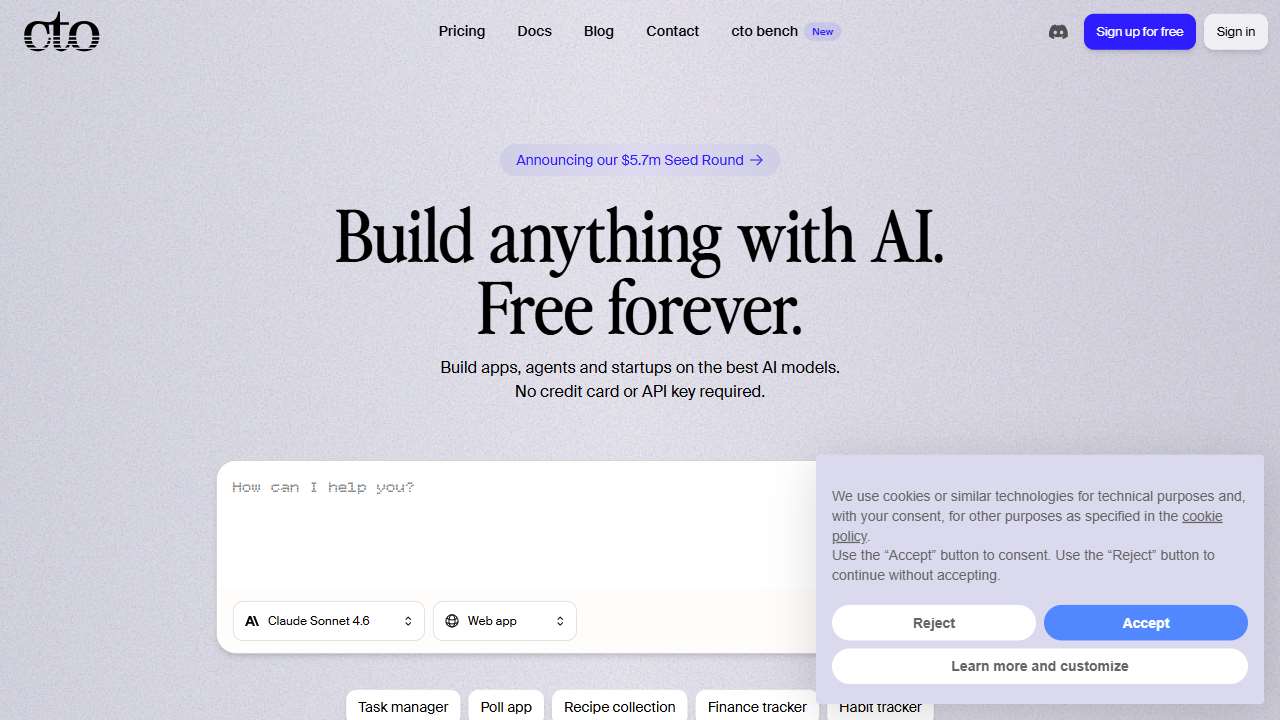
Backengine: Create, test, and deploy robust backend APIs with ease.
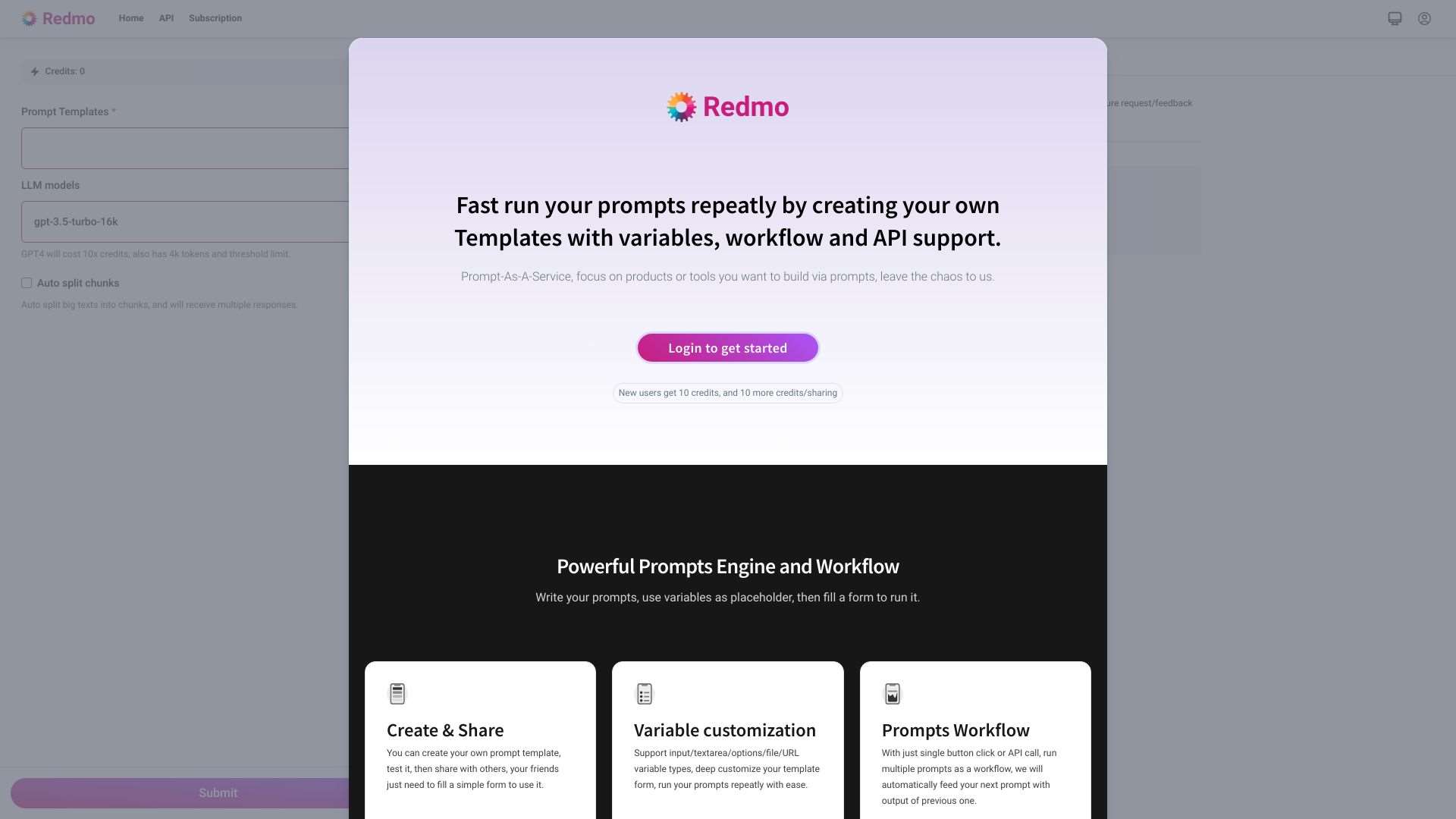
Redmo: Create and automate prompt generation with variables and API integration.
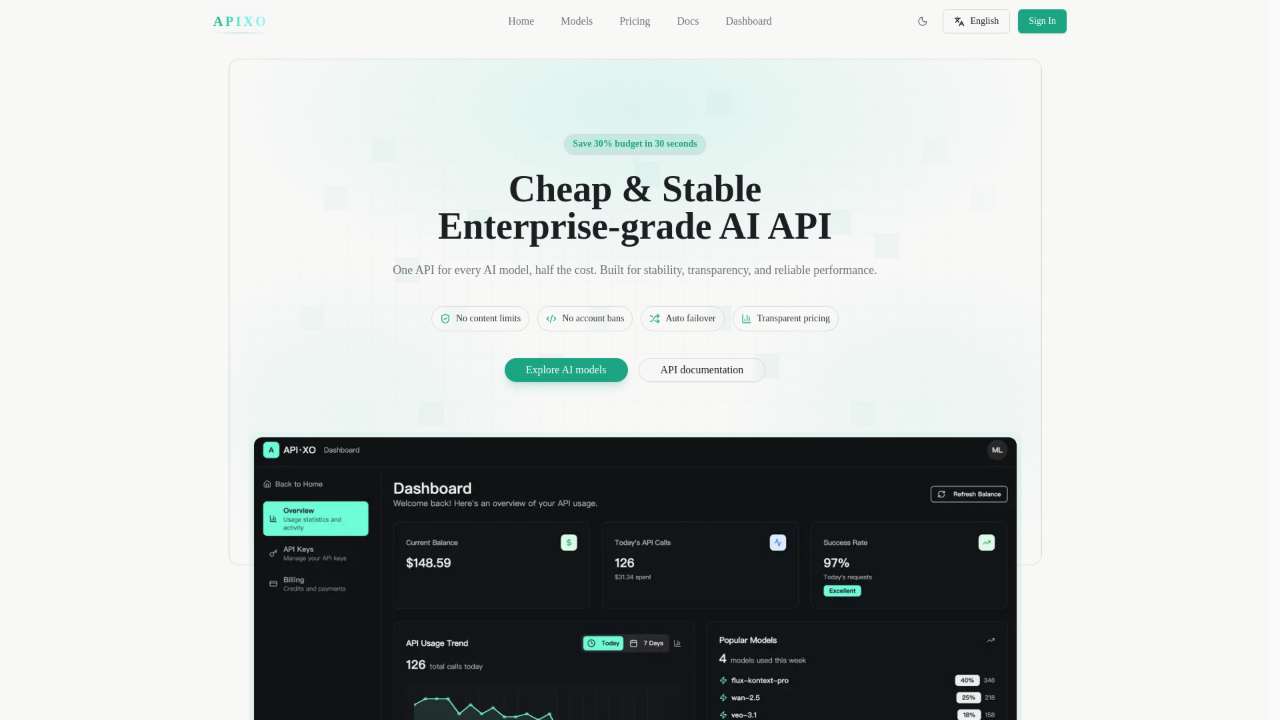
APIXO: A unified AI API platform for image, video, audio, and text models, simplifying development and management.
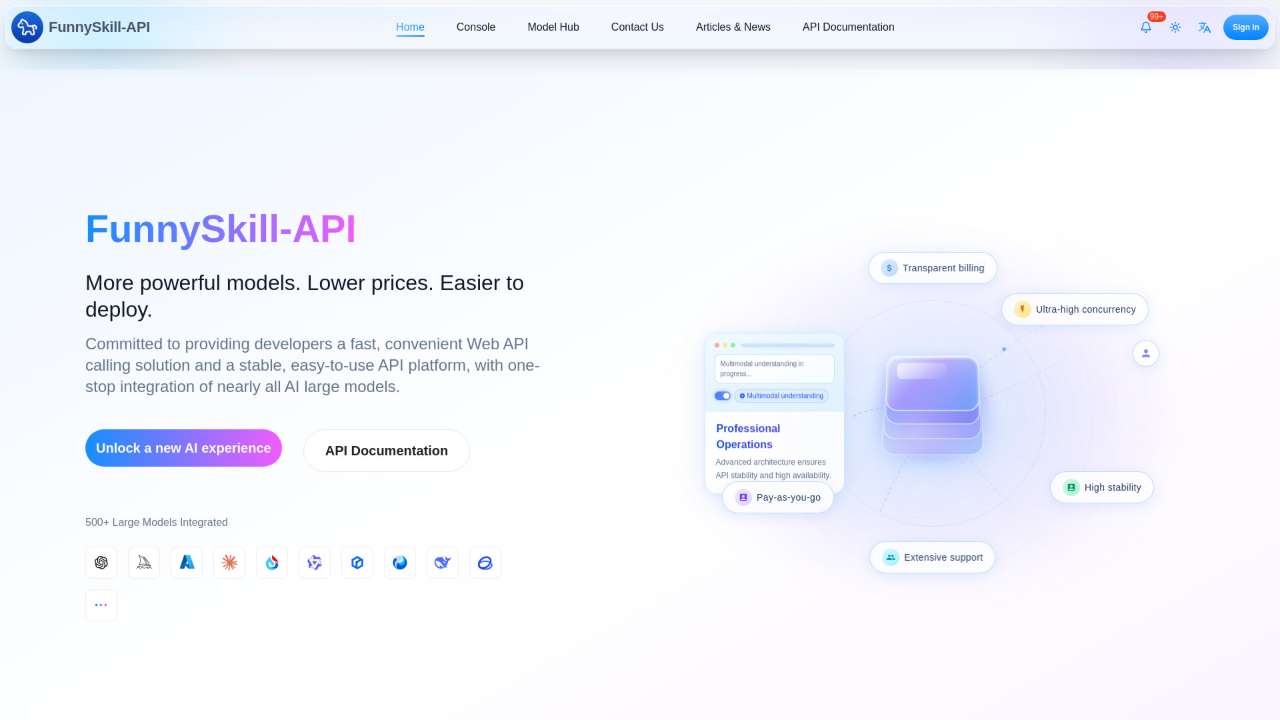
Centralized API for accessing over 500 AI models, simplifying AI integration.
The OpenAI Client API provides a simple way to access OpenAI's powerful APIs.

AI-powered API for real-time multilingual news tracking and analysis.
How to Implement the Integration in Code
Step 1 – Define the Request Schema
- Create a unified request payload that can toggle modalities via a
modefield. Example:{ mode: "text-image", text: "...", image_url: "..." }. - Insert authentication headers (API key or OAuth token) in a consistent helper function so you don’t repeat code across services.
- Configure retry policies: multimodal endpoints often have higher latency, so set exponential backoff with jitter.
Step 2 – Call the Selected API
In a serverless function or microservice, serialize the payload to JSON or multipart form data (for images). Use a lightweight HTTP client (e.g., axios, fetch, or a dedicated SDK if available).
Example snippet (Node.js):
const response = await axios.post("https://api.apexo.ai/v1/multimodal", payload, {
  headers: {
    Authorization: `Bearer ${process.env.AI_API_KEY}`,
    "Content-Type": "application/json"
  }
});
Handle response parsing: many APIs return a single JSON object containing both text and image URLs. Write a normalizer that turns this into your app’s domain model.
Step 3 – Persist Results
After receiving the multimodal output, decide whether to store it temporarily in a cache (Redis, DynamoDB) or directly into a database. If your application streams the result to the front end, consider using websockets or server‑sent events for real‑time updates.
Testing, Monitoring, and Scaling Your Multimodal Endpoint
Unit tests should cover every modality branch, ensuring that invalid inputs (e.g., oversized images) return graceful error messages. Integration tests should hit the live API or a sandbox, verifying latency constraints and rate‑limit handling.
Deploy a monitoring dashboard using the provider’s built‑in metrics or a third‑party aggregator (Prometheus + Grafana). Watch for spikes in API errors, timeout counts, and cost per request. Configure alerting thresholds (e.g., >5% error rate triggers an issue).
When scaling, be mindful that multimodal requests consume more bandwidth and processing time. Consider sharding requests across multiple instances or regions, and cache common responses to reduce repeated calls. If the provider offers bulk or batch APIs, use them to amortize latency over multiple items.
Conclusion
Integrating a multimodal API into an existing backend need not be a daunting task. By preparing your infrastructure, choosing a trustworthy provider, and following a systematic code integration, you can unlock richer user experiences—text, images, audio, and video—while keeping control over cost and latency. Test thoroughly, monitor diligently, and iterate as your application evolves, and you’ll enjoy the full power of multimodal intelligence in your next feature rollout.