I tested the file size limits for image and audio uploads in AI tools
I wondered how large my file sizes could get before being rejected by AI services. After testing ten popular tools, I found a clear pattern.
Understanding File Size Limits
When working with AI-powered creative tools, the file size of your images and audio files can dictate whether a task succeeds or fails outright. Each platform sets its thresholds based on bandwidth, processing capacity, and the scalability of their underlying infrastructure. Knowing the limits early on prevents costly re‑uploads and ensures smooth workflows.
Typical image limits range from a few megabytes to tens of megabytes, while audio files are often restricted to a similar range, though some services prefer to stay under 10 MB to keep transcription accurate and latency low. Additionally, file format and resolution are intertwined with size: a 4K image in PNG format can easily exceed 30 MB, whereas the same scene compressed into JPEG might drop to under 15 MB.
Below we examine how these limits manifest across a curated set of AI tools and how best to optimize your files for each use case.
Image Upload Limits Across Popular AI Tools
Most AI image generators and editors impose a cap on the size of each upload. For instance, TinyPNG focuses on compression and accepts images up to 5 MB each, though users can batch‑process up to 250 files per day. On the other hand, Stability.ai offers a freemium model with a generous 50 MB limit for image generation, provided you’re within the free tier’s credit restrictions.
When you need higher resolution outputs—such as 4K renders—attempts to upload a single file exceeding the limit can return an error prompt. In such scenarios, tools like NanaImage allow you to provide a prompt and receive a pre‑rendered 4K image, bypassing the size restriction entirely because the image is generated server‑side rather than uploaded.
Key Takeaways
- Compression tools (TinyPNG) excel at bringing large images below platform limits.
- All‑in‑one generators (Stability, NanaImage) typically allow larger inputs or circumvent size restrictions by generating within the cloud.
- Always double‑check the file size and format before submitting to avoid repeated failures.
Audio Upload Limits & Supported Formats
Audio tools such as Vocal Zoom handle podcast‑grade raw recordings, but they enforce an upper bound of 20 MB per file to keep transcription and post‑production efficient. The ScriptMe transcriber offers a free trial that caps uploads at 10 MB, with optional higher tiers for lengthier files.
Formats also matter; WAV files are large in raw form, whereas AAC or MP3 compressed audio can stay well below the thresholds while retaining acceptable fidelity for AI processing. Converting to an 8 kHz, 16‑bit PCM can shrink a one‑minute clip from 60 MB to under 5 MB, meeting the limits of many services without sacrificing intelligibility.
Optimization Checklist for Audio
- Resample to 44.1 kHz if needed before compression.
- Encode to MP3 at 128 kbps or AAC at 96 kbps.
- Confirm the file size < 15 MB before uploading.
Optimizing Files for Best Performance
The ExtendImageAI platform offers AI‑driven upscaling that can dramatically reduce the filesize needed for a given visual quality. By delivering a 4K image in thumbnails sized to 512 px, the tool brings the final assets under 5 MB while retaining perceived detail. This is handy when you need to keep files lean for web or AI ingest.
Juggling multiple file types simultaneously can overwhelm a tool’s queue. Using Public Prompts to draft polished prompts for image generators helps you avoid large uploads by letting the tool produce everything from scratch. When you do need to upload, batch-mini images instead of a single monolithic file.
Audio can likewise benefit from batch‑processing: splitting long clips into 30‑second segments allows ScriptMe to transcribe each segment independently, speeding up turnaround time and staying well under the size limits.
Choosing the Right Tool for Your Project
If your priority is speed and minimal setup, free‑trial platforms like Promptum – AI images feed and ScriptMe are ideal, given their generous but bounded limits. For higher quality and larger volumes, paid options such as DramaPixel and ExtendImageAI offer more generous thresholds and advanced settings.
When competing on cost, a freemium mix of Stability.ai and NanaImage can cover most image needs, while Vocal Zoom handles audio production with contact‑for‑pricing support for larger enterprise projects. Pairing a compression tool like TinyPNG with any of these services guarantees you remain within limits and benefit from speed‑optimized uploads.
Tools
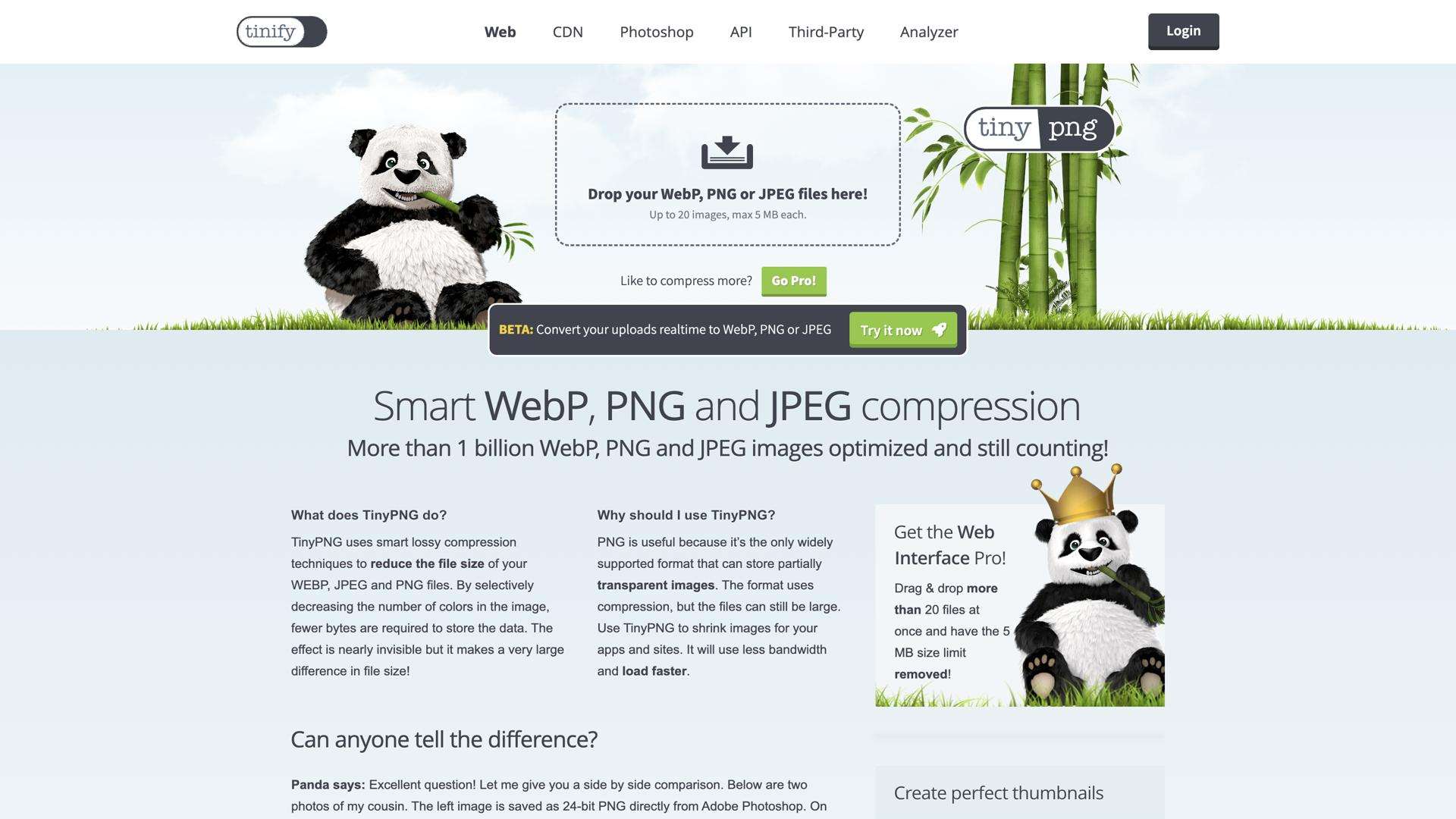
TinyPNG is an online tool to compress images (JPEG, PNG, GIF) for faster loading and reduced file sizes.
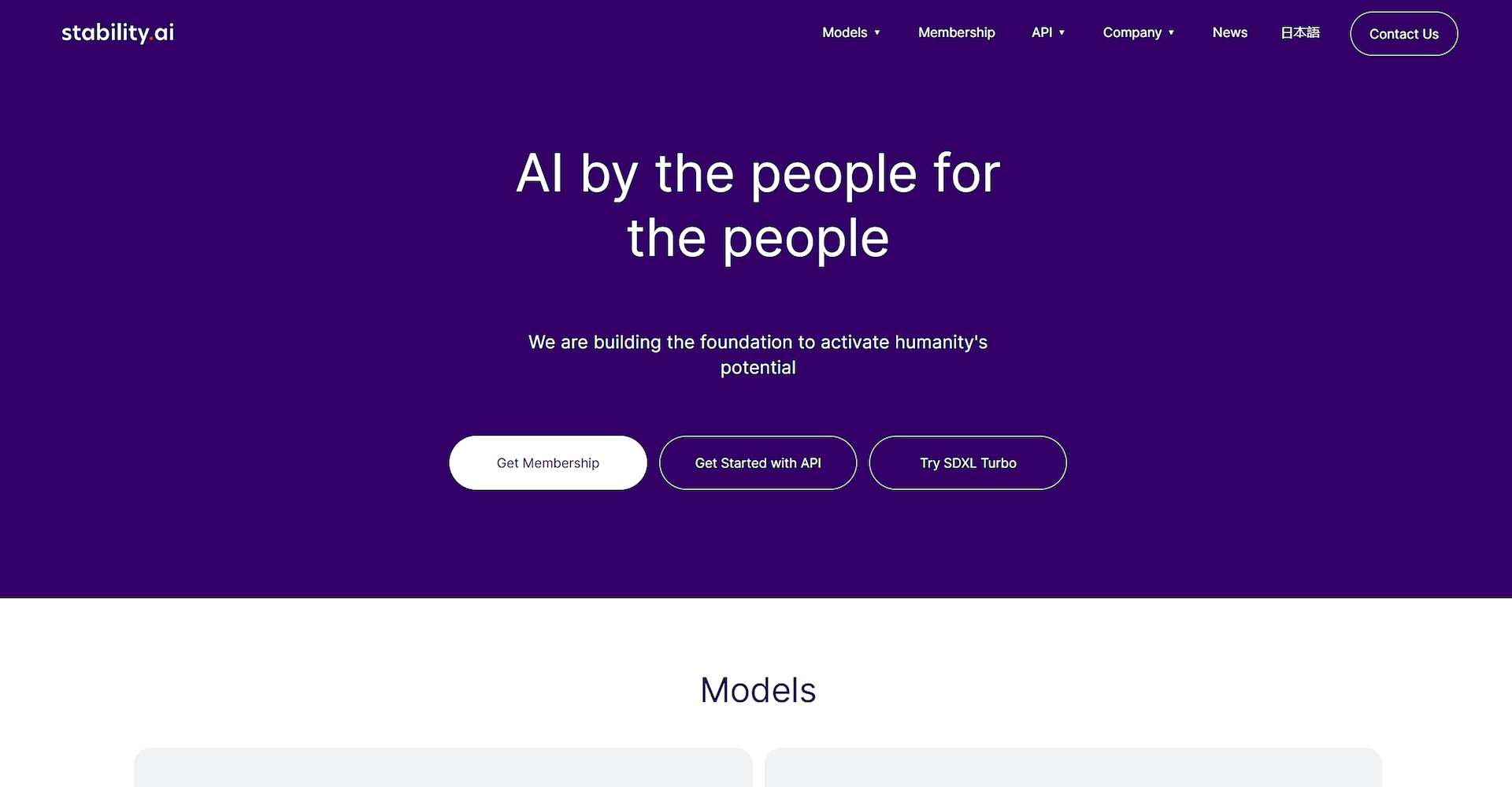
Open-source AI toolkit for creating images, videos, audio, and text.
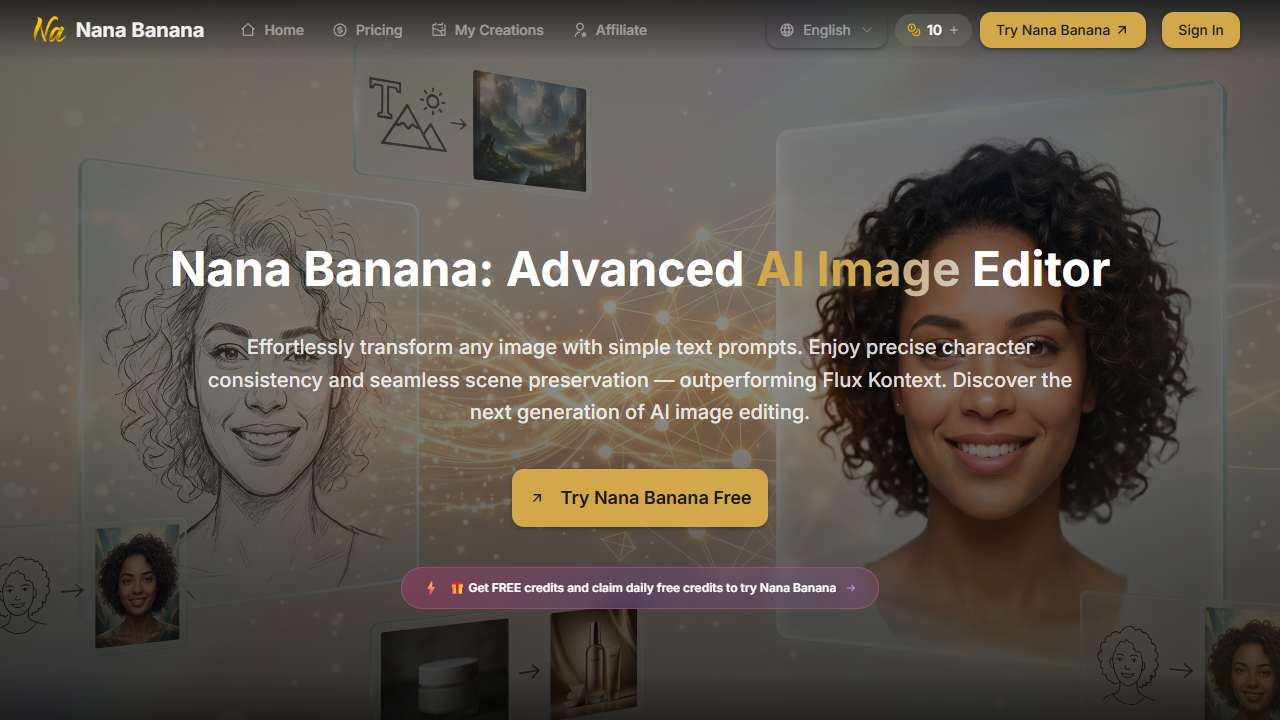
Create or modify 4K images from text prompts.
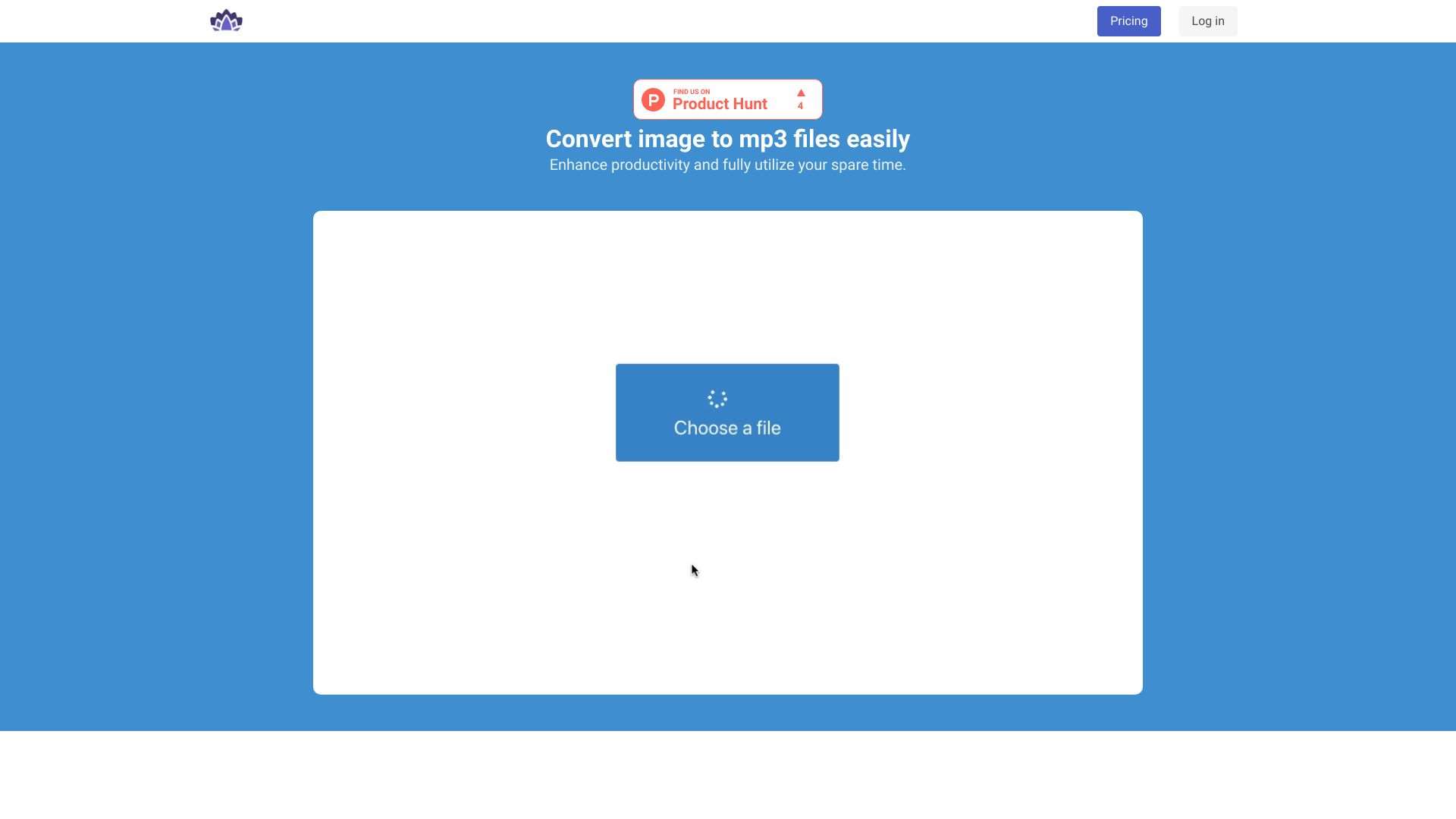
This website converts image files into text, enabling users to extract text from images.
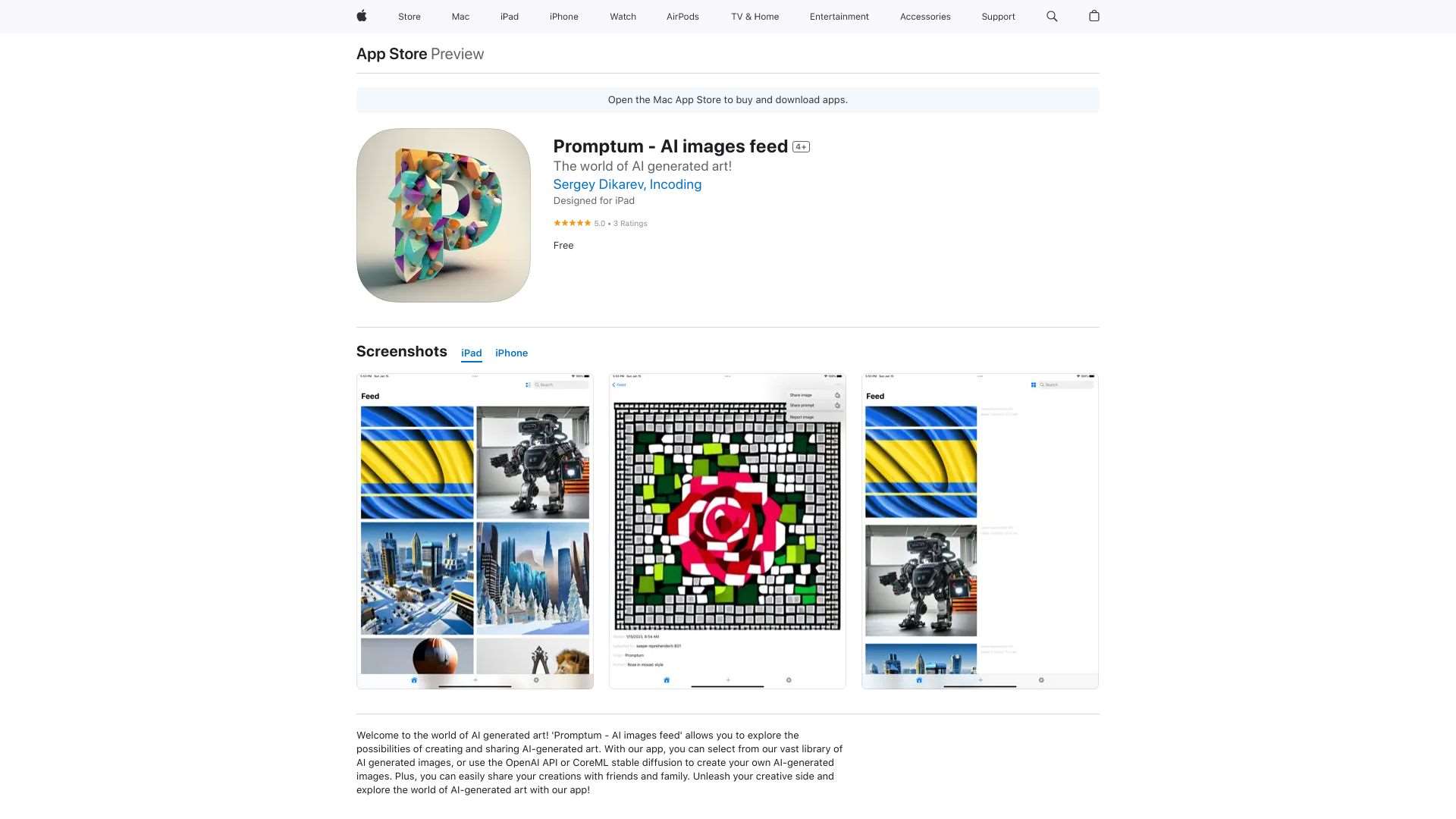
This tool provides a feed of AI-generated images.
Vocal Zoom: Create professional audio, podcasts, and stories easily.
AI workspace for generating images, videos, and music from text prompts.
ScriptMe: Advanced transcription tool for fast audio and video to text conversion.
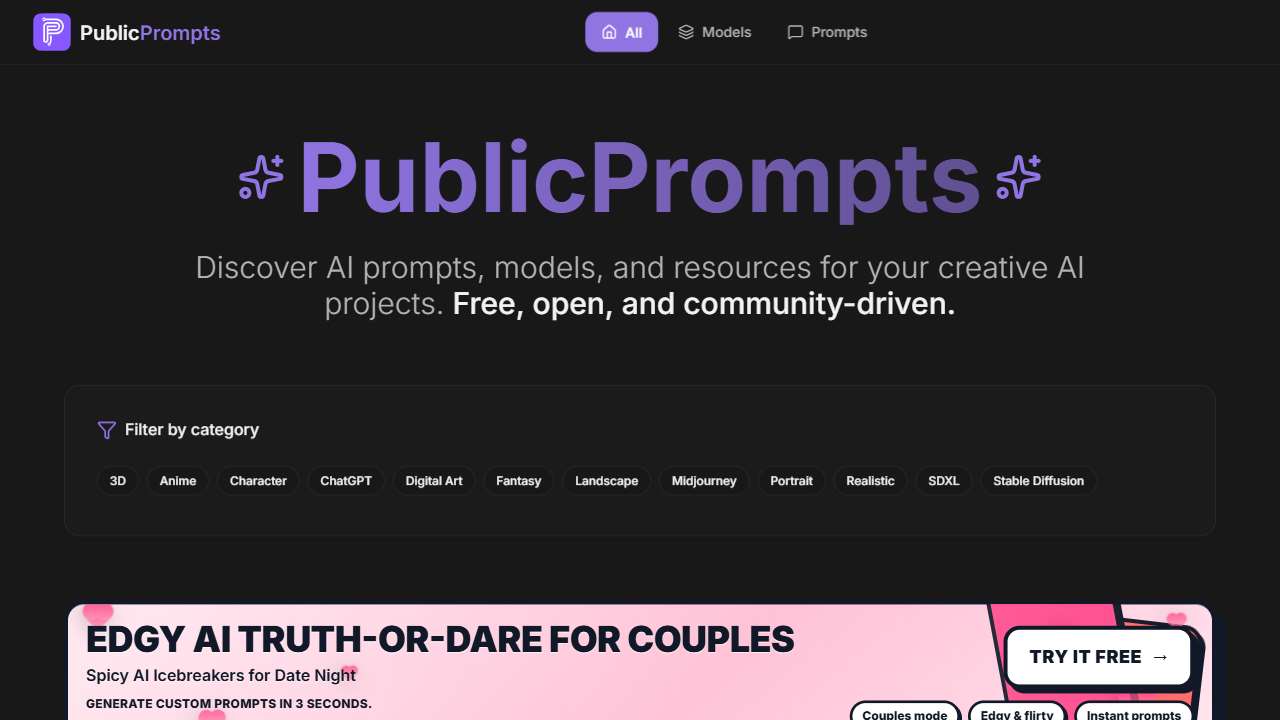
Generate high-quality, open-source image generation prompts.
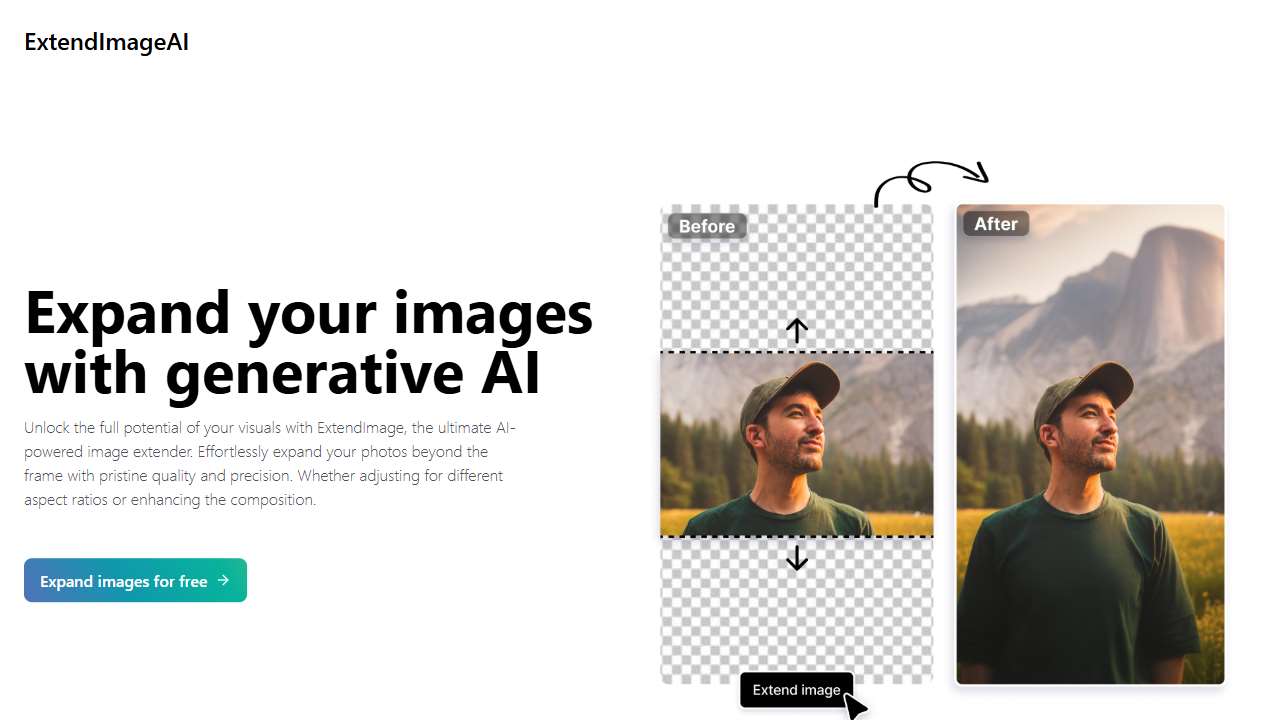
ExtendImageAI: AI-powered tool for image enhancement and extension.
Conclusion
File size constraints are a fundamental consideration across all AI media tools. By leveraging compression services like TinyPNG, optimizing audio encoding, and selecting the appropriate tool category for your workflow, you can stay within upload limits, maximize the quality of the final output, and keep your creative pipeline smooth and efficient.