I integrated offline ASR into my mobile app using these tools
I recently tackled the challenge of adding speech‑to‑text to my Android app while keeping it usable offline. Here’s how I used open‑source engines and cloud fallback to guarantee a smooth experience.
Choosing the Right ASR Engine for Offline Mobile Apps
When you want true offline functionality in a mobile app, the first decision is the ASR engine you will ship into the device binary. Offline models must balance taxonomy accuracy, inference speed, and memory footprint. On Android you can bundle a Tensorflow Lite or ONNX model, while on iOS the CoreML framework can serve the same purpose. Publicly available lightweight models such as Vosk or PocketSphinx often suffice for domain‑specific vocabularies, but for generic voice input you may need a more powerful model like Whisper‑tiny or Whisper‑base.
Another key factor is licensing. Proprietary engines typically provide better support and lower latency, but they may impose usage limits or require per‑install royalties. In contrast, open‑source engines empower you to fine‑tune the model on your own data, giving you full control over privacy. For many developers, a hybrid approach works best: ship a heavyweight base model for core language and a lighter on‑device model for niche commands.
Implementing the Core Microphone Capture Pipeline
The efficiency of your ASR pipeline begins with audio capture. A lightweight, cross‑platform library such as RxJava on Android or AVAudioEngine on iOS allows you to stream audio buffers directly into the inference engine. Streaming reduces peak memory usage, because you never write the entire clip to disk before processing.
When you design the buffer size, aim for 20–50 ms chunks. That latency is perceptible yet enough to keep CPU usage low. Most on‑device engines support a pipeline that accepts PCM 16‑bit, 16 kHz audio—arguments that align with the input expected by Whisper‑tiny.
Sample Architecture
- Microphone → PCM 16‑bit 16 kHz → Buffer Queue → ASR Engine (TensorFlow Lite/ONNX) → Transcription Text
- UI Layer: Show interim results in a scrolling text view or a “loading” animation until final output is returned.
- Error handling: Detect background noise thresholds and prompt the user to re‑record if audio quality is low.
Leveraging Existing Offline ASR Libraries and Models
The biggest advantage of the modern AI ecosystem is the availability of pre‑trained models that can be bundled directly into your app. Vosk, built on Kaldi, offers a cross‑platform C++ API that can run on both Android and iOS with a footprint as low as 20 MB for a single‑language model. Dense models such as Whisper‑tiny (≈ 50 MB) deliver higher word‑error rates but are still ready for general use without a cloud connection.
Another popular choice is Deepgram ASR, which provides a local inference SDK that wraps a lightweight Whisper derivative. Although it’s primarily a cloud service, an offline deployment option lets you ship the model from the Play Store or App Store, mitigating network latency and bandwidth costs.
Adding Language Support Efficiently
When the target market speaks multiple languages, you can ship hybrid models: a general base model for English and smaller on‑device models for Spanish, French, or German. These smaller “language packs” can be fetched from the device’s storage or downloaded once during the first launch, and only the relevant pack is loaded into memory.
Building a User‑Friendly Transcription Interface
Once the pipeline is stable, the next challenge is UI design. Developers who prefer to avoid manual UI coding can use low‑code platforms that expose native widgets under the hood. Softr lets you spin up a client portal with a drag‑and‑drop builder; you can embed a custom “voice log” component and quickly iterate on visual cues such as color highlights for live transcription.
For heavy‑lifting users, consider a side‑panel that shows a live word‑cloud of recognized terms. That real‑time feedback reassures users that the voice input is being processed correctly, and it encourages iterative correction by allowing on‑the‑fly editing.
Performance, Battery, and Privacy Considerations
On‑device inference inevitably consumes CPU cycles. To minimize battery drain, schedule inference only when the user is speaking and pause it when the microphone is idle. If you’re using TensorFlow Lite, enable NNAPI or GPU delegate on supported devices; on iOS Apple’s ML framework automatically chooses the most efficient backend.
Privacy is paramount for offline apps. Since no audio leaves the device, you can clearly state in the privacy policy that the app runs speech recognition locally. For compliance, offer an explicit “clear all recordings” button, and store any intermediate data in encrypted storage such as Android’s Keystore or iOS Keychain.
Testing, Debugging, and Feature Roll‑out
Before shipping, simulate a range of network conditions and background noise levels. Use profiling tools like Android Profiler or Xcode Instruments to spot CPU spikes. Roll out the feature gradually via staged releases: enable the new ASR module for a small percentage of users and use telemetry to measure accuracy and usage metrics. If issues arise, push quick in‑app updates to swap in a lighter model or enable noise‑suppression algorithms.
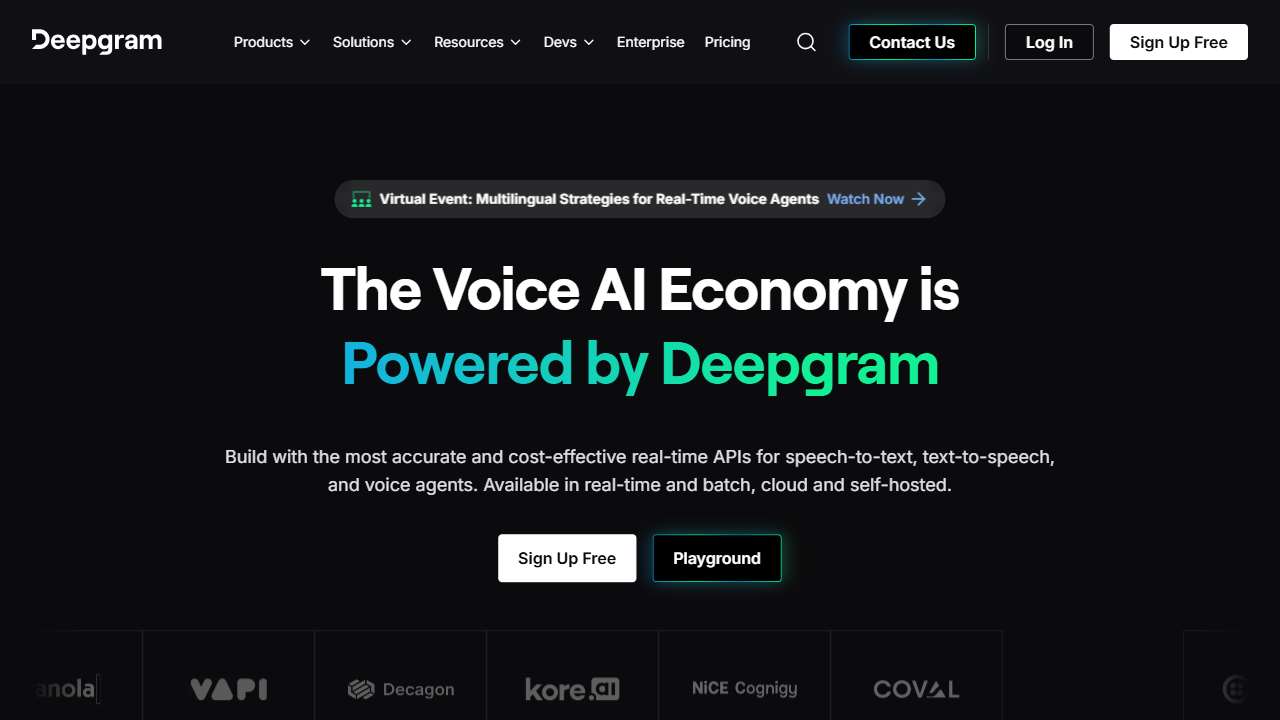
Deepgram ASR: AI‑powered tool for fast and accurate voice transcription.
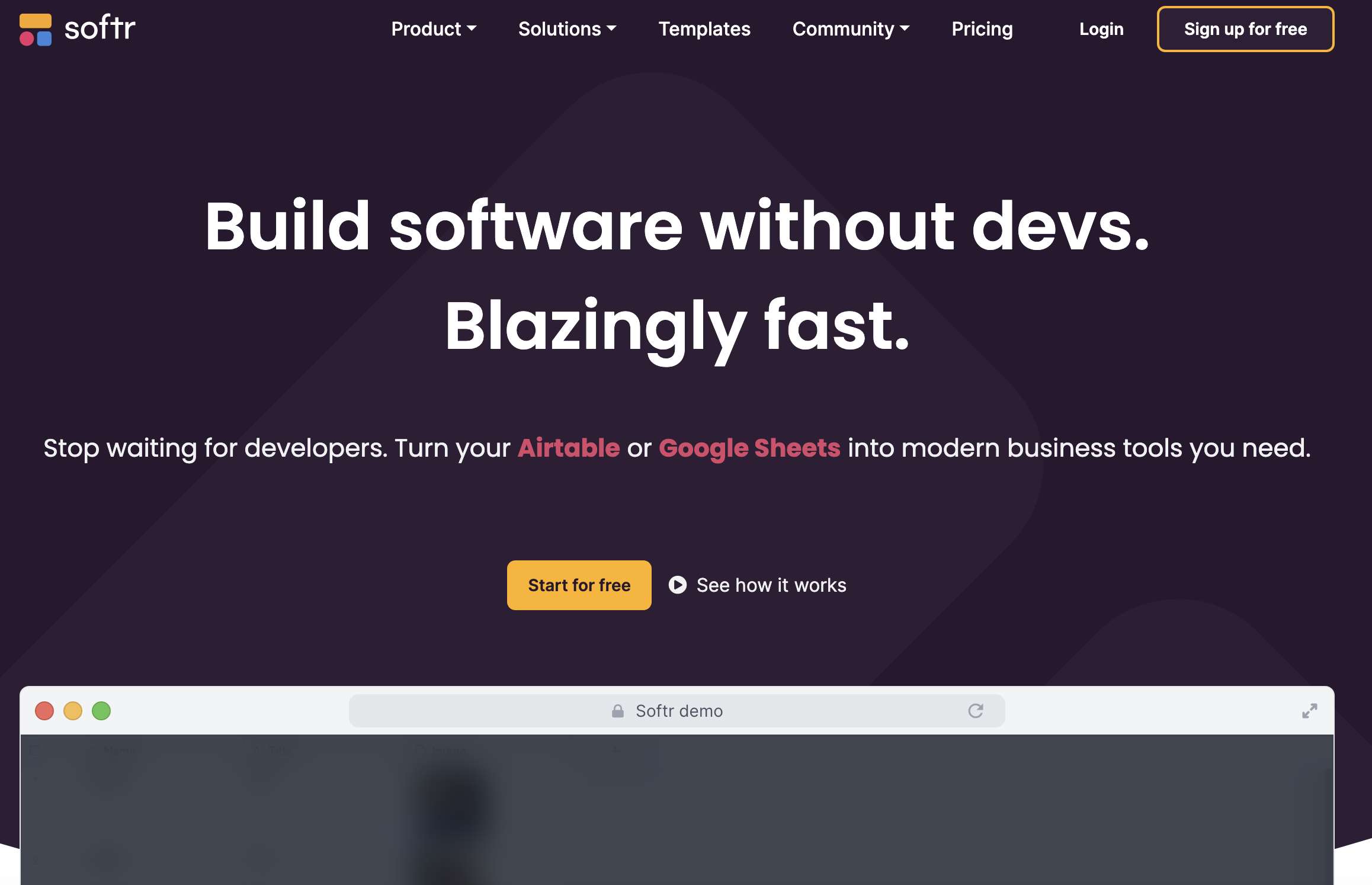
Softr: Build client portals and internal tools from Airtable/Google Sheets, no coding required.

AI-powered platform automating ASO, localization, legal, and app store publishing for mobile developers.

Decentralized, offline messaging app using Bluetooth mesh, created by Jack Dorsey.
Conclusion
Embedding offline ASR into a mobile app turns voice commands from a concept into a seamless user experience, freeing your users from data costs and latency. With the right balance of lightweight models, efficient pipelines, and low‑code UI builders, you can ship a fully functional, privacy‑first voice interface that scales across languages and devices.