I fine-tuned summary detail and length using these AI tools
I’ve experimented with AI summarizers to discover how control summary detail and length. Each tool offers settings that let you fine‑tap the depth and brevity of the generated excerpts.
Set Your Summary Goals: Length vs. Detail
When you ask an AI to summarize content, the first decision you face is how much detail to retain. A brief summary might be perfect for a quick skim, while a more in‑depth version benefits readers who need context or want to dive deeper into the subject. The length chosen often correlates with the audience’s familiarity with the material and the purpose of the summary—informing, teaching, or acting as an executive overview.
Many AI summarizers allow you to specify a target word count or a percentage of the original text, simplifying the process. Experimenting with different settings will give you a sense of how the tool compresses information and which granularity level is most likely to satisfy your readers.
Before you tweak any tool, outline the minimum key points you must preserve. Think of the summary as a distilled version of your content’s core thesis, data or action items. The tighter you pin down what must stay, the easier it is to adjust the amount of detail the AI outputs.
How to Configure Detail Level in AI Summaries
Using Tool Settings and Parameters
Many platforms expose a “detail level” slider or numeric input. For example, you can instruct the AI to keep only the headline facts or to keep supporting examples that illustrate the main ideas. Some tools also offer “outline” mode, where the summary is organized into sections and sub‑headings, giving you a clearer view of what information is condensed and what has been omitted.
When working with GPT‑based summarizers, it's useful to provide a system prompt that explicitly states the desired depth. A short prompt might be: “Summarize in 200 words, preserving just the main points.” A longer prompt can ask for a “longer summary that includes supporting statistics.” The more specific you are, the more accurately the AI will match your preview.
Balancing Conciseness and Comprehension: Best Practices
- Identify your audience’s knowledge level and tailor the summary’s technical depth accordingly.
- Set a target word count and use the tool’s built‑in counter or external metrics to evaluate compliance.
- Iteratively refine: generate a draft, add or remove sections, and resubmit until you hit the perfect balance.
- Consider adding a call‑to‑action or a brief takeaway to enhance user engagement.
By following these steps, you reduce the risk of either overwhelming readers with excess detail or oversimplifying to the point of losing critical insights.
Tool Spotlight: Choosing the Best Fit for Your Needs
Generates summaries of text, either by chapter or overall.
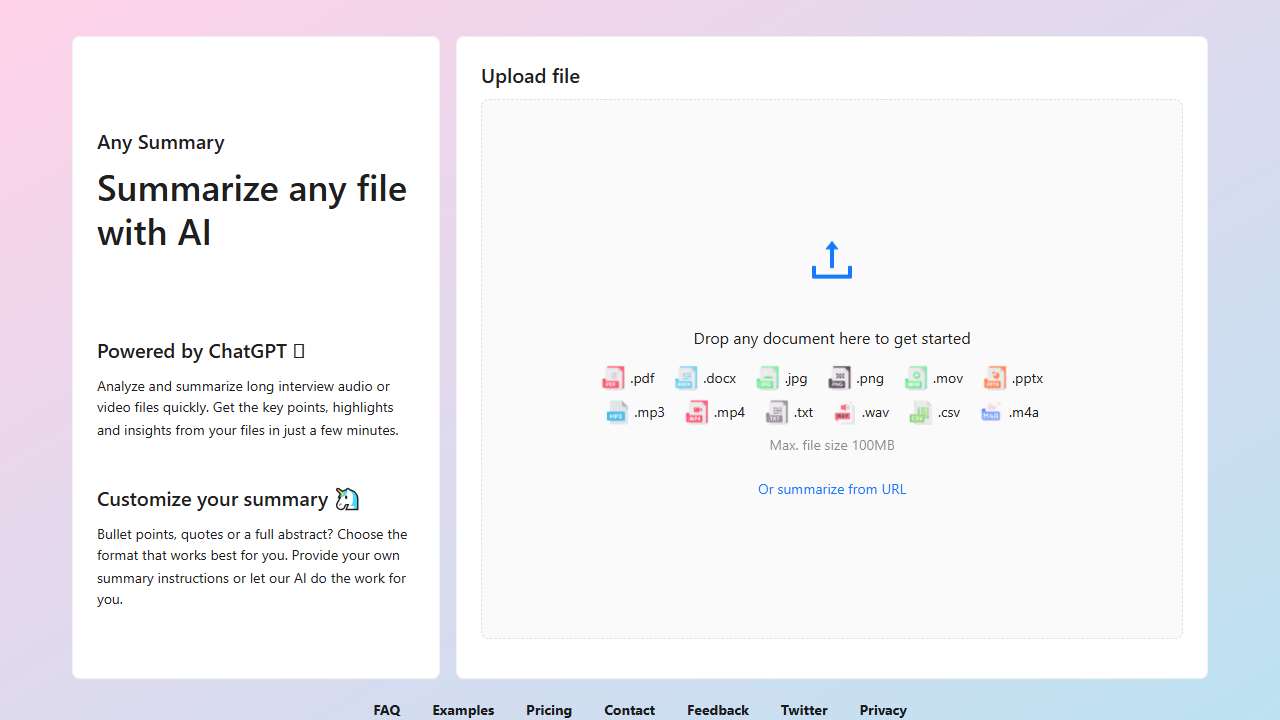
Summarizes documents quickly, saving valuable time.
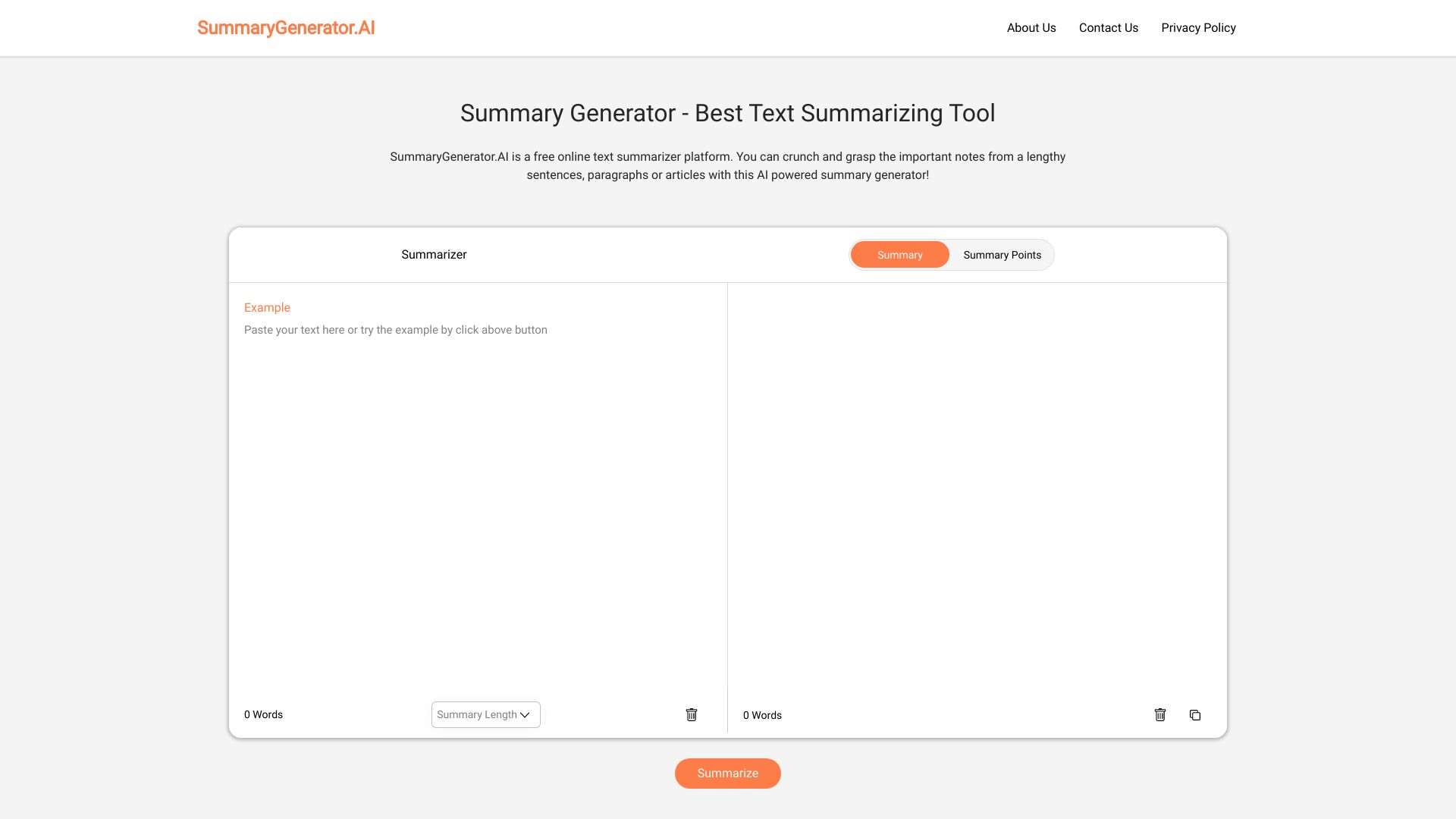
SummaryGenerator.AI: Free online AI tool for summarizing text.

Automatically generates concise summaries of articles.
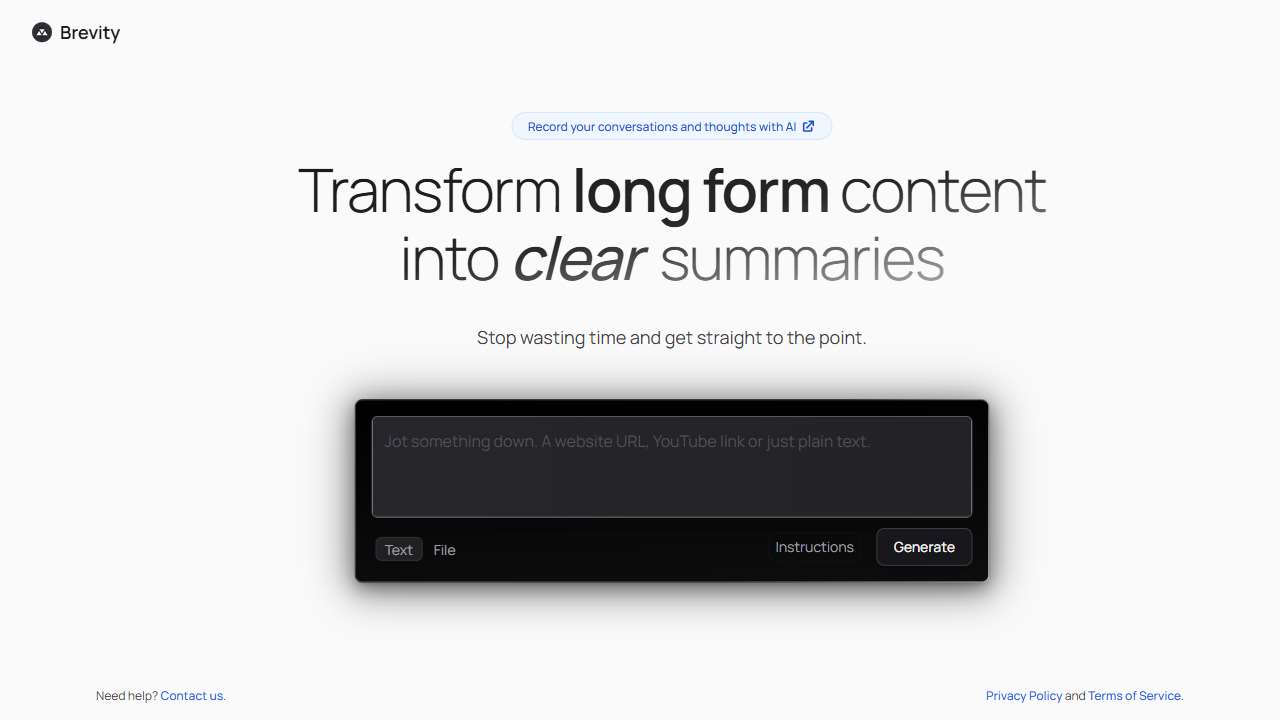
Provides concise summaries of information for quick understanding.
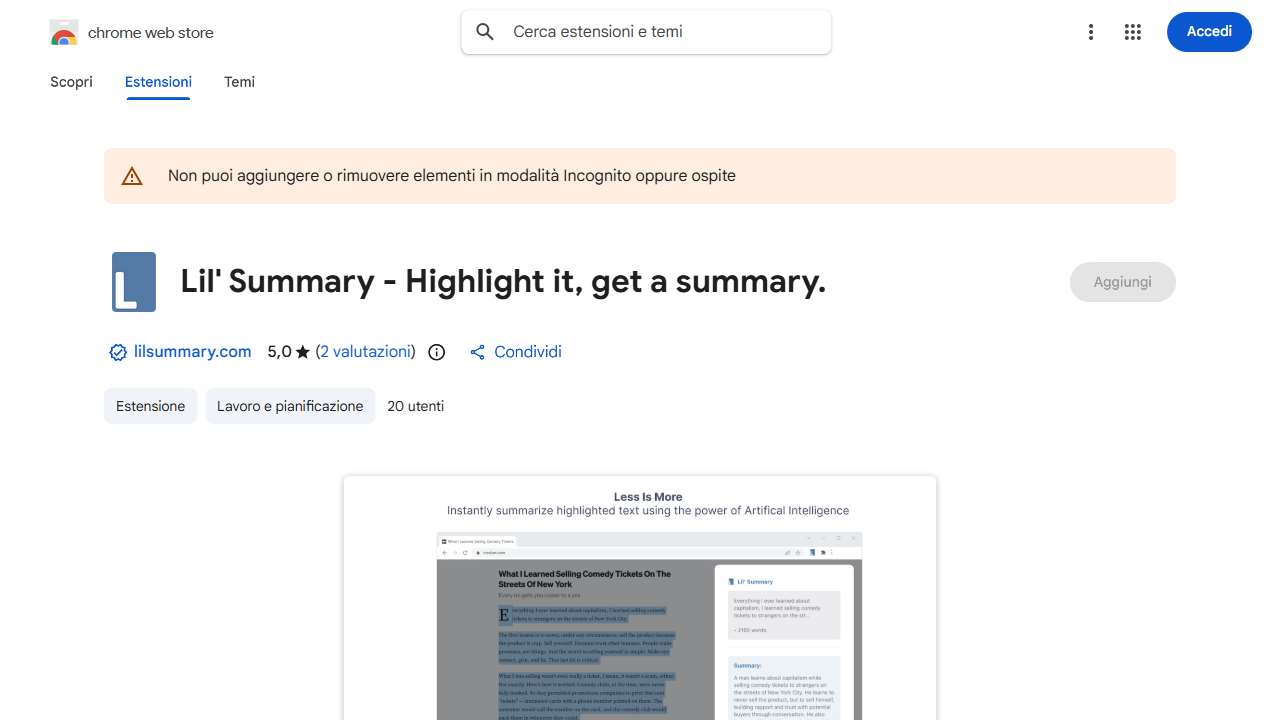
Lil' Summary summarizes highlighted text instantly using OpenAI's technology.
Condenses text, saving time and improving understanding.
Summarize articles quickly and easily with this helpful companion.
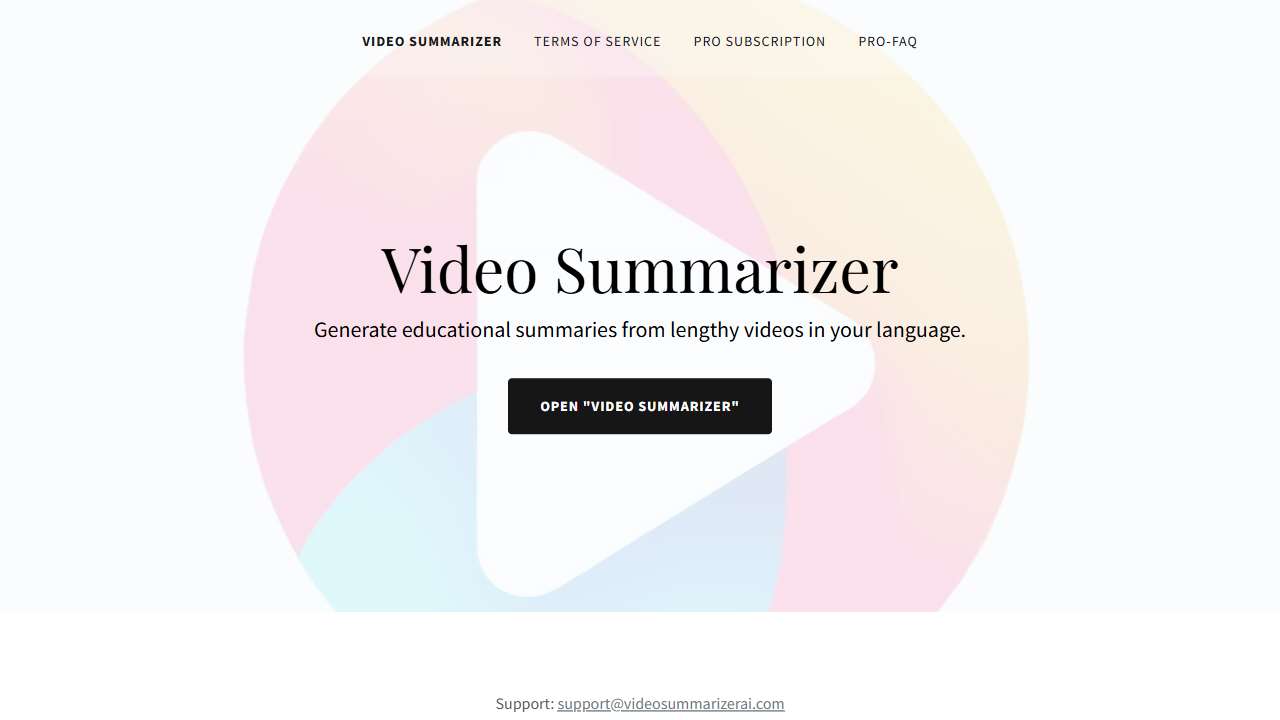
Summarizes long YouTube videos into concise, language‑specific educational content.

Summarise Me: Quickly summarizes web pages and PDFs using GPT‑35‑turbo technology.
Conclusion
Fine‑tuning the balance between detail and brevity in summary tools is less about the software and more about setting clear goals that match your audience’s needs. By experimenting with precision settings, iterating on summaries, and choosing the right tool for the type of content you’re working with, you can produce concise yet powerful overviews that save time and preserve meaning.