I explored 10 AI tools that support advanced SSML for granular voice control
If controlling voice intricacies matters to you, choosing the right tool is essential. I tested the top 10 AI solutions that offer granular SSML features.
Understanding SSML and Why Granular Voice Control Matters
Speech Synthesis Markup Language (SSML) is a standardized XML-based language that allows developers to control phoneme-level dictions, intonations, pacing, and other expressive aspects of synthetic speech. By using SSML, creators can customize how a text-to-speech engine reads a document—altering emphasis on specific words, inserting pauses, switching voices, and even blending audio cues—resulting in a more natural, engaging user experience. In applications ranging from accessibility tools to interactive voice assistants, granularity in voice control can dramatically improve clarity and reduce misinterpretation.
When designing voice experiences, granular SSML support is critical because it enables fine-tuning of prosody to match the content’s emotional tone or industry-specific terminology. For example, a legal document may require precise enunciation of complex clauses while an audiobook can dramatize narrative elements. The more comprehensive and flexible the SSML implementation in an AI tool, the easier it is for developers to adapt synthesis to diverse contexts.
Criteria for Evaluating SSML Support in AI Tools
Choosing the right AI platform for SSML hinges on several key factors:
- Syntax Coverage – Does the tool support the full gamut of SSML tags (such as
prosody,break,emphasis,voice, andaudio) and vendor‑specific extensions? - Voice Quality & Diversity – Are there multiple, realistic voices across languages, and do they allow pitch, speed, and volume adjustments?
- Real‑Time vs Batch – Can the tool provide SSML‑driven synthesis on‑the‑fly, or is it limited to offline processing?
- Ease of Integration – Is there a clear API, SDK, or web interface that accepts SSML strings directly?
- Cost and Licensing – Are there free tiers or freemium models that accommodate low‑volume usage, or does the service require a paid license for advanced SSML features?
Evaluating tools against these lenses ensures that the chosen platform not only supports SSML but also delivers a scalable, developer‑friendly experience.
Top 10 AI Tools with Advanced SSML Capabilities
Below is a curated list of ten AI tools that excel in providing advanced SSML support for granular voice control. Each card highlights core attributes, pricing model, and a concise description—ready for quick comparison.

Generate realistic voice clips from text in multiple languages with voice cloning, transcription, and SSML support.

A powerful toolkit for creating interactive and engaging voice applications with robust SSML integration.
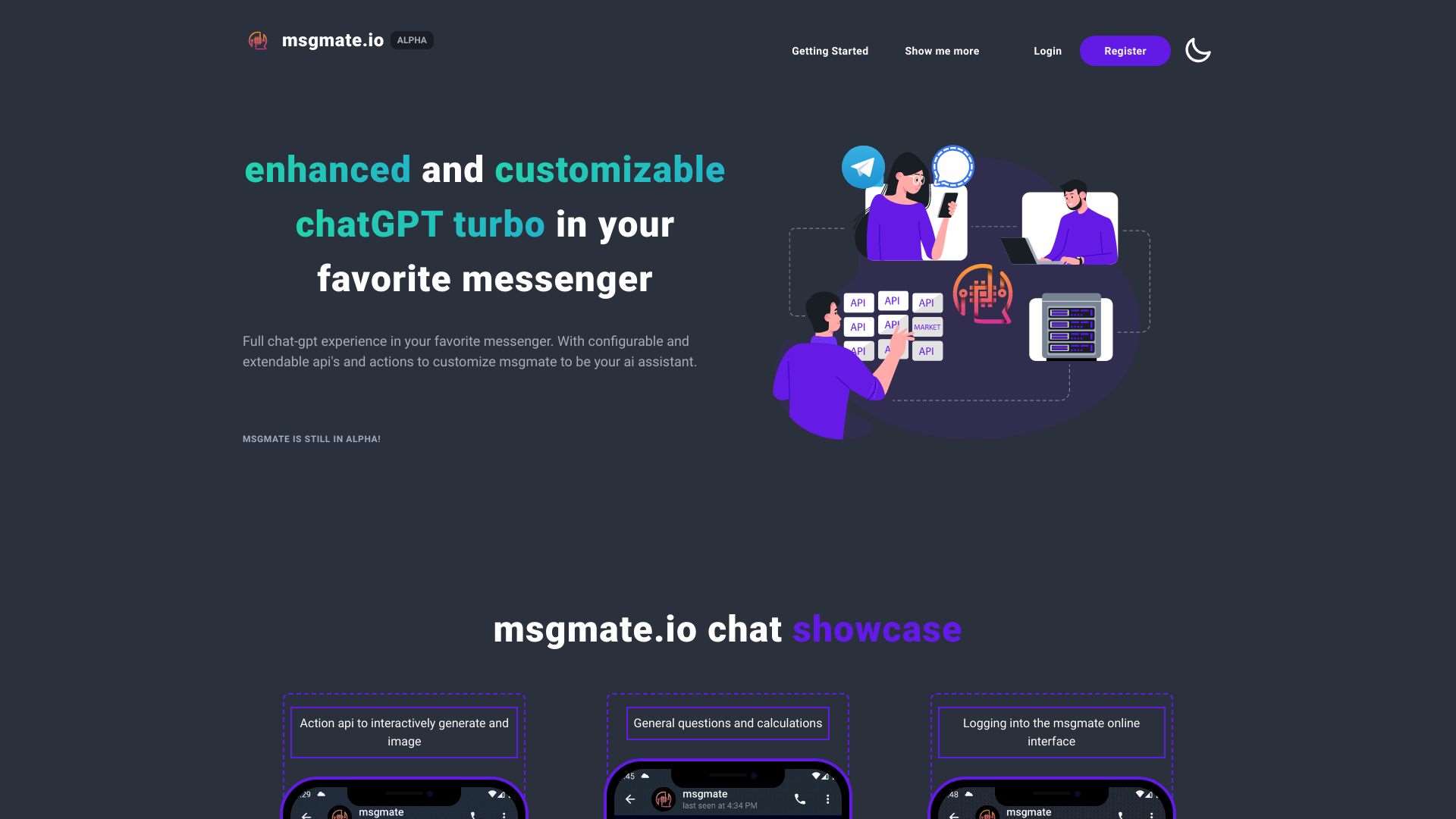
Use ChatGPT within your preferred messaging apps with customizable AI assistant features that support SSML for voice outputs.

AI‑powered voice‑to‑text tool for fast, structured, and professional dictation that also offers SSML‑enabled text‑to‑speech playback.
Multi‑task speech recognition, translation, and language identification that can be coupled with SSML‑enabled TTS engines.
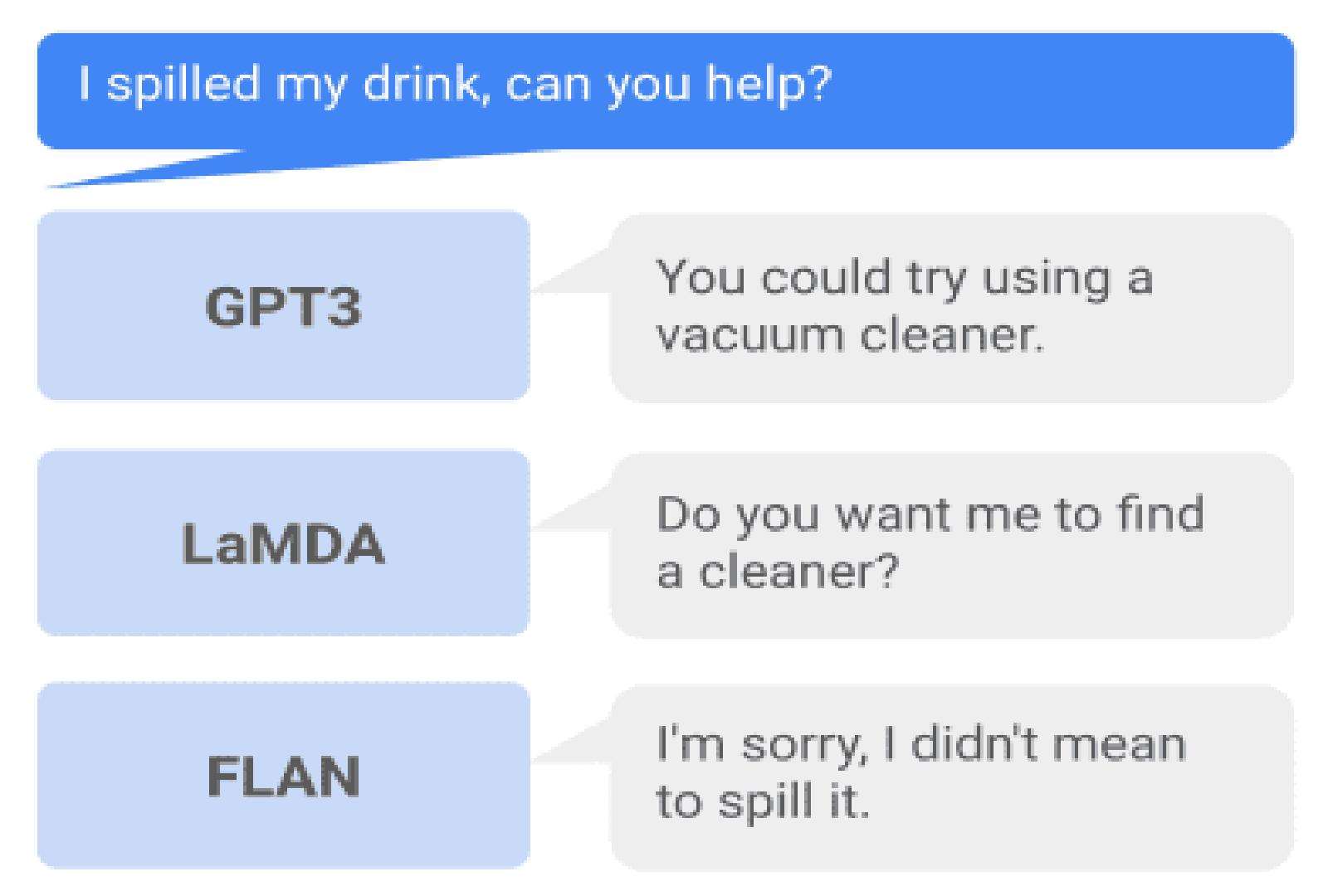
Real‑time speech recognition system that supports SSML to shape audio output for natural interaction flow.
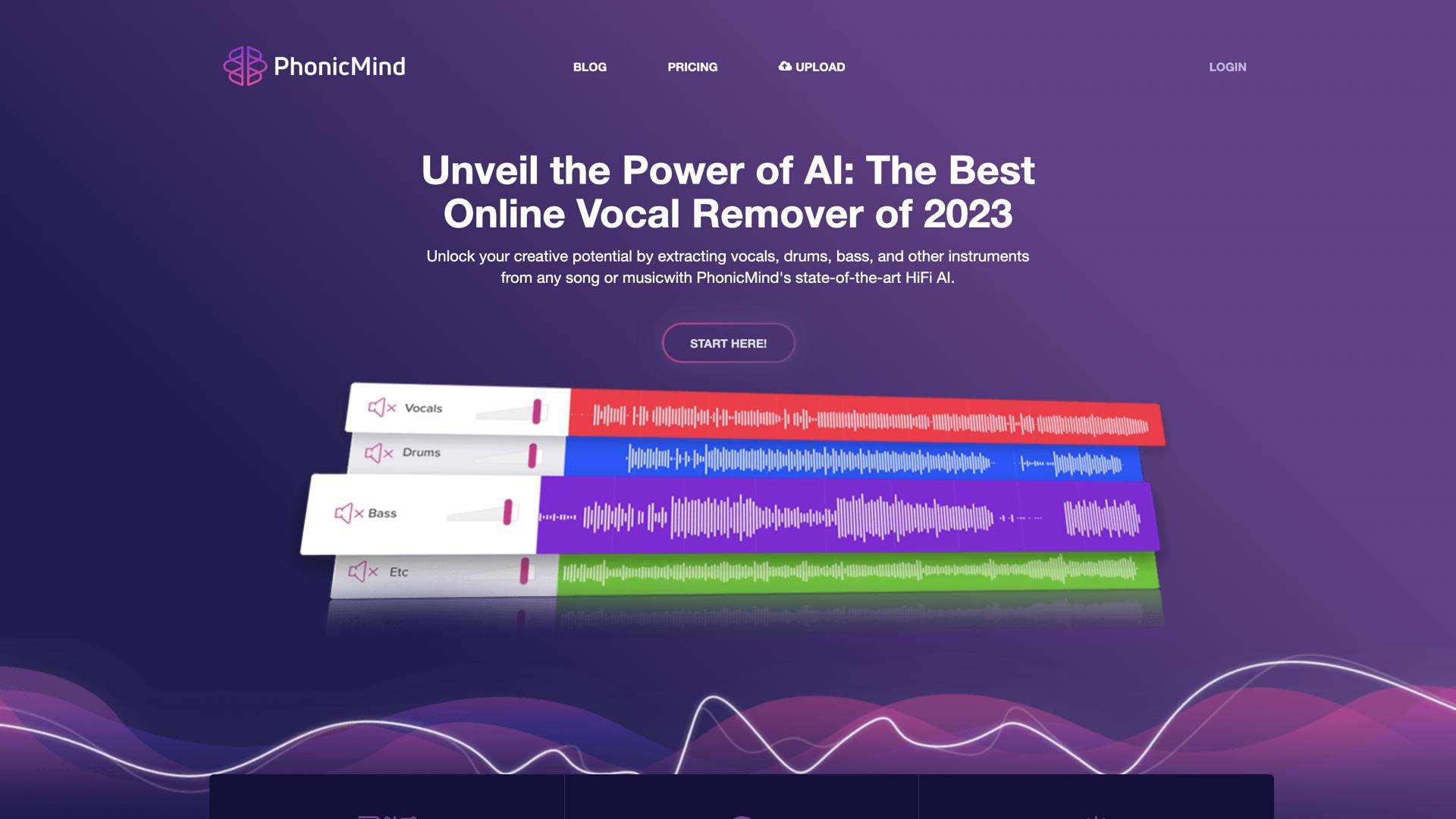
Vocal remover, editor, and enhancer with SSML‑enabled playback for precise audio post‑production control.
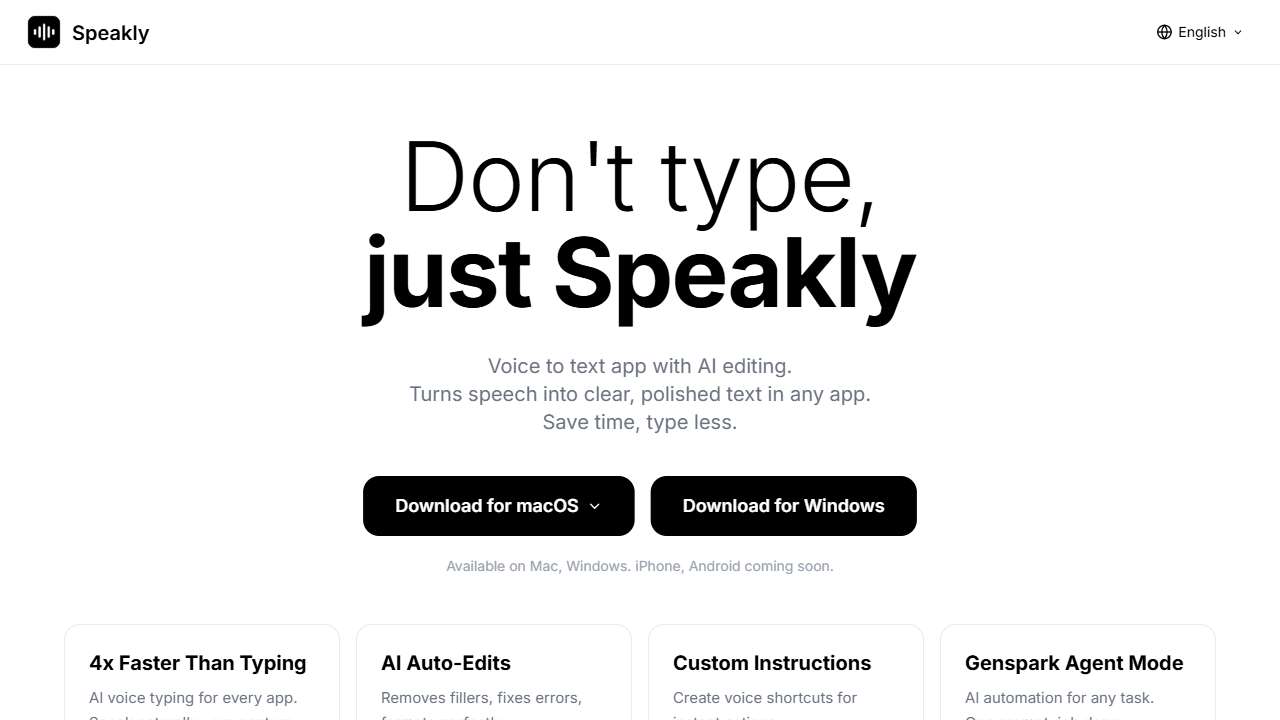
AI‑powered voice dictation app that exports to text with optional SSML formatting for enhanced playback.
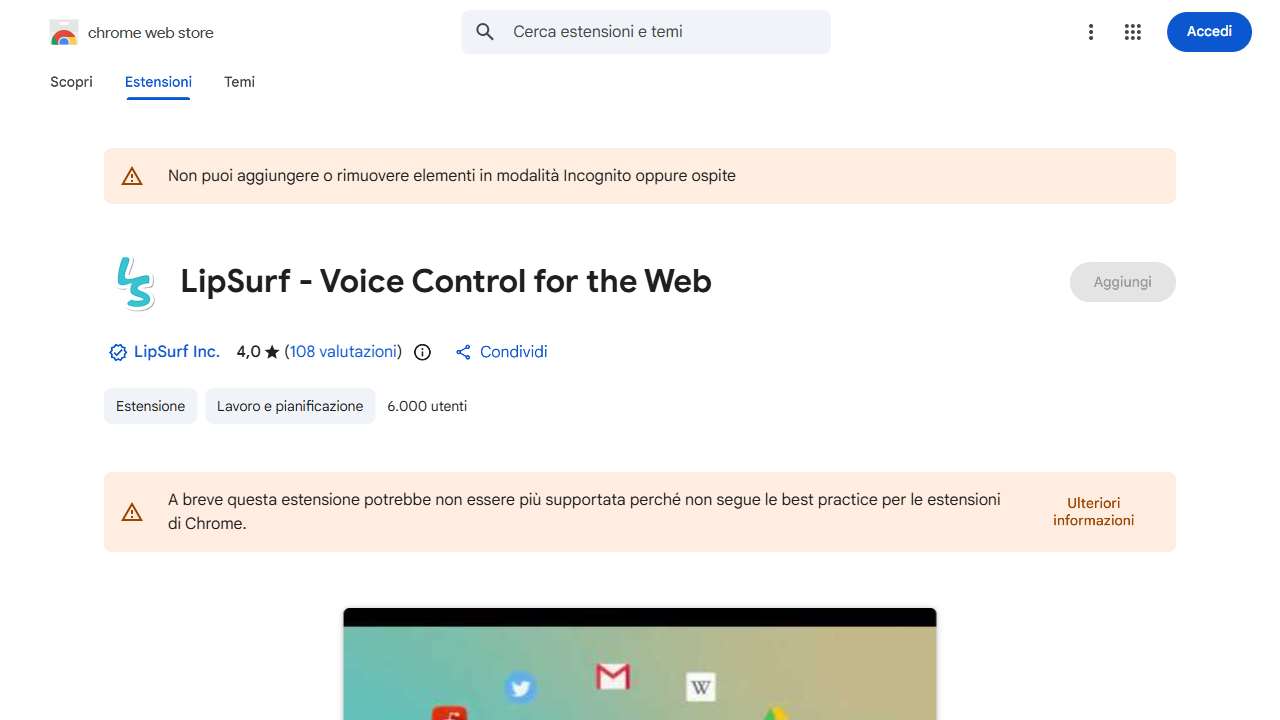
Hands‑free web browsing and productivity with voice control, leveraging SSML to provide context‑aware spoken feedback.

Voice recognition software for creating documents and text hands‑free, with SSML capabilities for nuanced output.
How to Integrate SSML Into Your Voice Workflows
Once you’ve selected a platform, embedding SSML into your application requires a few key steps:
- Create an SSML Skeleton – Define the structure (speaker tags, prosody adjustments, and audio inserts) before feeding it to the TTS engine.
- Validate with a Sandbox – Most services offer interactive editors where you can paste SSML and listen in‑realtime to catch errors early.
- Automate with APIs – Wrap the SSML string in your API calls (e.g., JSON payload for Big Speak) and manage tokens or session IDs for consistent voice output.
- Monitor and Refine – Collect user feedback and tweak SSML parameters (pitch, rate, emphasis) to match context or speaker demographics.
By following this workflow, you can ensure that the synthesized voice not only sounds natural but also aligns precisely with the storytelling or informational intent of your content.
Conclusion
Advanced SSML support has become a cornerstone of sophisticated voice experiences. Through careful evaluation and a curated portfolio of ten AI tools, we’ve identified solutions that combine robust SSML feature sets, diverse voice libraries, and practical pricing models. Whether you’re developing an accessibility app, a virtual assistant, or an engaging audio production, these platforms empower you to craft voices that feel authentic, expressive, and precisely tailored to your audience.