I mastered handling acronyms & numbers , dates, and symbols in speech synthesis
Dealing with acronyms, numbers, dates, and symbols can trip up even the best text‑to‑speech engines. I’ve compiled a practical guide that shows how to keep your synthetic voice natural and clear.
The Core Challenge: Beyond Plain Text
When a speech engine reads a plain string of letters, it treats everything as a literal. Acronyms like NASA or a phone number “555‑1234” can quickly become stumbling blocks if the pronunciation rules are not explicit. Similarly, dates and symbols can cause awkward pauses or entirely wrong intonation, leading to a robotic or confusing user experience.
Compounding this issue is that modern multimedia content often contains a mix of languages, technical jargon, and informal markup. A skilled developer must decide which parts of the input should be read literally, which should be expanded, and how prosody should change to reflect natural human speech patterns.
In this article we’ll break down the most common problematic token types—acronyms, numbers, dates, and symbols—and provide concrete methods to handle them both programmatically and with the help of specialized TTS tools.
Acronyms, Abbreviations, and Initialisms
Acronyms demand context. A short string of uppercase letters can represent vastly different phrases depending on the domain: “USB” could be “Universal Serial Bus,” “United States of America,” or “Unified Spine Bracket.” TTS engines typically read each letter individually unless instructed otherwise.
To ensure correct pronunciation, supply a “phoneme” or “lexical” specification for each acronym. Most modern APIs allow you to prefix the token with a substitution rule or wrap it in markers that trigger a pronunciation dictionary. Explicitly mapping “NASA” to “N-A-S-A” will keep the engine from sounding like a letter‑by‑letter announcer.
- Use a custom lexicon file for your TTS engine.
- Wrap acronyms in
<phoneme>tags with the appropriate IPA transcription. - Mark familiar abbreviations (e.g., “ASAP”) to be pronounced as words.
Numbers: Count, Amount, and Context
Numbers can represent simple counts (e.g., “3 cats”), monetary amounts (e.g., “$3,450”), percentages (e.g., “92%”), or serial identifiers (e.g., “AB‑1234”). The same numeric string can be read entirely differently depending on context. A TTS system that blindly pronounces “3,450” as “three comma four five zero” will be confusing.
Best practice is to embed explicit formatting cues. For monetary values, prepend a currency symbol and format digits in groups of three. For percentages, add the full word “percent” rather than rely on auto‑conversion. When speaking serial IDs, separate each component with commas or the word “dash.”
- “$3,450” → “three thousand four hundred fifty dollars.”
- “92%” → “ninety-two percent.”
- “AB‑1234” → “A‑B dash one‑two‑three‑four.”
Dates, Times, and Calendars
Absolute dates (e.g., “2021‑08‑15”) are usually better pronounced in a local date format rather than reading each numeric component separately. Relative dates like “next Friday” or “two weeks from now” require the engine to resolve the actual calendar value at runtime.
When dealing with time expressions, include AM/PM or 24‑hour indicators and explicitly speak the time zone if necessary. For recurring schedules, mention the interval (“every Monday at 9 am”) to avoid misinterpretation.
- “2021‑08‑15” → “August fifteenth, two thousand twenty‑one.”
- “10:30 AM” → “ten thirty in the morning.”
- “next Friday” → “next Friday” (engine resolves to date).
Symbols, Punctuation, and Emojis
Punctuation is more than a visual cue; it shapes prosody. Periods introduce a full pause, commas a brief breath, and ellipses a trailing off. If your script contains “...” or “!!!”, the engine might interpret them as an abrupt entropy in the flow.
Emojis and emoticons present another layer. Instead of reading the raw character, map common faces (“😀”) to their spoken equivalents (“smiley face”) or use SSML to insert an audio clip expressing the emotion.
- “…” → “one, two, and a pause.”
- “!” → “exclamation point” or “wow.”
- “😂” → “laughing face.”
Choosing the Right Tool for Your Workflow
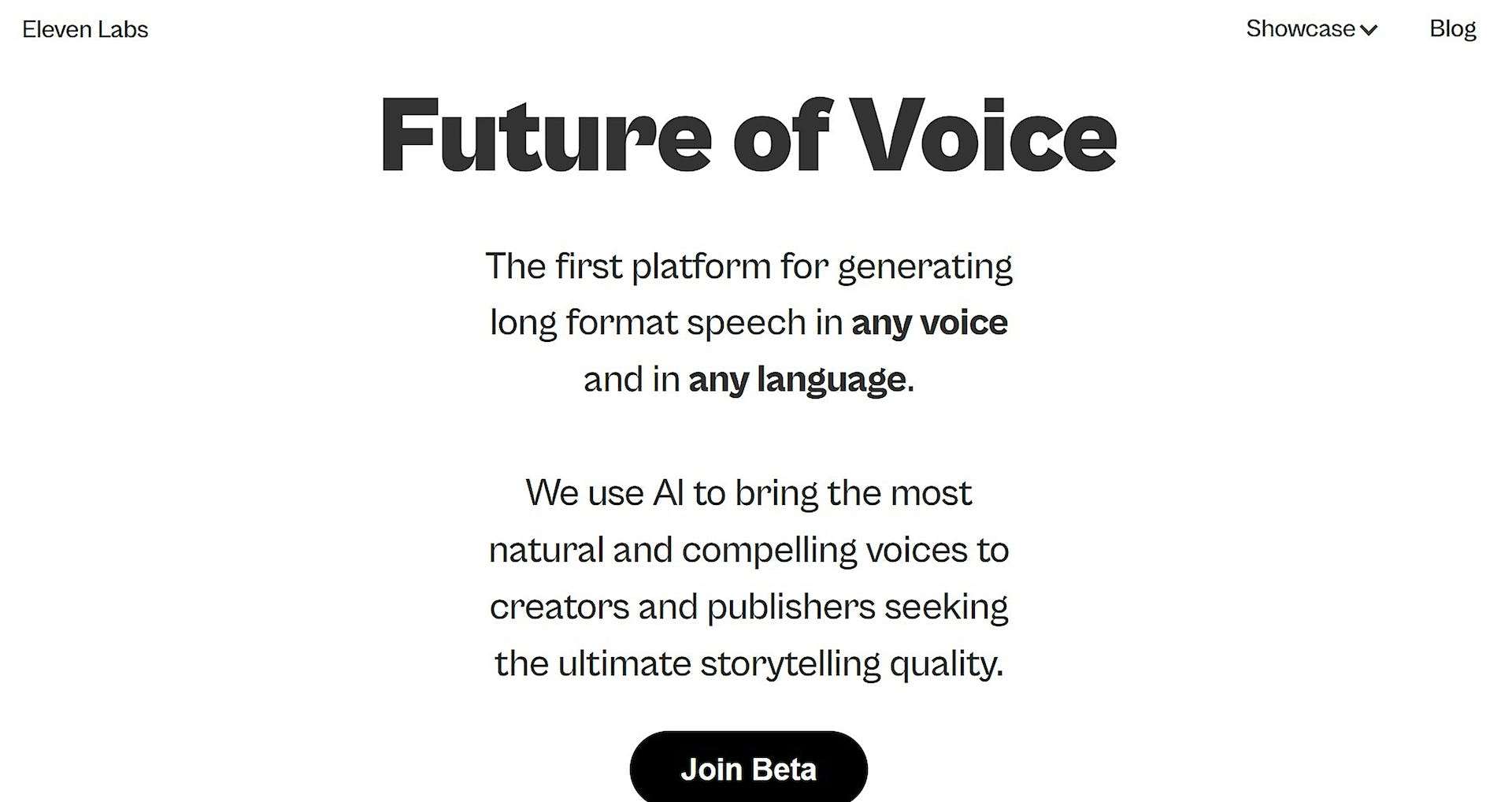
AI platform to generate natural, long-form speech in any language.
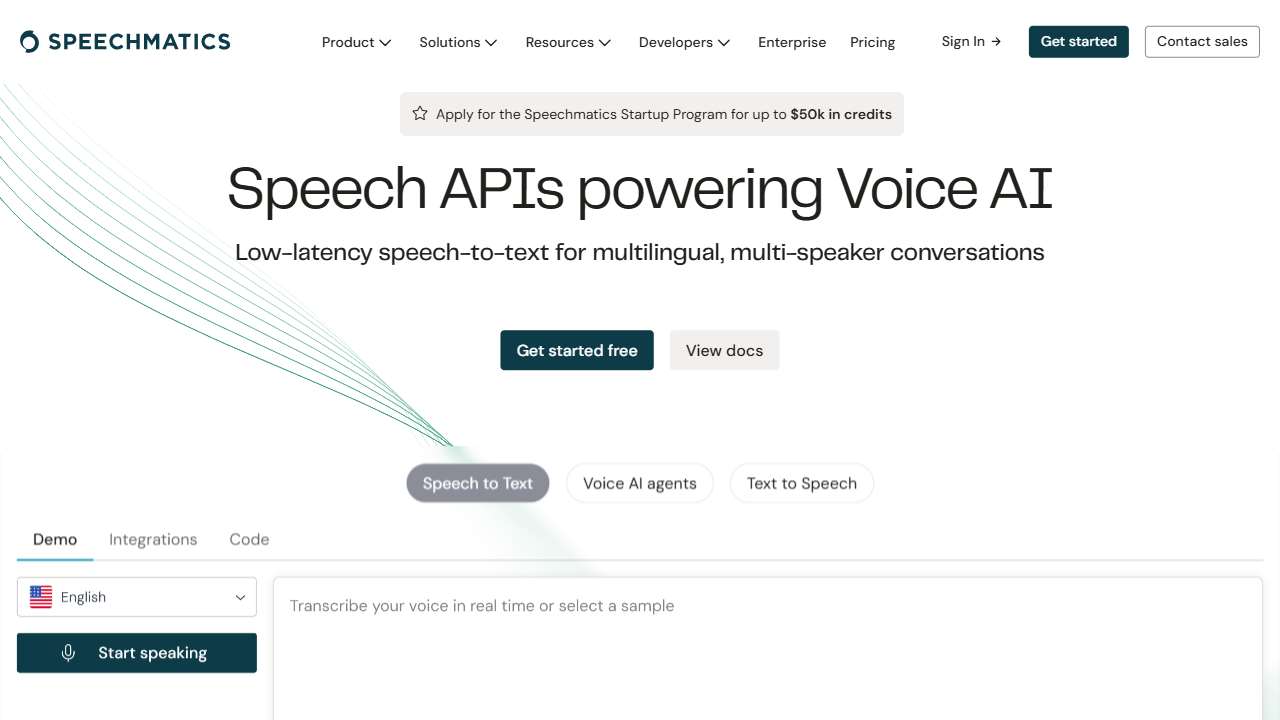
Speechmatics: Accurate speech-to-text technology for audio analysis and organization.
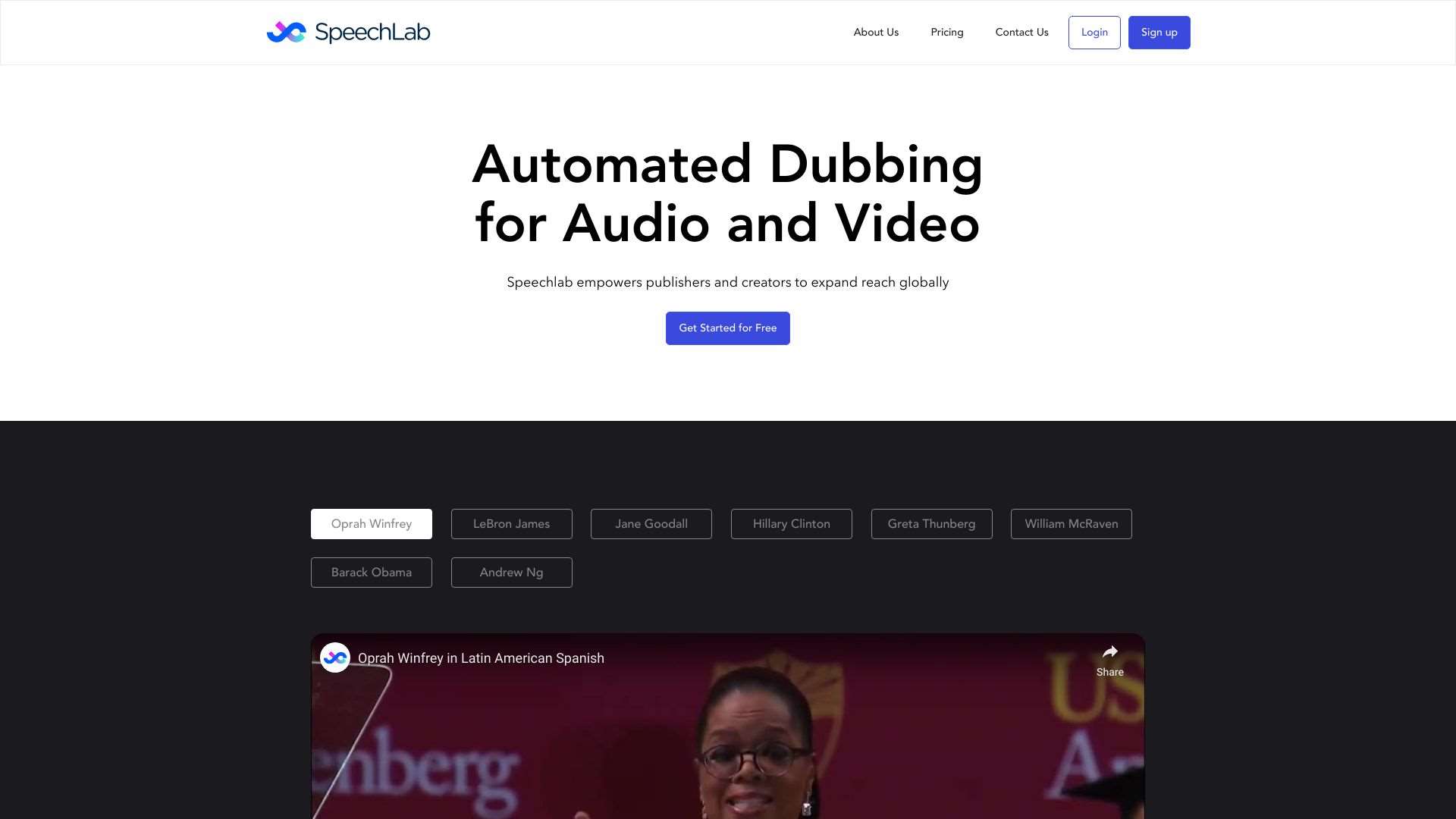
SpeechLab: AI platform for multilingual dubbing, voice-overs, and synthesized speech.
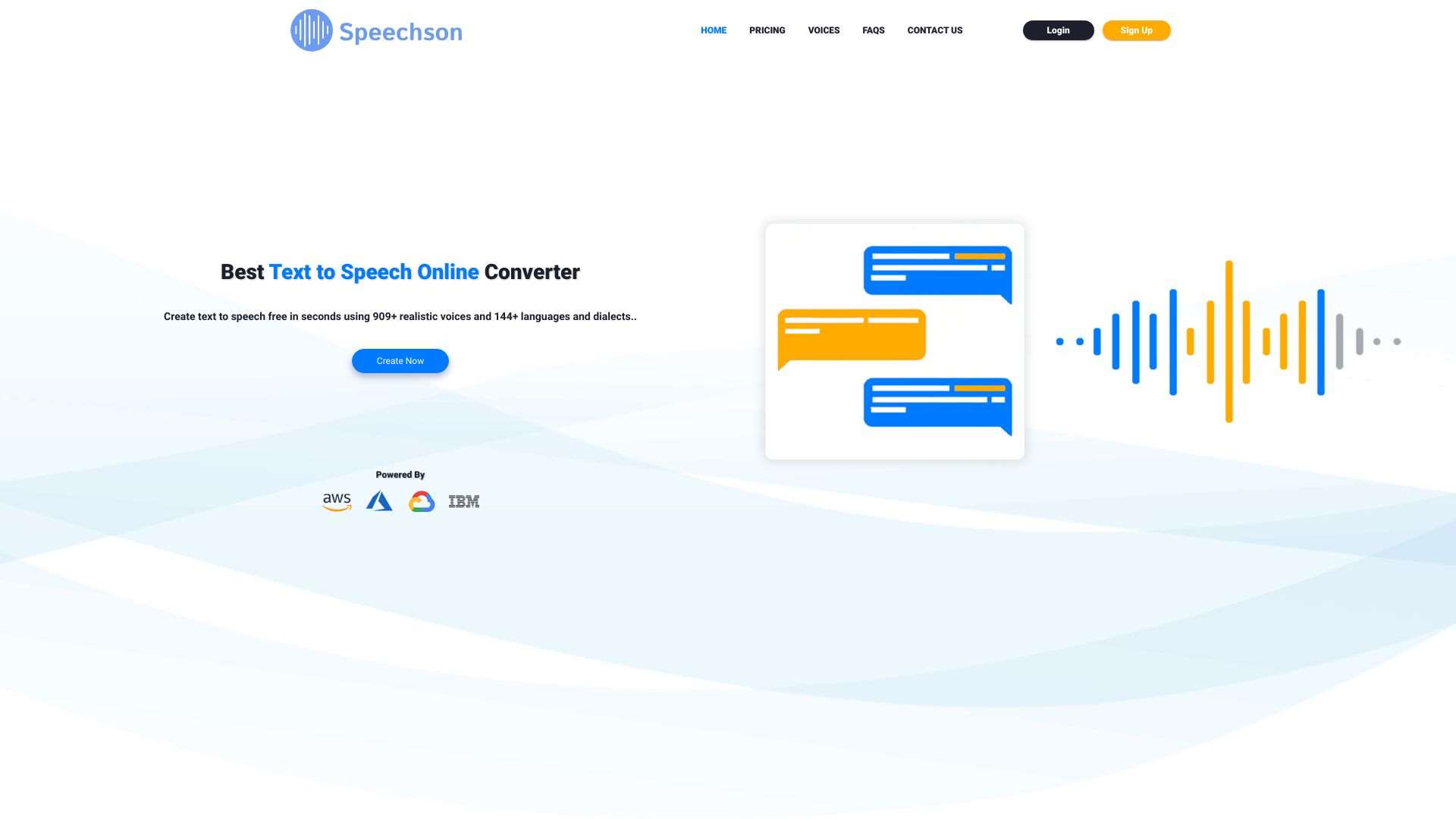
Speechson is an online TTS tool that converts text to natural-sounding speech using deep learning.
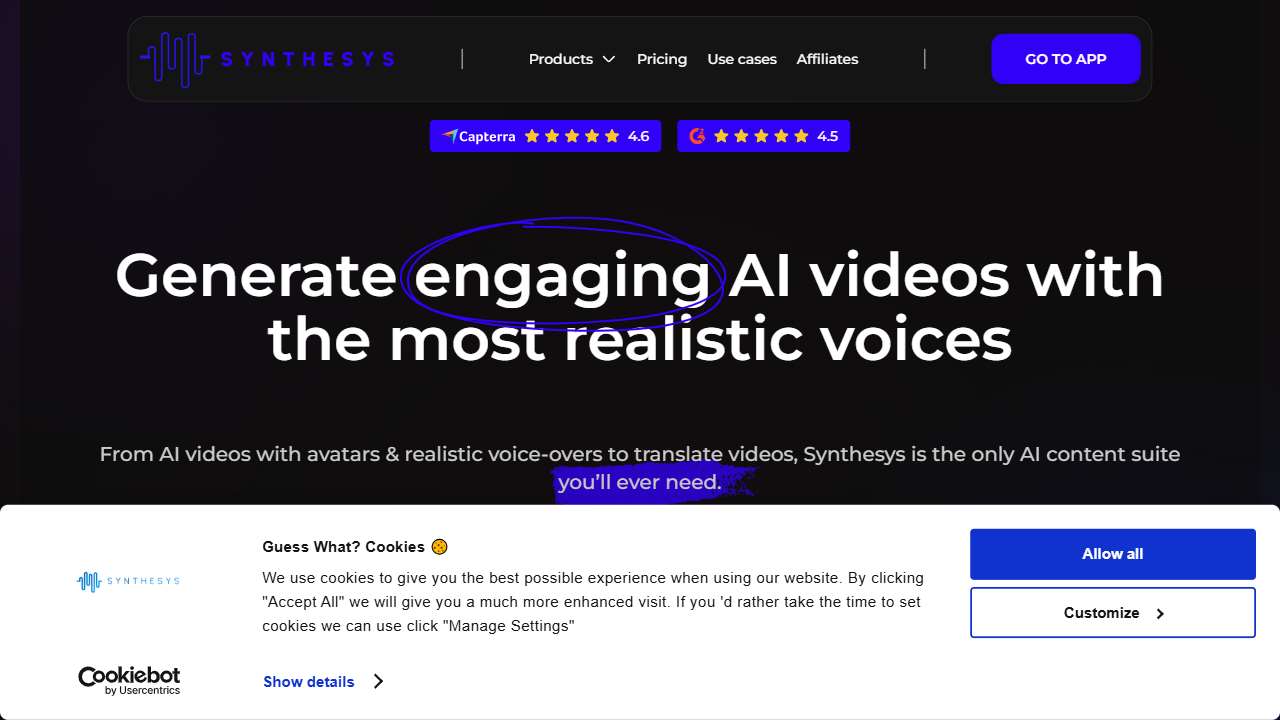
Synthesys provides text-to-speech and video creation tools for commercial applications.

GPT4Audio: AI-powered desktop app for speech-to-text, text-to-speech, and NLP tasks.
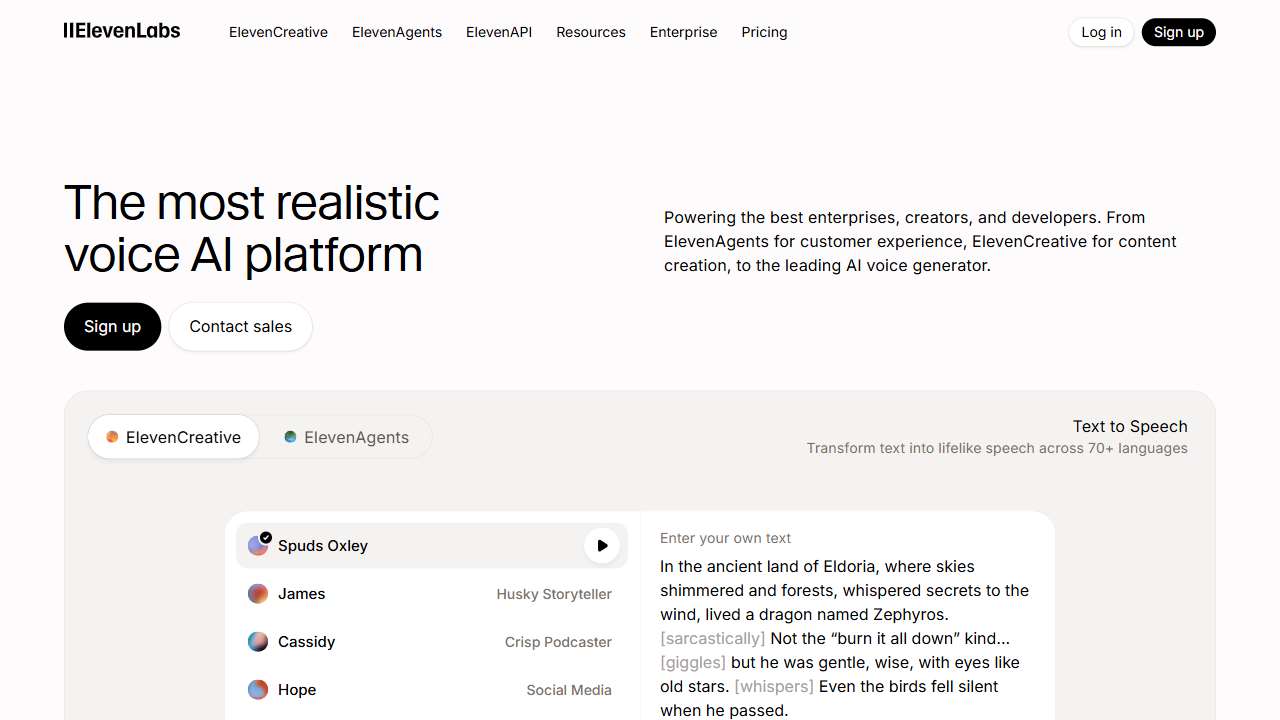
AI platform for generating natural, long-form speech in any language.
Convert articles into audio summaries for easy multitasking and information consumption.
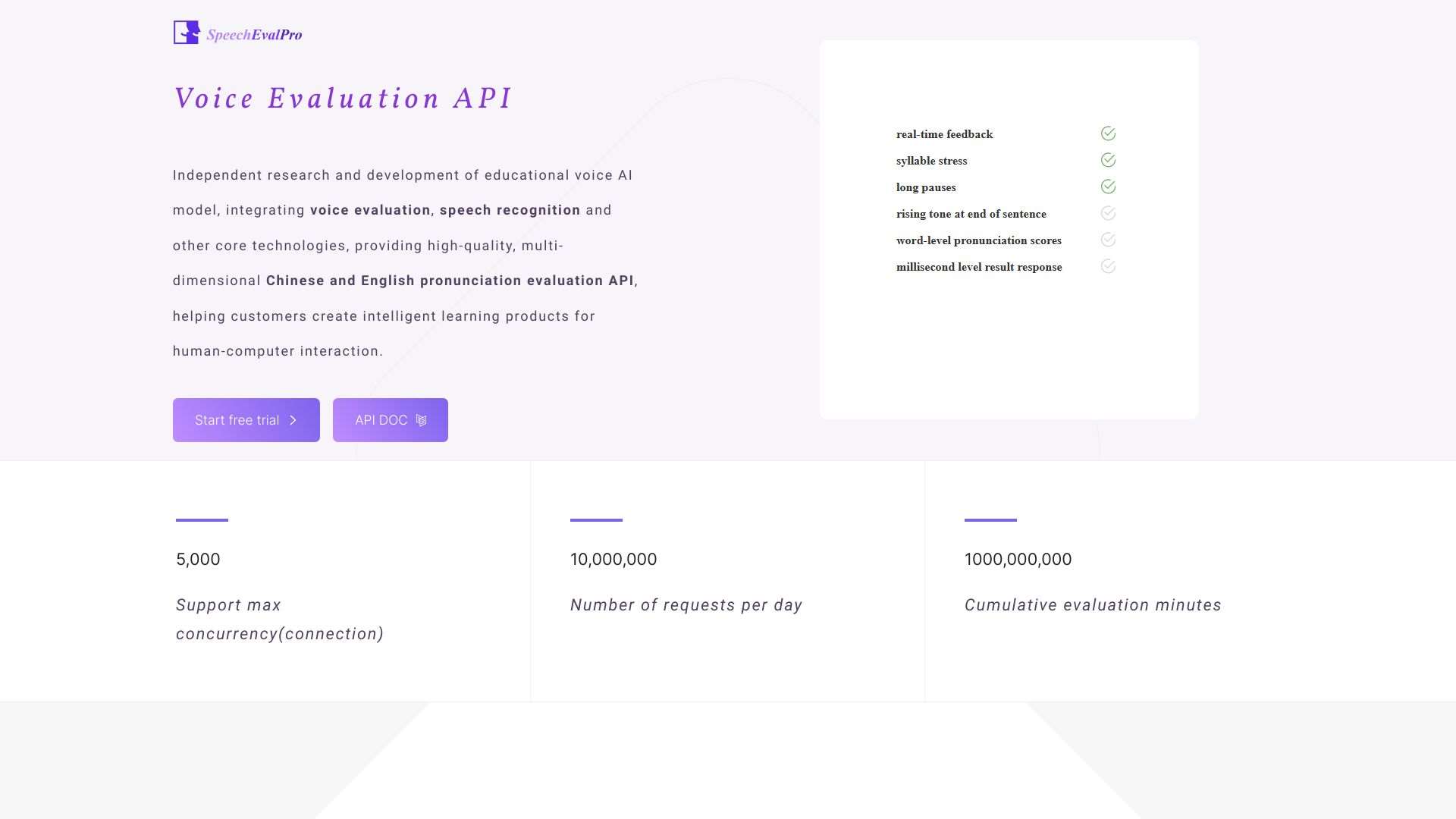
SpeechEvalPro: API for accurate, multi-dimensional pronunciation assessment (English & Chinese).
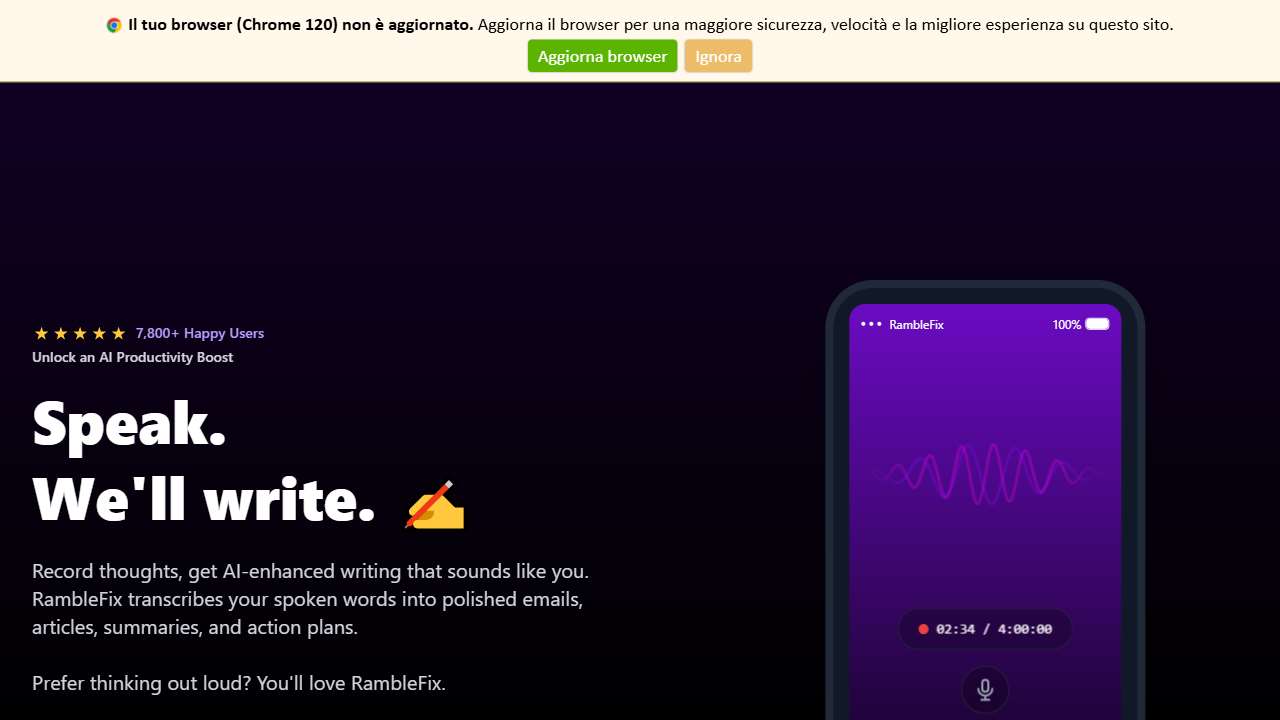
Converts disorganized speech into organized, readable text.
Conclusion: Mastering Speech Synthesis Nuances
By treating acronyms, numbers, dates, and symbols as distinct linguistic units and applying explicit formatting rules, you can dramatically improve intelligibility and naturalness in TTS output. Combining these techniques with a capable, cost‑effective tool that supports SSML or custom lexicons will give you full control over every utterance, ensuring that your content sounds polished, professional, and engaging to listeners worldwide.