I tested these 10 AI tools to preserve PDF and Word formatting
I dug into the 10 AI tools that promise to translate PDFs and Word documents while keeping the original layout intact. These services range from free web apps to paid SaaS platforms, each with unique strengths and quirks.
Understanding the Formatting Challenge
When translating a document, especially a PDF or a richly formatted Word file, it’s easy to lose the disciplined layout, fonts, tables, and images that give the file its visual and structural integrity. Text can shift, columns can collapse, and embedded graphics can become orphaned, undermining the reader’s experience.
Preserving formatting is not just a visual nicety—it’s a functional requirement. Legal documents, technical manuals, and marketing brochures rely on precise positioning and styling to convey meaning. A broken layout can change a clause’s interpretation or dilute brand messaging.
Modern AI translation tools address these concerns by pairing natural language processing with sophisticated layout analysis. These solutions can decode the underlying structure of the source document, regenerate it in the target language, and maintain fidelity to the original design.
Key Features to Look For When Translating PDFs and Word Docs
Core Capabilities
- Layout Recognition: The tool should detect text blocks, columns, tables, and graphics, preserving their spatial relationships.
- Font & Style Mapping: Automatic substitution of fonts that support target‑language characters while retaining bold, italics, and underline styles.
- Image OCR & Embedded Text: Ability to extract and translate text from scanned images within the document.
Other Considerations
- Support for multiple input formats (PDF, DOCX, XLSX, PPTX, images).
- Batch translation and API integration for enterprise workflows.
- Privacy controls and compliance with data‑handling regulations.
Top 10 AI Tools That Preserve Formatting
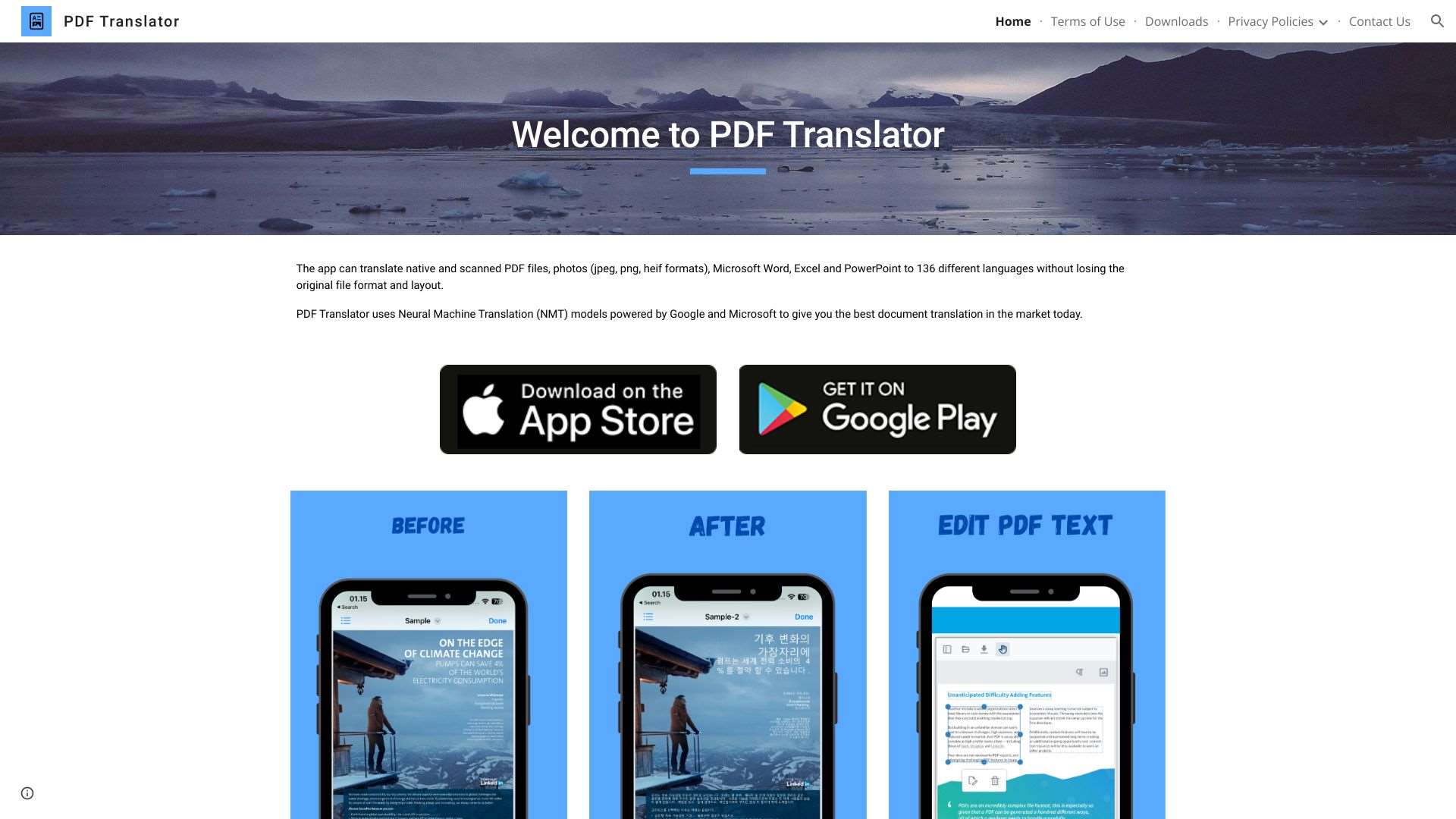
Translate PDF documents into over 100 languages while maintaining formatting.
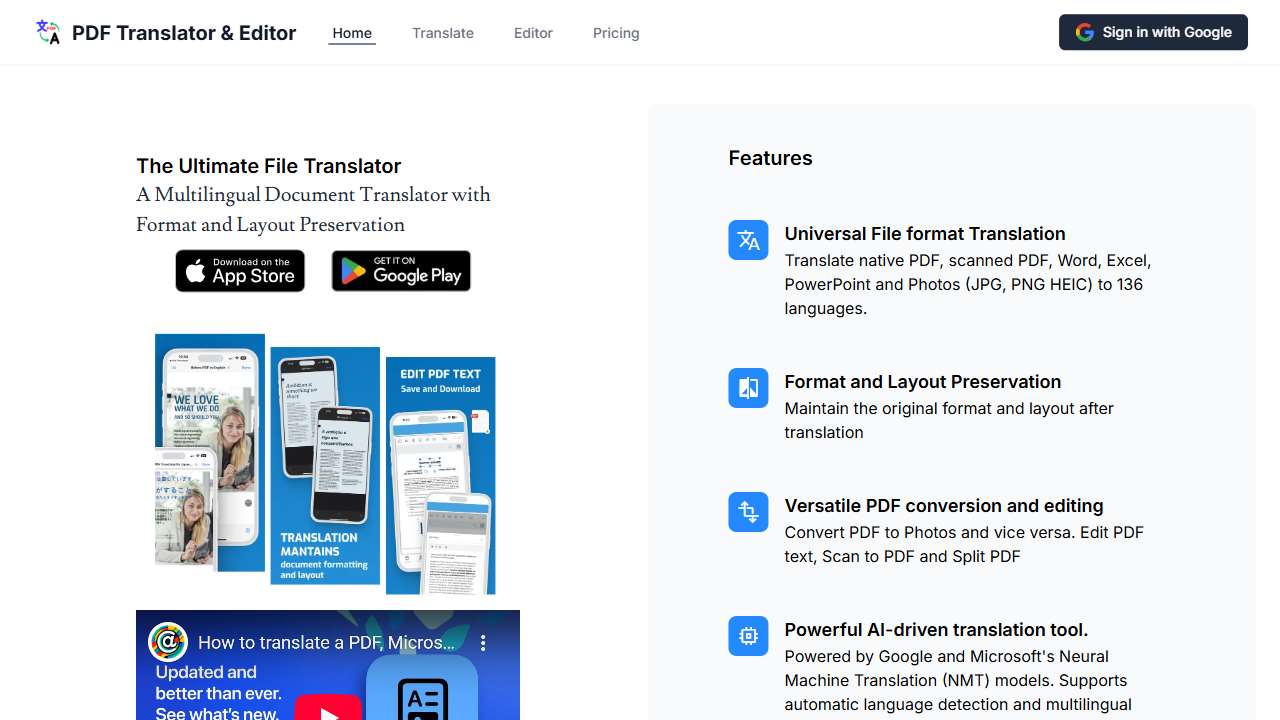
Translates documents, including PDFs, images, and Office files, with high quality.
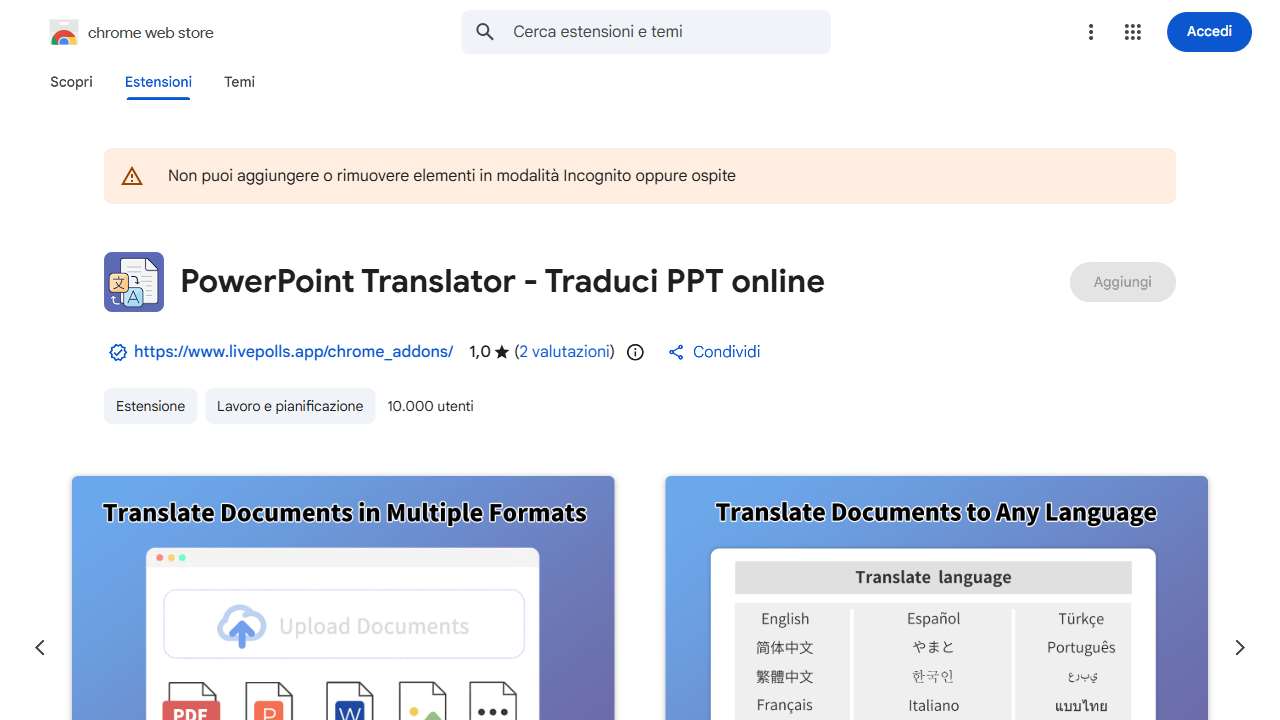
Service for translating documents while maintaining original formatting and supporting multiple languages and file types.
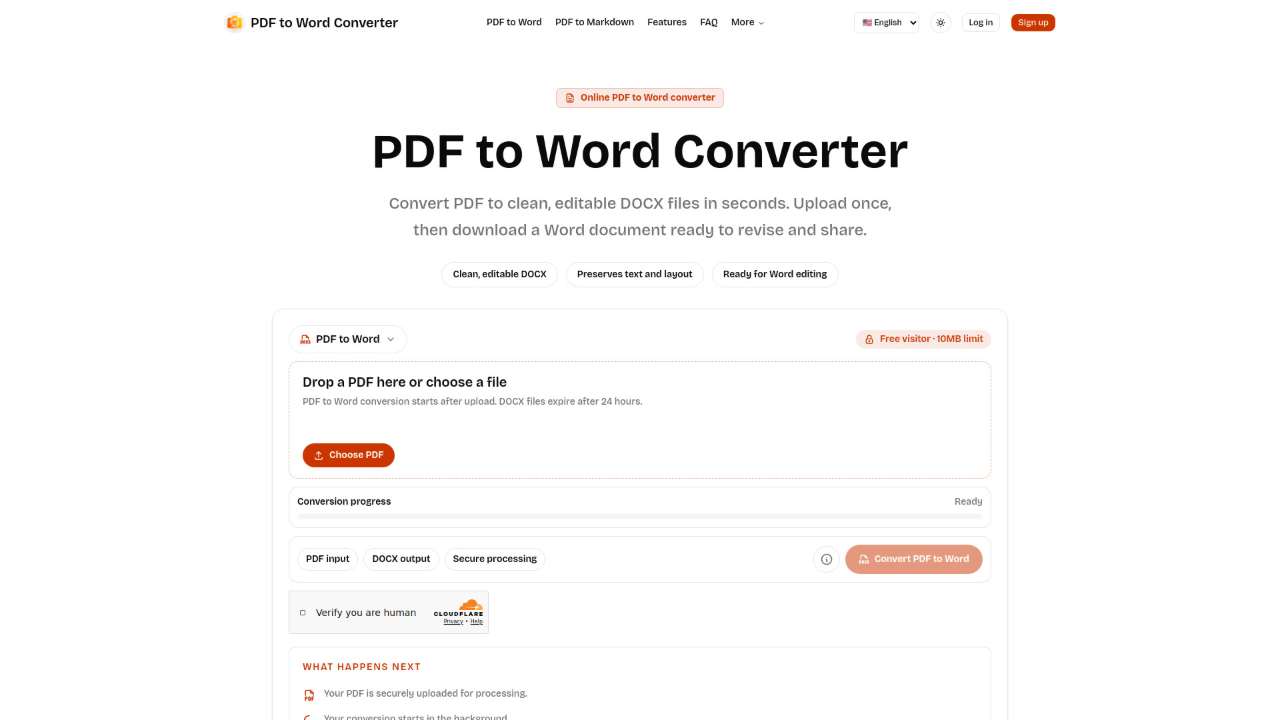
Convert PDFs to editable Word files online with AI-powered layout preservation.
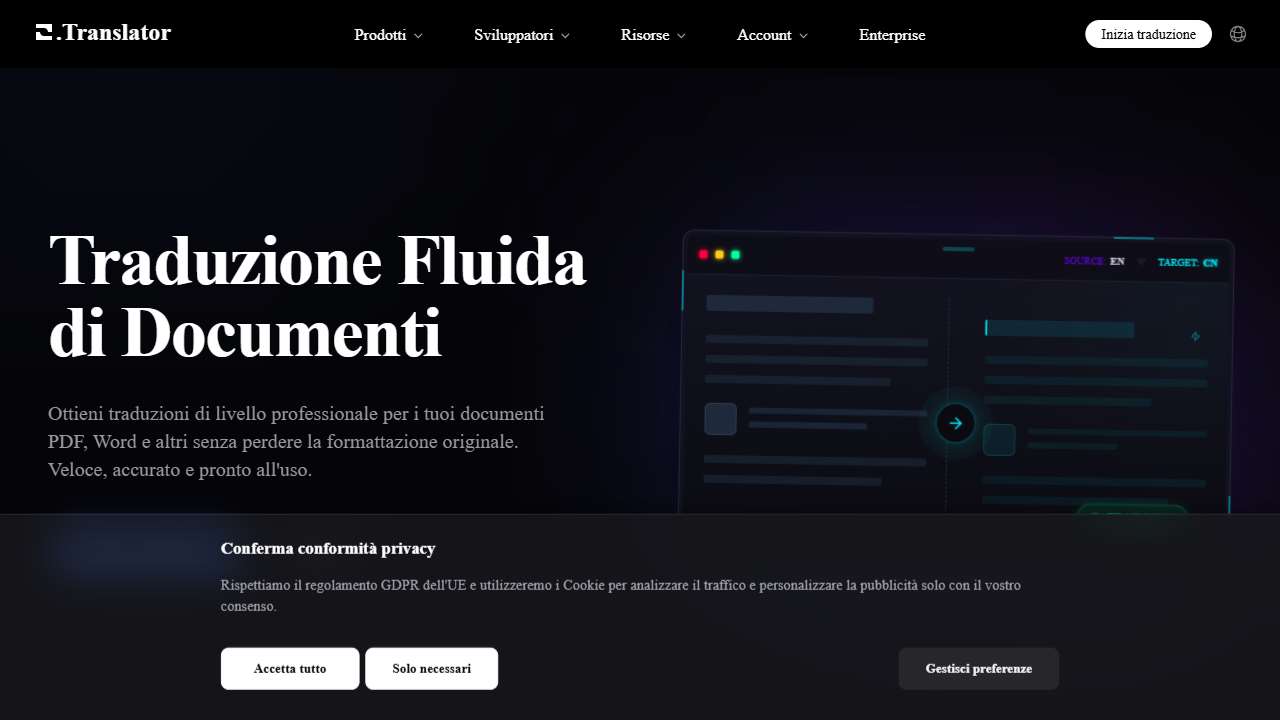
AI-powered website for translating documents while maintaining the original format.
Quickly translate documents, images, and text to your native language with powerful OCR technology.
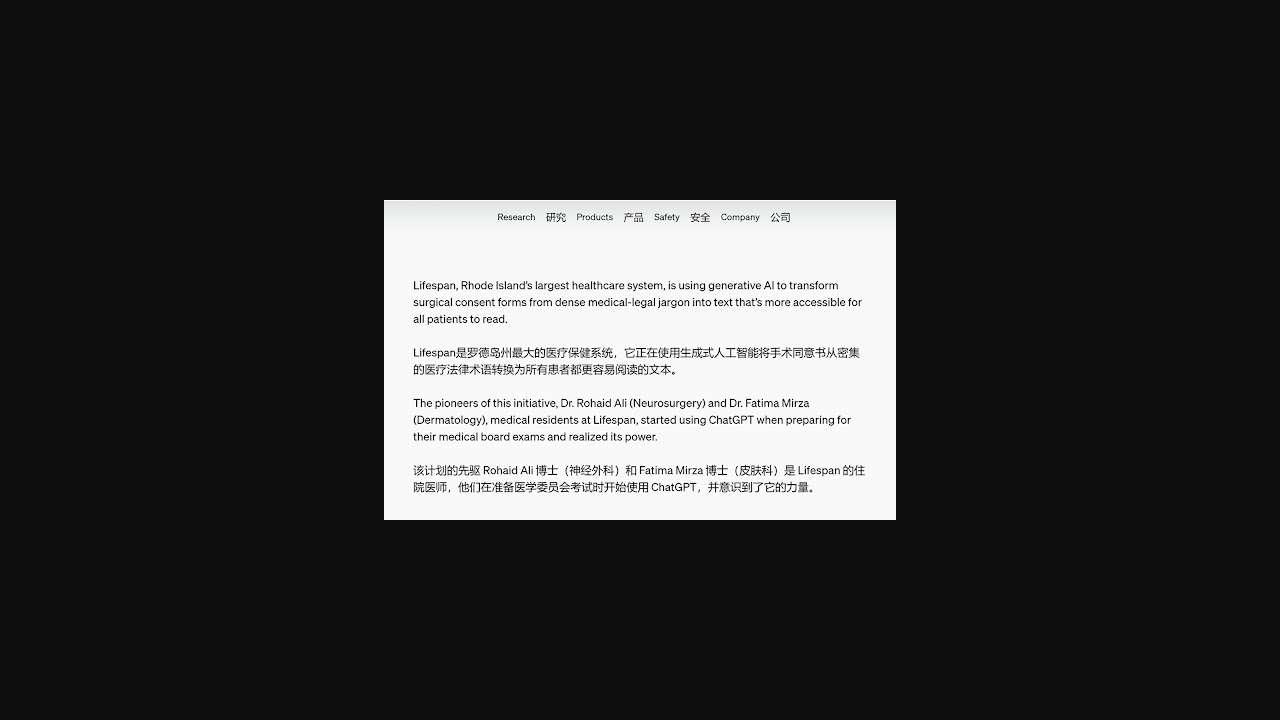
Displays original text alongside translations for improved understanding.
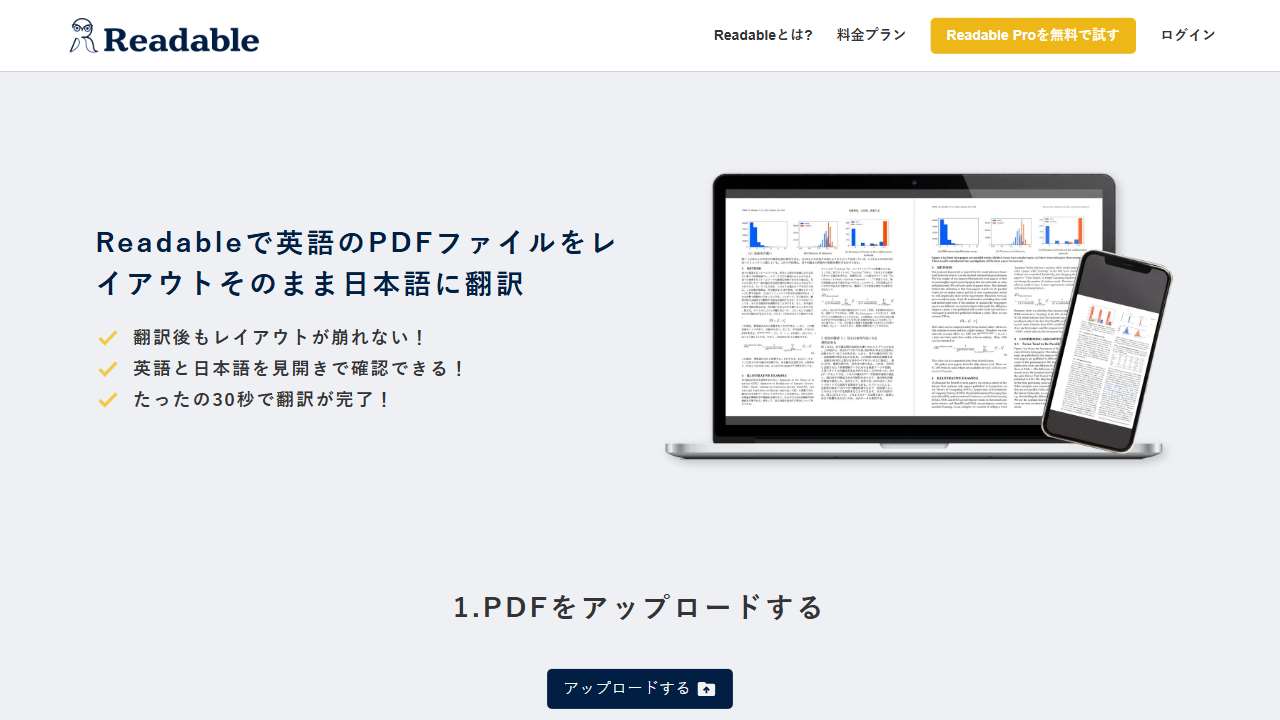
AI-powered tool instantly translates PDFs from English to Japanese, preserving the original layout.
Brian translates documents (pptx, docx, xlsx) to/from 100 languages in minutes, preserving formatting.
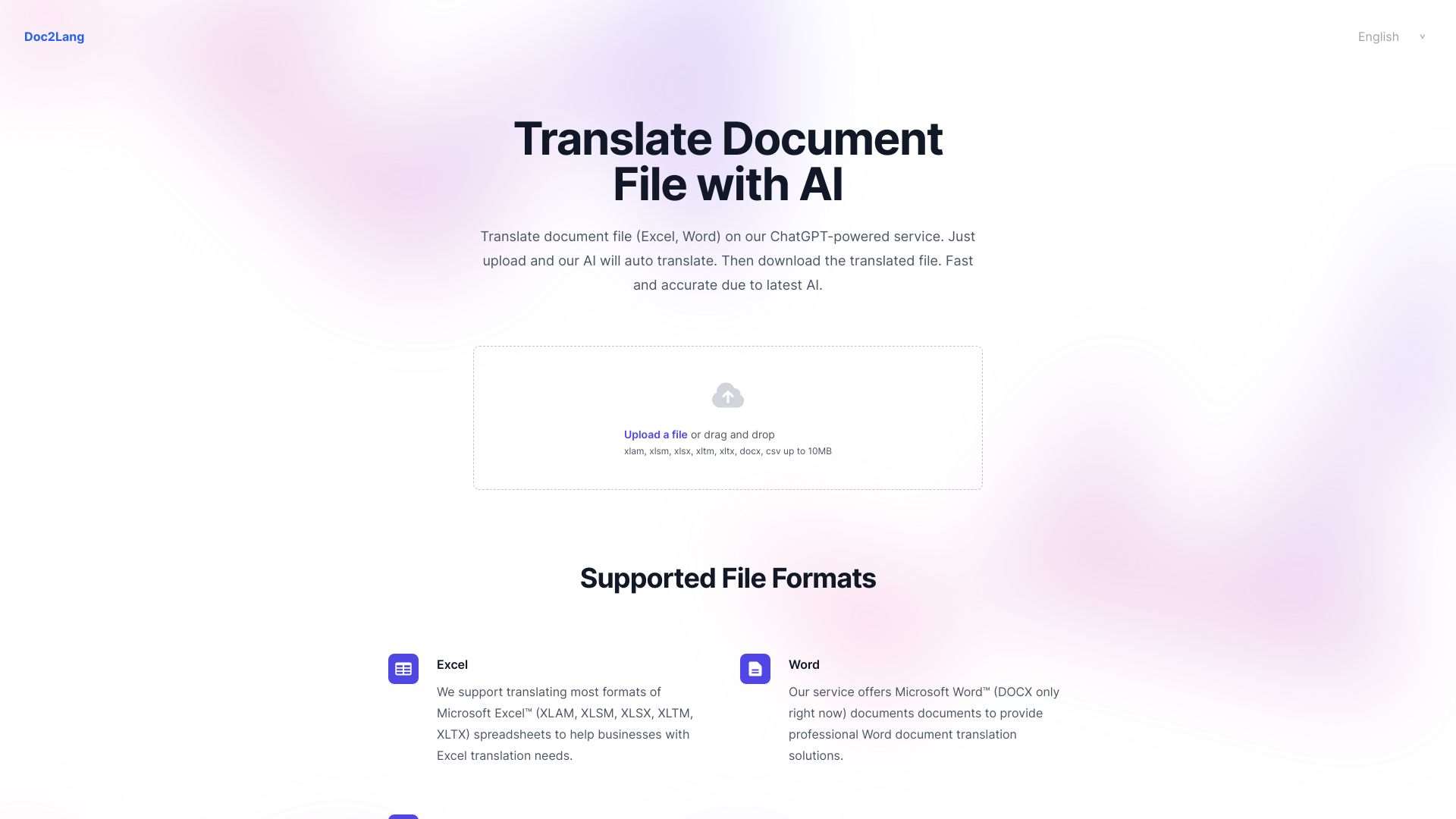
Translate documents (Excel, Word, CSV) automatically using our AI-powered service. Fast and accurate translation.
Case Studies: Real-World Use Cases
In a multinational engineering firm, preserving the layout of PDF drawings during translation was critical for compliance audits. Using PDF Translator & Editor, they achieved accurate language translation with the diagrams and annotations untouched, reducing rework by 40%.
A publishing house leveraged AskBrian.ai to translate word-by-word manuscripts from multiple languages while keeping original chapter headings, styles, and embedded images intact. The resulting cross-language editions retained the aesthetic continuity that readers expect.
How to Get Started: Choosing the Right Tool for Your Workflow
Begin by cataloguing the document types you most frequently translate—PDF, DOCX, PPTX, or scanned images. Match that to a tool’s supported input set. Next, evaluate the layout preservation score based on free trials or demo data; tools like PDF to Word AI excel in candidate conversion quality, while Readable shines for bilingual Japanese‑English workflows.
Finally, consider integration needs: if you require automated batch translations as part of a CMS or translation memory system, prioritize tools offering API access or powerful team features. Documentary projects with stringent confidentiality should also check data‑privacy compliance, especially for paid services which may store data in cloud servers.
Final Thoughts
Translating while preserving formatting is now more accessible than ever, thanks to AI solutions that marry advanced machine translation with intelligent layout analysis. By selecting a tool that aligns with your file types, language pairs, and workflow needs, you can ensure that your documents look as good, or better, in the target language as they did in the source.