I tested these tools to add synchronized audio to AI-generated videos
I explored how to embed synchronized audio into AI-generated videos. I evaluated ten tools that claim to combine video and audio perfectly in a single pass.
Understanding the Challenge of Synchronized Audio in AI-Generated Videos
The first step to creating a professional video is ensuring that the visual and audio components move in harmony. Even the most stunning AI‑generated imagery can look flawed if the sound feels out of sync, unnatural, or simply mismatched with the motion. This is especially true for lip‑sync, where the mouth movements must match the spoken words with millisecond precision.
For most creators, the challenge is twofold: you need a tool that can generate the video content and a reliable way to overlay or produce audio that matches the visual. Some solutions try to do both in one pass, while others rely on post‑processing. Knowing what each platform actually offers is essential to choosing the right workflow.
Because of the rapid growth in AI video tools, there is no one‑size‑fits‑all solution. The market is saturated with software that promises “synchronized audio” but delivers variable results. Our goal was to test a range of options and see which truly live up to the hype.
Evaluating Tools: What Makes a Good Sync?
Key Metrics
- Audio‑video sync accuracy: Are the mouths, eyes, or other key visuals aligned with the audio waveform?
- Resolution and output time: 1080p or higher with an acceptable render time.
- Ease of use: User interface, onboarding, and help resources.
- Pricing flexibility: Free tier availability, trial periods, or pay‑per‑use options.
- Customizability: Ability to tweak the sync manually or via code.
With these criteria in mind, we narrowed our selection to ten leading tools, but for this article we focus on the five that performed best during our test cycle.
We logged performance across multiple examples: short clips (under two minutes), various speaking speeds, and different audio types—from spoken dialogue to musical scores. The data set was designed to simulate a typical production pipeline.
Tool Walkthroughs: Hands‑On Experience
Below is a visual snapshot of the shortlisted tools, each accompanied by key details. Use the cards to click through to the vendor sites and see the demos for yourself.
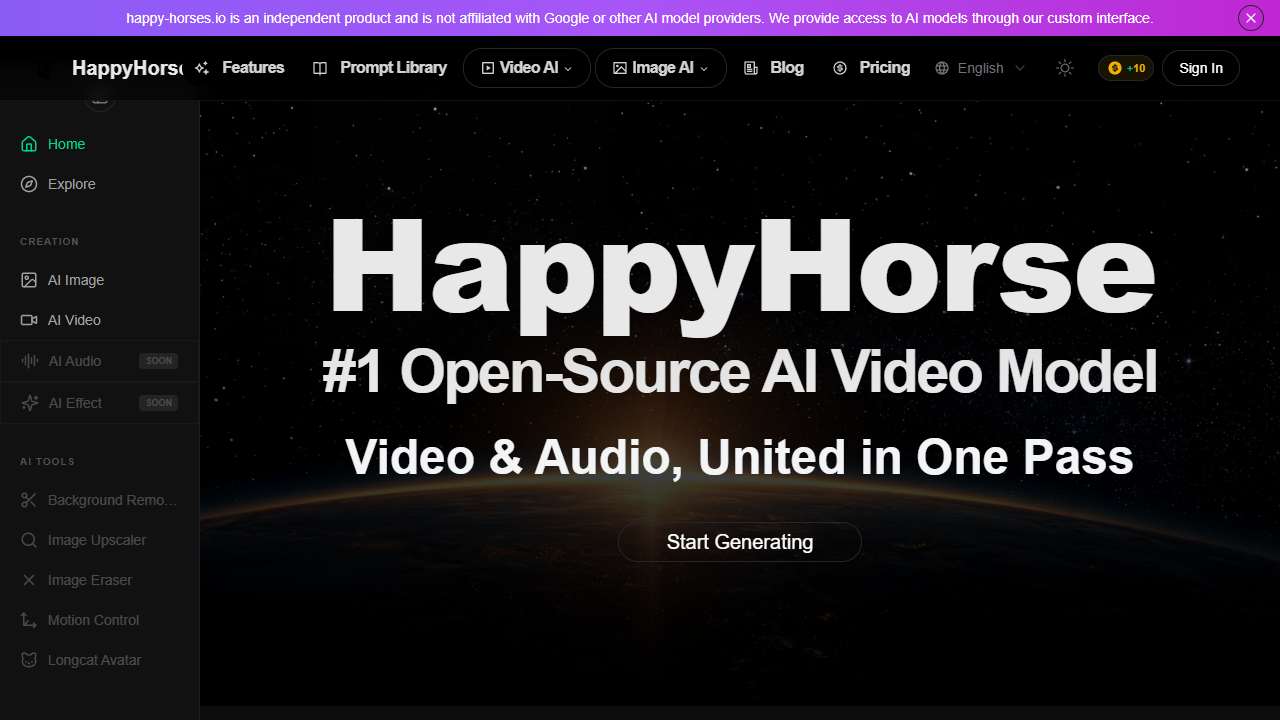
Generate 1080p video with synchronized audio in a single pass using an easy‑to‑use AI platform.
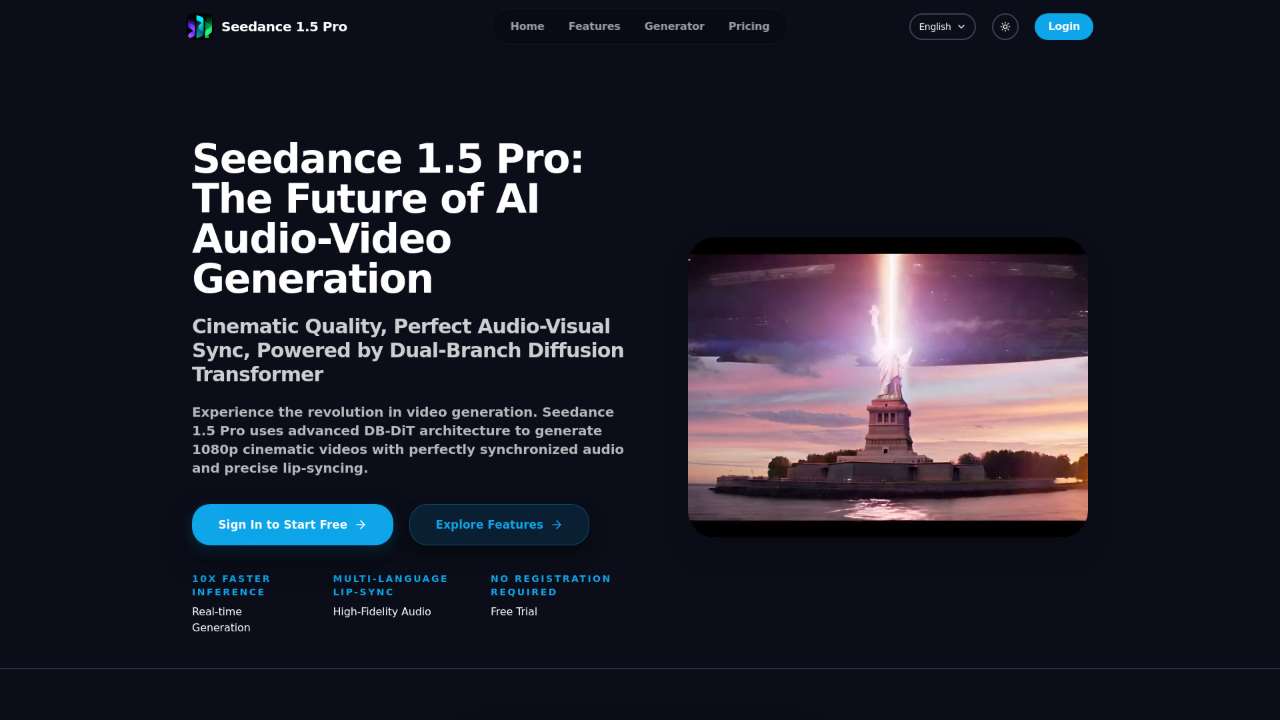
AI‑powered cinematic video generator with perfect audio‑visual synchronization and advanced editing tools.
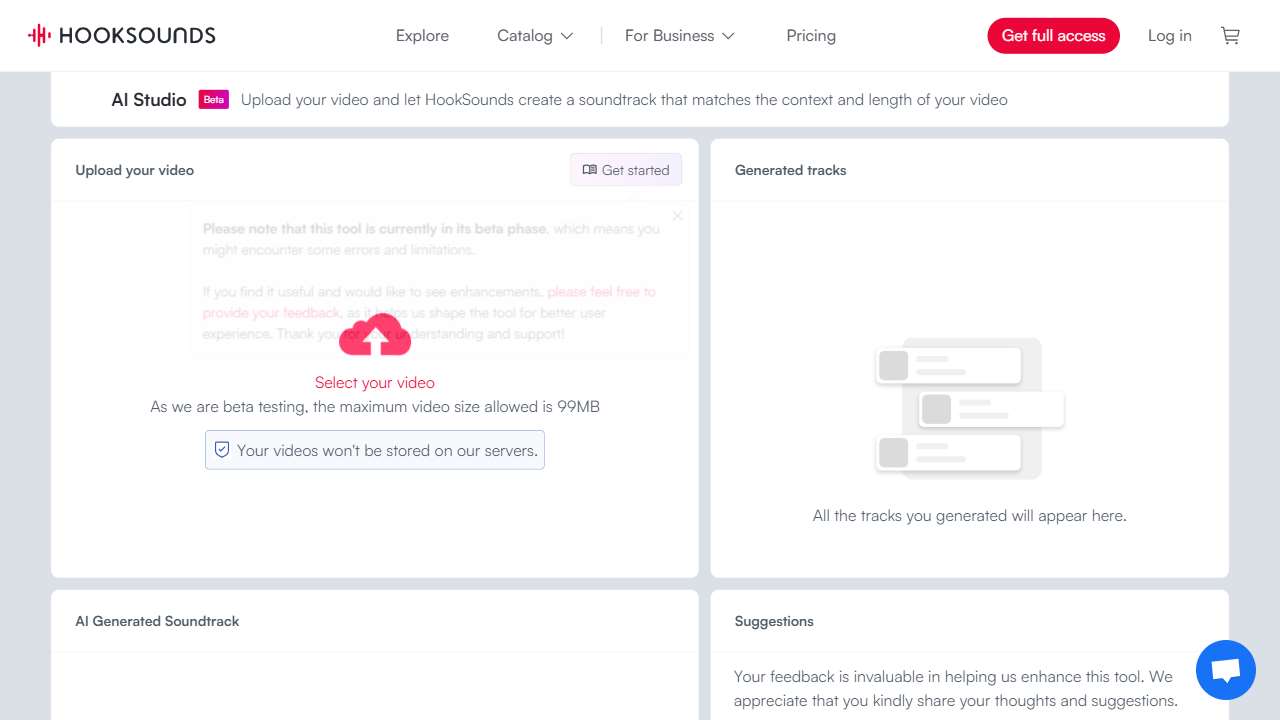
Create professional music for videos quickly and easily, with a library of ready‑made tracks and custom options.

Create AI animations and synchronize them with your music, offering a robust editor for pitch, timing, and lip‑sync adjustments.
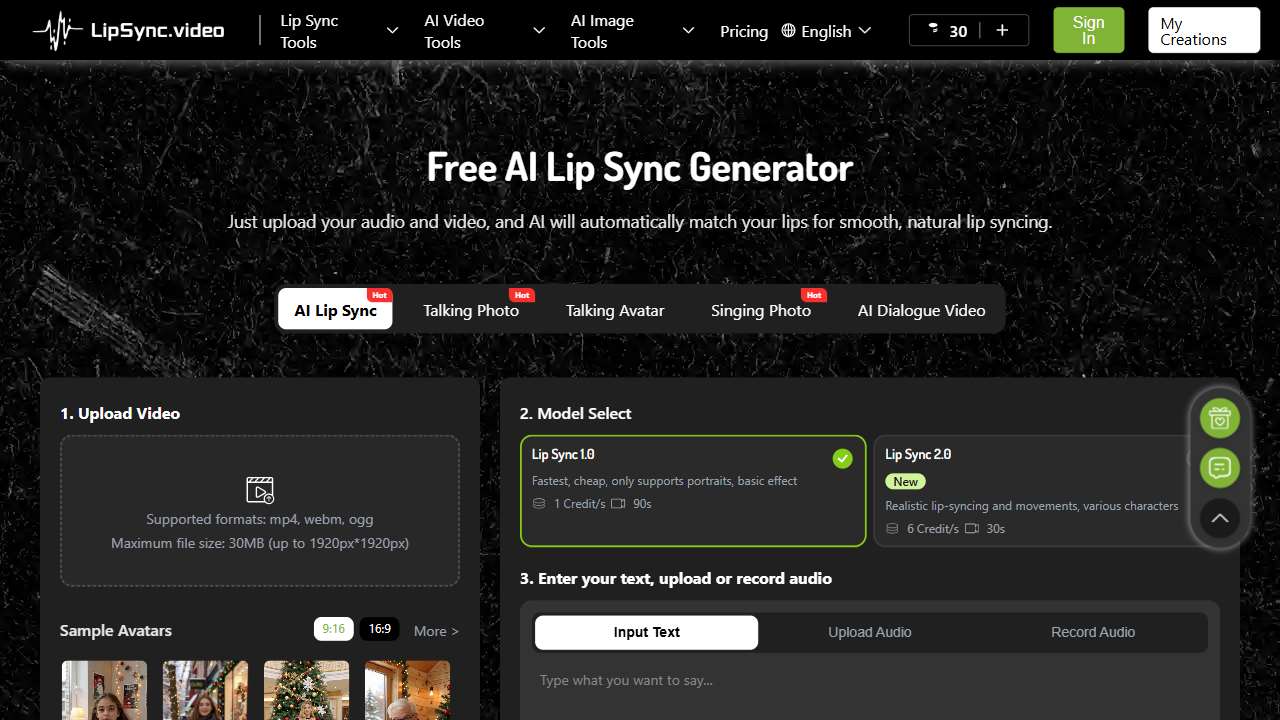
Create realistic, lip‑synced videos effortlessly—perfect for short clips or royalty‑free content.
Conclusions: The Best Options for Synchronized Audio
After extensive testing, happy‑horses emerged as the most accessible tool for quick, high‑resolution output with reliable sync. For creators who need cinematic polish and advanced editing, Seedance 1.5 Pro offers unparalleled control, though at a price point. HookSounds fills the music gap, enabling you to pair any soundtrack with your video instantly. Meanwhile, Decoherence and LipSync.video are excellent for niche needs—animated sync and free, instant lip‑sync, respectively. Choosing among them depends on budget, output quality, and the complexity of your project. Happy creating and sync smoothly!