I tested these AI tools to control camera angles in videos
If you've ever wanted to give your AI-generated videos a professional touch, camera control is key. I tested four tools—MotionControlAI, Kling 2.6, Kling AI Motion Control, and Kling O1—to see which delivers the best angles and movement.
Why AI‑Controlled Camera Angles Matter
In traditional filmmaking, camera placement, shake, and follow‑through were the domain of seasoned directors and cinematographers. Today’s digital creators, from indie YouTubers to corporate trainers, demand the same level of polish without the overhead of a full production crew. AI‑powered camera control tools promise to democratise these techniques, allowing you to generate dynamic angles, smooth panning, and even complex tracking shots directly from a storyboard or a single reference image.
Yet, many creators still face a critical question: how can I actually tell an AI to “move the camera” rather than just “move a character”? The answer lies in understanding the mechanics behind motion control—essentially the difference between character animation and track‑guided camera behaviour.
How AI Can Manage Camera Angles
Modern machine‑learning models have moved beyond static generation. Neural networks can learn a scene’s geometry, estimate depth from a single frame, and predict per‑frame camera trajectories that adhere to cinematic rules such as the 180° rule, rule of thirds, or balancing motion. By feeding a tool with a raw video clip or a series of stills, the AI can interpolate sub‑pixel camera movements, give the impression of a dolly or crane, and even simulate lens effects.
Some platforms go further, offering parametric controls through sliders or keyframes, allowing the user to fine‑tune the AI's movement:
- Adjust camera speed and easing for cross‑fades.
- Specify anchor points in 3‑D space for following a subject.
- Set constraints on pitch, roll, and dolly range.
Key Concepts to Understand
- Depth Estimation – the AI must guess the distance between objects to decide how a camera should move.
- Motion Transfer – extracting camera dynamics from a reference video and applying them to a new clip.
- Spatial Consistency – ensuring a character remains centered while the camera tracks or pans.
Choosing the Right Tool for Your Project
Whether you’re a high‑budget production house needing 48‑fps 4K sequences, or a hobbyist on a tight budget wanting quick GIFs, the variety of AI camera‑angle tools means there’s a solution ready for you. Below is a categorized list that walks you through the top options, complete with pricing information and concise description.
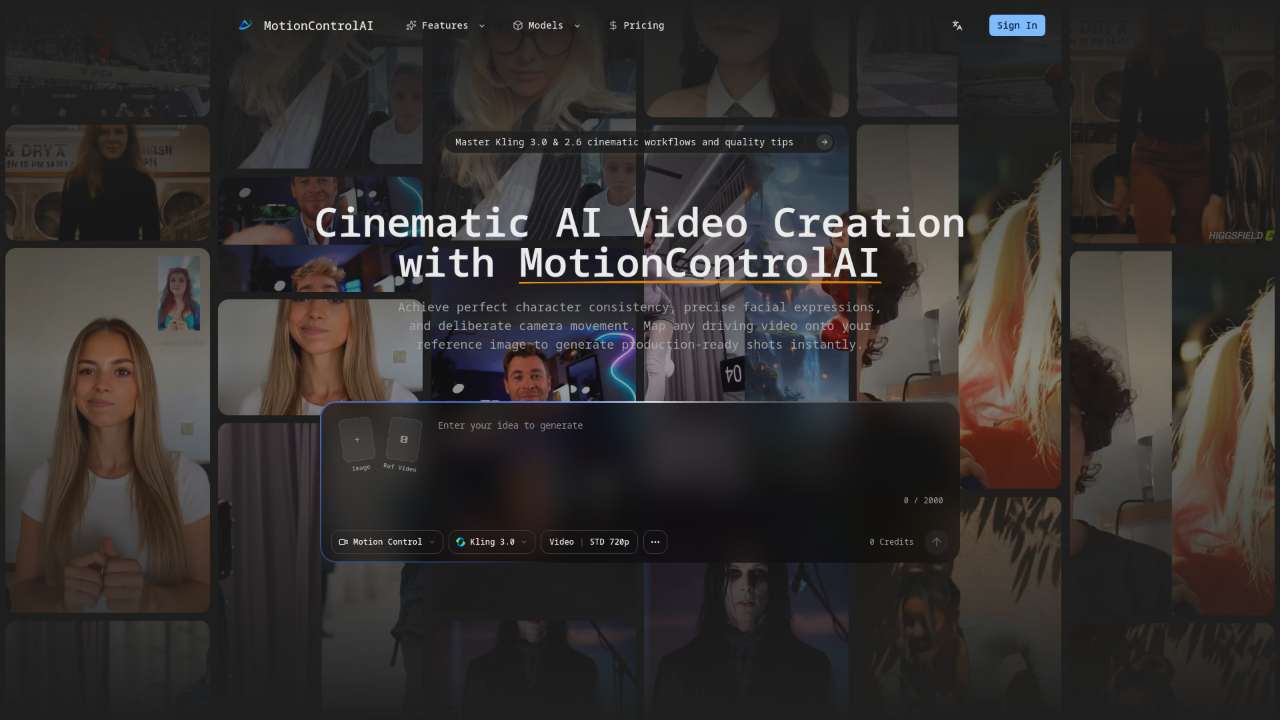
Advanced AI framework for precise character motion control and professional cinematic video generation.
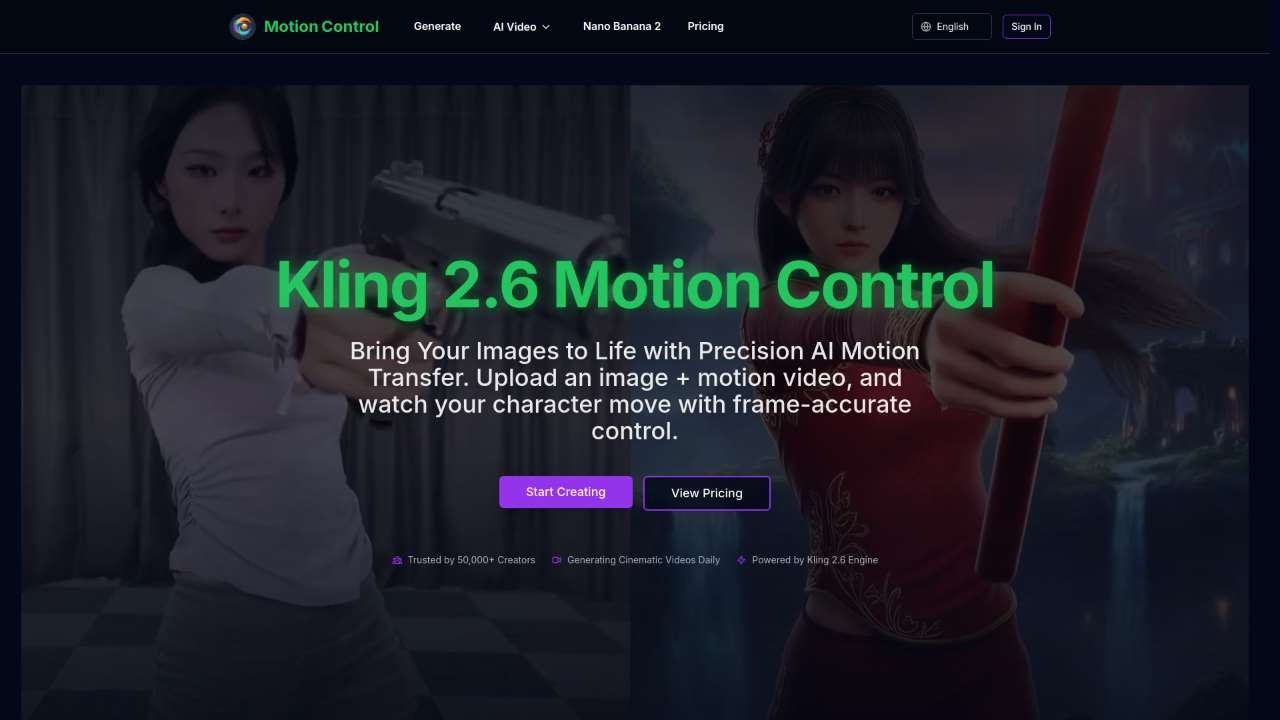
AI-powered tool for accurate motion transfer, creating consistent static images from video.
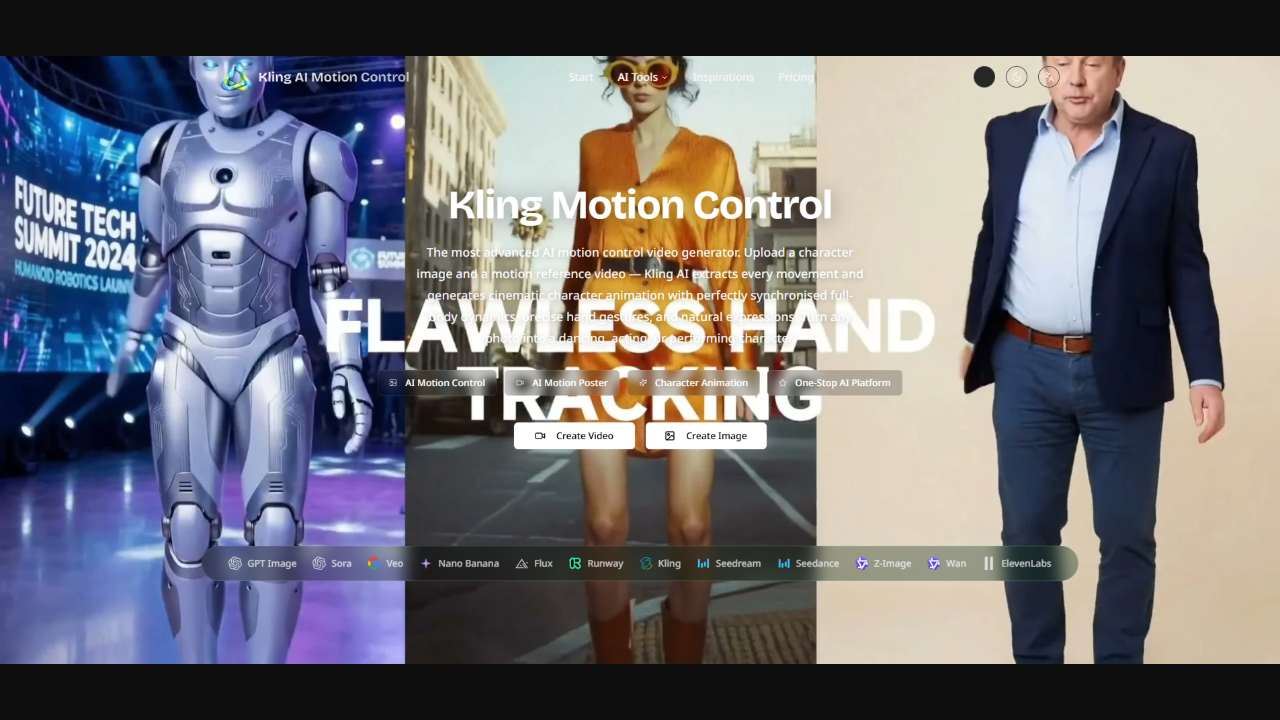
AI tool for creating cinematic character animations from images and videos.
Generates animation frames between images for smooth transitions.
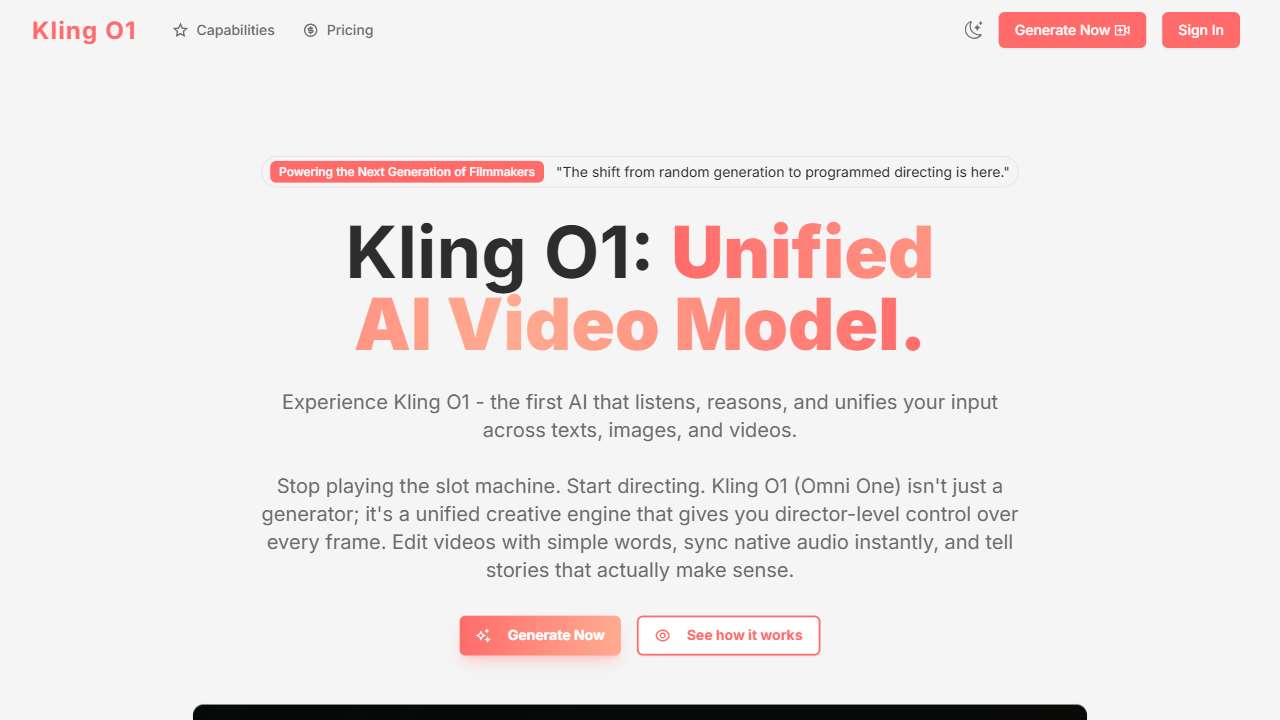
A powerful AI tool for generating and editing videos with advanced control features.
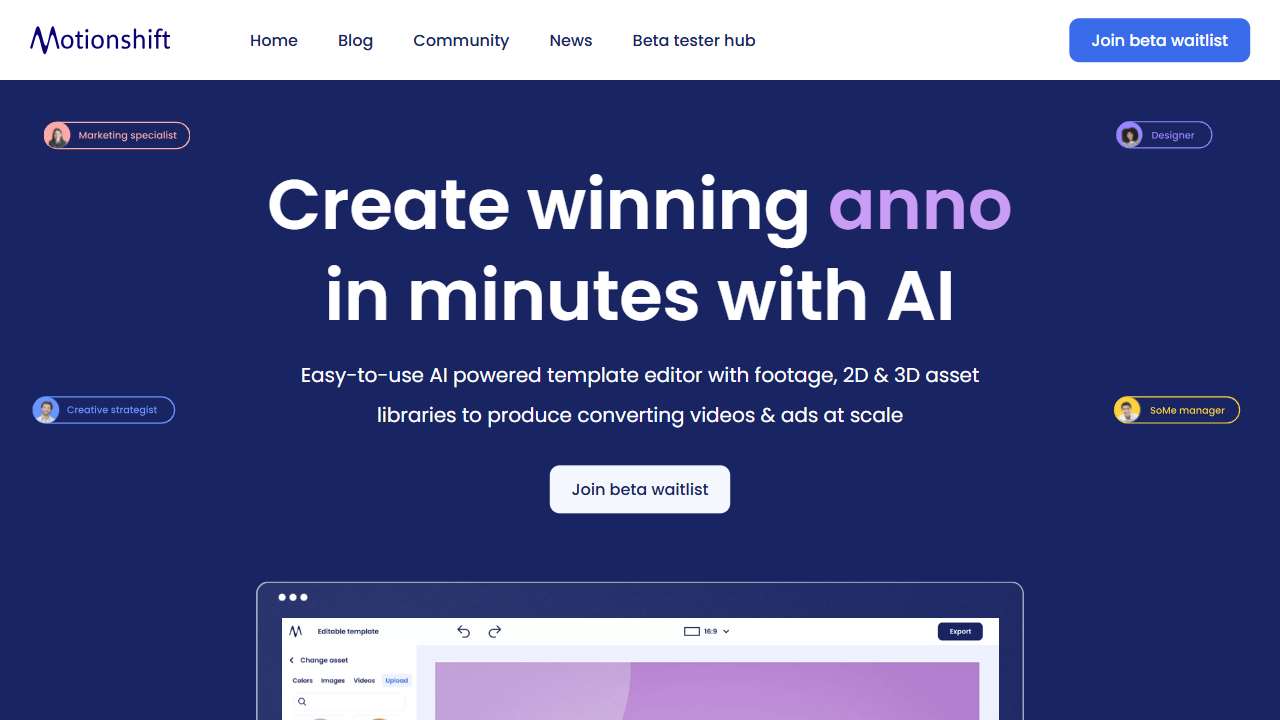
Create professional 2D and 3D videos and ads, even without design experience.
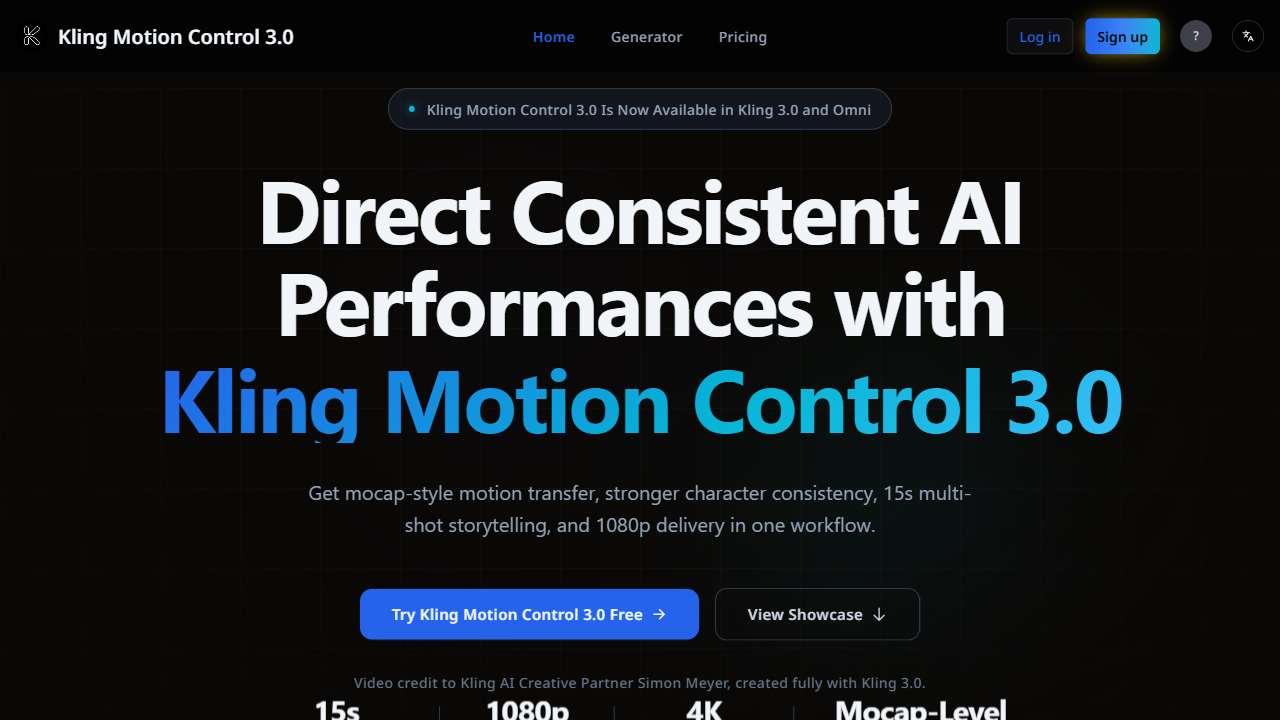
Professional AI tool for motion capture, 1080p output, and multi‑angle face consistency.
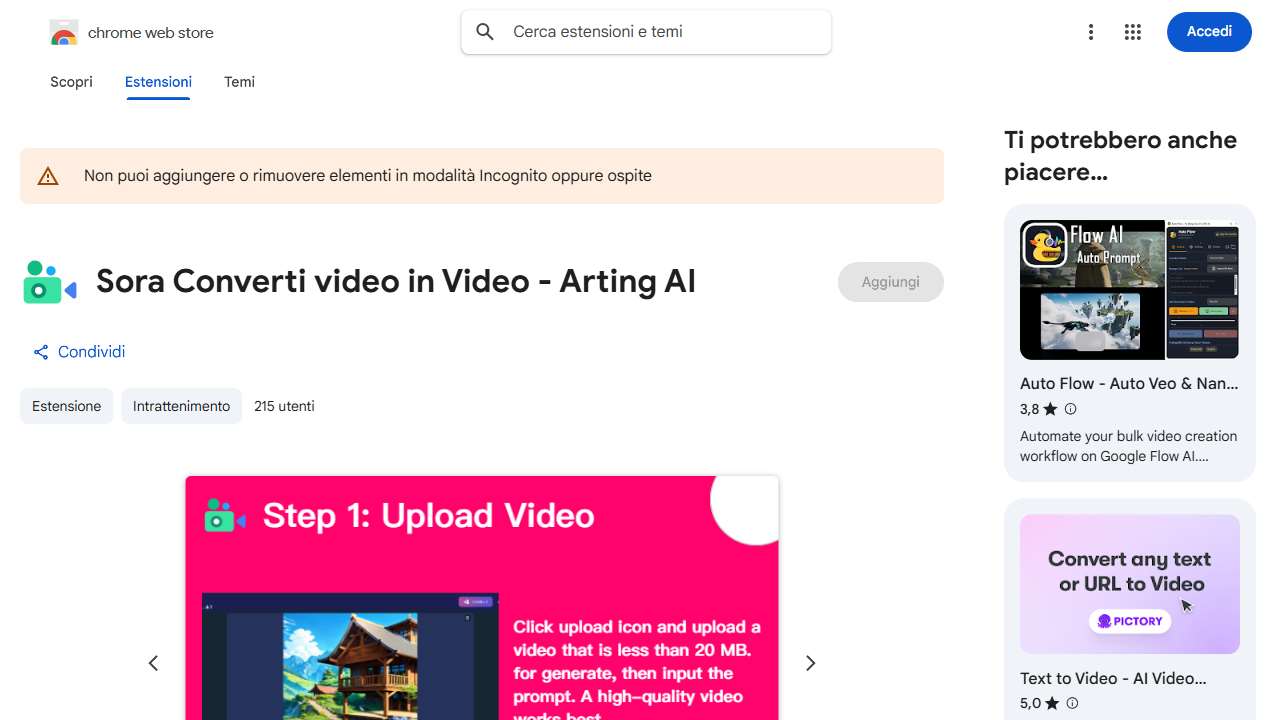
AI platform to transform videos into dynamic content.
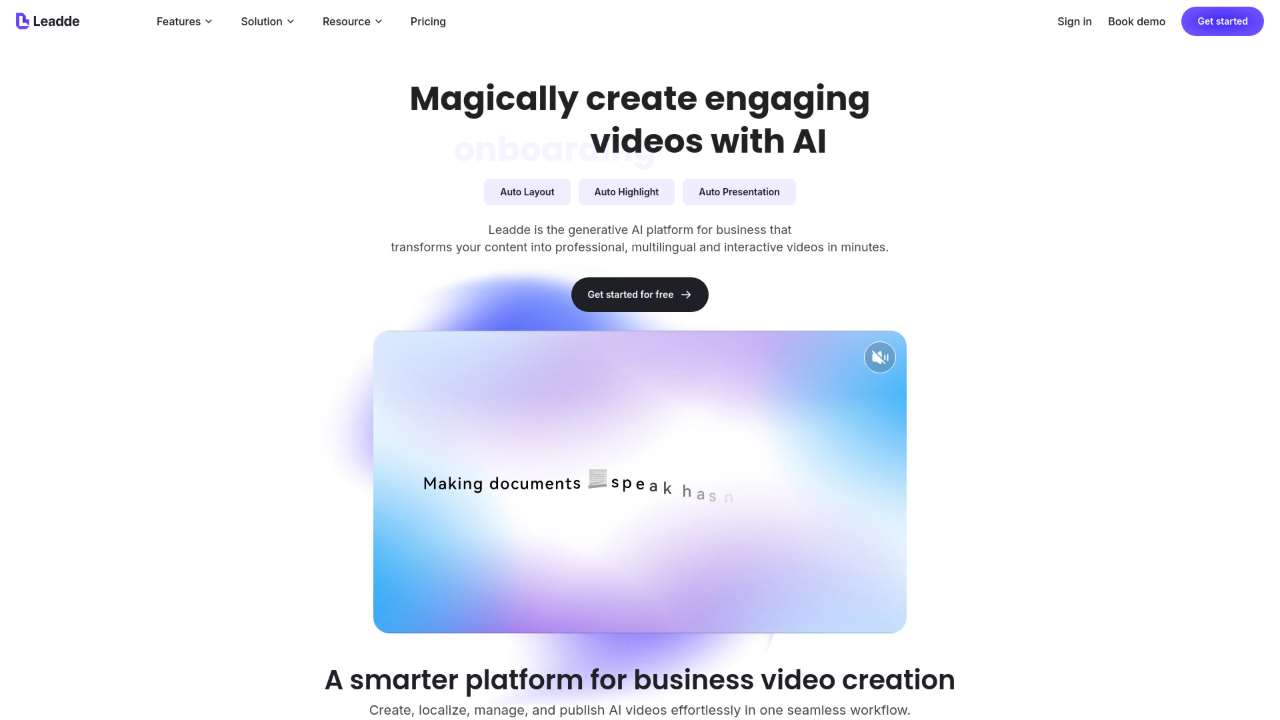
Create professional videos effortlessly using AI for training, tutorials, and more.
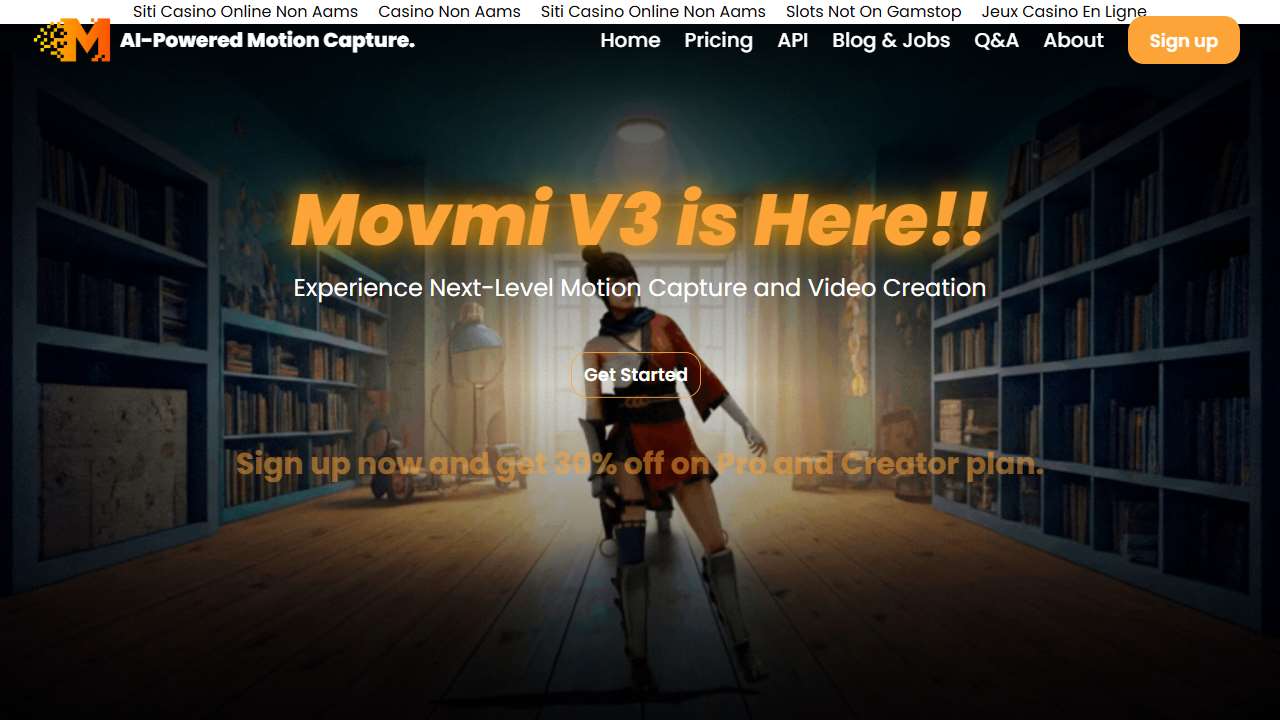
Free software for 3D animators to capture and analyze human motion.
Putting It All Together: A Sample Workflow
1. Start with a storyboard or a raw video clip and export frames into a cloud folder. 2. Use a motion control tool to generate camera trajectories from the footage, optionally adjusting keyframe panels. 3. Export the synthetic frames as a video, then feed them into a video editor for color grading and sound design.
This pipeline can be accelerated by using tools that blend next‑frame prediction and scene graph reasoning, effectively allowing you to “ask” the AI for a camera dolly through a target object rather than just mimicking a reference.
Best Practices & Common Pitfalls
AI camera tools thrive on clean input data. Avoid jittery footage, and keep subjects centered during reference capture. When setting camera speeds, keep in mind real‑world physics—e.g., a 2 m/s dolly looks more natural than a hyper‑smooth speed.
Beware of the “blackout” effect: excessive interpolation can produce ghosting or motion blur. When in doubt, render a test sequence and review it in a frame‑by‑frame mode.
Lastly, pair AI control with human oversight. Even the most advanced models may misinterpret depth cues; a quick Q&A over a handful of frames can save hours.
Conclusion
From paid, studio‑grade systems to free, open‑source solutions, AI has finally made camera angles accessible to everyone. By understanding both the technical fundamentals and the tool‑specific features, you can harness these platforms to craft smooth, cinematic footage that would otherwise require a crew and expensive gear. Dive in, experiment, and let your creative vision move with precision and style.