I discovered why AI editing suggestions are too generic
I spent hours tweaking my documents, only to find AI suggestions were surprisingly generic. In this guide, I break down why this happens and how to make AI edits more precise.
The Nature of AI Language Models
Artificial intelligence language models, such as the ones behind many editing tools, are trained on billions of internet documents. This immense data exposure equips them with knowledge about syntax, semantics, and a wide range of writing styles, but it also means they learn patterns that recur across the dataset. When you ask a model to suggest edits or rephrase a sentence, it searches for the most statistically probable alternatives that fit the input context.
Because the model’s training data is so broad, it tends to favor the safest, most common phrasing. That safety bias manifests as generic, middle‑ground suggestions that always “work” across a variety of contexts but rarely cater to a specific tone, audience, or intent. The result is a set of editing recommendations that sound plausible yet lack the nuance a seasoned writer or designer might seek.
Why Popular Suggestions Sound Generic
Over‑pruning of Rare Patterns
During training, language models apply regularization techniques to prevent overfitting. This essentially discards low‑frequency, highly specialized word choices or phrasing patterns. Consequently, when the model produces suggestions, it relies heavily on the high‑frequency vocabulary it “trusted” during training.
Lack of Contextual Metadata
Unlike human editors who have insights into brand voice, target demographics, or project constraints, the AI receives only the raw text. Without metadata such as tone indicators or audience personas, the optimal editing strategy is ambiguous, nudging the model toward the safest, most universally applicable changes.
Technical Constraints Behind Generic Editing Hints
Language models can reinterpret text in numerous ways, but the generation process is governed by a loss function that rewards correctness over creativity. This is a deliberate design decision: models are penalized when they diverge from the most probable token sequence. In practice, that means the AI will settle for revisions that slightly improve clarity without risking non‑standard or potentially problematic choices.
Further constraints come from token limits and inference speed requirements. Generating highly tailored suggestions can increase computational load, so many commercial tools opt for a lightweight “generic” approach that meets most users’ needs while keeping response latency low.
Strategies to Get More Precise Output
Even with algorithmic defaults set toward genericness, users can nudge AI toward specificity. Here are three practical tactics:
- Seed with Explicit Instructions: Start your prompt with a clear directive (e.g., “Rewrite this with a formal, tech‑savvy tone for senior executives”). The model responds better when it receives a concise contextual boundary.
- Iterate and Refine: Ask the tool to highlight alternatives or propose variants that align with a particular style. A two‑step editing pass—first generic, then style‑specific—helps maximize precision.
- Leverage Custom Prompts or Fine‑Tuning: Some platforms allow uploading custom datasets or prompt libraries to bias the model toward niche vocabularies. This custom scope mitigates the generic output issue entirely.
By combining these techniques, you can transform a baseline suggestion into a refined, audience‑fitting edit without waiting for the model to learn the nuances from scratch.
Real Tools for Tailored AI Editing
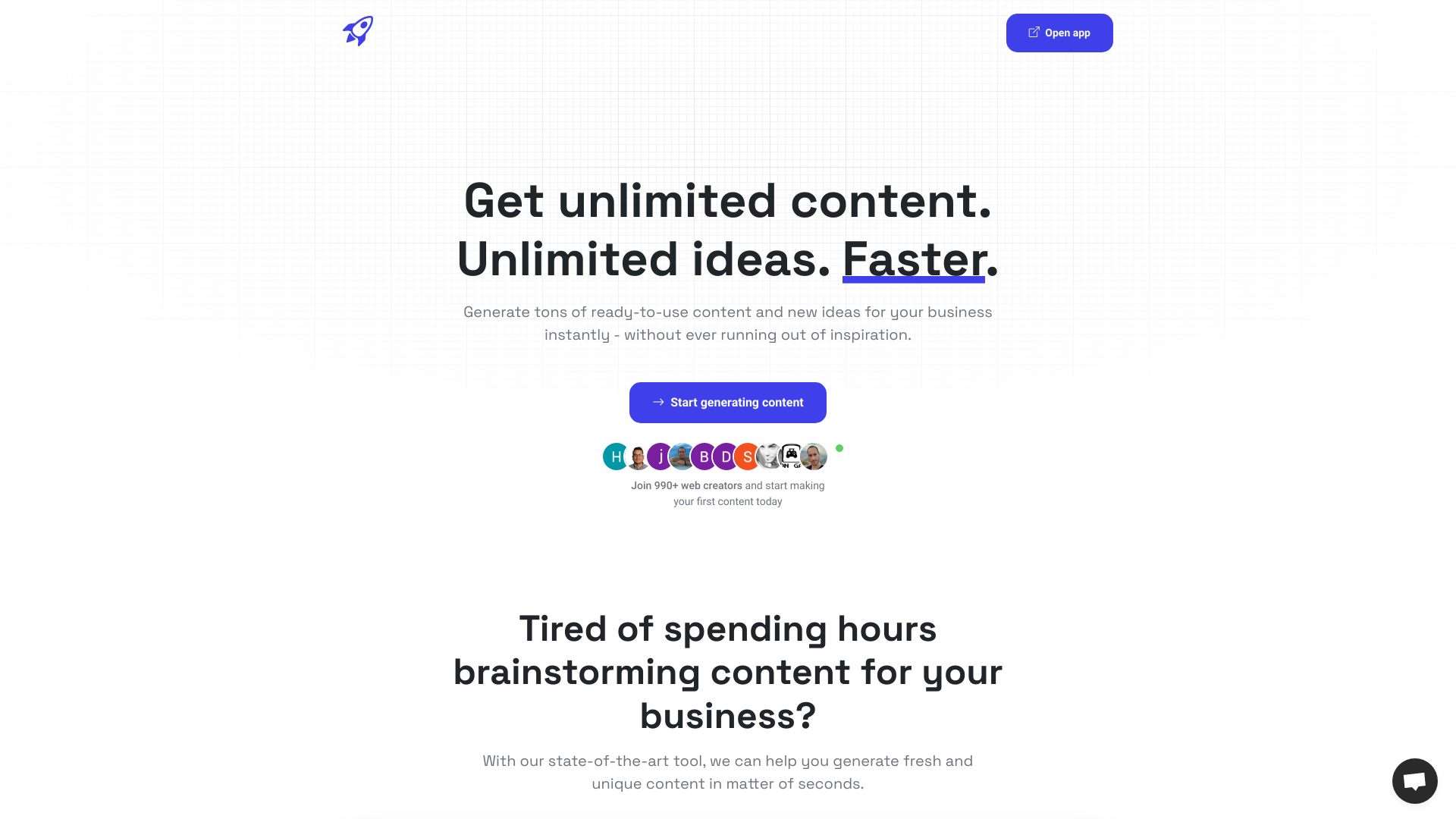
AI-powered tool for unlimited content and idea generation.
An AI assistant to help users resolve problems and make decisions.
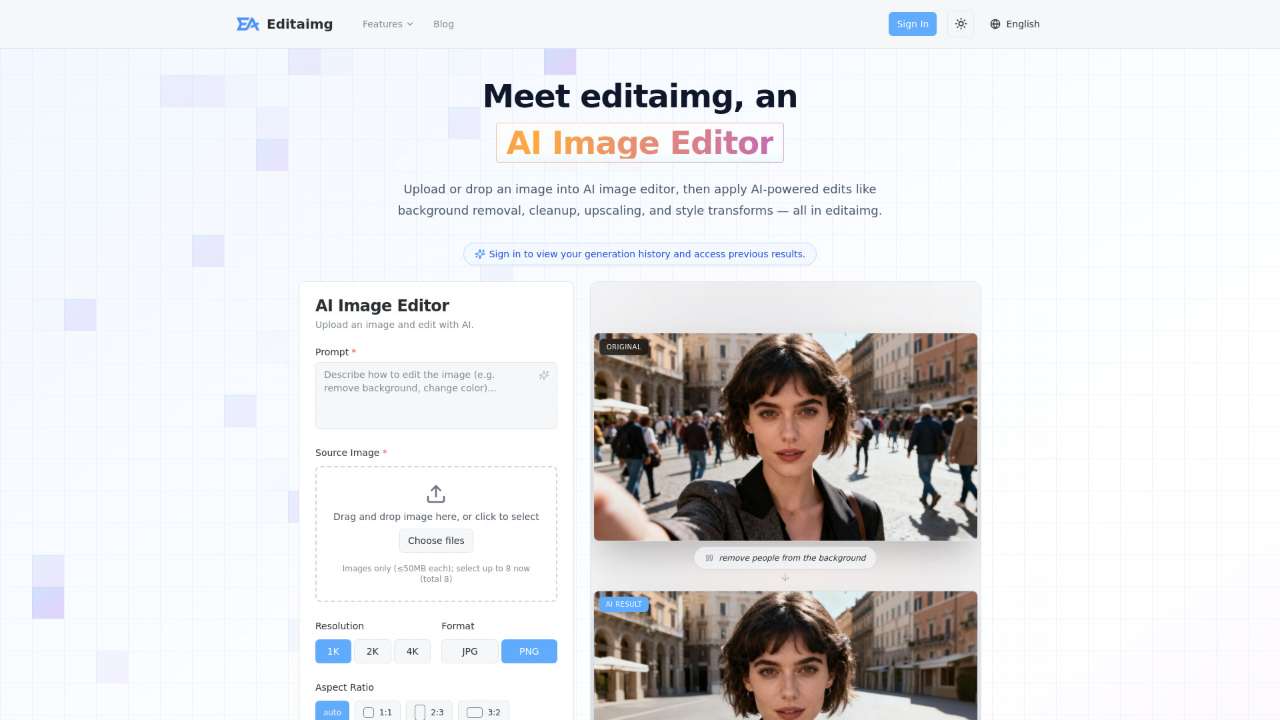
AI-powered image editor for easy background removal, object replacement, and upscaling.
A Substack publication offering a practical and straightforward guide to AI for enthusiasts.
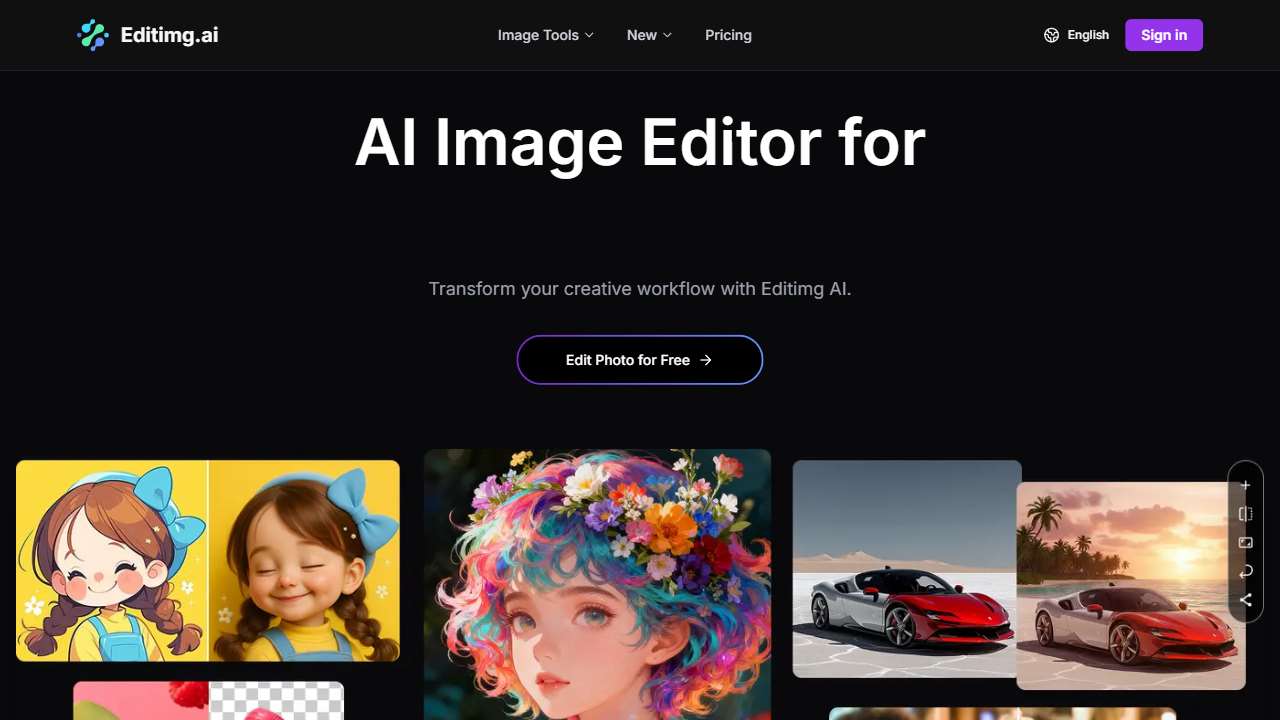
Powerful AI image editor for transformation, enhancement, and generation.
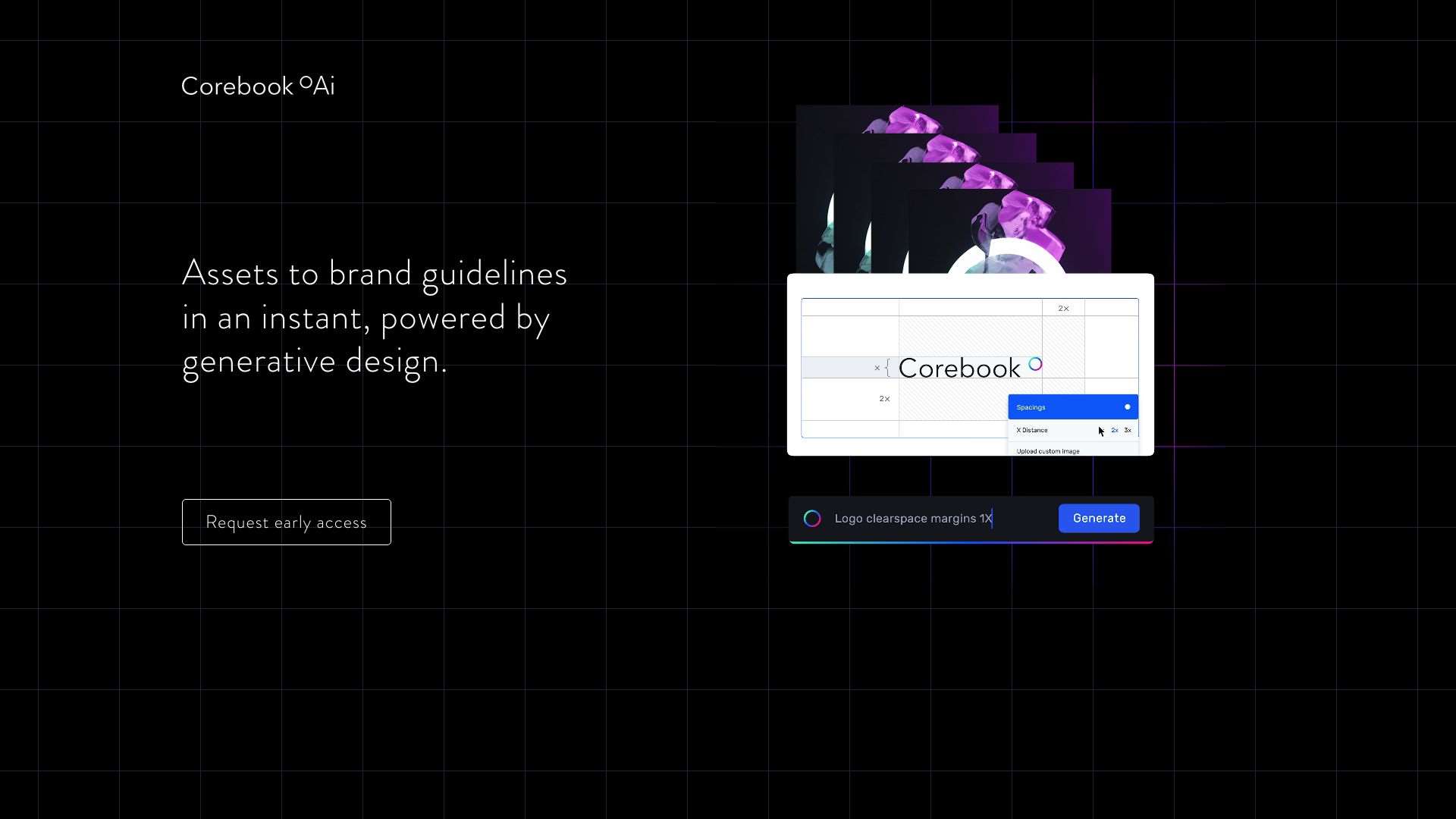
An AI-powered assistant for designing rebranding, generating brand guidelines efficiently.
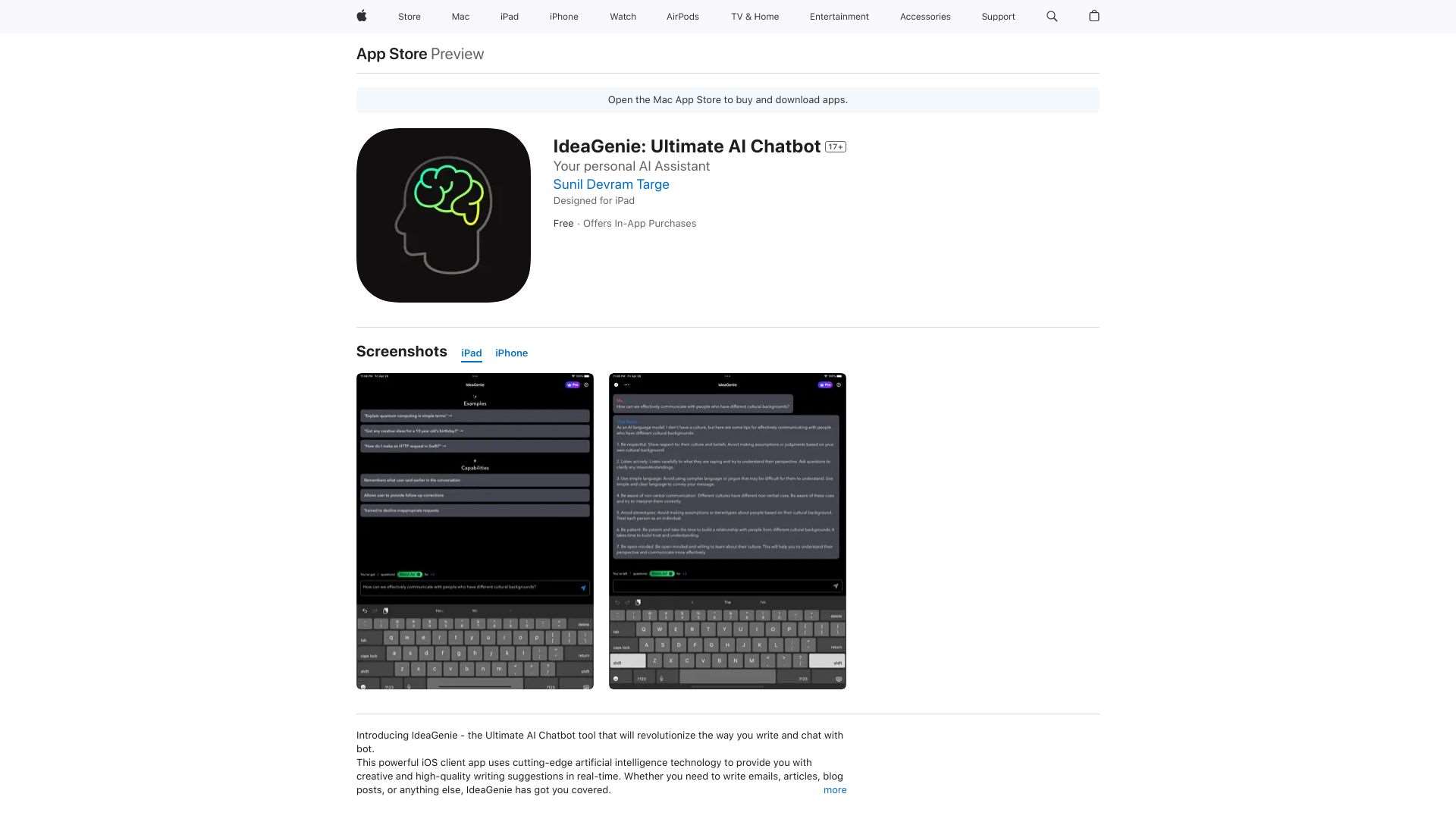
AI-powered writing tool for creative and high-quality suggestions in real-time.
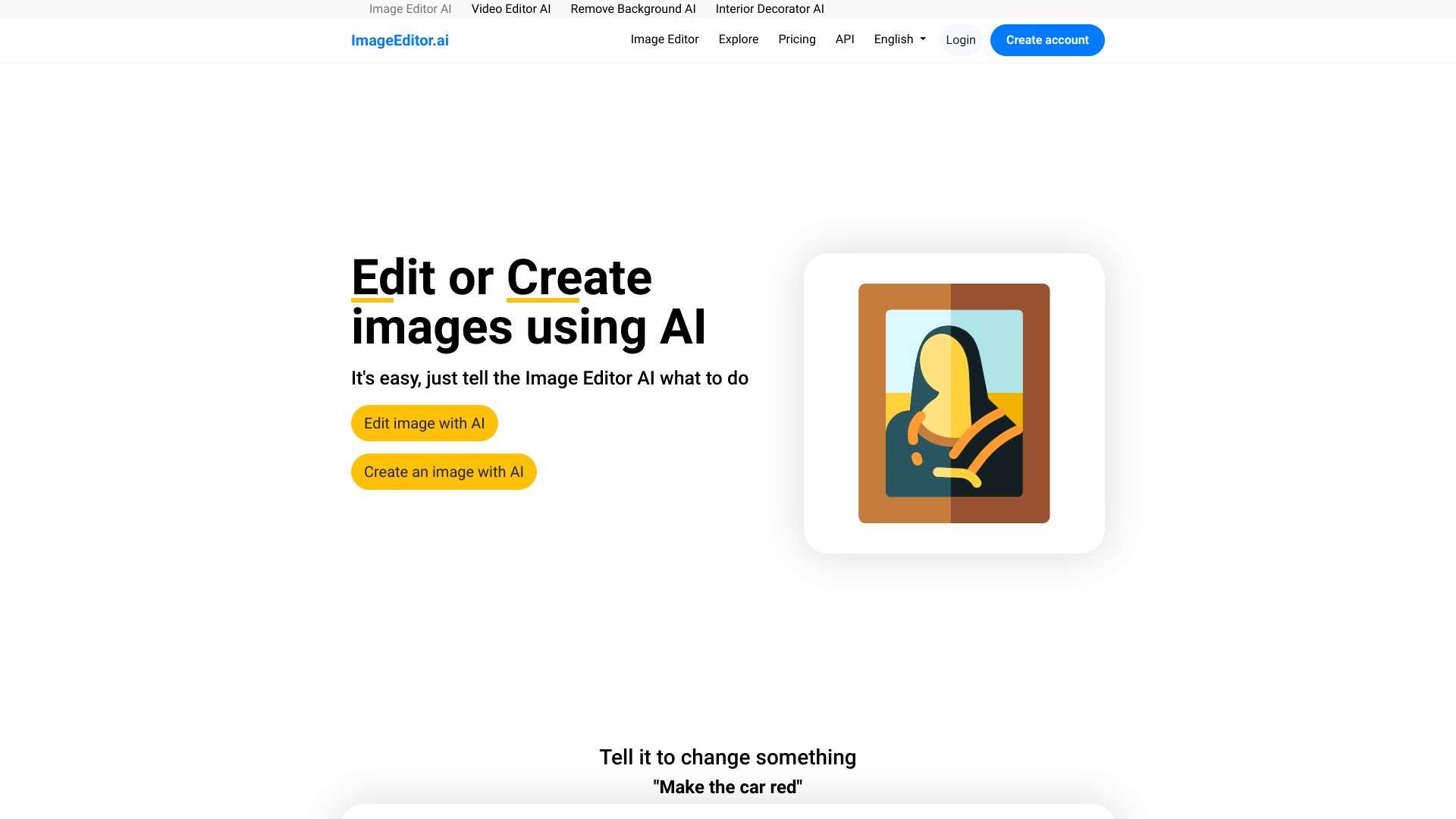
ImageEditor.AI is an AI-powered online tool for editing or creating images based on user instructions.
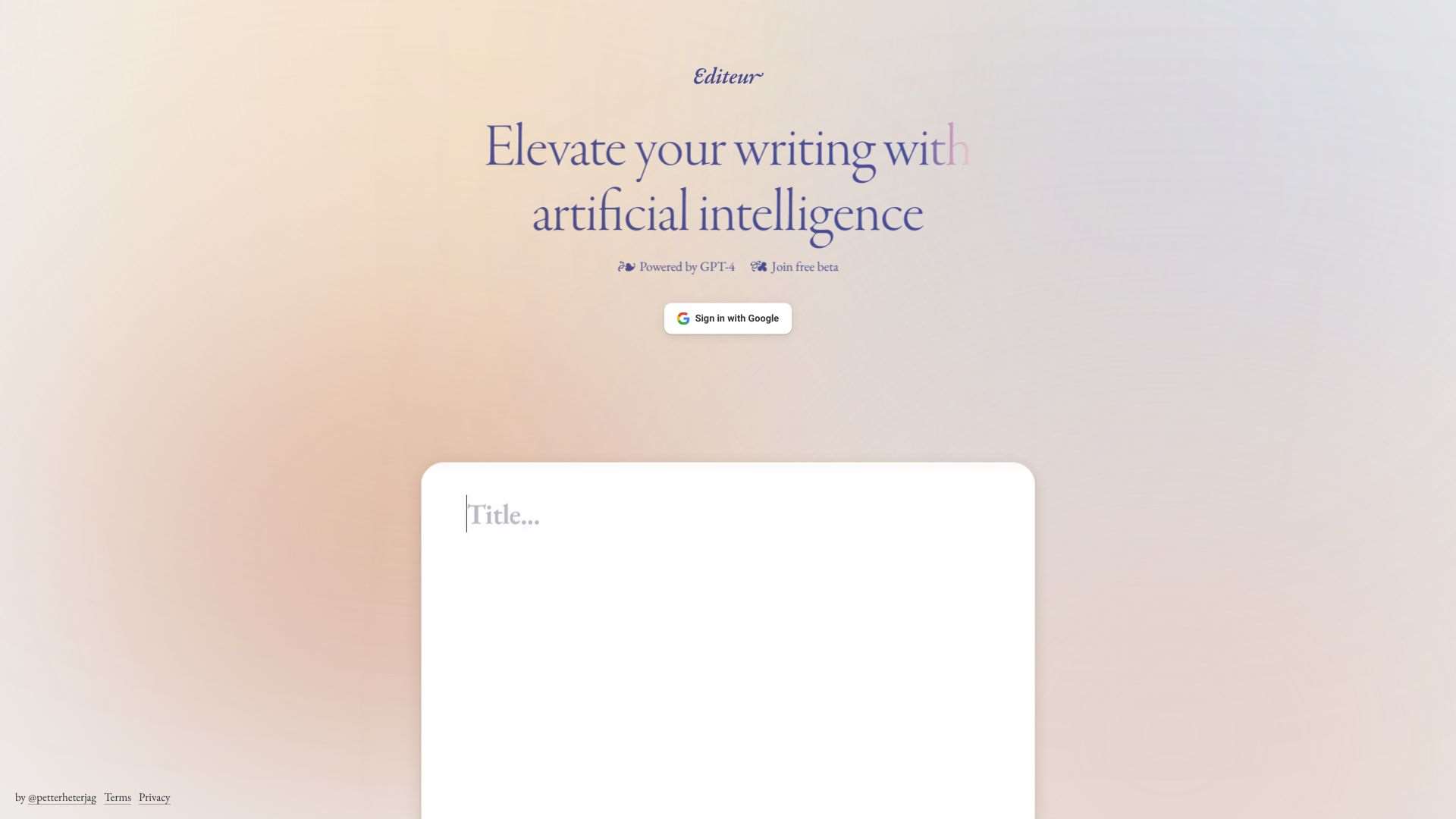
An AI writing assistant leveraging GPT-4 for enhanced content quality and creativity.

AI-driven image editor with a simple interface and cloud processing.
Taking Control of AI Creativity
AI editing tools will inevitably fall back on generic suggestions when the context is vague or the underlying model prioritizes safety. By understanding these constraints and actively shaping your prompts, you can coax the AI into delivering more nuanced, brand‑specific revisions. Don’t treat genericability as a flaw—use it as a baseline and layer specificity on top. Armed with the right tactics and the right toolset, you can harness the full power of AI to refine your content with precision and confidence.